

Turn recordings into transcripts and summaries in minutes
Upload audio or video for multilingual transcription, AI notes, and action items
Feed the same Cantonese recording into two apps—the results differ significantly. Which one is right for Hong Kong professionals? We tested Tinrec and Otter.ai, comparing them across five key dimensions.
Tinrec vs Otter.ai | Quick Overview
Tinrec is an AI meeting notes and collaboration tool designed for individuals and teams. It goes beyond simple recording-to-text, helping you organize meeting content, generate action items, and share with your team. Otter.ai is a well-established AI meeting assistant, excelling in English meeting notes, but its Chinese support, especially Cantonese, is mediocre. This article compares them across five dimensions: Cantonese recognition, bot-free meeting recording, AI Q&A, cross-platform use, and team space.
Dimension 1 | Cantonese Recognition Accuracy
Otter.ai's English transcription is mature, but its Cantonese performance is average. When dealing with mixed Chinese-English, colloquial expressions, or background noise, it tends to misinterpret Cantonese as English words or miss particles. Tinrec, on the other hand, has been specifically optimized for Chinese and Traditional Chinese. In our test with the same 5-minute Cantonese meeting recording (iPhone 15, quiet indoor environment, June 2026), Tinrec's transcript was closer to the original speech, capturing mixed Chinese-English and colloquialisms accurately.
→ This dimension: Tinrec clearly wins, especially for Hong Kong users who frequently handle Cantonese meetings.
Dimension 2 | Bot-Free Online Meeting Recording
Otter.ai can join Zoom, Google Meet, and other platforms via meeting bots to record, but this requires inviting an extra participant, which can be intrusive, and some corporate meetings don't welcome bots. Tinrec's desktop version directly captures system audio, so no bot needs to join the meeting. You just open Tinrec and start recording; the meeting platform won't show an extra participant, offering better privacy.
→ This dimension: Tinrec wins because it provides a cleaner bot-free solution, suitable for users who don't want to disturb meetings.
Dimension 3 | AI Q&A
Otter.ai has an AI Chat feature that lets you ask questions about meeting content, but it's primarily for English contexts; Chinese queries yield inconsistent results, and some advanced features require a paid plan. Tinrec includes built-in AI Q&A, allowing you to ask follow-up questions based on the transcript or summary, such as "What issues did the client care about most?" or "What are the action items?" It can also generate reports and tables with one click, with natural Chinese support.
→ This dimension: Tinrec wins, offering a smoother Chinese Q&A experience and features better suited to Hong Kong workflows.
Stop organizing recordings by hand
Upload audio or video and automatically get a transcript, summary, and action items
Dimension 4 | Cross-Platform Use
Otter.ai offers web, iOS, and Android apps with cross-device sync, but its desktop features are mainly focused on meeting recording, with weaker editing and organizing capabilities. Tinrec provides web, desktop, and mobile versions, allowing recording, transcription, editing, and export across platforms, and supports exporting to Notion, Google Docs, OneNote, and more.
→ This dimension: Tinrec ties or slightly wins, as both are cross-platform, but Tinrec offers more export options, making it better for users who need to organize files.
Dimension 5 | Team Space and Knowledge Accumulation
Otter.ai's Business plan offers team management, but its features lean toward English team collaboration, with average support and localization for Chinese teams, and at a higher price. Tinrec's team version provides a dedicated team space where meeting data belongs to the team, with member, seat, usage, and audit management, plus an audio recycle bin. Even if a member leaves, data can be transferred, making it ideal for small to medium-sized teams.
→ This dimension: Tinrec wins because it truly turns meeting data into team assets, not just personal records.
What Are Their Unique Strengths?
Tinrec's unique strengths:
- Bot-free recording, no need to invite extra participants.
- Strong Chinese and Cantonese recognition, with team-specific terms to improve professional terminology accuracy.
- Supports AI Q&A, action item extraction, and agent post-processing, generating meeting minutes, reports, and tables directly.
- Comprehensive team space management, ideal for turning meeting notes into a team knowledge base.
Otter.ai's unique strengths:
- Mature English meeting ecosystem with deep integration with Google Meet, Zoom, and other platforms.
- High English transcription accuracy, suitable for pure English business meetings.
Summary: Which One Should You Choose?
• If you need high Cantonese transcription accuracy and frequently have Chinese meetings → Tinrec (better Cantonese recognition, smooth Chinese Q&A) • If you want to use AI to ask key points and generate action items after recording → Tinrec (more intuitive AI Q&A) • If you need to switch between phone and computer and export to tools like Notion → Tinrec (cross-platform + rich export options) • If your team has multiple members needing to share meeting notes → Tinrec (team space, seat management, audit logs) • If you only have pure English meetings and need a mature English ecosystem → Otter.ai is sufficient
In a nutshell: For most Hong Kong professionals, Tinrec is the more complete choice, especially for Cantonese meetings and team collaboration. We recommend trying Tinrec's free version and testing it with your own recordings.
References
- Online AI Speech, Video, and Audio to Text - Free Trial - cSubtitle
- Tested 4 Best Online Speech-to-Text Tools, Free to Convert Recordings to Transcripts
- Want to Convert Recordings to Transcripts for Free? 5 Must-Try Transcription Tools
- AI Speech-to-Text: Convert Recordings to Text, Transcripts, and Video Subtitles - Free Trial - cSubtitle
- Unlimited Time! 3 Free AI Transcription Tools, Highly Recommended! AI Voice Notes for Meeting Minutes, Presentations, and Mind Maps | 104 Career Center
Turn every recording into actionable outcomes
Get 60 free transcription minutes when you sign in. No credit card required.
Related Reading
You might also like

6 AI Meeting Transcription Tools Tested and Compared in 2026: Which Free Version Is Good Enough?
2026 comparison of 6 AI meeting transcription tools, covering Tinrec, Otter, Fireflies, Notta, TurboScribe, Granola, and PLAUD, including meeting capture methods, free quotas, paid pricing, and ideal users, to help you quickly choose a tool that fits Chinese meetings, team collaboration, and your budget.

2025 AI Meeting Notes Table Tools Compared: Tinrec vs Granola — Which One Actually Delivers a Ready-to-Share Table?
The hardest part of meeting notes isn't recording — it's turning the conversation into a table you can hand off. This comparison puts Tinrec and Granola head-to-head on five dimensions: table-ready output, Chinese recognition, audio retention and playback, team collaboration, and pricing/quotas. It also includes the columns a meeting notes table should have and answers common questions, so you can decide which tool fits your meeting workflow.

4 AI Meeting Note Apps Compared for 2026: Free Tiers to Team Collaboration
Too many meetings and too much time spent taking notes? This hands-on comparison of Tinrec, Notta, Otter.ai, and PLAUD reveals their Chinese transcription quality, bot-free recording, post-meeting organization, team collaboration, and free tier limits—so you can see which one best fits your workflow.
6 AI Meeting Transcription Tools Tested and Compared in 2026: Which Free Version Is Good Enough?
2026 comparison of 6 AI meeting transcription tools, covering Tinrec, Otter, Fireflies, Notta, TurboScribe, Granola, and PLAUD, including meeting capture methods, free quotas, paid pricing, and ideal users, to help you quickly choose a tool that fits Chinese meetings, team collaboration, and your budget.
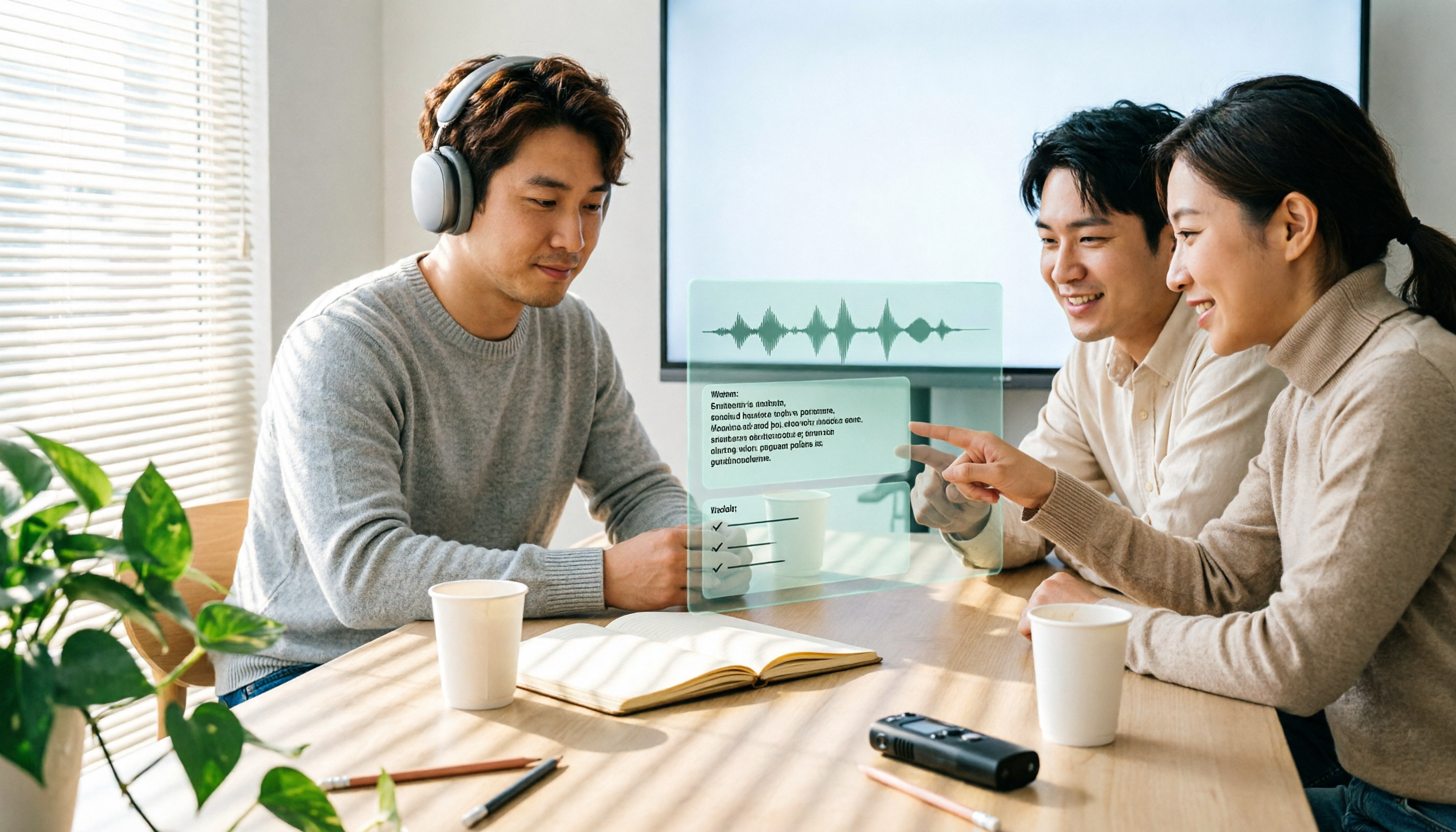
How to Take AI Meeting Notes in 2026: 5 Steps from Recording to Team-Ready Data
Does the meeting end only to start your overtime? This article tackles real pain points, breaks down 4 key factors for choosing an AI meeting notes tool in 2026, then demonstrates a 5-step process to turn a meeting into a transcript, summary, action items, and team data. It also compares Tinrec, Notta, Granola, and Otter.ai in terms of differences and use cases.

2026 AI Meeting Recorder Comparison: 5 Tools Tested — Don't Just Look at Transcription Minutes
Most people choose an AI meeting recorder based on free minutes, only to find unstable Chinese recognition or transcripts that still require manual reading. This article breaks down five key factors—capture method, Chinese-language experience, post-meeting outputs, team governance, and quota calculation—and compares Tinrec, Otter.ai, Notta, and Granola to help you choose the right tool.
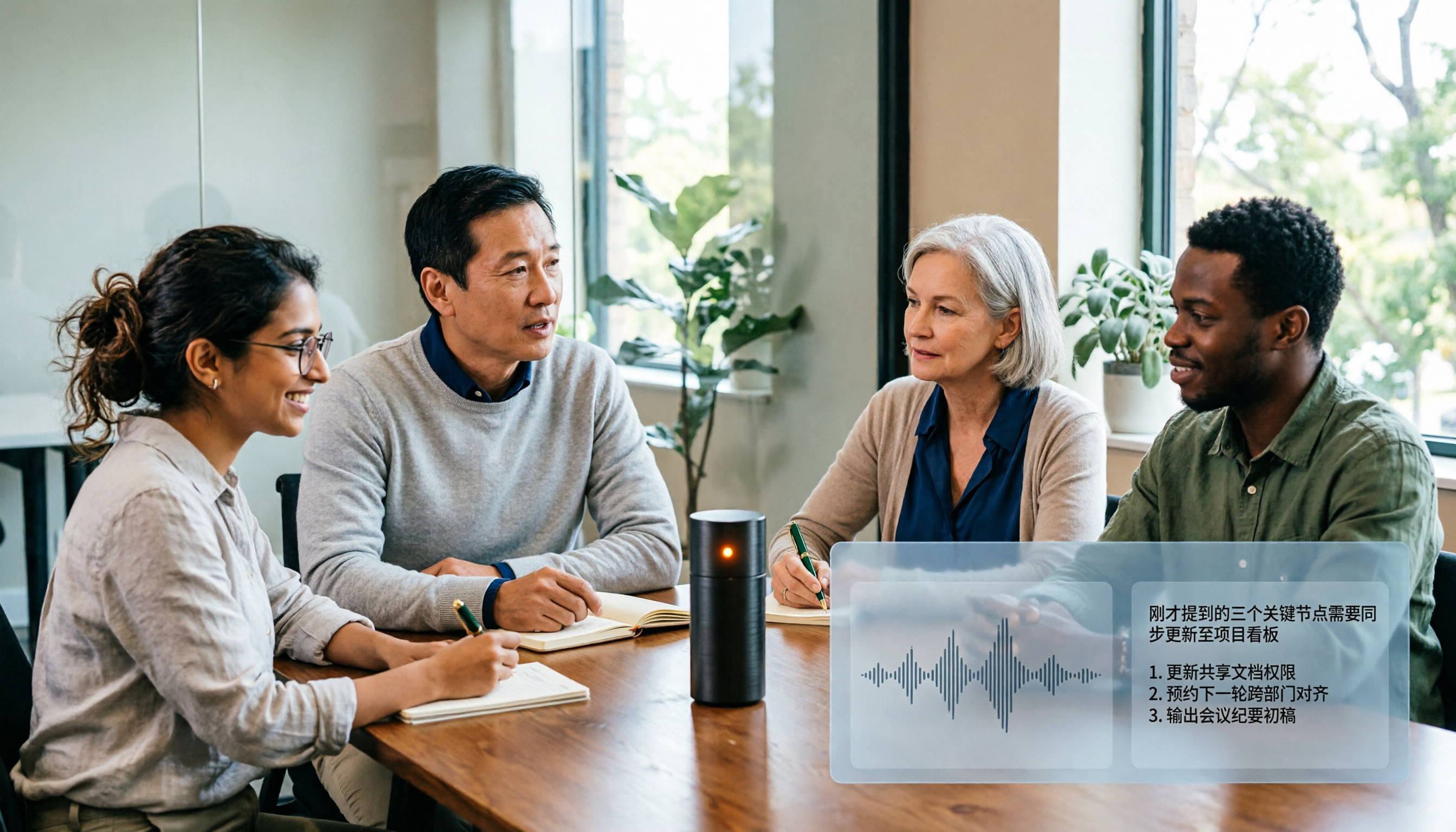
2026 AI Meeting Notes Tool Review: 3 Common Dcard Questions and How Tinrec Solves Them
On Dcard, the most common questions about AI meeting notes are free quota, Chinese accuracy, and post-meeting organization. This article uses Tinrec to test a full meeting workflow—from recording and transcription to summaries and action items—and outlines 5 buying considerations and FAQs to help you decide which tool truly fits professionals and teams.

2024 AI Meeting Notes Tools Compared: Free to Team Plans Explained
How to choose an AI meeting notes tool in 2024? This article starts from real meeting pain points and compares Tinrec, Otter.ai, Notta, and Granola on transcription, summarization, AI Q&A, and team collaboration. It also covers selection criteria and pitfalls to help you find the right solution for Chinese-language meetings and team knowledge retention.

2026 AI Meeting Notes Comparison: 5 Key Buying Factors Beyond Transcription Minutes
In 2026, AI meeting notes are shifting focus from transcription speed to bot-free recording, post-meeting outputs, and team data governance. This article breaks down the decision with 5 key buying factors and demonstrates the workflow from recording to summary, action items, AI Q&A, and team seat management using Tinrec.