
Turn recordings into transcripts and summaries in minutes
Upload audio or video for multilingual transcription, AI notes, and action items
Looking for a free speech-to-text tool but the ones you've tried just don't cut it? The worst is when the free version is all show: transcripts full of errors, time limits, or you still have to spend ages fixing things yourself. Today, we're putting Tinrec's free plan to the test to see if it really helps or if it's another letdown.
What Can Free Speech-to-Text Do for You?
Don't assume free means useless. The real value of speech-to-text is saving time. Here are the most common scenarios:
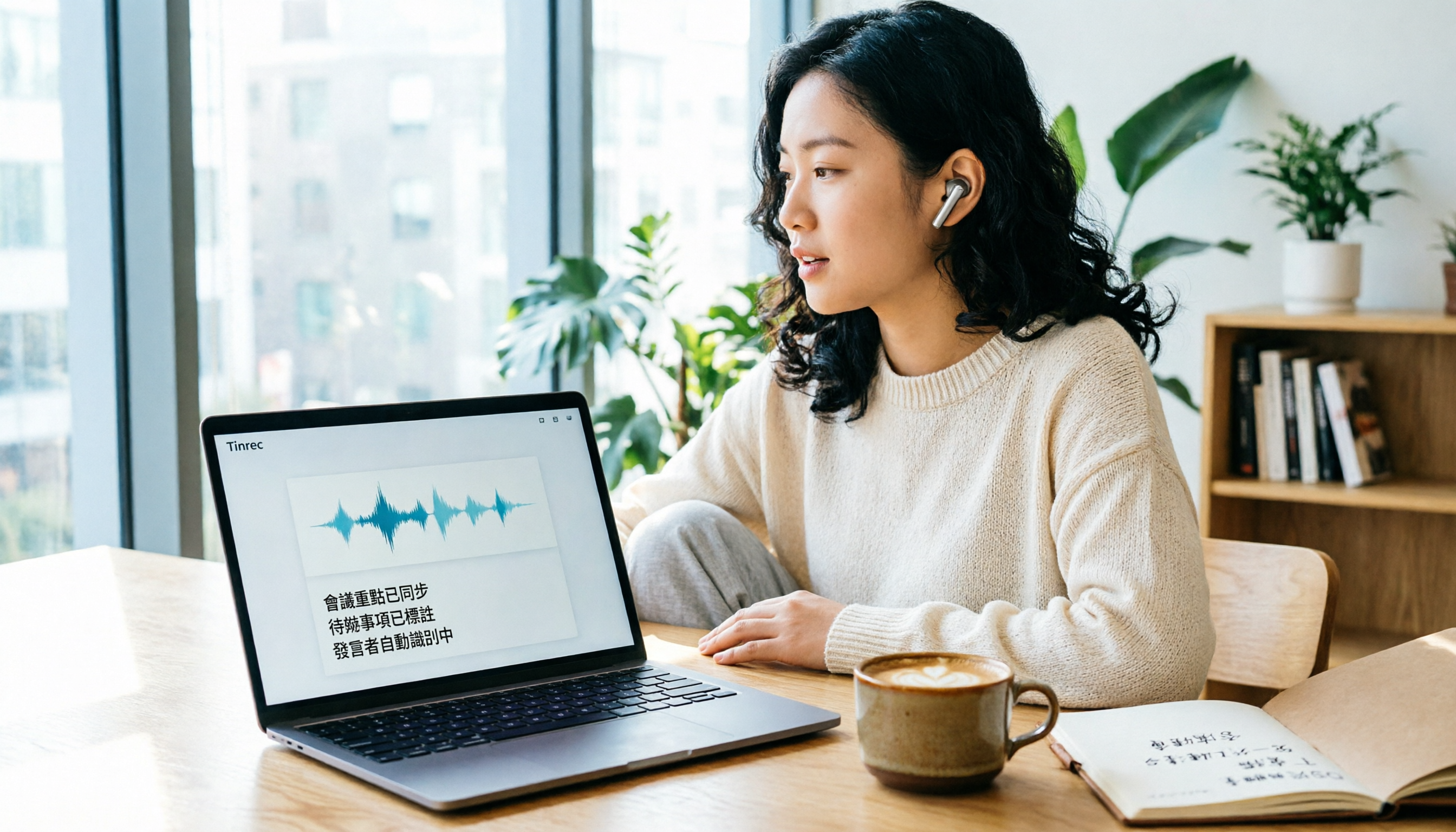
Scenario 1: Meeting Minutes in 5 Minutes After the Meeting Previously, after a two-hour meeting, you might spend another hour listening to the recording to type up the transcript. With Tinrec's free plan, you get real-time transcription, so the moment the meeting ends, you have the full transcript. It can even auto-generate a summary and action items, showing who's responsible for what and deadlines at a glance.
Scenario 2: Note-Taking in Class Without Hand Cramps Students in lectures or seminars can use Tinrec for real-time transcription. With AI summaries, you don't need to re-listen to the recording at home; the key points are already organized for you.
Scenario 3: Interviews and Research Work For user interviews or market research, you get text output while recording. Afterwards, you can search for keywords or ask the AI questions without having to listen to the entire audio.
In all these scenarios, Tinrec's free plan delivers a solid basic experience, letting you test if it fits your needs before deciding to upgrade.
What Can Tinrec's Free Plan Do?
Tinrec isn't just a recording-to-text tool. Its free plan already includes the following capabilities:
Real-Time Verbatim Transcript: Text appears as you record, with minimal delay. You can follow along during meetings and never miss a key point.
Bot-Free Online Meeting Recording: The desktop app captures your computer's system audio directly, handling meetings on Zoom, Google Meet, Microsoft Teams, and more. No need to invite extra bots, keeping your meetings clean.
File Transcription: Upload existing audio or video files to convert them into text, perfect for processing past recordings.
AI Summaries and Action Item Extraction: You don't just get a transcript; it also generates structured summaries, chapters, and to-do lists, so you know exactly what to follow up on next.
Real-Time Translation: Supports multiple languages, showing the original, translation, or side-by-side bilingual view—ideal for cross-language meetings.
Multiple Export Formats: Export to common document formats or connect to Notion, Google Docs, and more for further editing.
The free plan includes a basic usage quota, suitable for light use. If you only record a few audio clips occasionally, the free plan is more than enough.
Real-World Use Cases
Use Case 1: Workplace Meetings During a meeting, open Tinrec's desktop app and select "Bot-Free Recording." It automatically captures the meeting audio from your computer while generating a transcript. Afterward, use the AI summary to organize key points and share them with colleagues, saving a full hour.
Stop organizing recordings by hand
Upload audio or video and automatically get a transcript, summary, and action items
Use Case 2: Classroom Learning In class or during an online course, use Tinrec on your phone to record and transcribe in real time. After class, use the AI Q&A feature to ask, "What were the key points in this lesson?" and get instant answers without re-listening.
Use Case 3: Interview Processing Record interviews, then upload the audio file to Tinrec. It automatically converts to a transcript, and you can use AI to extract the interviewee's main points and quotes, speeding up your writing.
Use Case 4: Personal Knowledge Management Store all your important recordings in Tinrec. You can search and ask questions anytime, like "What budget did we discuss with the client last time?" Your historical recordings become a searchable database.
4 Things to Look For in a Free Speech-to-Text Tool
Is the Free Quota Actually Enough?: Some tools only give you a few minutes per session, so you can't really test them. Tinrec's free plan offers a basic quota, letting you fully experience recording, importing, summarizing, and transcription without paying upfront.
Is There Post-Processing After Transcription?: A raw transcript isn't enough; you need it organized into actionable content. Tinrec's free plan already includes AI summaries, action item extraction, and Q&A—features that many tools reserve for paid plans.
Language Support: If you need Cantonese or mixed Chinese-English transcription, not every free tool handles it accurately. Tinrec covers Chinese, Traditional Chinese, and multiple languages, plus team-specific terms to improve professional jargon recognition.
Cross-Platform Availability: Make sure the tool works on your usual devices. Tinrec has web, desktop, and mobile versions, so you can use it on your work computer or phone.
Frequently Asked Questions
Q: What are the limitations of Tinrec's free plan? A: The free plan provides a basic usage quota, suitable for light use, like occasionally recording a meeting or uploading an audio file. Specific quotas are subject to the official page, but it's enough to test the features.
Q: Can the free plan transcribe Cantonese? A: Yes. Tinrec supports Chinese and Traditional Chinese, and also offers real-time translation and bilingual display, handling Cantonese mixed with English.
Q: What's the biggest difference between the free and paid plans? A: Mainly the quota and advanced features. The free plan has a basic quota, while paid plans (Pro or Team) offer more minutes, team spaces, seat management, and usage analytics. If you have more than 3 meetings a week, consider upgrading.
Q: How do I use the free plan for online meetings? A: Use Tinrec's desktop app and select "Bot-Free Recording." It captures your computer's system audio directly, so you don't need to invite a bot to the meeting. The free plan lets you try this feature.
Conclusion
Free speech-to-text tools aren't necessarily a trap; the key is choosing one with sufficient features and a reasonable quota. Tinrec's free plan gives you a full experience of real-time transcription, AI summaries, action items, and Q&A, which already helps many light users. If you have frequent meetings or need team collaboration, then consider upgrading to a paid plan. Overall, Tinrec's free plan is worth a try, especially for Hong Kong professionals who regularly handle meeting minutes.
References
- Tested: 4 Best Speech-to-Text Online Tools Recommended, Free Convert Audio to Transcript
- Online AI Speech, Video, Audio Auto-Transcription - Free Trial - cSubtitle
- 【AI Voice Notes】5 Highly Recommended AI Transcription Tools! Generate Transcripts and Meeting Minutes, Free vs Subscription, Pros and Cons | 104 Career
- 2026 Complete Guide to Free Transcription Platforms: 15 Free Speech-to-Text Tools Reviewed and Recommended
- Unlimited Time! 3 Free AI Transcript Tools, Highly Recommended! AI Voice Notes Generate Meeting Minutes, Slides, Mind Maps | 104 Career
Turn every recording into actionable outcomes
Get 60 free transcription minutes when you sign in. No credit card required.
Related Reading
You might also like

6 AI Meeting Transcription Tools Compared for 2026: From Transcripts to Post-Meeting Summaries
A 90-minute interview recording is sitting on your phone, and the transcript is due tomorrow morning. This article breaks down AI meeting notes into two steps—transcription and organization—and compares six practical solutions, including bot-free recording, multilingual transcription, hardware recorders, and free post-meeting organization tools, to help you choose the right one for your scenario.

2026 AI Meeting Notes Comparison: Tinrec vs Granola for Chinese Transcription and Free Tiers
In Dcard's 2024 AI meeting notes discussions, the most common questions are whether free tiers are sufficient, how well Chinese transcription works, and whether post-meeting summaries can be shared directly. This article compares Tinrec and Granola, two bot-free meeting note tools, across recording retention, old file import, Chinese and bilingual support, post-meeting outputs, team data governance, and pricing to help you decide which fits your meeting scenario.

How to Choose AI Meeting Notes Tools in 2026: 5 Steps to Understand Comparison Tables and Key Selection Criteria
2026 AI meeting notes tool comparison and buying guide: use 5 steps to understand meeting capture, post-transcription processing, Chinese language support, team governance, and pricing quotas, and compare use cases for Tinrec, Otter.ai, Notta, Granola, TurboScribe, and PLAUD.

2026 AI Meeting Notes Comparison: Tinrec vs Notta — Which Is Better for Chinese-Speaking Teams?
A meeting notes table isn't just pasting a transcript. This article uses a typical weekly meeting workflow to compare Tinrec and Notta across five dimensions: meeting capture methods, table output, free quota and pricing, Chinese and real-time translation, and team governance. It also includes a ready-to-use meeting notes table template with fields and a manual verification checklist.

Tinrec vs Notta 2026: 5-Dimension Comparison for Chinese Meeting Notes
Based on the popular PTT discussion about AI meeting notes, we compare Tinrec and Notta across 5 key dimensions: bot-free recording, post-meeting AI Q&A, team data retention, and quota rules, to help you choose the right tool for Chinese meetings.

2026 AI Meeting Notes: Record Online Meetings Without a Bot + Auto To-Dos in One Go
The latest shift in AI meeting notes for 2026 is moving from "inviting a bot into the meeting" to "getting data you can use right after the meeting." This article takes the perspective of a mid-level manager, breaks down 4 key purchasing criteria, tests Tinrec's bot-free recording, automatic to-dos, and AI Q&A, and briefly reviews who Meeting Ink, SeaMeet, and CLOVA Note are each best for.

2026 AI Meeting Notes Comparison: Which Latest Version Actually Saves You Time?
A guide to choosing the latest AI meeting notes tools in 2026, covering common pitfalls, core capabilities, real-world use cases, team seat pricing, and how Tinrec turns meetings into searchable, collaborative, actionable data.

2025 AI Meeting Notes Guide: Auto-Generate Transcripts and Action Items in One Go
How to choose an AI meeting notes tool in 2025? We break down 5 key buying factors: meeting capture methods, post-transcript organization, mixed Chinese-English recognition, team data ownership, and quota calculations. Plus, we compare Tinrec, Otter.ai, Notta, and Granola to help you find the right fit.

4 Real-Time Transcription Tools Tested for 2026: Which One Keeps Up as You Speak?
How do you do real-time transcription? We tested 4 tools with the same Chinese meeting recording, comparing live transcription, Chinese and mixed Chinese-English recognition, post-meeting summaries and AI follow-up questions, as well as free quotas, team seats, and pricing, to help you find the approach that truly keeps up during meetings.