

Turn recordings into transcripts and summaries in minutes
Upload audio or video for multilingual transcription, AI notes, and action items
Have you ever calculated: a 1-hour meeting takes you 60 minutes to attend, then another 90 minutes to transcribe and compile action items—leaving you with less time for actual work than the meeting itself.
Even worse, your recordings sit on your phone or computer, and finding a specific quote means listening from the start.
If this sounds familiar, this article is for you. Below, we compare 4 common speech-to-text tools from a practical usage perspective to help you decide which one fits your needs best.
Before Choosing a Speech-to-Text Tool, Understand These 4 Key Points
Accuracy: Don’t Just Trust Official Claims.
Many tools claim high accuracy, but that’s usually tested in quiet environments. Real meeting rooms have air conditioning noise, keyboard clicks, and overlapping speech, which can significantly reduce accuracy. We recommend testing with your own recordings using free trials—real-world experience beats advertising.
AI Features: What Can You Do After Transcription?
Speech-to-text is just the first step. What really saves time is the post-processing: can it auto-generate summaries, let you ask AI about meeting highlights, or list action items? Tools that only transcribe still leave you reading through everything yourself.
Cross-Platform: Can You Open Phone Recordings on Your Computer?
Many people record on their phones and then organize on their computers. If a tool lacks a desktop or web version, your workflow becomes fragmented. Before buying, confirm that your most-used devices are supported.
Free Tier: Is It a Trial or Actually Usable?
Some tools’ free versions only allow a few minutes, then prompt you to upgrade. For a truly useful free entry point, you should be able to process at least one full meeting or interview. Pay close attention to these limits.
Tinrec—Best for Post-Meeting Organization
Tinrec is an AI meeting notes and collaboration tool designed for individuals and teams. It doesn’t just convert speech to text; it emphasizes organizing, searching, and sharing after the meeting ends.
Key Feature: No Meeting Bot Required.
Tinrec’s desktop version can directly capture your computer’s system audio. That means during Zoom, Google Meet, Microsoft Teams, or Webex meetings, you don’t need to invite an extra bot into the call—just open Tinrec and it records and transcribes simultaneously. This is a big plus for those who dislike unfamiliar participants in meetings.
AI Organizes Key Points After Transcription.
After recording, Tinrec automatically generates summaries, chapters, key points, and action items. For example, after a project meeting, you don’t need to sift through the transcript—just check the AI-generated action items. Even better, you can ask Tinrec directly: “Who mentioned the budget in the last meeting?” It answers based on the meeting content, not just keyword search results.
Handles Chinese and Multilingual Meetings.
Tinrec supports Chinese, Traditional Chinese, and multilingual meeting scenarios, and offers real-time translation with bilingual viewing. If you often have discussions mixing Chinese and English, this feature is especially useful.
Honest Limitations.
The free personal plan provides basic credits to try recording, importing, and summaries. For heavy use, you’ll need to consider weekly cards or the Pro plan. Additionally, actual transcription quality can be affected by recording quality, accents, noise, and overlapping speech, so we recommend cross-checking important content against the recording.
Who Is It For?
If you have weekly meetings, interviews, or classes to organize, and you want to use AI to find key points, list action items, and share data with your team after recording, Tinrec is a highly recommended option.
Alternatives to Tinrec
cSubtitle: No Registration, Quick Audio-to-Text Conversion.
Stop organizing recordings by hand
Upload audio or video and automatically get a transcript, summary, and action items
cSubtitle is a free online tool that requires no registration. Upload an audio or video file, and it generates a text transcript, handling at least 3 minutes of content. It’s suitable for light users who occasionally need to convert recordings to text. However, it’s more of a “conversion” tool—it lacks Tinrec’s AI summaries, action item organization, or team spaces. If you just need plain text quickly, cSubtitle is worth a try; but if you want to continue organizing key points after transcription, Tinrec offers more completeness.
Otter.ai: A Mature Choice for English Meetings.
Otter is well-known in English business meetings, with a free plan offering 300 minutes per month—quite generous for English speakers. Its strengths are mature English transcription and comprehensive meeting assistant features. However, if your meetings are primarily in Chinese, or you need bot-free desktop recording and real-time translation, Tinrec better suits Chinese-language experiences. Otter is one of the few competitor recommendations in this article: if your meetings are entirely in English, it’s a more cost-effective choice than Tinrec.
Notta: Another Option for Subtitles and Translation.
Notta overlaps significantly with Tinrec, covering multi-device transcription, meeting notes, and translation. Its free plan offers 120 minutes per month, with a single session limit of 3 minutes. If you frequently handle longer files or subtitles, Notta is worth considering. However, Tinrec has advantages in bot-free online meeting recording, AI Q&A, and team spaces, especially when you need centralized management of meeting data.
Pitfall Guide: 4 Common Mistakes When Choosing Speech-to-Text Tools
Pitfall 1: Trusting Official Accuracy Claims.
Many tools claim accuracy above 98%, but that’s measured in quiet recording studios. Real meetings have background noise and overlapping speech, so accuracy will differ. The best approach is to test free versions with your own recordings—don’t just rely on ads.
Pitfall 2: Ignoring Post-Transcription Organization Costs.
Simply converting audio to text still leaves you reading through everything. What truly saves time are tools that auto-summarize, list action items, or even let you ask AI questions. When choosing, look at “what can it do after transcription,” not just transcription speed.
Pitfall 3: Buying Hardware That Still Requires a Subscription.
Some AI recording hardware requires a membership plan to unlock full features, adding a recurring cost. If you just need to record meetings, check whether your existing phone, computer, and software are sufficient—you may not need to buy new devices.
Pitfall 4: Treating Tools as 100% Accurate Human Replacements.
AI transcription can miss details or misinterpret technical terms. For important meeting conclusions, quoted numbers, or commitments, always cross-check against the transcript timestamps and audio playback—don’t make decisions based solely on summaries.
Summary: Which One Should You Choose?
Overall, if you just need “audio to text,” the free cSubtitle can meet basic needs; if your meetings are primarily in English, Otter.ai is a mature choice; if you need subtitles and translation, Notta is worth considering.
But if your focus is “turning meetings into organized, searchable, shareable data for your team,” Tinrec is a top priority to try in 2025.
Choose Based on Your Needs:
- Need bot-free recording for Zoom, Meet, Teams meetings → Tinrec (desktop version captures system audio directly)
- Want to ask AI about key points and list action items after recording → Tinrec (supports AI Q&A and action item extraction)
- Primarily Chinese or mixed Chinese-English meetings → Tinrec (better Chinese experience and real-time translation)
- Just want to quickly convert audio to plain text → cSubtitle (no registration, free entry)
- Meetings entirely in English → Otter.ai (the only exception recommendation)
We recommend starting with free plans and testing with your own recordings to see transcription quality before upgrading. The best tool depends on your specific use case.
References
- “Speech to Text: AI Transcript, Audio to Text, Voice Memo, Real-time Translator” App - App Store
- AI Video to Subtitles (Speech Transcript, MP3 to Subtitles) - 2026 Generative AI Tools | STEAM Education Learning Site
- Unlimited Time! 3 Free AI Transcript Tools, Recommended! AI Voice Notes for Meeting Minutes, Presentations, Mind Maps | 104 Career Force
- Tested: 4 Best “Speech-to-Text” Online Tools Recommended, Free to Convert Audio to Transcript
- Online AI Speech, Video, Audio Auto-Transcription - Free Trial - cSubtitle
Turn every recording into actionable outcomes
Get 60 free transcription minutes when you sign in. No credit card required.
Related Reading
You might also like
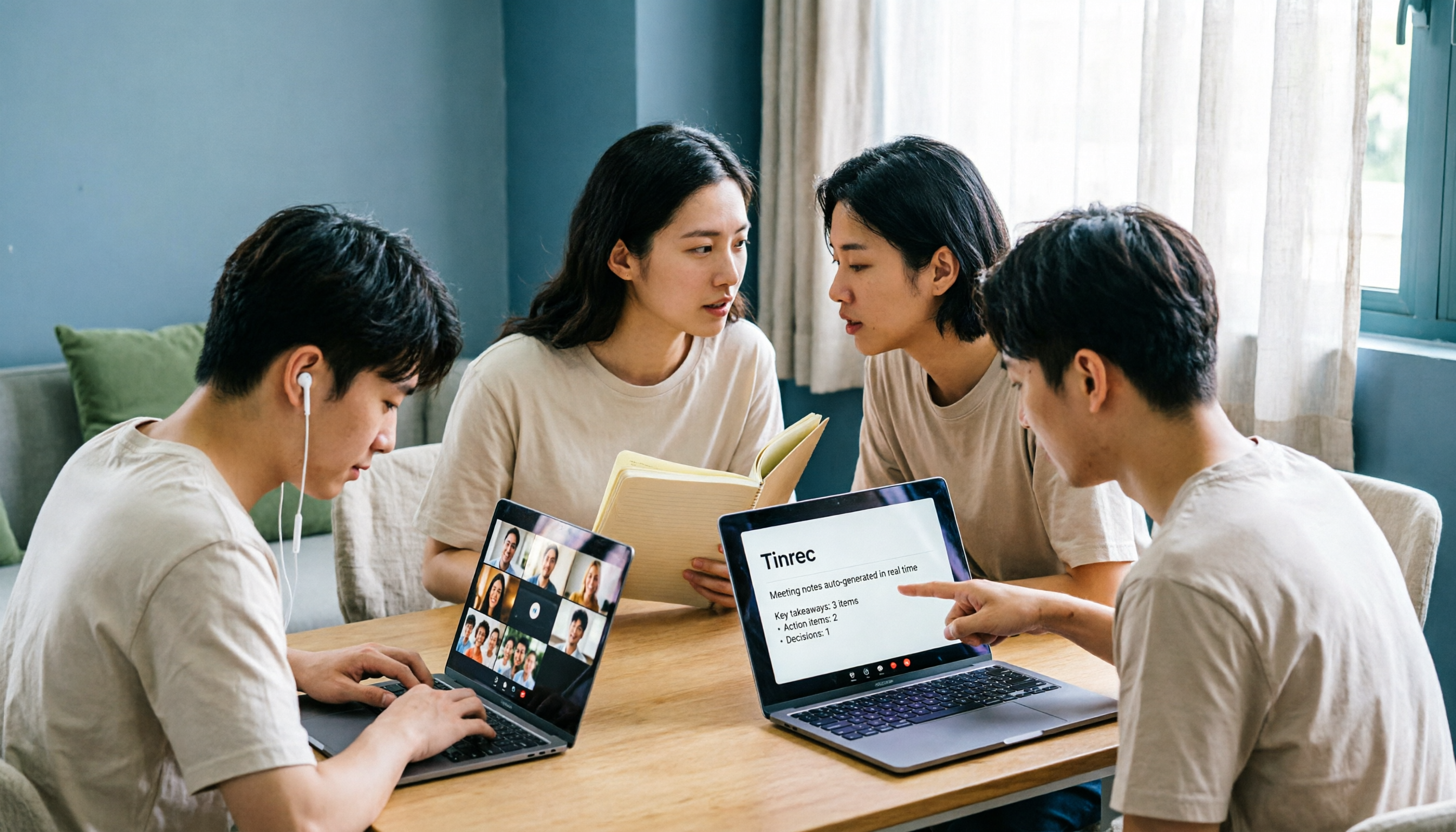
5 Meeting Transcription Solutions Tested for 2026: How to Fix No Sound in Teams Meetings
When you can't hear audio in a Teams meeting, don't rush to restart the meeting—the issue could be muted speakers, wrong device selected, dead Bluetooth battery, driver problems, or system audio not checked when sharing your screen. This guide walks you through troubleshooting steps in the order a student actually tested them, compares the real-world performance of 5 meeting transcription solutions, and explains why I ultimately made Tinrec a staple for online classes and group projects.

6 Teams Meeting Recording Tools Tested and Compared for 2026: How to Recover Meeting Highlights Even When You Can't Hear the Other Party
When you can't hear the other party in a Teams meeting, don't rush to restart your computer. This article breaks down three scenarios—'you can't hear the other party,' 'the other party can't hear you,' and 'no sound when sharing video'—organizes a 6-step troubleshooting checklist, and then compares 6 meeting recording tools so that when audio issues occur, you can still recover transcripts, summaries, and action items afterward.

2026 AI Meeting Notes Tools: 5-Way Comparison — Understand the Criteria First to Avoid Choosing Wrong
Most people pick AI meeting notes tools based only on language count and free minutes, then end up with a tool they don't use for long. This article starts with 5 evaluation criteria that truly affect daily use, comparing Tinrec, Otter.ai, Notta, PLAUD Note, and others on meeting capture methods, post-meeting output, Chinese-language experience, data retention, and pricing transparency. It also covers 4 common buying mistakes and scenario-based selection advice.

4 AI Meeting Notes Apps Tested for 2026: Which Free Version Is Good Enough?
How to choose AI meeting notes software in 2026? This article tests and compares Tinrec, Notta, Granola, and TurboScribe across five dimensions: meeting capture method, post-meeting workflow, Chinese-language experience, team collaboration, and free tier limits. It also covers buying criteria, common pitfalls, and scenario-based recommendations.

2026 AI Meeting Notes Free Plans Compared: 4 Tools Side by Side
A 2026 comparison of free plans for 4 AI meeting notes tools: from hidden limits on free quotas, meeting audio sources, post-meeting outputs, to team roles and seats, clarifying the differences and use cases of Tinrec, Otter.ai, Notta, and Granola—helping you pick the one that truly fits without overspending.
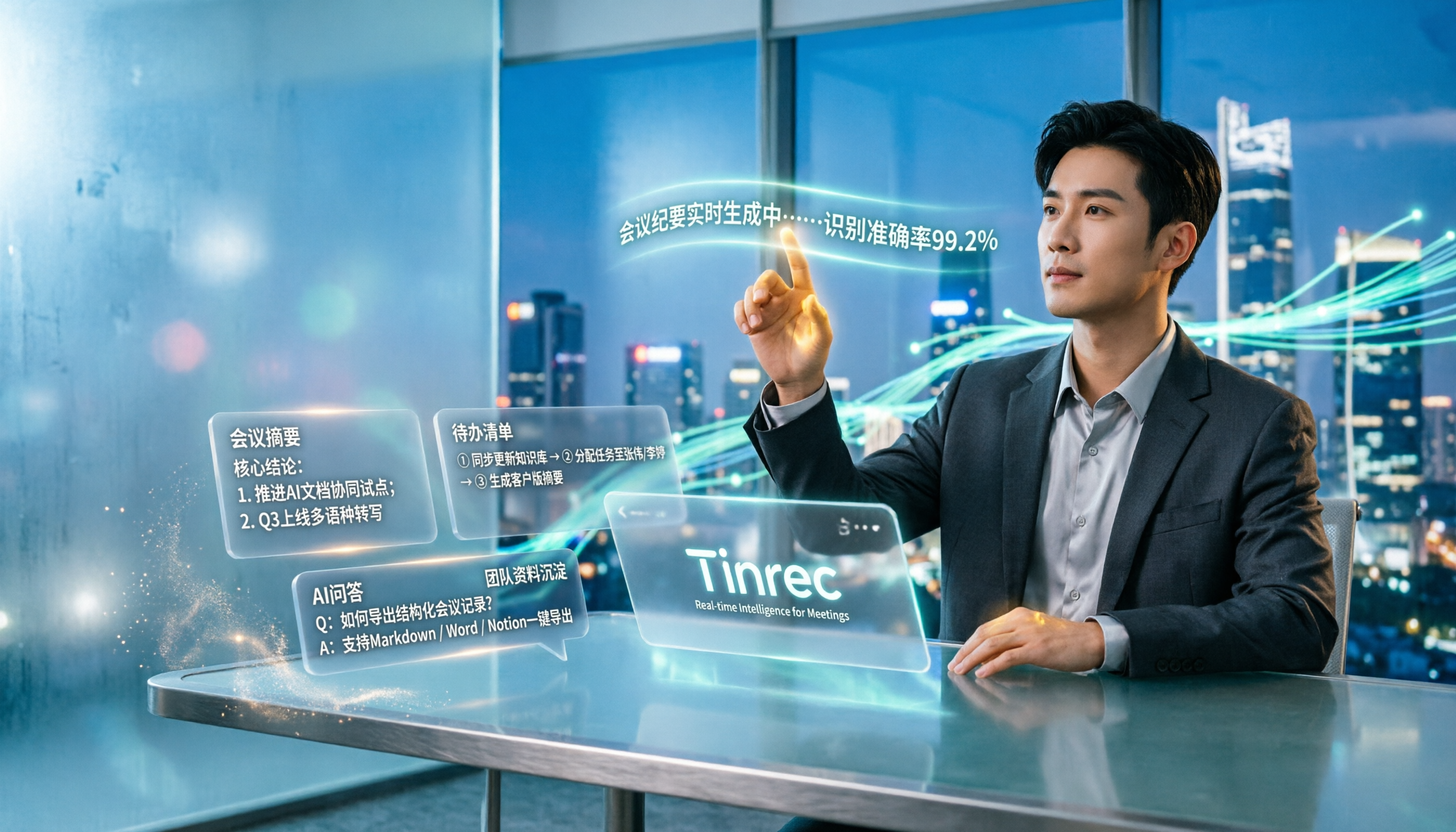
2026 AI Meeting Notes Software: 5 Top Picks Tested and Compared — Is the Free Version Enough? Post-Meeting Organization Is Key
From free usage limits, Chinese transcription, bot-free recording, to team seat management, here are the key factors to consider when choosing AI meeting notes software in 2026. We also demonstrate Tinrec's complete workflow for post-meeting summaries, action items, AI Q&A, and team knowledge retention.

Best AI Meeting Notes Platforms in 2024: Testing 4 Options, Tinrec Excels for Chinese Meetings and Team Knowledge Retention
Many people treat AI meeting note platforms as simple audio-to-text converters, only to find themselves re-listening and catching up on action items afterward. This article covers selection criteria, pitfalls to avoid, and the positioning of Tinrec, Otter.ai, Notta, and Granola to help you determine which platform suits Chinese meetings, bot-free recording, and team knowledge retention.

2026 Free AI Meeting Notes Generators Compared: 5 Tools to Try
The meeting ends, and the overtime begins. This article examines five AI meeting notes generators from four angles: how free quotas work, how meetings are recorded, what you can do after the meeting, and how teams can take over later. It breaks down who Tinrec, Notta, Otter.ai, Granola, and TurboScribe are each best for, so you can verify—without spending money—whether a tool actually understands your meetings.

2026 AI Meeting Notes Comparison: 5 Tools Tested Without Bots — Which Handles Chinese Summaries Best?
For small-team leaders choosing an AI meeting notes tool, the real questions are where your meeting audio comes from and what you need after the meeting. This article tests 5 tools — Tinrec, Notta, Otter.ai, Granola, and PLAUD — across 4 key criteria: bot-free recording, post-meeting outputs, quotas, and team governance, to help you find the right fit for your meeting style.