
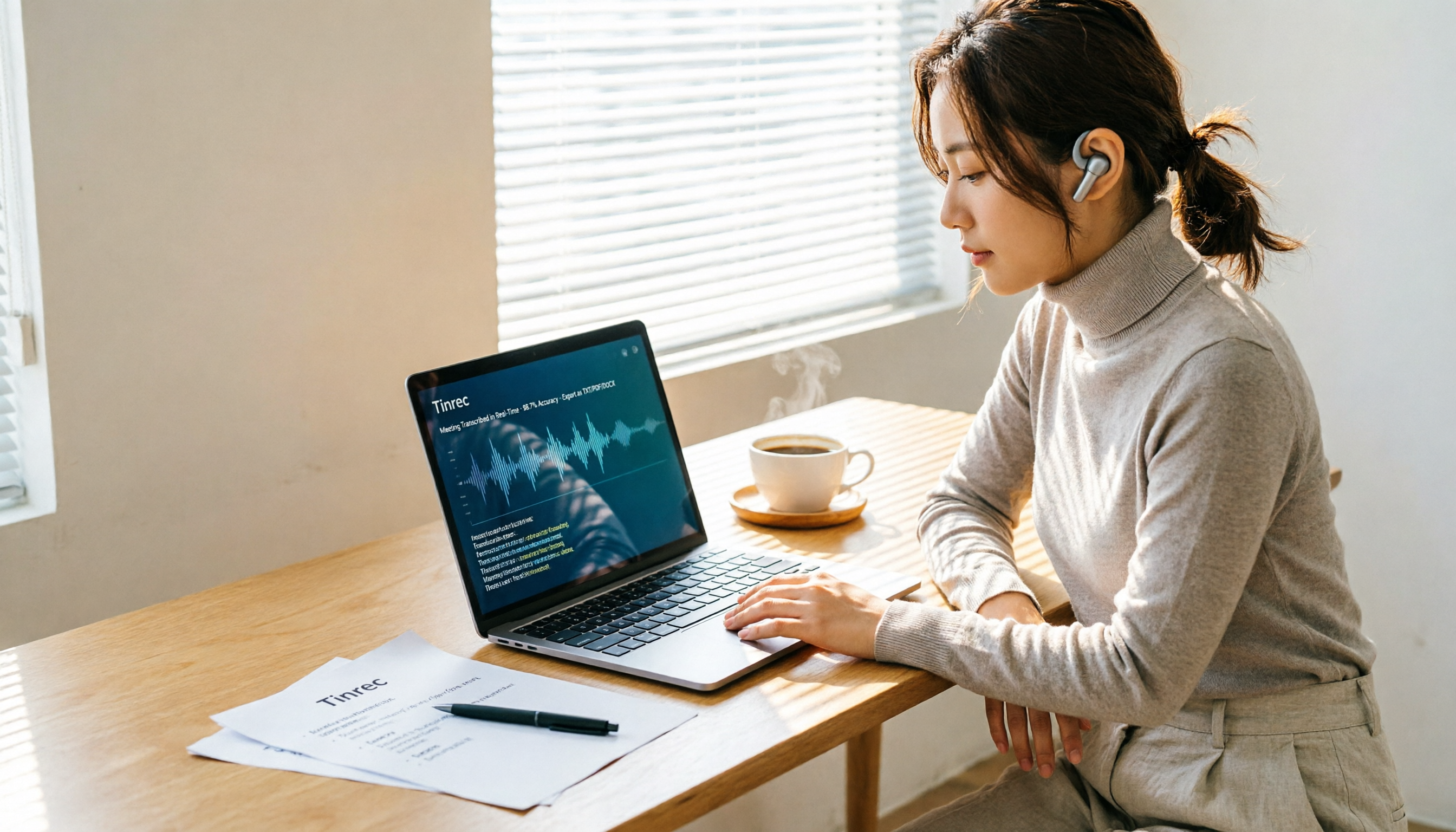
Turn recordings into transcripts and summaries in minutes
Upload audio or video for multilingual transcription, AI notes, and action items
Have you ever calculated: 8 hours of meetings a week, plus 4 hours organizing transcripts afterward—half your work time goes into turning spoken words into text
Mac users often face this: after a meeting, you open Notes to jot down key points, only to realize you remember the conclusions but forgot all the details.
Especially during online meetings on Zoom, Google Meet, or Microsoft Teams, you're trying to focus on the discussion while manually taking notes—it's overwhelming.
If this sounds familiar, this article is for you. I tested Notta's desktop app on a Mac and compared it with two other popular tools to help you decide if it's worth installing.
Before Choosing a Mac Transcription Tool, Understand These 4 Key Points
First: Can it directly record your Mac's system audio?
Many transcription tools only record on mobile or require a separate browser tab for online meetings. For Mac users, the most convenient option is a desktop app that captures computer audio directly, no extra equipment needed.
Second: How much does it organize the transcript for you?
A raw transcript isn't enough. You need meeting summaries, key sections, and action items; otherwise, you'll still have to review the entire recording yourself.
Third: Is cross-platform sync smooth?
If you record on your Mac but want to review the transcript on your phone during your commute, the tool must support multi-device sync. Otherwise, your data is locked to one device, limiting your use cases.
Fourth: Is the free tier sufficient for testing?
You need to test a transcription tool with real meeting recordings to judge its quality. If the free allowance is too low, you won't have enough time to assess accuracy and organization quality.
These four dimensions are my criteria for testing Notta for Mac.
Notta for Mac—A Familiar Cross-Platform Transcription Choice for Mac Users
Notta is an AI transcription tool that supports Mac, Windows, iOS, and Android, focusing on real-time voice-to-text, audio file import, and AI summaries.
According to official information, Notta supports over 104 languages. The free plan offers 120 minutes of transcription per month, with a 3-minute limit per recording. The Pro plan costs approximately USD 8.17/month when billed annually, providing 1,800 minutes per month; the Business plan costs approximately USD 16.67/seat/month when billed annually, offering unlimited transcription, role permissions, and usage reports.
In actual use, Notta for Mac has three clear advantages:
First, the interface is intuitive. After installation, the main window places recording, file import, and transcript viewing in prominent positions—no tutorial needed.
Second, real-time transcription is fast. I tested with a 5-minute Chinese meeting recording, and the transcript appeared fully within seconds after the recording ended, with accurate paragraph and timestamp alignment.
Third, AI summaries genuinely save time. Notta automatically splits long meetings into chapters and generates key summaries. For those who just want a quick recap of meeting conclusions, this is far more useful than manually re-listening.
However, there are a few things to note with Notta for Mac:
The free plan limits each recording to 3 minutes, so for full meetings, you'll essentially need to upgrade to a paid plan.
Stop organizing recordings by hand
Upload audio or video and automatically get a transcript, summary, and action items
Additionally, the desktop app records online meetings primarily by capturing system audio. This means you need to manually start the recording; it won't automatically join your meetings.
Who is Notta for Mac best suited for?
If you already use Notta's mobile app or need a cross-platform sync transcription tool, the Mac desktop app is a natural extension. But if you care more about "asking AI to find key points after recording," Notta's AI Q&A feature is relatively basic—more on that later.
Beyond Notta: What Other Options Are There on Mac?
Tinrec: Ideal for Mac Users Who Want Bot-Free Recording and AI Q&A
Tinrec's desktop app also supports macOS, and its biggest difference is that it can directly capture system audio without requiring a bot to join as a participant in Zoom, Google Meet, or Microsoft Teams meetings. This is a practical design for those who don't want unfamiliar names in the participant list.
More importantly, Tinrec offers AI Q&A after transcription. You can ask, "Who mentioned the budget in the last meeting?" and it will answer based on the meeting content, not just keyword search. Notta's capabilities here are currently limited.
Otter.ai: A Mature Choice for English Meetings, but Not Ideal for Chinese Scenarios
Otter is a veteran in English meeting transcription, offering 300 free minutes per month—more generous than Notta. However, its strength lies in English business meetings; Chinese transcription and Traditional Chinese content organization aren't as natural as Notta or Tinrec.
If your meetings are entirely in English, Otter is a worthy alternative. But for mixed Chinese-English or multilingual meetings, Otter's advantages diminish.
Pitfall Guide: 3 Common Mistakes Mac Users Make When Choosing a Transcription Tool
Pitfall 1: Only Checking Platform Support, Not the Recording Method
Many tools claim "Mac support," but they're just web versions, not true desktop apps. What really matters is: Can it directly record your Mac's system audio? Does it require a bot to join meetings? Confirm this before downloading.
Pitfall 2: Overlooking the Free Plan's Per-Recording Limit
Notta's free plan caps each recording at 3 minutes, which is barely enough to test transcription quality, but if you want to record a full 30-minute meeting, the free plan is insufficient. Before trying, check both the "per-recording limit" and "monthly total allowance"—don't just look at total minutes.
Pitfall 3: Treating Transcription Tools as Just "Voice-to-Text"
If you only convert recordings to text, you're using only a third of the tool's potential. Tinrec's AI Q&A lets you ask for meeting highlights directly, and Notta's AI summaries help you grasp the structure quickly. Post-recording organization features are where the real time savings lie.
Conclusion: Which One Should Mac Users Choose?
Based on Mac users' needs, Notta for Mac is a user-friendly, cross-platform sync option, especially for those already in the Notta ecosystem.
But if you want "bot-free online meeting recording" plus "AI Q&A for key points after recording," Tinrec is currently the more complete solution.
Scenario-based recommendations:
- Need cross-platform sync and a simple, easy-to-use interface → Notta for Mac
- Don't want bots in meetings and need AI Q&A to find key points → Tinrec
- Only record English meetings and need a generous free allowance → Otter.ai
- Zero budget and want to test transcription quality first → Notta free plan (note the 3-minute per-recording limit)
We recommend downloading the free version of the tool you're interested in and testing it with a real meeting recording to evaluate transcription quality and organization features. Only consider paying if it feels right—there's no need to subscribe to an annual plan from the start.
References
- Notta for Mac - Download it from Uptodown for free
- Notta - Desktop App & Mobile App - Mac, Windows, Android, iPhone & iPad - WebCatalog
- 18 Best Transcription Software for Mac
- Bot-Free Meeting Recorder for Mac & Windows — Notta Desktop
- Notta for Mac - Free download and software reviews - CNET Download
Turn every recording into actionable outcomes
Get 60 free transcription minutes when you sign in. No credit card required.
Related Reading
You might also like

2026 AI Meeting Notes Showdown: Tinrec vs Otter.ai for Chinese-Language Meetings
A transcript is not a meeting summary. This article compares Tinrec and Otter.ai across five dimensions—Chinese transcription, meeting capture methods, post-meeting outputs, team governance, and pricing/quotas—to clarify common misconceptions and highlight each tool's unique strengths and ideal users, helping you choose based on your Chinese-language meeting and team knowledge retention needs.

2026 AI Meeting Notes Software Comparison: Can Free Versions Handle a Full Meeting?
With the decision-making focus on whether free versions are truly usable, this side-by-side comparison of Tinrec and Notta examines free quotas, online meeting recording methods, post-meeting organization depth, Chinese-language experience, team collaboration, and cost structure to help you choose the right AI meeting notes software without unpleasant surprises.

Best AI Meeting Notes Software? 2026 Hands-On Test of 4 Tools: This One Is the Smoothest for Chinese Meetings and Team Knowledge Retention
Still spending time re-listening to recordings and writing meeting notes after meetings? Based on real-world usage scenarios, this article outlines 4 key factors for choosing AI meeting notes software and hands-on tests the differences among Tinrec, Notta, Otter.ai, and Granola, covering Chinese transcription, bot-free recording, post-meeting Q&A, team seat management, and actual pricing to help you determine which tool suits your work style.

2026 AI Meeting Recorder Comparison: Which Free Version Is Enough?
How to choose a free AI meeting recorder? This article examines four key factors—free plan structure, meeting format, post-meeting workflow, and team data ownership—and compares the free plans of Tinrec, Notta, Otter.ai, and PLAUD. It also highlights three common pitfalls when choosing the wrong tool, helping you determine how far a free version can take you and when you truly need to pay.

2026 AI Meeting Notes Tools Compared: Which Free Online Version Is Enough?
There are many free AI meeting notes tools, but free quotas, how meetings are captured, and post-meeting organization capabilities vary widely. This article compares Tinrec, Notta, Otter.ai, and Granola from four angles: free quota, how online meetings are recorded, post-meeting AI organization, and team data ownership, and summarizes the four most common pitfalls when choosing a tool.
2026 AI Meeting Notes Software Comparison: Are Free Versions Enough?
A mid-level manager who attends 15 meetings a week tests four AI meeting notes tools—Tinrec, Notta, Otter.ai, and PLAUD NotePin—covering free tiers, Chinese recognition, post-meeting organization, and team data ownership, and outlines the four most common pitfalls of free versions plus practical selection advice.
2026 AI Meeting Notes Software Comparison: 5 Tools Tested, Post-Meeting Organization Is What Matters
When choosing AI meeting notes software, most people compare free minutes first, but the real time sink is post-meeting organization. This article breaks down the differences and limitations of Tinrec, Otter.ai, Notta, and PLAUD based on hands-on testing, 4 key buying factors, recording methods that don't require a bot to join meetings, and team collaboration. It also covers common selection mistakes to help you choose the right tool for your meeting style.

2026 AI Meeting Notes Tools Compared: Which One Actually Saves You Time?
AI meeting notes tools are everywhere, but transcription accuracy isn't the only difference. This hands-on comparison of Tinrec, Notta, Otter.ai, and Granola looks at four dimensions: how meeting audio gets captured, whether post-meeting output is actually usable, performance with Chinese and mixed Chinese-English speech, and team data ownership. We also cover key pitfalls to check before buying, so you can find the one that truly cuts your post-meeting cleanup time.

2026 AI Meeting Recorder Comparison: Chat AI vs. Dedicated Tools — Which One Actually Delivers Meeting Minutes?
Based on real-world testing by a mid-level manager juggling 15 meetings a week, this article breaks down the three most common misconceptions about chat AI vs. dedicated AI meeting recorders. It demonstrates a complete workflow using Tinrec — from bot-free recording and transcription to summaries, action items, and team knowledge retention — plus five key buying criteria and an FAQ.