
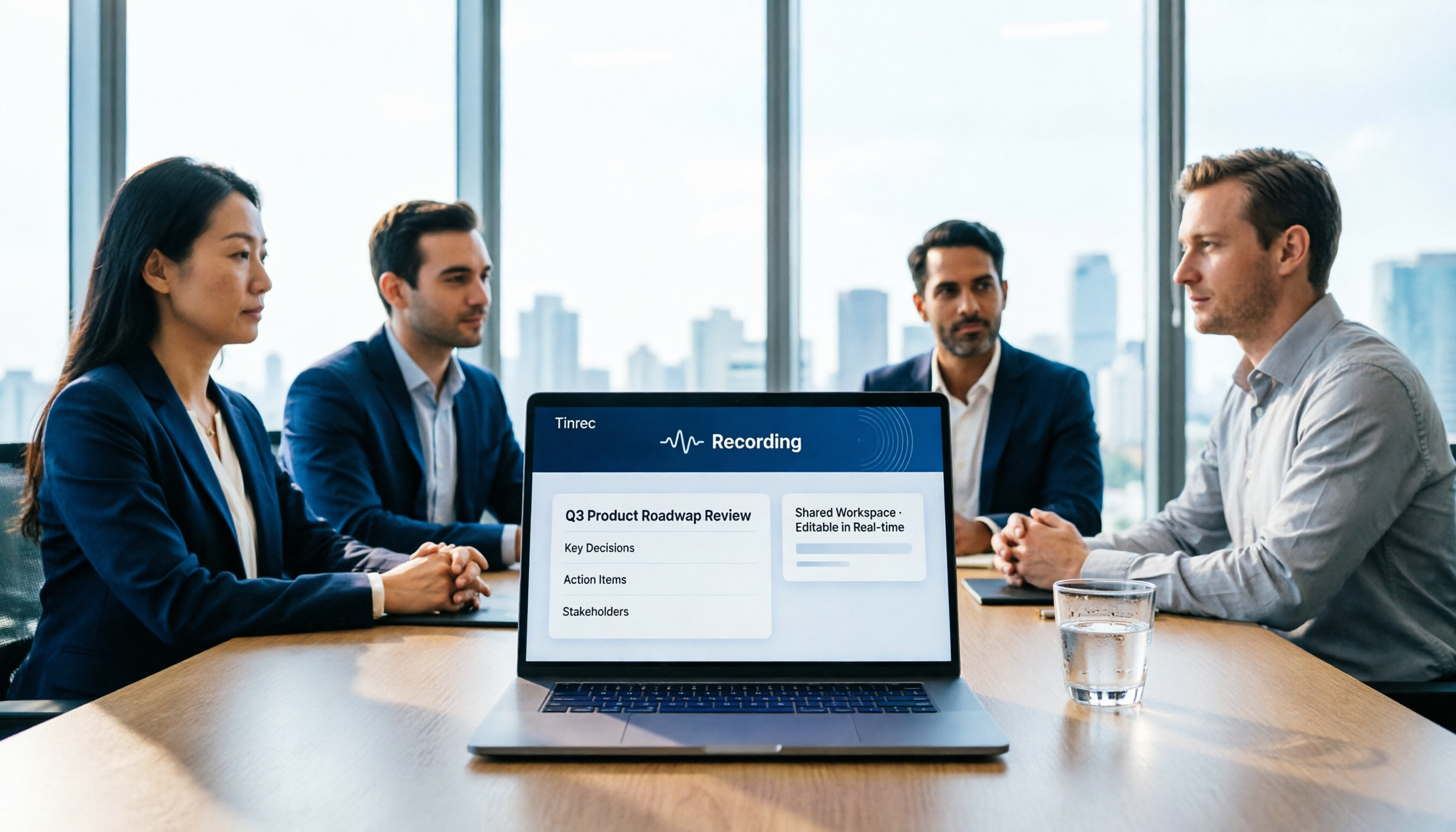
Turn recordings into transcripts and summaries in minutes
Upload audio or video for multilingual transcription, AI notes, and action items
Why Are People Looking for Notta Alternatives?
Notta is a tool many people use for speech-to-text and meeting notes. It supports transcription in multiple languages and offers integrations for online meetings like Zoom and Google Meet. For those who occasionally need to organize recordings, it can indeed save some typing time.
However, after using it for a while, some start to wonder: Is the free tier enough? Can the transcribed meeting content be used by the team on an ongoing basis? Are recordings and transcripts stuck in a personal account? If you're facing similar issues, Tinrec is another direction worth exploring.
Tinrec vs Notta: What's Different in Core Experience?
How Online Meetings Are Recorded
This is where the two differ most noticeably. Notta's online meeting recording typically requires a meeting bot to join or other workarounds. Tinrec's desktop app, on the other hand, captures the system audio directly—no need to invite an extra bot into Zoom, Google Meet, Microsoft Teams, or Webex.
For teams that don't want an extra "participant" in their meetings, Tinrec's bot-free approach feels more natural and less disruptive to the meeting flow.
Depth of Post-Transcription Organization
Notta can turn speech into text and generate summaries. Tinrec goes further by focusing on "what happens after transcription." Besides transcripts and summaries, Tinrec automatically organizes chapters, key points, and action items. You can also ask follow-up questions about the meeting content or generate reports, tables, and meeting minutes.
In short, Tinrec extends beyond "recording meetings" to "turning meetings into workable data."
How Team Data Is Managed
Notta's Business plan offers team features. Tinrec's team version is built around a dedicated team space. Meeting data belongs to the team, and admins can set roles, allocate seats, and monitor usage and audit logs.
This means that even if a member leaves, past meeting transcripts, summaries, and action items remain in the team space—they don't disappear with a personal account.
Chinese and Multilingual Scenarios
Notta supports multilingual transcription. Tinrec also covers Chinese, Traditional Chinese, and multilingual meetings, with real-time translation and bilingual viewing. For Chinese meetings, mixed Chinese-English discussions, or cross-border teams that need quick language switching, Tinrec's bilingual transcripts are a practical aid.
Tinrec's Core Features at a Glance
Real-Time Recording to Text: Open Tinrec, and text appears as you record. During an in-person meeting or interview, you can glance at the transcript to ensure nothing is missed, and by the end, everything is already organized.
Bot-Free Online Meeting Recording: The desktop app captures system audio, so no bot needs to be invited. Meetings on Zoom, Meet, Teams, and Webex can be recorded directly—handy for those who prefer no extra participants.
AI Summaries, Chapters, and Action Items: After a long meeting, Tinrec automatically breaks it into chapters and key points, and organizes discussed action items into to-dos. You don't have to re-listen to the entire recording to quickly see who's responsible for what.
AI Q&A and Post-Processing: This is what I find most useful. You can ask Tinrec directly, "What was the meeting's conclusion?" or "What needs did the client mention?" It answers based on the meeting content. When you need to submit a report, you can also ask it to generate tables or meeting minutes.
Team Space and Knowledge Retention: All meeting recordings, transcripts, and summaries are centralized in one team space. New members can search and review past meeting materials, so team knowledge doesn't stay trapped on one person's phone or computer.
Stop organizing recordings by hand
Upload audio or video and automatically get a transcript, summary, and action items
Real-World Use Cases
Weekly Project Meetings: Record with Tinrec's desktop app during the meeting, and you'll have the transcript, summary, and action items right after. Then, paste the to-dos into your project management tool—everyone's responsibilities are clear, no more relying on memory to track progress.
Client Needs Interviews: With real-time transcription during the interview, you can ask Tinrec afterward, "What issues did the client raise?" or "What commitments were made?" Compared to manually taking notes, this lets you focus more on responding to the client rather than typing.
Class and Lecture Notes: Students or lifelong learners can convert lecture recordings into text and use AI Q&A to find specific sections. When reviewing later, there's no need to scrub through the audio to find key points.
Personal Ideas and Quick Notes: Random thoughts or voice memos recorded on the go can be imported into Tinrec and converted to text. Later, you can search by keyword to find them—no more scattered notes.
What to Consider When Choosing a Transcription Tool
What Can You Do After Transcription?: A transcript is just the starting point. Check whether the tool can generate summaries, action items, support follow-up Q&A, and export options. Otherwise, you're just swapping typing for another form of organizing.
How Are Online Meetings Recorded?: Whether you need to invite a bot and whether it disrupts the meeting will affect your willingness to use it. Tinrec's bot-free desktop recording is less intrusive for most online meetings.
Does the Data Stay with the Team?: If meeting notes only live in a personal account, data can be lost when a member leaves. Whether a team space can centrally store, search, and hand off data is worth confirming before long-term use.
Chinese and Multilingual Support: If your meetings often mix Chinese and English or require real-time translation, choosing a tool that handles Chinese and code-switching well will save you a lot of correction time in the long run.
Free vs. Paid Boundaries: The free version is good for a trial, but be clear about per-recording length limits, monthly caps, and export restrictions. Rather than just looking at price, first determine your usage frequency, then choose a plan that fits.
Conclusion: Is Tinrec Worth Trying?
If you're looking for a tool that can record online meetings, organize Chinese content, and keep meeting data within your team, Tinrec is one of the few options that covers all these needs. It doesn't just turn voice into text—it focuses on post-meeting summaries, action items, Q&A, and team collaboration.
Especially for readers who don't want to invite meeting bots and want meeting data to remain usable by the team, starting with Tinrec's free version and testing transcription and organization with your own recordings is a good first step. That's more direct than any review and helps you judge whether it fits your workflow.
FAQ
What's the difference between Tinrec's and Notta's free plans?
Both offer free trials. Tinrec's free version includes basic credits for recording, importing, summarizing, and transcription. We recommend testing based on your actual usage before deciding to upgrade.
Does Tinrec require additional hardware?
No. Tinrec works on web, desktop, and mobile, and online meeting recording doesn't require any extra recording equipment.
Which online meetings can Tinrec handle?
It can handle meeting audio from platforms like Zoom, Google Meet, Microsoft Teams, and Webex played on your computer—no bot invitation needed.
Will meeting data disappear when a team member leaves?
No. Team resources belong to the team. When a member exits or is removed, their assigned data can be transferred to other active members, and historical meeting records remain in the team space.
Can transcription accuracy be guaranteed at 100%?
We don't recommend expecting that. Actual results depend on recording quality, accents, background noise, and overlapping speech. For important content, cross-check with the transcript timestamps and the original recording.
What should I be aware of before recording?
When recording and transcribing, please comply with local laws and obtain consent from all participants where required.
References
Turn every recording into actionable outcomes
Get 60 free transcription minutes when you sign in. No credit card required.
Related Reading
You might also like

2026 AI Meeting Recorder Comparison: Which Free Version Is Good Enough?
Stop typing meeting notes by hand. This hands-on comparison of Tinrec, Otter.ai, Notta, and Granola looks at how each AI meeting platform captures meetings, handles Chinese and mixed-language transcription, organizes post-meeting output, and what their free tiers actually include. It also covers five buying criteria and four common pitfalls to help you decide which one fits your needs.

2026 AI Meeting Notes Tools Compared: Which Is Fastest for Online Meeting Transcripts and Summaries?
Tired of waiting for downloads and transcription after meetings? This article focuses on how quickly you can view transcripts online after a meeting, outlines 4 key factors for choosing an AI meeting notes tool, and compares Tinrec, Otter.ai, Notta, and Granola on recording methods, audio retention, post-meeting organization, and free tiers, plus 3 common pitfalls to avoid.

AI Meeting Notes Comparison 2026: Tinrec vs Granola — Which Fits You Across 5 Key Dimensions?
Instead of replaying recordings after online meetings, first figure out how to choose an AI meeting notes tool. This article compares Tinrec and Granola across meeting capture, historical audio organization, recording retention, post-meeting outputs, Chinese-language experience, and team collaboration to help you decide which fits your workflow.

5 AI Meeting Note Apps Compared for 2026: Free Tiers, Summaries, and Exports Explained
Tired of replaying recordings and typing transcripts after meetings? This article compares AI meeting note apps like Tinrec, Otter.ai, Notta, and PLAUD from four angles: free tier limits, meeting audio capture, summary quality, and team management. It offers practical selection advice and common pitfalls to avoid.

2026 AI Meeting Notes Software Comparison: Which Is Fastest for Chinese Transcription and Post-Meeting Organization?
2026 AI meeting notes software hands-on comparison: breaking down the differences between Tinrec, Notta, Granola, and PLAUD across Chinese transcription, bot-free online meeting recording, post-meeting AI Q&A, action item extraction, and team knowledge retention to help you choose the most time-saving meeting notes tool.

2026 AI Meeting Notes Platform Buying Guide: 4 Tools Compared and Selection Advice
Starting from common misconceptions, this guide covers key factors for choosing an AI meeting notes platform, Tinrec's practical workflow, the positioning differences of Otter.ai, Notta, and PLAUD, and the pitfalls teams most often encounter before adoption.

7 Best Free AI Meeting Notes Tools in 2026: A Complete Comparison
How to choose an AI meeting notes tool? This guide compares 7 tools—Tinrec, Otter, Fireflies, Notta, TurboScribe, Granola, and PLAUD—based on free tier limits and meeting capture methods, including paid starting prices. It also walks through Tinrec's complete workflow from recording, transcription, proofreading, and note generation to export and sharing.

Tinrec vs Notta in 2026: 5-Dimension Comparison — Which Free Version Is Better for Chinese Meetings?
There are many free AI meeting note tools, but the word "free" means very different things for each tool. This article compares Tinrec and Notta from four angles: the shape of the free quota, how online meetings are recorded, post-meeting organization capabilities, and data ownership. It also includes use cases for Otter.ai and Granola, plus four common purchasing pitfalls.

2026 AI Meeting Notes Platform Comparison: Tinrec vs Notta — Which Is Better for Leading a Team?
Starting from the real pain points of a mid-level manager juggling 15 meetings a week, this hands-on comparison examines Tinrec and Notta across five dimensions: meeting capture, post-meeting outputs, Chinese terminology handling, team governance, and data handover. It also offers guidance on choosing an AI meeting notes platform in 2026 and a framework for evaluating costs.