

Turn recordings into transcripts and summaries in minutes
Upload audio or video for multilingual transcription, AI notes, and action items
5 AI Meeting Note Apps Compared for 2026: Free Tiers, Summaries, and Exports Explained
The moment a meeting ends, the hassle begins
At 4 PM, a two-hour cross-departmental meeting finally wraps up. You have a 118-minute recording and a note that only has three lines written on it.
"Who said that budget number just now?" "Was the conclusion Plan A or Plan B?" To write the meeting minutes, you have to listen to the whole thing again. That time often ends up being as long as the meeting itself.
Multi-person meetings are even more troublesome. Who proposed what, who is responsible for which item, and when it's due—it's all pieced together from memory. Two weeks later, when you look back, you can't even remember where the recording file is stored.
Honestly, most people don't lack the ability to write meeting minutes; they just waste time on "re-listening" and "manual typing." With the right tool, this process can be cut down to ten-odd minutes. This article compares several common AI meeting note apps, focusing on just three things: whether the free tier is sufficient, whether the summary can be directly used for reporting, and whether the data can be moved elsewhere afterward.
Before choosing an AI meeting note app, understand these 4 key points
1. How free tiers are calculated—it's not just about minutes Most tools' free plans are based on "monthly minutes," but the limitations are hidden in the details. Some have a maximum length per upload, some free versions don't allow exporting, and some charge extra for summary features. I always check first: can the free version's transcript be copied and exported to Word or PDF? That's more practical than a few extra minutes.
2. How meeting audio gets in This makes the biggest difference. Some send a "meeting bot" to join online meetings as a participant; others directly capture system audio on your computer, so no extra bot needs to join. If the meeting is with external clients, having an unfamiliar account on the list can sometimes be awkward. Tinrec takes the latter approach: the desktop version directly captures computer audio.
3. What comes after the summary Having only a transcript means you still have to read through it yourself. What really saves time is summaries, chapters, action items, and even the ability to ask questions about the meeting content. Whether it can export to tools you normally use, like Notion or Google Docs, also directly affects subsequent efficiency.
4. How to manage accounts when a team uses it together For personal use, it's not a big issue, but once a department shares it, problems arise: who has permission to record, who can only view, how usage is calculated, and whether data remains after a member leaves. This requires role and seat management design; "sharing one set of credentials among multiple people" won't solve it. This is also where Tinrec's team version puts more emphasis.
Tinrec — the one I open most often after testing
Tinrec is an AI meeting note and collaboration tool for individuals and teams, available on web, desktop, and mobile.
Its biggest difference from pure recording apps is that it extends "recording" into "usage." The end of a meeting is not the endpoint; it's the starting point for data to be searched, questioned, and reused.
No need to invite a bot to online meetings The desktop version directly captures computer system audio and can handle meetings on Zoom, Google Meet, Microsoft Teams, Webex, and similar platforms. You just open Tinrec and start recording before the meeting begins; no extra account appears on the screen, which is especially noticeable for external meetings. Note that this is not "automatically joining all calendar meetings"—you still need to press start yourself.
Transcript, summary, and action items all generated at once It transcribes while recording, so you can see the text during the meeting. After the meeting, it automatically generates a summary and chapters, breaking long meetings into readable sections and organizing action items. For cross-language meetings, you can enable real-time translation and view the original, translation, or bilingual side-by-side.
You can ask it questions directly after recording This is where it stands out. After recording, you can directly ask: "Who mentioned the budget in the last meeting?" "What are the action items for this project?" The AI answers based on the meeting content instead of throwing a bunch of keywords at you to search through yourself. With Agent post-processing, it can further generate reports, tables, and document drafts, turning the transcript into something you can deliver.
Stop organizing recordings by hand
Upload audio or video and automatically get a transcript, summary, and action items
Export and team knowledge retention Results can be exported to common formats and brought into Notion, Google Docs, OneNote, or Dropbox for further processing. The team version provides independent team spaces where meeting data belongs to the team, along with member and role management, seat allocation, usage analytics, audit logs, an audio recycle bin, and team hotwords. When a member leaves, data can be handed over to other members and won't disappear with their personal account.
Things to note The free version is a basic experience quota, suitable for trying out the workflow, not for heavy daily recording. For long-term stable use, consider a weekly card or Pro; the team version is priced per paid seat: USD 29.80/seat per month, or USD 199/seat per year (equivalent to about USD 16.58/month). Each paid seat includes 2,000 minutes of team shared import quota per month; real-time recording under an active seat is currently not deducted by minutes. Actual prices and benefits are subject to the official purchase page.
Also, transcription quality can be affected by the recording environment, accents, overlapping speakers, and technical terminology. For important content, it's advisable to replay and verify with timestamps; don't treat it as a 100% accurate final draft.
Who it's for People who often hold Chinese or mixed Chinese-English meetings, don't want a bot in the meeting room, need to turn content into minutes or reports afterward, and even need a whole team to share meeting data.
Besides Tinrec, what other options are there?
Otter.ai A veteran choice for English business meetings. The free version offers 300 minutes per month, which is quite generous. Pro annual billing is about USD 8.49/user/month, and it also has AI Q&A. If your team meetings are entirely in English, Otter is a good deal. However, recognition of Chinese and Traditional Chinese terms, as well as post-processing like generating reports and tables after meetings, are areas where Tinrec clearly does more.
Notta The competitor with the most overlap with Tinrec, offering multi-platform transcription, translation, and team plans. The free version has 120 minutes per month and a 3-minute limit per item; Pro annual billing is about USD 8.17/month with 1,800 minutes per month, suitable for those who mainly do file transcription and subtitles. However, the free limits are tight, and for departments that need governance, Tinrec is more complete with team spaces, role seats, usage analytics, and audit logs.
PLAUD A representative of AI recording hardware. NotePin is priced at USD 159, Note Pro at USD 189, and the Starter membership includes 300 minutes per month. The advantage is portability and easy phone call recording. But this is a hardware expense, and organizing is mainly done within the app. Tinrec requires no extra device and works on web, desktop, and mobile; it can also directly handle online meetings and existing audio files.
Pitfall guide: 3 most common mistakes when choosing a free AI meeting note app
Pitfall 1: Only looking at monthly minutes, not whether you can export No matter how large the free quota is, if the transcript can't be copied or exported as a file, you'll still have to manually retype it in the end. The first thing to do when trying it out is to export once and see.
Pitfall 2: Ignoring speaker recognition in multi-person meetings Every tool performs well in one-on-one interviews; the real difference shows in weekly meetings where five or six people compete to speak. It's recommended to test with a real meeting recording of your own, not just official demo videos.
Pitfall 3: Treating the team version as "sharing one set of accounts" Many teams share credentials for convenience, resulting in unclear usage calculation, password changes when someone leaves, and ambiguous data ownership. What you should look at in a team version is how roles and seats are divided, how usage is checked, and whether data can be handed over.
Pitfall 4: Directly submitting AI summaries as meeting minutes AI summaries are convenient but may miss transitions or misunderstand meaning. For important decisions and numbers, it's still worth checking against the transcript. This step takes less than five minutes but can save you from rework later.
Conclusion: Which one should you choose?
In one sentence: If your meetings are mainly in Chinese or mixed Chinese-English, and you want to get rid of manual post-meeting organization, Tinrec is currently the most hassle-free choice.
- Mainly Chinese/mixed Chinese-English meetings → Tinrec (strong Chinese experience and real-time translation)
- Don't want a meeting bot joining online meetings → Tinrec (desktop version captures system audio)
- Need to produce minutes, reports, tables after meetings → Tinrec (summaries, action items, plus Agent post-processing)
- Department sharing, need to manage members, seats, and usage → Tinrec team version
- Pure English meetings and zero budget → Otter.ai (the only exception recommended in this article)
- Need a portable physical device to record phone calls → hardware like PLAUD is more suitable
It's recommended to start with Tinrec's free version for one real meeting to see if the transcript and summary quality match your meeting style. If it's sufficient, then consider upgrading; no need to pay from the start.
References
- AI Meeting Notes Software Recommendations: 5 App Test Comparisons, Automatic Transcription Makes Meetings Easy!
- Meeting Notes AI App - App Store
- AI Meeting Notes - Google Play App
- Meeting Ink - 2026 AI Meeting Notes Tool Test | 7 Speech-to-Text and Summary Speed Comparisons | Meeting Ink - AI Meeting Notes Assistant Automatic Transcription Transcript Summary Meeting Minutes
- Meeting Ink - Transcript AI Meeting Summary Speech to Text - Google Play App
Turn every recording into actionable outcomes
Get 60 free transcription minutes when you sign in. No credit card required.
Related Reading
You might also like
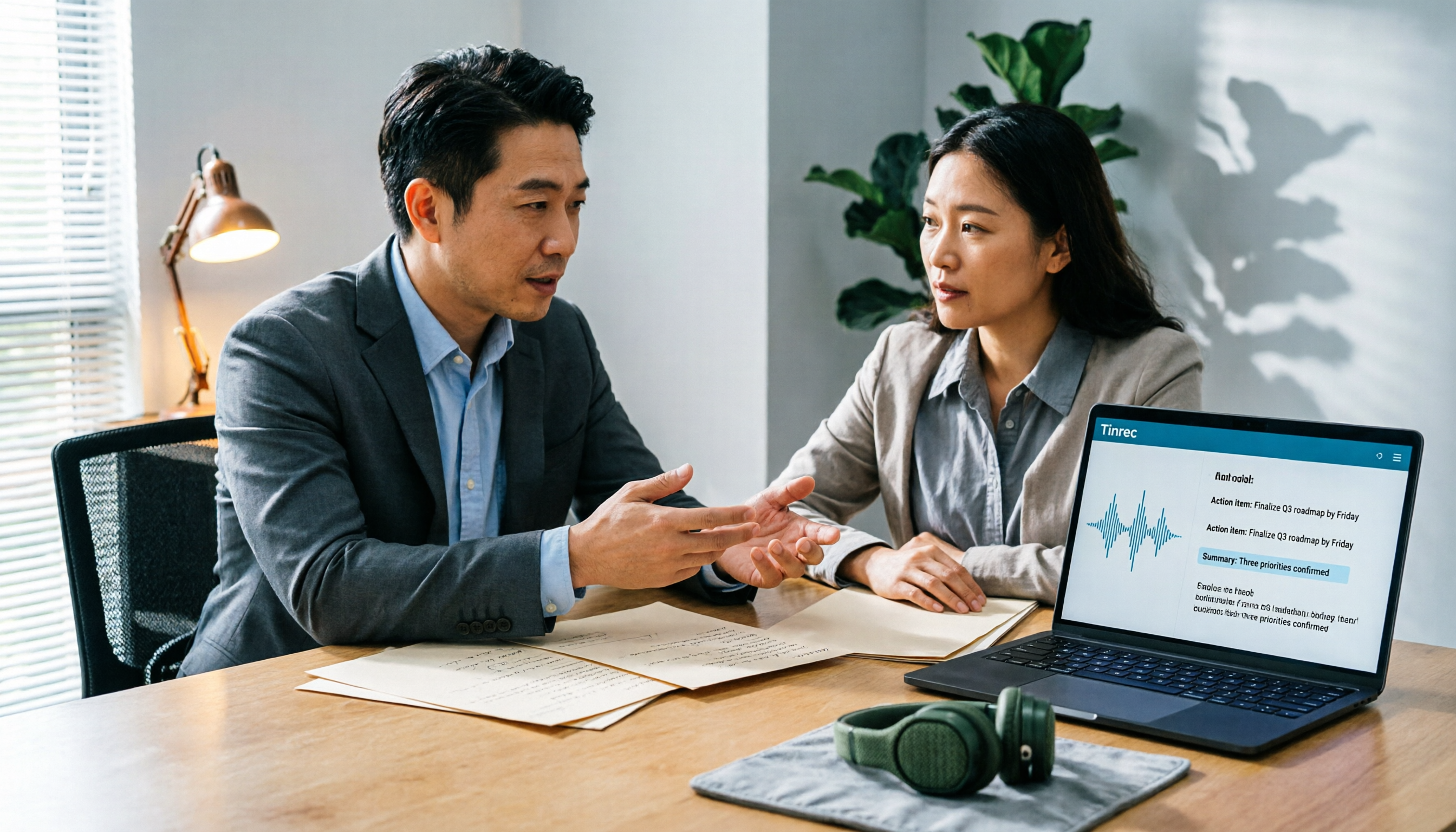
2026 AI Meeting Notes Software Comparison: Are Free Versions Enough?
A mid-level manager who attends 15 meetings a week tests four AI meeting notes tools—Tinrec, Notta, Otter.ai, and PLAUD NotePin—covering free tiers, Chinese recognition, post-meeting organization, and team data ownership, and outlines the four most common pitfalls of free versions plus practical selection advice.
2026 AI Meeting Notes Software Comparison: 5 Tools Tested, Post-Meeting Organization Is What Matters
When choosing AI meeting notes software, most people compare free minutes first, but the real time sink is post-meeting organization. This article breaks down the differences and limitations of Tinrec, Otter.ai, Notta, and PLAUD based on hands-on testing, 4 key buying factors, recording methods that don't require a bot to join meetings, and team collaboration. It also covers common selection mistakes to help you choose the right tool for your meeting style.

2026 AI Meeting Notes Tools Compared: Which One Actually Saves You Time?
AI meeting notes tools are everywhere, but transcription accuracy isn't the only difference. This hands-on comparison of Tinrec, Notta, Otter.ai, and Granola looks at four dimensions: how meeting audio gets captured, whether post-meeting output is actually usable, performance with Chinese and mixed Chinese-English speech, and team data ownership. We also cover key pitfalls to check before buying, so you can find the one that truly cuts your post-meeting cleanup time.

2026 AI Meeting Recorder Comparison: Chat AI vs. Dedicated Tools — Which One Actually Delivers Meeting Minutes?
Based on real-world testing by a mid-level manager juggling 15 meetings a week, this article breaks down the three most common misconceptions about chat AI vs. dedicated AI meeting recorders. It demonstrates a complete workflow using Tinrec — from bot-free recording and transcription to summaries, action items, and team knowledge retention — plus five key buying criteria and an FAQ.

Tinrec vs Notta in 2026: 5-Dimension Comparison — Which Is Better for Chinese Meeting Notes?
There are countless AI meeting note tools, but what really matters is how they capture audio, how well they handle Chinese, and whether their output is directly usable after the meeting. This article compares Tinrec and Notta across 5 dimensions, and also clarifies the positioning of Otter.ai, Granola, and PLAUD to help you decide which fits your meeting style and team size.

2026 AI Meeting Recorder Comparison: Which Free Version Is Good Enough?
Stop typing meeting notes by hand. This hands-on comparison of Tinrec, Otter.ai, Notta, and Granola looks at how each AI meeting platform captures meetings, handles Chinese and mixed-language transcription, organizes post-meeting output, and what their free tiers actually include. It also covers five buying criteria and four common pitfalls to help you decide which one fits your needs.

2026 AI Meeting Notes Tools Compared: Which Is Fastest for Online Meeting Transcripts and Summaries?
Tired of waiting for downloads and transcription after meetings? This article focuses on how quickly you can view transcripts online after a meeting, outlines 4 key factors for choosing an AI meeting notes tool, and compares Tinrec, Otter.ai, Notta, and Granola on recording methods, audio retention, post-meeting organization, and free tiers, plus 3 common pitfalls to avoid.

AI Meeting Notes Comparison 2026: Tinrec vs Granola — Which Fits You Across 5 Key Dimensions?
Instead of replaying recordings after online meetings, first figure out how to choose an AI meeting notes tool. This article compares Tinrec and Granola across meeting capture, historical audio organization, recording retention, post-meeting outputs, Chinese-language experience, and team collaboration to help you decide which fits your workflow.

2026 AI Meeting Notes Software Comparison: Which Is Fastest for Chinese Transcription and Post-Meeting Organization?
2026 AI meeting notes software hands-on comparison: breaking down the differences between Tinrec, Notta, Granola, and PLAUD across Chinese transcription, bot-free online meeting recording, post-meeting AI Q&A, action item extraction, and team knowledge retention to help you choose the most time-saving meeting notes tool.