

Turn recordings into transcripts and summaries in minutes
Upload audio or video for multilingual transcription, AI notes, and action items
2026 AI Meeting Recorder Comparison: Which Free Version Is Good Enough?
It's 4 p.m. on a Wednesday, and you just wrapped up a 50-minute cross-department meeting. Your manager turns to you and asks, "What was the conclusion on that budget item? Who's following up?" You open the recording, drag the progress bar three times, and still can't find the exact sentence.
Another common scenario: an online meeting ends, everyone disperses, and three days later when the project needs to move forward, nobody remembers why Option A was rejected in the first place.
Neither of these is about having a bad memory—it's that meeting content was never properly captured. This article covers how to choose an AI meeting recorder and shares my take after testing a round of them myself.
The Real Time Sink Isn't the Meeting Itself
Most people's meeting workflow looks like this: during the meeting you're busy listening and responding, and only after it ends do you start trying to recall what happened. By the time you actually sit down to write notes, it's often been two hours or more since the meeting ended.
What's more troublesome are the "post-meeting requests" that pop up. Your manager suddenly wants a summary of conclusions, a client asks about terms agreed upon last time, a new colleague wants to catch up on decision context from three months ago—none of these can be quickly resolved by replaying a recording.
So the tool isn't really solving "recording"—it's solving "making meeting content retrievable, understandable, and usable later."
5 Key Points to Understand Before Choosing an AI Meeting Recorder
1. How meetings get "captured" into the tool
This is the most easily overlooked point. Some tools rely on a meeting bot joining the room, some use a desktop app to directly capture system audio, and some only support uploading audio files. The difference matters: a bot joining shows up on the participant list, which isn't always appropriate for client meetings; pure audio upload can't handle real-time needs at all. First figure out whether most of your meetings are online or in-person.
2. Chinese and mixed Chinese-English recognition experience
Meetings in Taiwan are rarely pure Chinese. When discussing project names, system fields, or KPIs, people naturally switch to English. This "mixed Chinese-English" scenario is closer to reality than testing a standard Chinese passage. I recommend taking a real meeting recording from your own company and testing it directly—don't just rely on official marketing copy.
3. What you get after the transcript
A tool that only gives you a transcript is essentially replacing "typing" with "Ctrl+F." What really saves time is summaries, chapters, action item extraction, and Q&A features that let you ask questions directly about the meeting content. This layer determines whether you save 20 minutes or two hours.
4. Is the free tier actually enough
Almost every vendor has a free plan, but the limitations vary widely: some cap total minutes per month, some limit single-file length, and some free versions don't include summaries at all. When checking quotas, also look at the "per-session limit"—otherwise a 90-minute meeting will hit the wall.
5. Does the team need sharing or governance
If it's just you using it, the focus is on recognition and organization. If a department will use it together, then member management, usage tracking, and offboarding handover come into play. These two scenarios lead to very different tool choices.
Tinrec: The Platform I Mainly Tested This Time
Tinrec is an AI meeting recording and collaboration tool for individuals and teams, available on iOS, Android, desktop, and web. Its positioning isn't just audio-to-text—it turns meetings into data you can search, query, export, and continue working with.
In actual use, these are the differences that stood out most to me.
No bot needed for online meetings. The desktop app directly captures your computer's system audio, so when handling Zoom, Google Meet, Microsoft Teams, or Webex meetings, you don't need to pull an extra bot into the room. For client meetings or external communications, this is highly practical. Note that the user actively opens the desktop app to start recording—it doesn't automatically join every meeting on your calendar.
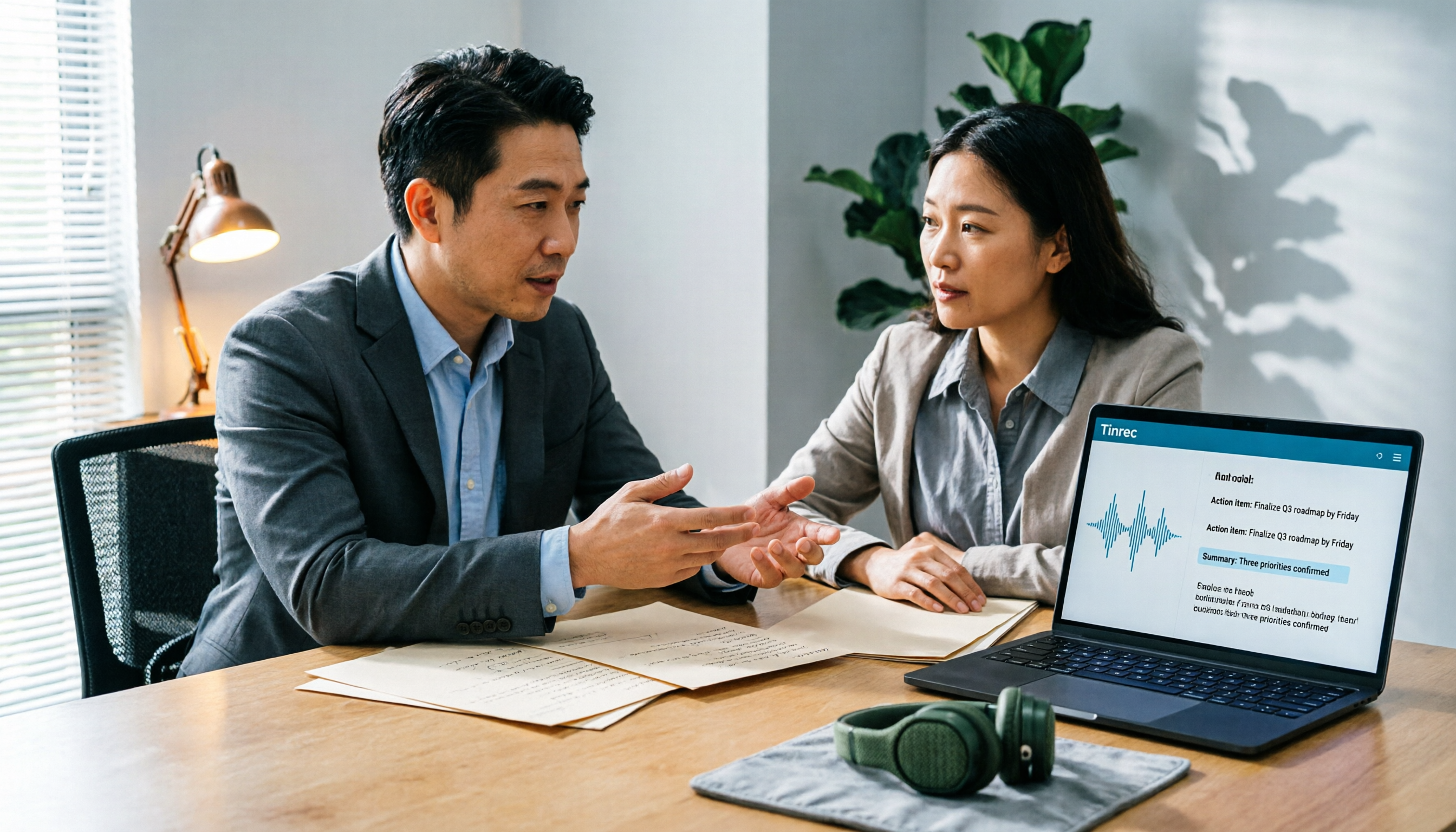
You don't just get a transcript after the meeting. After the meeting ends, summaries, chapters, key points, and action items are generated together. I first look at chapters to grasp the structure, then check action items to confirm "who does what, by when." If I just need a quick report, I can take the summary and turn it into an email directly.
You can ask questions about the meeting content. This is where it pulls ahead of ordinary transcription tools. For example, you can directly ask "Where did the last meeting land on the budget cap?" or "What concerns did the client mention?" and it answers based on the meeting content, not just keyword search results. As historical meetings accumulate, this feature becomes more valuable.
Translation for cross-language meetings. During recording, you can switch between original text, translation, or bilingual view—friendlier for teams with international colleagues or English meetings.
Stop organizing recordings by hand
Upload audio or video and automatically get a transcript, summary, and action items
The team version is a separate workspace, not a shared account. The team version lets you create multiple team spaces, invite members via link, and distinguish between owner, admin, and regular member. Here's a commonly misunderstood concept: roles determine who can manage the team and settings, while seats determine whether a member can record, upload, edit, and export. Active members without a seat can still view, play, and read team materials—they just can't perform actions like uploading or editing. There are also team hotwords, usage analytics, audit logs, and an audio recycle bin (currently retained for 30 days, allowing recovery of accidentally deleted audio).
Pricing and quotas (refer to the official purchase page): The personal version includes a free tier, weekly card, Pro monthly, and Pro annual, depending on usage frequency. The team version offers a 7-day trial for first-time eligible users, 1 free seat, and 300 minutes of shared team import quota; monthly billing is USD 29.80 per paid seat per month, annual billing is USD 199 per paid seat per year (about USD 16.58/month), with each paid seat providing 2,000 minutes of shared team import quota per month. Real-time recording currently does not deduct minutes under an active plan and seat.
Limitations I should honestly mention: The free tier's basic quota is suitable for light experience—if you have meetings every day, you'll need to upgrade. Also, transcription accuracy is affected by recording quality, ambient noise, accents, multiple people talking over each other, and technical terminology; the official claim shouldn't and doesn't promise a fixed number. For important content, verify against transcript timestamps and recording playback.
Who it's for: People who frequently hold online meetings and don't want a bot to appear, need Chinese and mixed Chinese-English meeting notes, want to ask about key points directly after meetings instead of replaying recordings, or small teams that need shared meeting data.
Besides Tinrec, What Other Options Are There?
Otter.ai: A mature English meeting assistant covering Zoom, Teams, and Meet, with AI Chat and team management. The free version offers 300 minutes per month; Pro annual is about USD 8.49 per user per month with 1,200 minutes per month. If your meetings are almost entirely in English, it's a great value; but it doesn't have Tinrec's Chinese meeting and bilingual transcript organization experience, nor is it designed around team data accumulation.
Notta: Good multilingual transcription capability, with significant overlap with Tinrec—also offering multi-platform transcription, file import, translation, and team plans. The free version offers 120 minutes per month with a maximum of 3 minutes per session; Pro annual is about USD 8.17 per month. Note the free version's per-session length limit, which isn't friendly for long meetings; and Tinrec's desktop bot-free recording and Agent post-meeting output are areas Notta currently doesn't match.
Granola: Also takes the bot-free route, using desktop system audio plus user handwritten notes to generate meeting content, with a style leaning toward "meeting notes that understand you better." Business is USD 14 per user per month. Note that it doesn't support uploading pre-recorded audio files and doesn't save meeting audio files—if you need archiving, replay, or post-meeting verification, this is a clear difference, whereas Tinrec retains recordings and supports file import.
Pitfall Guide: The 4 Most Common Mistakes When Choosing an AI Meeting Recorder
Pitfall 1: Only looking at the official recognition rate. Studio conditions are very different from real meeting rooms—air conditioning noise, keyboard sounds, and multiple people talking at once all affect results. The approach is simple: take a real meeting recording from your own company with mixed Chinese-English and run it through each vendor's free version. That's more accurate than any marketing copy.
Pitfall 2: Ignoring "how meetings get in." If your meetings are online but you choose a tool that only supports audio upload, you'll have to record separately and upload every time—the extra steps will make you reluctant to use it. And a tool you're reluctant to use is as good as not bought.
Pitfall 3: Treating the transcript as the end goal. Using AI only as a "typewriter" means you're only using a third of its capability. What really saves time is summaries, action items, and Q&A. Asking the tool "What was the conclusion of this meeting?" directly is far faster than manually scrolling through a 40-minute transcript.
Pitfall 4: Treating the team version as a "shared account." These are completely different things. A shared account has no permissions, no usage statistics, and offboarding handover is a mess. What you should look at in a team version is members, roles, seats, usage, and data ownership—plus how data is handed over when a member leaves.
Conclusion: Which One Should You Choose?
In one sentence: If you need Chinese meeting notes, don't want a bot joining your meetings, and want to ask about key points directly after the meeting, Tinrec is currently the most balanced choice.
By scenario:
- Mostly online meetings and don't want a bot on the participant list → Tinrec (desktop bot-free recording)
- Mixed Chinese-English meetings, need bilingual transcripts → Tinrec (real-time translation and bilingual view)
- Want to directly ask "where did we leave off last time" after meetings → Tinrec (AI Q&A with historical meetings)
- Department-wide use, need member and usage management → Tinrec team version (roles, seats, usage, audit, recycle bin)
- Meetings almost entirely in English, budget priority → Otter.ai (300 free minutes is a clear advantage)
- Mainly processing large volumes of pre-recorded audio, need long-file upload → consider dedicated file transcription tools separately
Practical advice: don't rush to pay. Take your most realistic meeting recording, run it through the free version, and see if you can accept the transcript, whether the summary captures key points, and whether action items actually map to people. Once these three questions pass, then talk about upgrading.
References
- AI Meeting Notes Software Recommendations: 5 App Hands-On Comparison, Auto-Transcription Makes Meetings Easy!
- Meeting Ink - 2026 AI Meeting Notes Tool Hands-On | 7 Speech-to-Text and Summary Speed Comparison | Meeting Ink - AI Meeting Notes Assistant Auto-Transcribe Transcript and Summarize Meeting
- Recently many people ask me if there are any AI tools for meeting notes. They're still typing by hand, often can't multitask, and it's a waste of time. I always answer—SeaMeet. Why recommend it? Here's a summary: - Integrates with Google Meet, syncs online meeting transcripts with real-time summaries, super convenient. - No need to reorganize; after the meeting, it directly emails all participants. - So simple to use that I taught seniors who've never used AI tools in 10 minutes. - In-person meetings
- No Time Limit! 3 Free AI Transcript Tools, Highly Recommended! AI Voice Notes Generate Meeting Records, Presentations, Mind Maps | 104 Career Power
- AI Meeting Minutes Generator
Turn every recording into actionable outcomes
Get 60 free transcription minutes when you sign in. No credit card required.
Related Reading
You might also like
2026 AI Meeting Notes Software Comparison: Are Free Versions Enough?
A mid-level manager who attends 15 meetings a week tests four AI meeting notes tools—Tinrec, Notta, Otter.ai, and PLAUD NotePin—covering free tiers, Chinese recognition, post-meeting organization, and team data ownership, and outlines the four most common pitfalls of free versions plus practical selection advice.
2026 AI Meeting Notes Software Comparison: 5 Tools Tested, Post-Meeting Organization Is What Matters
When choosing AI meeting notes software, most people compare free minutes first, but the real time sink is post-meeting organization. This article breaks down the differences and limitations of Tinrec, Otter.ai, Notta, and PLAUD based on hands-on testing, 4 key buying factors, recording methods that don't require a bot to join meetings, and team collaboration. It also covers common selection mistakes to help you choose the right tool for your meeting style.

2026 AI Meeting Notes Tools Compared: Which One Actually Saves You Time?
AI meeting notes tools are everywhere, but transcription accuracy isn't the only difference. This hands-on comparison of Tinrec, Notta, Otter.ai, and Granola looks at four dimensions: how meeting audio gets captured, whether post-meeting output is actually usable, performance with Chinese and mixed Chinese-English speech, and team data ownership. We also cover key pitfalls to check before buying, so you can find the one that truly cuts your post-meeting cleanup time.

2026 AI Meeting Recorder Comparison: Chat AI vs. Dedicated Tools — Which One Actually Delivers Meeting Minutes?
Based on real-world testing by a mid-level manager juggling 15 meetings a week, this article breaks down the three most common misconceptions about chat AI vs. dedicated AI meeting recorders. It demonstrates a complete workflow using Tinrec — from bot-free recording and transcription to summaries, action items, and team knowledge retention — plus five key buying criteria and an FAQ.

Tinrec vs Notta in 2026: 5-Dimension Comparison — Which Is Better for Chinese Meeting Notes?
There are countless AI meeting note tools, but what really matters is how they capture audio, how well they handle Chinese, and whether their output is directly usable after the meeting. This article compares Tinrec and Notta across 5 dimensions, and also clarifies the positioning of Otter.ai, Granola, and PLAUD to help you decide which fits your meeting style and team size.

2026 AI Meeting Notes Tools Compared: Which Is Fastest for Online Meeting Transcripts and Summaries?
Tired of waiting for downloads and transcription after meetings? This article focuses on how quickly you can view transcripts online after a meeting, outlines 4 key factors for choosing an AI meeting notes tool, and compares Tinrec, Otter.ai, Notta, and Granola on recording methods, audio retention, post-meeting organization, and free tiers, plus 3 common pitfalls to avoid.

AI Meeting Notes Comparison 2026: Tinrec vs Granola — Which Fits You Across 5 Key Dimensions?
Instead of replaying recordings after online meetings, first figure out how to choose an AI meeting notes tool. This article compares Tinrec and Granola across meeting capture, historical audio organization, recording retention, post-meeting outputs, Chinese-language experience, and team collaboration to help you decide which fits your workflow.

5 AI Meeting Note Apps Compared for 2026: Free Tiers, Summaries, and Exports Explained
Tired of replaying recordings and typing transcripts after meetings? This article compares AI meeting note apps like Tinrec, Otter.ai, Notta, and PLAUD from four angles: free tier limits, meeting audio capture, summary quality, and team management. It offers practical selection advice and common pitfalls to avoid.

2026 AI Meeting Notes Software Comparison: Which Is Fastest for Chinese Transcription and Post-Meeting Organization?
2026 AI meeting notes software hands-on comparison: breaking down the differences between Tinrec, Notta, Granola, and PLAUD across Chinese transcription, bot-free online meeting recording, post-meeting AI Q&A, action item extraction, and team knowledge retention to help you choose the most time-saving meeting notes tool.