
Turn recordings into transcripts and summaries in minutes
Upload audio or video for multilingual transcription, AI notes, and action items
How to Choose an Indonesian Transcription Tool? Avoid These 3 Common Mistakes First
When looking for an Indonesian transcription tool, many people's first step is to search for "Notta Indonesia" and then directly check the price. This is actually the most common way to make a wrong choice.
Mistake 1: Assuming "Free" Means You Can Use It Long-Term.
Notta's free plan offers only 120 minutes per month, with a maximum of 3 minutes per upload. If you're dealing with meeting recordings or interviews, 3 minutes is often not even enough to get through the opening remarks.
Mistake 2: Equating "Supports Indonesian" with "Highly Accurate Indonesian Transcription."
Just because Indonesian is listed in the supported languages doesn't mean it performs consistently across various accents, background noise, and overlapping speakers. The company also advises against trusting a single accuracy figure without actual testing.
Mistake 3: Comparing Only Transcription Minutes, Ignoring Post-Transcription Work.
The transcript is just the first step. The real time sink is often in summarizing key points, tracking action items, and searching back through discussions. If a tool just transcribes and stops, you'll still have to handle the follow-up manually.
A more reasonable approach: First determine whether your use case is "occasionally transcribing a short clip" or "handling meetings or interviews every week," then decide if the free plan is sufficient or if you need to upgrade.
Before Buying an Indonesian Transcription Tool, Understand These 4 Key Points
First, Calculate the Free Allowance Carefully.
Notta's free plan is 120 minutes per month, with a maximum of 3 minutes per upload; the Pro plan, billed annually, is approximately USD 8.17/month, offering 1,800 minutes per month; the Business plan, billed annually, is approximately USD 16.67/seat/month, providing unlimited transcription and role-based permissions. If you only process 2 to 3 short recordings per week, the free plan can handle it; but for meetings or interviews, the 3-minute limit will be very restrictive.
Second, Transcription Speed and Actual Wait Time.
Notta claims that a 1-hour audio file takes about 5 minutes to transcribe. This speed is fast among file transcription tools, but note that upload, queue, and subsequent editing time are not included in those 5 minutes.
Third, What You Can Do After Transcription.
Notta offers summaries, translation, and subtitle features, and supports exporting results. But if you need "continuous follow-up questions about meeting content, automatic extraction of action items, and turning data into a searchable team asset," you'll need to confirm whether the plan includes these capabilities.
Fourth, Cross-Platform and Meeting Scenarios.
Notta has a web version and mobile apps, and supports file uploads and some meeting scenarios. If you mainly record online meetings, you'll need to check whether the tool requires a meeting bot to join, whether it supports bot-free desktop recording, and whether the audio is retained after recording.
Notta Indonesian Transcription Test: Fast, but the Free Plan Limits Are Clear
Notta is a speech-to-text tool that supports Indonesian and over 50 languages, focusing on a smooth "upload audio, select language, auto-transcribe" experience.
For Indonesian transcription, the workflow is straightforward: after logging in, click "Import Files" on the dashboard, select Indonesian as the language, and drag in the audio or video file. According to official data, a 1-hour audio file can be transcribed in about 5 minutes, which indeed saves a lot of time compared to manual transcription.
One detail to note during testing: Notta's free plan has a maximum of 3 minutes per upload, so without a paid plan, it's hard to verify the actual performance on long audio files using typical meeting recordings.
Notta's Strengths:
Stop organizing recordings by hand
Upload audio or video and automatically get a transcript, summary, and action items
- Wide language coverage, including Indonesian and Javanese.
- Fast transcription speed, suitable for news clips, short videos, and podcast excerpts.
- Available on web and mobile, with a low learning curve.
Notta's Limitations:
- The free plan's 3-minute per-upload limit makes it nearly unusable for meetings and interviews.
- No fixed accuracy guarantee; actual performance is affected by accents, noise, and overlapping speakers.
- For further AI Q&A, action item extraction, or team data management after transcription, you need to confirm if the paid plan covers these.
Who It's For:
If you occasionally handle short audio files, need multilingual transcription, or want to quickly convert Indonesian video content into text, Notta is worth trying. But if you have weekly meeting note needs, the free plan's limits will quickly become a bottleneck.
What Other Options Are There Besides Notta?
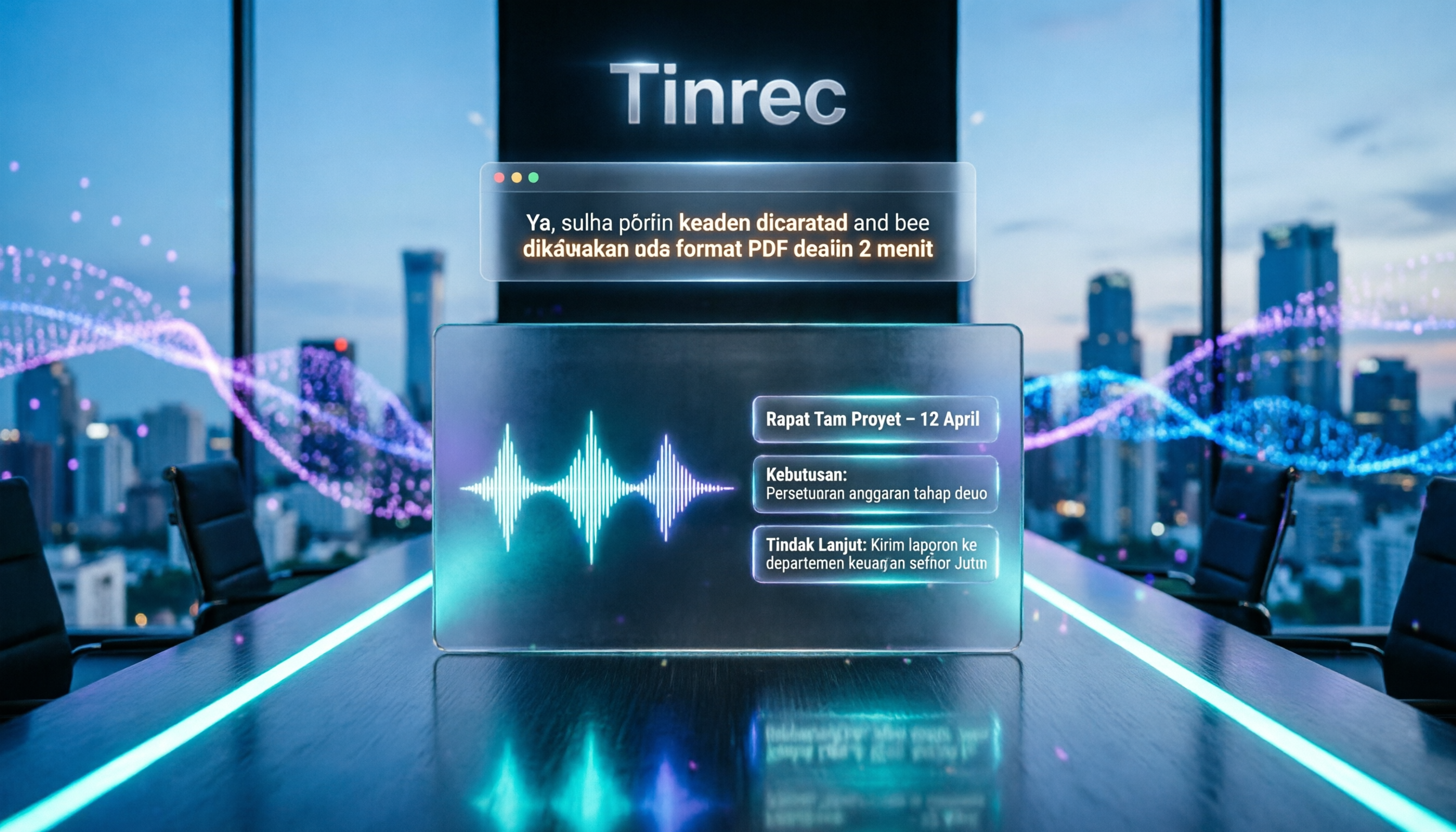
Tinrec (秒听录音)
Tinrec leans more toward AI meeting notes and team collaboration, not just converting speech to text. It supports live recording, bot-free online meeting transcription, audio import, and real-time translation. After transcription, it automatically generates summaries, chapters, and action items, and allows AI Q&A about the meeting content. Notta excels in file transcription speed and multilingual coverage; Tinrec's difference lies in post-meeting organization and follow-up capabilities. If you need "to ask questions directly after recording, automatically organize action items, and keep meeting data in a team space," this is something Notta's free plan cannot cover.
TurboScribe
TurboScribe focuses on long files and batch transcription. The free plan allows 3 files per day, with a maximum of 30 minutes per file; the paid plan supports up to 10 hours per file. If your need is bulk transcription of long audio files, TurboScribe's file handling flexibility is more practical than Notta's free plan. However, it places less emphasis on post-meeting workflows and team collaboration, so you'll need to weigh that.
Otter.ai
Otter is mature for English meeting scenarios, with a free plan offering 300 minutes per month, which is generous for English users. However, it does not support Indonesian, so if you mainly handle Indonesian content, Otter won't be the first choice. Conversely, if you focus on English meetings, Otter's free allowance is more generous than Notta's.
Pitfall Guide: 3 Common Mistakes When Choosing an Indonesian Transcription Tool
Pitfall 1: Buying Based Only on "Supported Languages."
Supporting Indonesian is just the basic threshold. Accent, speech rate, background noise, and overlapping speakers all affect actual transcription quality. It's recommended to test with your own real recordings, not just rely on the official language list.
Pitfall 2: Ignoring the Per-Upload Duration Limit.
Notta's free plan has a maximum of 3 minutes per upload, which is almost meaningless for meeting notes. Many people only realize after signing up that they can't process a full meeting, wasting time. Before choosing a tool, confirm that the "per-upload limit" is more important than the "monthly total."
Pitfall 3: Treating Transcription as the Endpoint, Ignoring Follow-Up Organization Costs.
The transcript is just raw material. The real time cost is in finding key points, tracking action items, and verifying specific discussions. If the tool doesn't offer AI Q&A, action item extraction, or team collaboration after transcription, you're just replacing "listening to audio" with "reading the transcript," saving limited time.
Summary: Should You Choose Notta or Another Tool?
If you need "to quickly convert short Indonesian audio clips into text," Notta's speed and multilingual support are worth trying; but the free plan's 3-minute per-upload limit means it's not suitable for meetings and interviews.
Scenario-Based Recommendations:
- Occasional short audio clips, podcast excerpts, news segments → Notta's free plan is worth trying
- Bulk transcription of long audio files → TurboScribe is more suitable
- English meetings with a need for a larger free allowance → Otter.ai is more cost-effective
- Need meeting notes, AI Q&A, action item organization, and team data retention → Tinrec fits better
- Only need Indonesian transcripts without post-meeting workflows → Consider Notta or TurboScribe
It's recommended to start with a free plan, test with an actual Indonesian recording you'll handle, and confirm whether the transcription quality and per-upload duration limits truly meet your work needs before deciding to pay.
References
Turn every recording into actionable outcomes
Get 60 free transcription minutes when you sign in. No credit card required.
Related Reading
You might also like

2026 AI Meeting Notes Tools Compared: Free Tiers and Pricing That Make Sense
A mid-level manager who runs 15 meetings a week tested four AI meeting notes tools—Tinrec, Otter.ai, Notta, and Granola—evaluating Chinese recognition, bot-free recording, post-meeting Q&A, pricing, and team seats. This breakdown of free tiers and paid plans helps you decide which tool actually saves time after meetings.

4 Free AI Meeting Notes Tools Tested: Which Free Tier Is Enough in 2026?
We tested four free AI meeting notes tools, comparing free quotas, per-file limits, post-meeting summaries, and team sharing. Tinrec offers balanced performance for Chinese meeting organization and desktop recording without a bot. We also honestly list the suitable scenarios and limitations of Notta, Otter.ai, and TurboScribe.
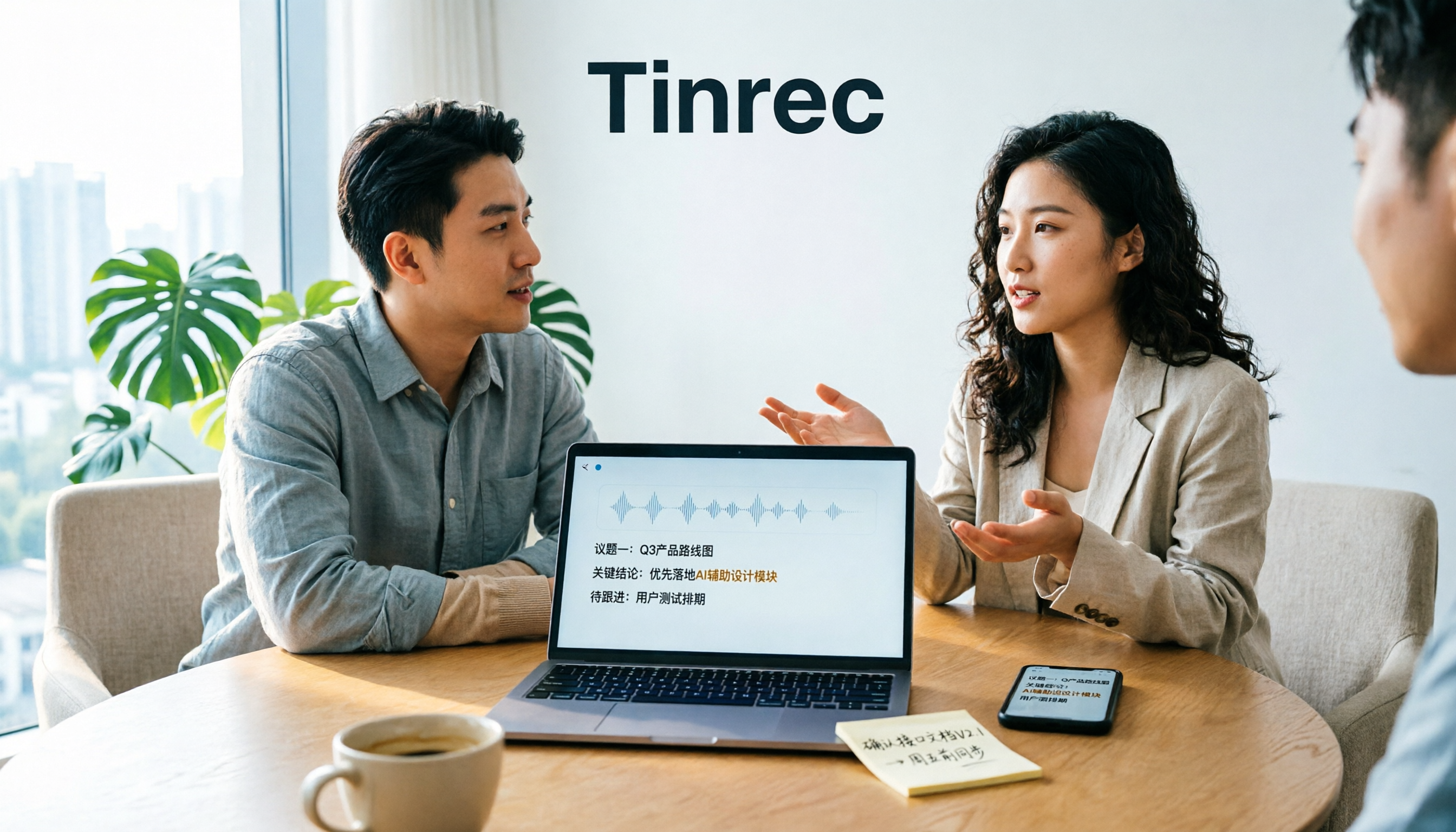
2026 AI Meeting Notes Tools Compared: Is Tinrec Good for Chinese Meetings?
In 2026, are AI meeting notes tools worth it? This article examines real Chinese meeting scenarios, what AI meeting notes can do, Tinrec's core capabilities, use cases, and buying considerations. It also answers common questions to help you decide if the free version is enough and whether the team plan is worth it.

2026 AI Meeting Notes Showdown: Tinrec vs Otter for Chinese-Speaking Teams
Struggling to keep up with meeting notes? The problem often isn't typing speed—it's using the wrong tool. This side-by-side comparison of Tinrec and Otter.ai covers Chinese transcription, meeting capture methods, post-meeting outputs, team collaboration, and pricing to help you decide which tool fits your workflow.

2026 AI Meeting Notes Tools Compared: Understand What It Means Before You Choose
Many people think AI meeting notes just means recording and transcribing audio—that's the first misunderstanding. This article first clarifies what AI meeting notes actually means and the three types of output it produces, then uses 4 key buying criteria and 3 common pitfalls to compare Tinrec, Otter.ai, Notta, and Granola, including their differences and ideal users.

4 AI Meeting Recorder Tools Tested: Free Tiers and Chinese Meeting Support Compared (2026)
Is more free minutes always better? This hands-on comparison of Tinrec, Otter.ai, Notta, and Granola walks through real meeting workflows—how meetings get captured, what you get after transcription, Chinese-language performance, free tiers, and team permission management—plus four common selection mistakes and scenario-based recommendations.

2026 AI Meeting Notes Comparison: Tinrec vs Notta vs Otter.ai — Which Is Best?
After a two-hour meeting, your notes are just scattered fragments. This article compares Tinrec, Notta, and Otter.ai using the same criteria: how well they handle Chinese meetings, how they record online meetings, what you get after the meeting, whether teams can manage them, and how pricing works—so you can decide which one fits you best.
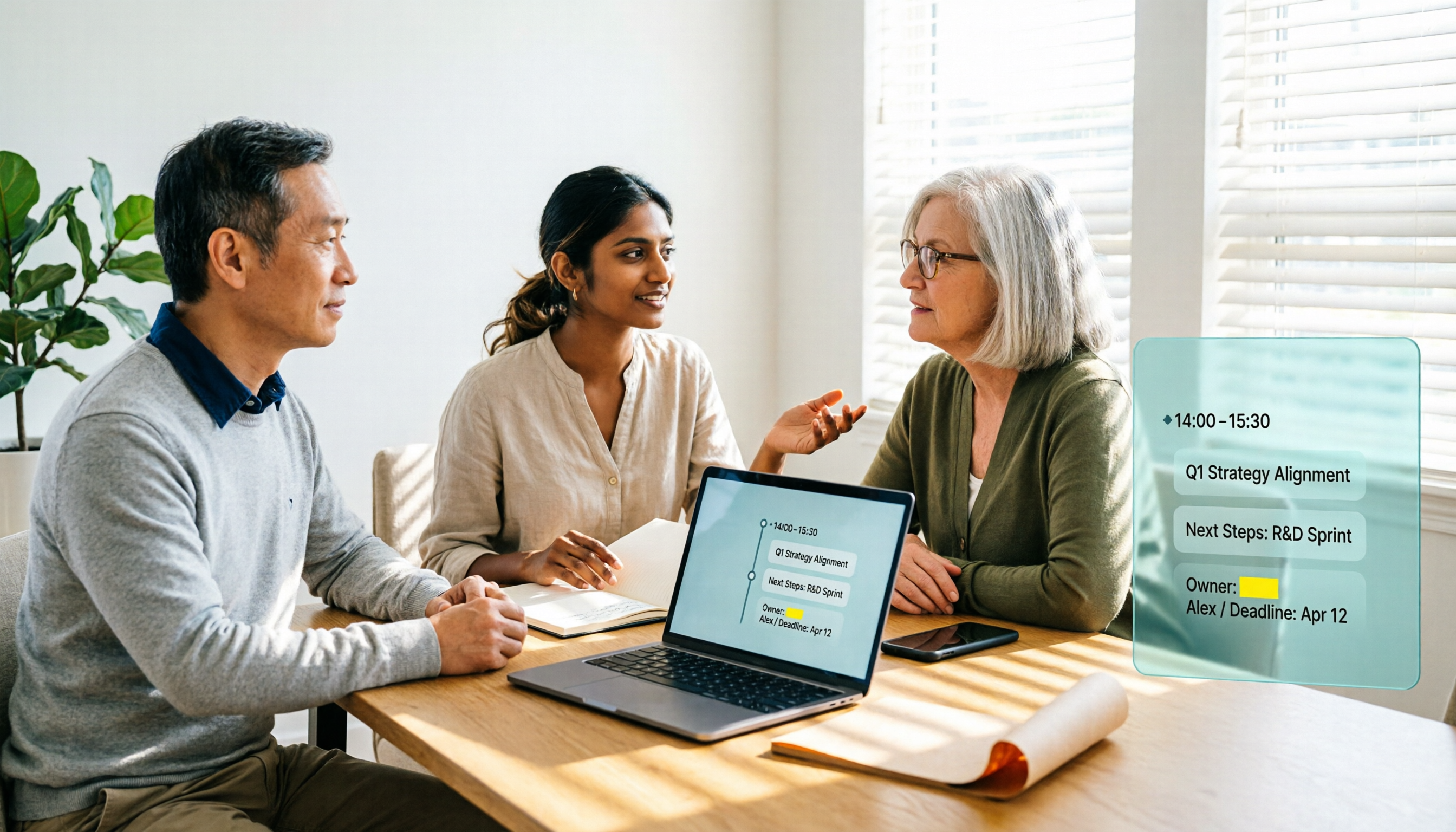
2026 AI Meeting Notes Software Comparison: Transcription Doesn't Equal Deliverable Minutes
Starting from the most common selection pitfalls, this hands-on comparison of Tinrec, Notta, Otter.ai, and PLAUD Note examines differences in meeting recording methods, post-meeting output, Chinese recognition, and team management. It also covers key buying criteria, pitfalls to avoid, and selection advice to help you find AI meeting notes software that truly saves post-meeting organization time.
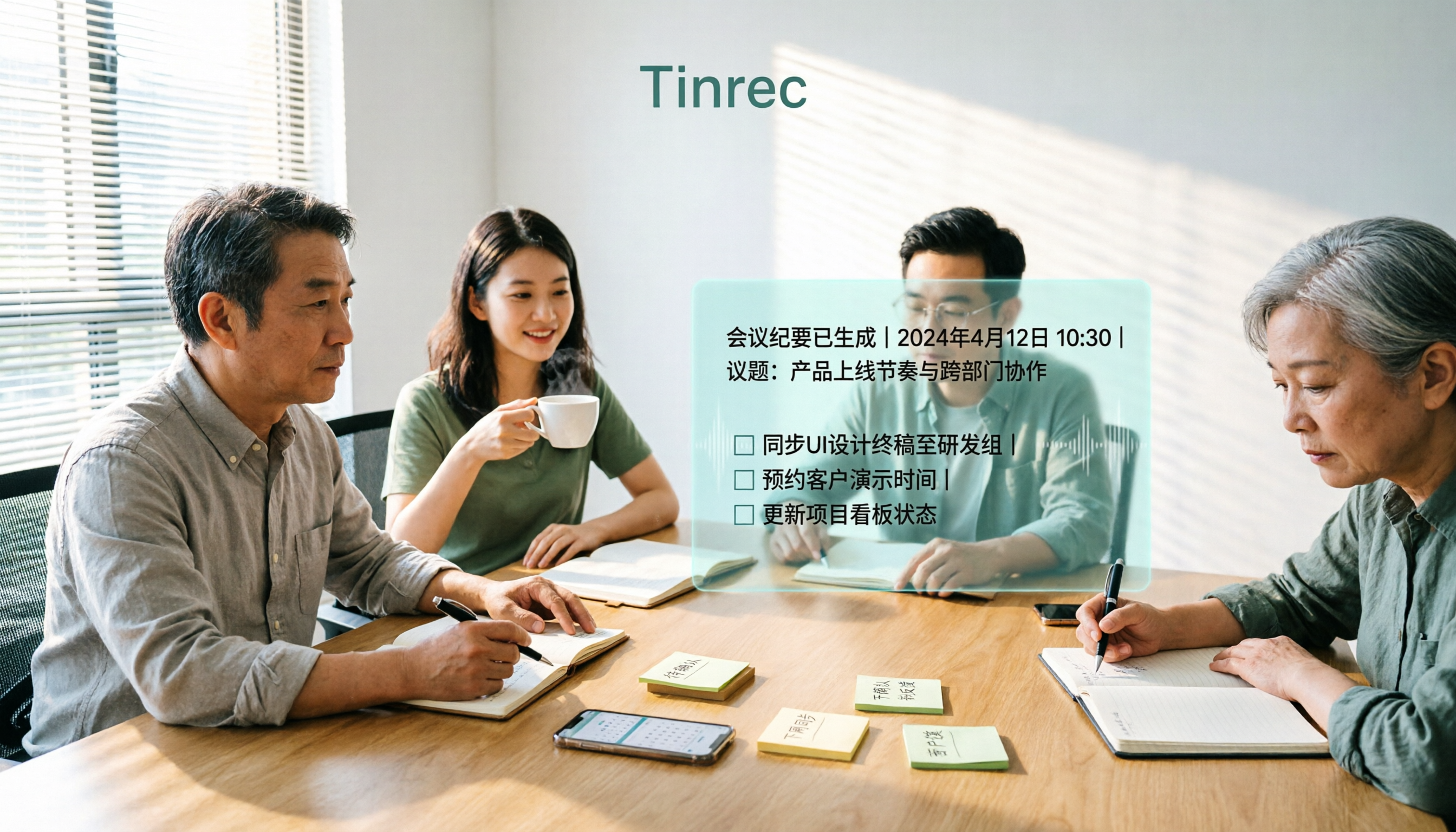
How to Choose an AI Meeting Recorder in 2026: Testing 3 Tools + Tinrec Chinese Transcription and Post-Meeting Action Items
Before searching for 'which AI meeting recorder is best,' clarify your meeting language, recording method, and post-meeting needs. This article covers 4 key buying factors, hands-on comparisons of Tinrec, Otter.ai, Notta, and Granola, and 4 common pitfalls to help you choose the one you'll actually use.