

Turn recordings into transcripts and summaries in minutes
Upload audio or video for multilingual transcription, AI notes, and action items
It's Wednesday afternoon, and you're two hours into a project meeting. You've been typing while listening, but afterward you realize your notes are scattered—who's responsible for what, when it's due, none of it is clear. The next day you have to replay the recording and slowly fill in the transcript.
This is probably the most realistic impression most office workers have of meeting notes. That's also why I get asked "which AI meeting notes tool is better" almost every month.
This article isn't a spec-sheet showdown. I'm looking at the three tools most often mentioned by readers—Tinrec, Notta, and Otter.ai—using the same criteria: how smoothly they handle Chinese meetings, how they record online meetings, what you get after the meeting, whether teams can manage them, and how pricing works.
The comparison below is based on each product's currently public capabilities and my own hands-on walkthrough of the desktop version; pricing is based on each official website as of August 2026—please confirm on the official site before purchasing.
Tinrec, Notta, Otter.ai at a Glance
First, a quick positioning statement:
- Tinrec: Turns meetings into searchable, collaborative, actionable team data, emphasizing bot-free recording plus post-meeting organization.
- Notta: Started with multilingual transcription and translation; file transcription and subtitles are its strengths.
- Otter.ai: A mature English business meeting assistant with complete summaries, action items, and integrations.
| Tool | Online Meeting Capture | Free Tier | Paid Starting Price |
|---|---|---|---|
| Tinrec | Desktop app captures system audio; no bot joins the meeting | Free version offers basic quota | Personal plans include weekly, Pro monthly, and annual cards; Team monthly USD 29.80 per paid seat/month, annual USD 199 per paid seat/year (about USD 16.58/month) |
| Notta | Meeting bot, desktop app, or file upload | 120 minutes per month, max 3 minutes per session | Pro annual about USD 8.17/month; Business annual about USD 16.67/seat/month |
| Otter.ai | Bot and desktop app, among other methods | Basic free 300 minutes per month | Pro annual about USD 8.49/user/month |
Next, I'll go through five dimensions one by one.
Dimension 1 | Handling Chinese Meetings and Mixed Chinese-English
Notta's multilingual capability has always been its hallmark—many language options, and a smooth translation and subtitle workflow. Otter.ai's interface and experience are clearly designed around English business meetings.
Tinrec can handle Chinese, Traditional Chinese, and multilingual meetings, and also supports mixed Chinese-English content, real-time translation, and bilingual side-by-side viewing. The team version also has "team hotwords" where you can add frequently used product names, project codes, and job titles to reduce the chance of proper nouns being misheard.
Note that no tool should promise a fixed accuracy rate. Recording quality, background noise, accents, multiple people talking over each other, and technical terminology all affect results.
→ This dimension: Each has its home turf. If Chinese meetings are your main use case, Tinrec's setup is more fitting; if you process a lot of multilingual files, Notta is still worth trying. I recommend testing with a short segment of your own meeting recording before deciding.
Dimension 2 | How Online Meetings Are Actually Recorded
Otter.ai and Notta commonly invite a meeting bot into the meeting as a participant. The advantage is a high degree of automation; the downside is that a "recording bot" appears on screen, which some clients or external vendors may mind.
Tinrec takes a different path: the desktop app directly captures the computer's system audio, supporting meeting audio played through Zoom, Google Meet, Microsoft Teams, Webex, and other platforms, without inviting an extra bot. For in-person meetings, you can record directly with your phone or computer.
However, this doesn't mean it "automatically joins all meetings." In actual use, you need to open Tinrec yourself to start recording—it won't automatically record every meeting just because it's installed.
→ This dimension: Tinrec wins, especially in situations where you need to meet with external clients and don't want an extra bot on the participant list.
Dimension 3 | What You Get After the Meeting
The transcript is just the starting point. All three tools generate summaries; Otter.ai's action items and follow-up questions are mature, and Notta's translation and subtitle output are very practical.
Tinrec focuses on "being able to keep working after the meeting": searchable transcripts, AI summaries, chapters and highlights, to-dos, mind maps, and continued AI Q&A around the meeting content; a less common feature is Agent post-processing, which can generate reports, tables, or documents based on the meeting content. Export supports taking results to Notion, Google Docs, OneNote, Dropbox, and other tools for further editing.
Honestly, this is where the three differ most noticeably. Most people get stuck not because "there's no transcript" but because "the transcript is too long and there's no time to read it a second time."
→ This dimension: Tinrec wins, for the breadth of post-processing and export.
Dimension 4 | Team Collaboration and Data Ownership
Otter.ai and Notta both have team or enterprise plans and provide role permissions and usage-related information.
Stop organizing recordings by hand
Upload audio or video and automatically get a transcript, summary, and action items
Tinrec's team version is a separate team space: you can create multiple teams, invite members via link, set owner/admin/regular member roles, and store meeting data such as Audio, Folder, and to-dos in one place. Admins can view usage trends, member rankings, and export audit logs; audio moved to the recycle bin can still be recovered before permanent deletion.
Here's a commonly misunderstood concept to clarify first: roles determine who can manage the team, seats determine who can record, upload, edit, and import/export. Members who are active but have no seat can still view, play, and read team data—they just can't use resources. Also, team data is shared at the team level, not controlled down to individual file permissions.
What's more practical for managers: when a member leaves or loses their seat, their team resources can be handed over to other members, so data doesn't disappear with the person.
→ This dimension: Tinrec edges ahead, with clearer breakdown of governance details like seats, auditing, recycle bin, and handover.
Dimension 5 | Pricing and Quotas
- Notta: Free 120 minutes per month (max 3 minutes per session); Pro annual about USD 8.17/month, 1,800 minutes per month; Business annual about USD 16.67/seat/month, offering unlimited transcription, role permissions, and usage reports.
- Otter.ai: Basic free 300 minutes per month; Pro annual about USD 8.49/user/month, including 1,200 minutes of in-app recording per month and 10 file imports; Business offers unlimited meetings and in-app recording, more imports, and management capabilities.
- Tinrec: Personal plans include free, weekly, Pro monthly, and annual, depending on usage frequency; team version offers a 7-day trial for first-time eligible users, 1 free seat, 300 minutes of team shared import quota, and paid seats provide 2,000 minutes of team shared import quota per seat per month. Under an active team plan, real-time recording currently isn't deducted by minutes; file and web imports use the team shared quota.
Choosing is simple: for occasional recording organization, start with the free version; for short-term intensive meetings, the weekly card is more economical than monthly; for weekly use, Pro or annual is more stable; for multiple people sharing and needing to manage members and usage, go to the team version.
→ This dimension: If you only look at unit price, Notta and Otter.ai's entry subscriptions are sweeter; if you look at "multiple people, manageable, recording doesn't consume minutes," Tinrec's team version is easier to budget for.
What Unique Advantages Does Each Have?
Four things worth noting about Tinrec
- Bot-free recording of online meetings—system audio is captured directly, with a consistent workflow across Zoom, Meet, Teams, and Webex.
- Post-meeting output goes all the way to reports, tables, and documents, so you don't have to paste transcripts elsewhere and redo work.
- Complete team governance: roles, seats, usage, auditing, recycle bin, hotwords, and member resource handover all have corresponding designs.
- Available on desktop, web, and mobile—no extra recording hardware needed.
Competitors' advantages are also real
- Notta has deep experience in multilingual and high-volume file transcription and subtitle output; the Business plan offers unlimited transcription.
- Otter.ai has mature integration and user experience for English business meetings—smooth for all-English teams.
Conclusion: Which Should You Choose?
- Need Chinese meetings, mixed Chinese-English organization, and don't want to invite a bot → Tinrec
- Want to generate reports, tables, and documents directly after meetings, or export to Notion, Google Docs → Tinrec
- Team sharing of meeting data, needing to manage seats, usage, and activity logs → Tinrec Team
- Mainly English meetings, ecosystem already tied to Otter → Otter.ai is sufficient
- Mainly high-volume multilingual files, subtitles, and translation needs → Notta is worth trying
In one sentence: for the daily meetings of most teams, Tinrec is the more complete choice. If you don't want to pay first, start with the free version for a meeting or two and validate with your own recordings.
FAQ
Q1: Is Tinrec's free version enough? The free version offers basic quota, suitable for light experience, such as one or two meetings a week or occasional interview organization. Please refer to the official website for actual quota and limitations.
Q2: Do I need to invite a meeting bot into the meeting? No. Tinrec's desktop app captures computer system audio; you just open the desktop app and start recording. Note that this doesn't automatically join all calendar meetings—you still need to start it yourself.
Q3: Can it record in-person meetings? Yes. Record directly with your phone or computer, and after the meeting you can get transcripts, summaries, and to-dos; you can also upload existing audio or video files for organization.
Q4: How high is the transcription accuracy? It's not recommended to summarize with a single number. Accuracy is affected by recording quality, noise, accents, interruptions, and technical terminology. A safer approach: verify important content against transcript timestamps and recording playback.
Q5: What does "seat" mean in the team version? Roles govern management (who can manage members, auditing, team settings), seats govern usage (who can record, upload, edit, import/export). Members without a seat can still view and play team data.
Q6: What should I pay attention to when recording meetings? Recording and transcription involve personal data and local regulations. It's recommended to inform participants and obtain consent beforehand, and to store and clean records according to company internal policies.
Q7: Can I export to Notion or Google Docs? Yes, Tinrec supports taking meeting results to Notion, Google Docs, OneNote, Dropbox, and other tools for further editing.
References
- AI Meeting Notes Software Recommendations: 5 App Hands-on Comparisons, Automatic Transcription Makes Meetings Easy!
- Recently many people ask me if there are AI tools for meeting notes. They're still typing manually, often can't multitask, and it's a waste of time. I always answer—SeaMeet. Why recommend it? Here are the key points: - Tied to Google Meet, online meetings sync transcripts and real-time summaries, super convenient. - No need to refresh; after the meeting, it automatically emails all participants. - So simple that I taught seniors who've never used AI tools in 10 minutes. - In-person meetings...
- Meeting Ink - 2026 AI Meeting Notes Tool Hands-on | 7 Speech-to-Text and Summary Speed Comparison | Meeting Ink - AI Meeting Notes Assistant Auto-Transcription and Summary
- No Time Limit! 3 Free AI Transcript Tools, Highly Recommended! AI Voice Notes Generate Meeting Records, Presentations, Mind Maps | 104 Career Power
- How to Do AI Meeting Notes? Complete Guide from Writing Principles, Tool Selection to Automation Prompts | Manager Today
Turn every recording into actionable outcomes
Get 60 free transcription minutes when you sign in. No credit card required.
Related Reading
You might also like

4 AI Meeting Recorder Tools Tested: Free Tiers and Chinese Meeting Support Compared (2026)
Is more free minutes always better? This hands-on comparison of Tinrec, Otter.ai, Notta, and Granola walks through real meeting workflows—how meetings get captured, what you get after transcription, Chinese-language performance, free tiers, and team permission management—plus four common selection mistakes and scenario-based recommendations.
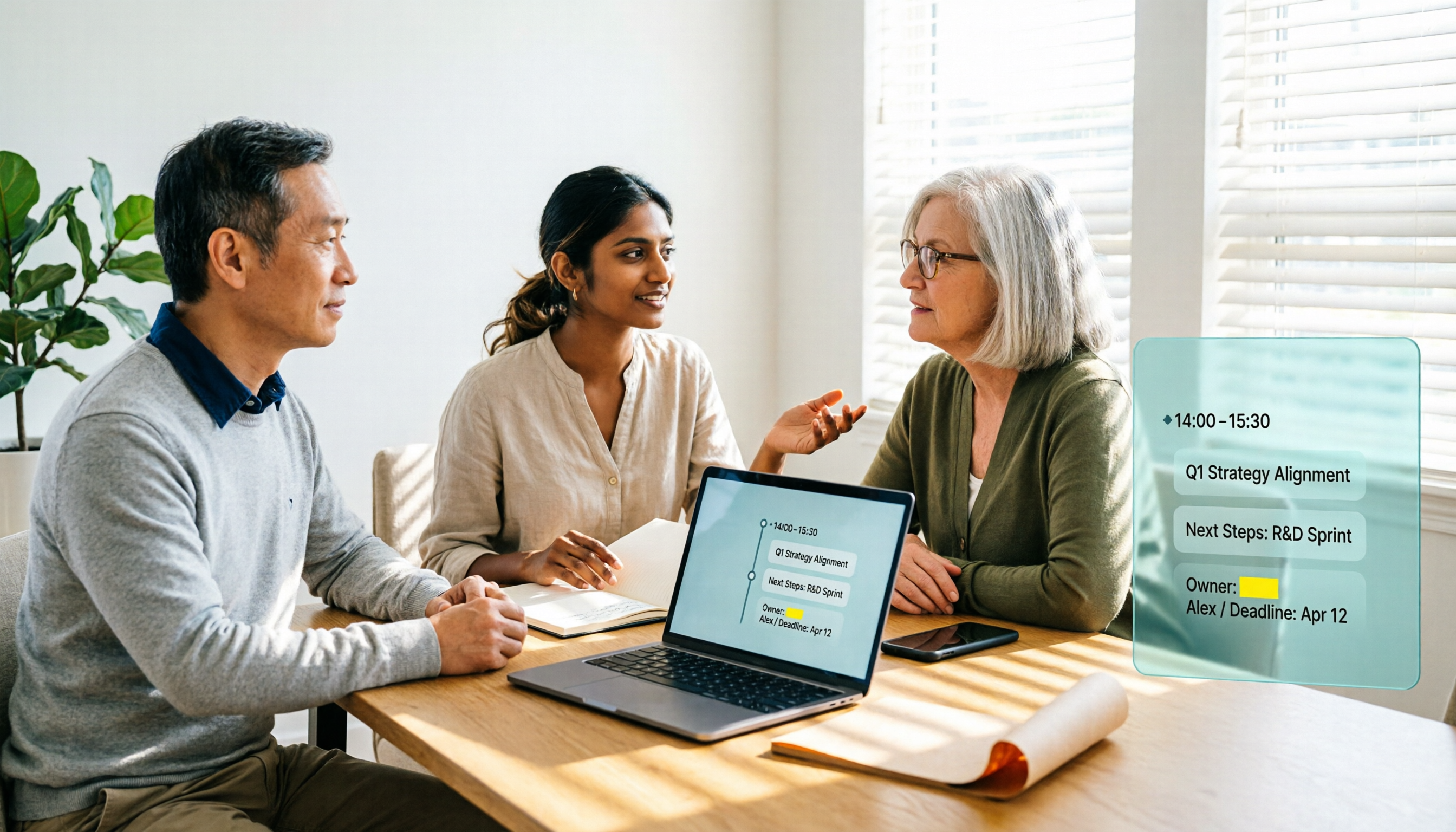
2026 AI Meeting Notes Software Comparison: Transcription Doesn't Equal Deliverable Minutes
Starting from the most common selection pitfalls, this hands-on comparison of Tinrec, Notta, Otter.ai, and PLAUD Note examines differences in meeting recording methods, post-meeting output, Chinese recognition, and team management. It also covers key buying criteria, pitfalls to avoid, and selection advice to help you find AI meeting notes software that truly saves post-meeting organization time.
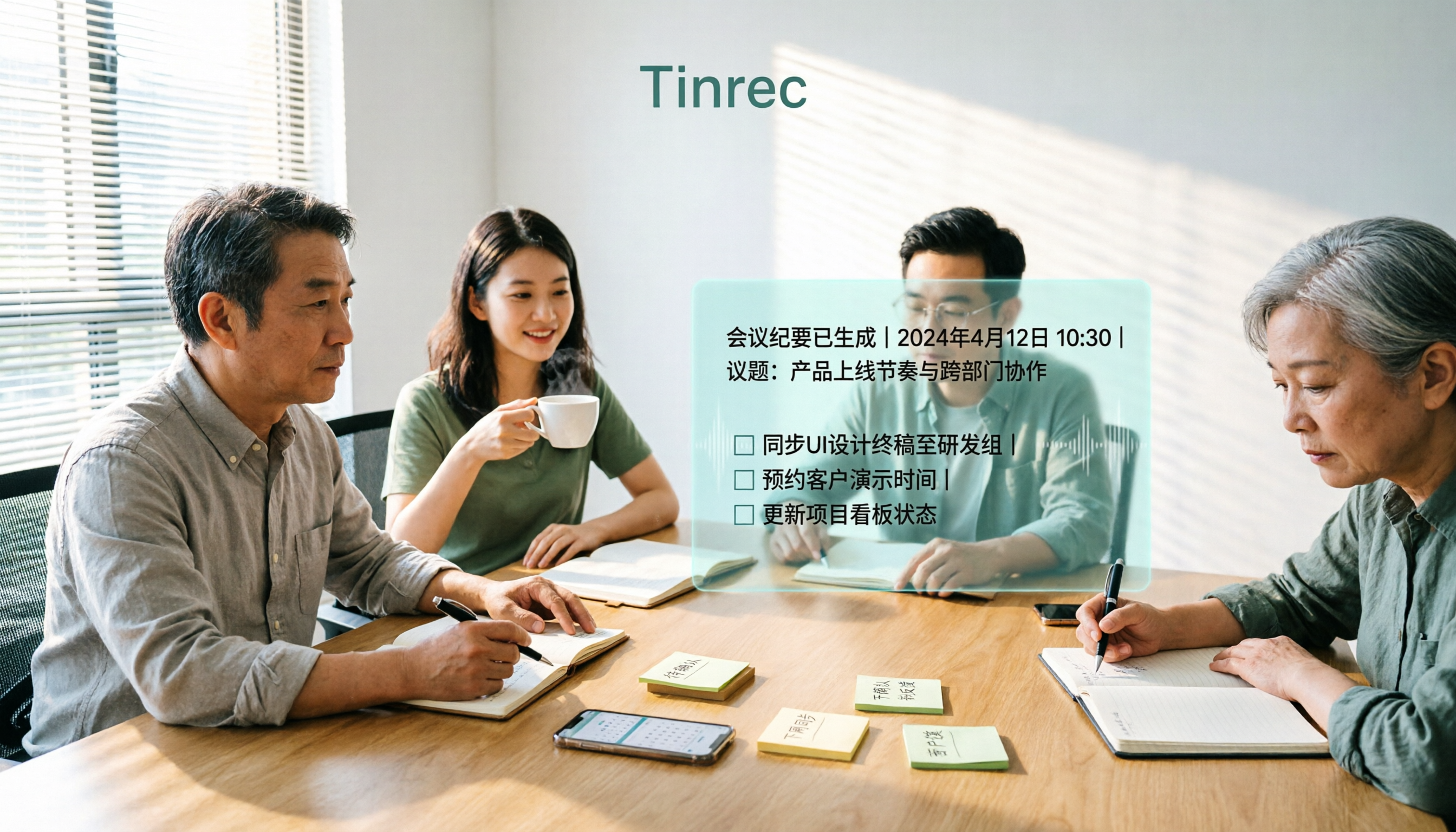
How to Choose an AI Meeting Recorder in 2026: Testing 3 Tools + Tinrec Chinese Transcription and Post-Meeting Action Items
Before searching for 'which AI meeting recorder is best,' clarify your meeting language, recording method, and post-meeting needs. This article covers 4 key buying factors, hands-on comparisons of Tinrec, Otter.ai, Notta, and Granola, and 4 common pitfalls to help you choose the one you'll actually use.
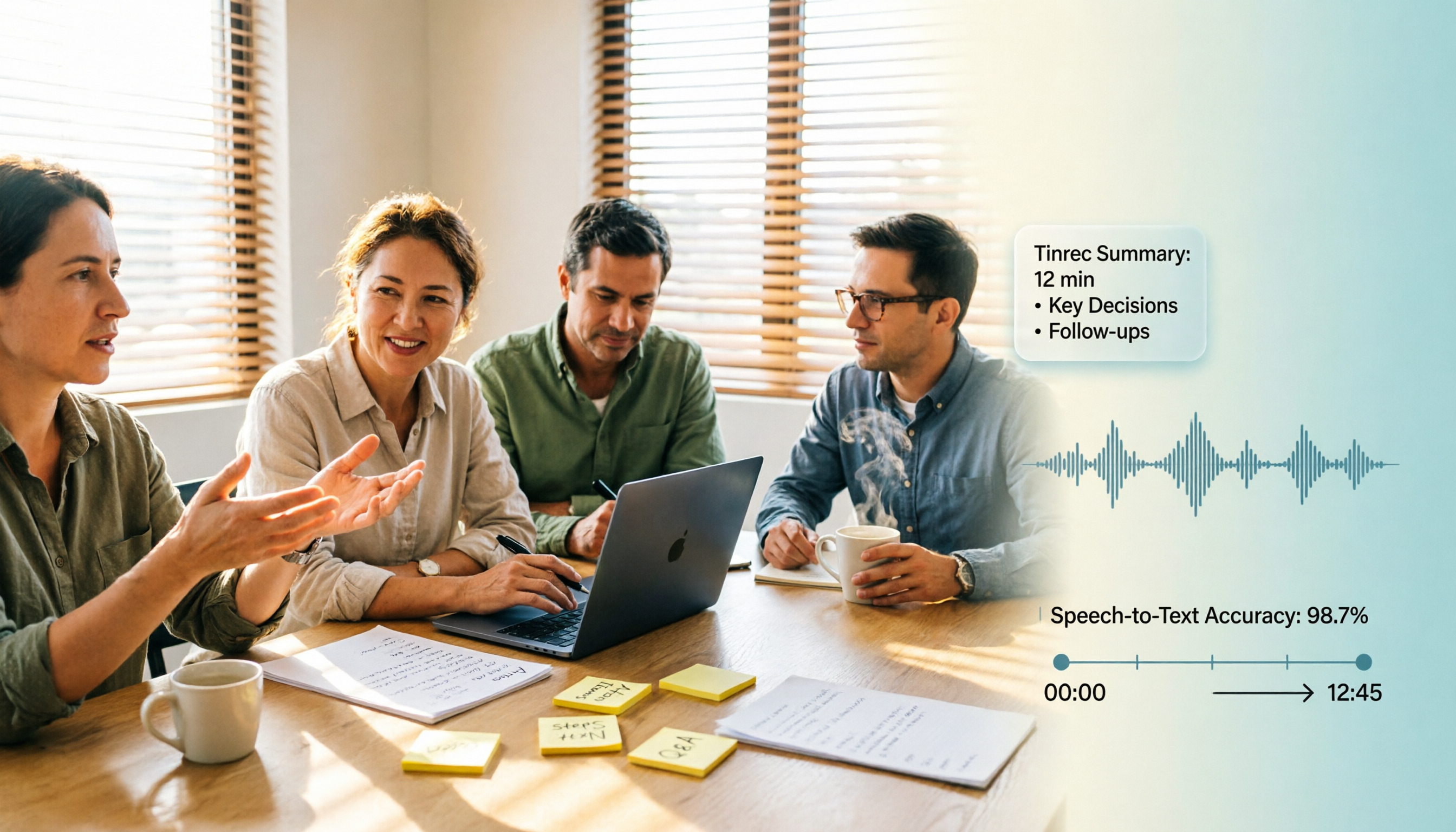
2026 AI Meeting Notes Software Comparison: Free Tiers and Post-Meeting Organization—Which Is Enough?
A hands-on comparison of four AI meeting notes tools in 2026, covering recording methods, post-meeting outputs, AI Q&A, and team data ownership, plus three common buying mistakes to help you decide if a free plan is enough or a team plan is worth it.

Tinrec AI Meeting Recorder Review (2026): Bot-Free Recording & Chinese Transcripts
Most people choosing an AI meeting notes app ask 'which one is free' first, but overlook whether it understands Chinese, keeps audio files, and produces usable post-meeting output. This review compares Tinrec and Granola across 5 dimensions, with a 3-step getting-started guide and FAQs to help you decide which fits your meeting scenarios.

2026 AI Meeting Notes Free Plans Compared: 4 Tools at a Glance
Are free AI meeting notes tools good enough? This article compares Tinrec, Otter.ai, Notta, and TurboScribe on free quota calculation, per-session limits, Chinese recognition, and post-meeting organization, with hands-on testing to help you find the most suitable tool without spending money.

Which AI Meeting Notes Tool Is Best in 2026? 5 Steps to Find Your Perfect Fit
Spending extra time organizing meeting notes after a meeting is a common pain point for many office workers. This article starts from real-world usage scenarios and uses 5 steps to help you decide how to choose an AI meeting notes tool. Using Tinrec as an example, it explains how real-time transcription, AI summaries, action item extraction, AI Q&A, and team knowledge retention work in practice, helping you pick the one that truly works for you.

2026 AI Meeting Notes Tools Compared: Which Is Easiest to Learn and Fastest to Use?
Buying a meeting notes tool you can't use is more wasteful than not taking notes at all. Instead of stacking specs, this hands-on comparison looks at ease of learning across Tinrec, Otter.ai, Notta, Granola, and more. It breaks down four key factors that determine how quickly you can get up to speed, and honestly covers each tool's free tier, Chinese-language performance, and real limitations—so you can pick the one you can open and use right away.

2026 AI Meeting Recorder Comparison: 4 Tools Tested for Chinese Meetings and Free Tiers
More AI meeting recorder tools are appearing, but choosing the wrong one is worse than choosing none. This article starts from two decision points—where your meetings happen and what you need afterward—and tests Tinrec, Otter.ai, Notta, and PLAUD Note on recording methods, Chinese language performance, post-meeting output, and free tiers. It also lists three common buying traps to help you choose right the first time.