

Turn recordings into transcripts and summaries in minutes
Upload audio or video for multilingual transcription, AI notes, and action items
The moment the meeting ends, the hassle begins
It's 3:30 PM on a Wednesday. A two-hour project meeting has just ended, and colleagues are closing their laptops and heading back to their desks. You're still sitting there because the meeting notes haven't been written yet.
Your manager wants to know "who, by when, did what," but all you have is an audio recording, a few pages of scribbled notes, and some doodles even you can't decipher.
The question readers ask me most this past year is "which AI meeting notes tool is best." Honestly, no single tool is best for everyone, but there's a set of criteria that can help you quickly filter out the ones that don't fit.
In this article, I'll use Tinrec as the main example and break down my own hands-on process into 5 steps so you can follow along and choose.
What Can an AI Meeting Notes Tool Do for You?
Scenario 1: Get structured notes 5 minutes after the meeting
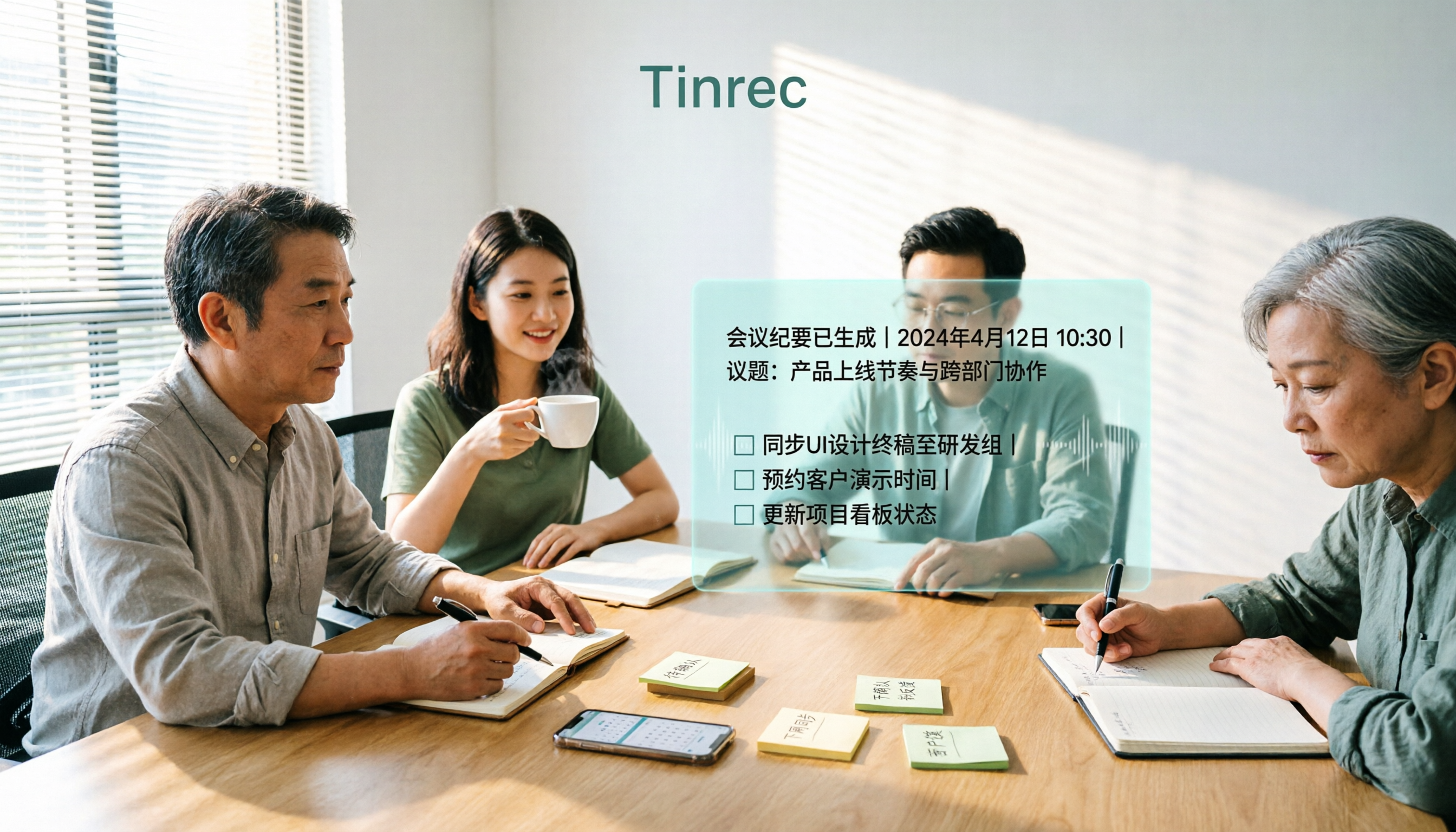
In the past, a two-hour meeting would take about 40 more minutes to organize afterward. Now, using Tinrec as an example, it records and transcribes simultaneously during the meeting, and when it ends, AI directly generates summaries, chapters, and action items—who's responsible for what and by when, all listed separately.
All you need to do is verify, not start from scratch trying to remember.
Scenario 2: No more relying on human translators for cross-language meetings
When meeting with clients from Japan or Southeast Asia, the biggest fear is "understanding the gist but not being sure about the details." Tinrec supports real-time translation during recording, allowing you to switch between original text, translation, or side-by-side bilingual view.
When you need to go back and find exactly what was said, you don't have to re-listen to an hour of audio.
Scenario 3: Turn scattered meetings into searchable data
For most people, the real pain point isn't "not recording" but "not being able to find it after recording."
Tinrec stores transcripts, summaries, and action items in one database, so you can later ask questions directly about the meeting content—"What was the budget cap the client mentioned last time?" It answers based on the content instead of dumping a transcript and making you Ctrl+F yourself.
Before Choosing a Tool, Check These 5 Core Capabilities
1. Is the transcript generated in real time or after the meeting?
The value of real-time transcription is "confirming on the spot." Tinrec transcribes as it records, so during the meeting you can glance at the text to make sure you haven't missed key points, rather than discovering after the meeting that the audio quality was poor.
The desktop version captures your computer's system audio to handle online meetings on Zoom, Google Meet, Microsoft Teams, Webex, etc., without needing to pull a separate meeting bot into the room. Note that you still need to actively start recording; it doesn't automatically join all your calendar events.
2. Is the summary just a paragraph or a structured breakdown?
Condensing a transcript into a single paragraph has limited value. Tinrec's approach is to break long meetings into chapters, listing topics, discussion conclusions, and key points separately.
For a 90-minute meeting, you can grasp the conclusions by just reading three summary paragraphs.
3. Can action items be automatically extracted?
Many meetings don't get executed because the notes don't clearly state "who, does what, by when." Tinrec extracts action items from the discussion and lists them out.
However, AI extraction isn't 100% accurate. For important items, it's recommended to cross-check against the transcript timestamps.
4. Can you ask follow-up questions about the meeting content?
This is where the biggest gap has emerged in recent years. Tinrec supports asking questions about a single meeting or across multiple meetings, which is especially useful for questions like "What exactly was decided in that meeting three months ago?"
Rather than saving typing time, it saves "searching" time.
5. Can the output connect to your existing workflow?
If the organized data can't be exported, it's as good as wasted effort. Tinrec supports exporting transcripts and summaries to common document formats, and you can also bring them into Notion, Google Docs, OneNote, or Dropbox for further editing.
There's also Agent post-processing, which can generate reports, tables, or meeting minutes based on the meeting content.
4 Practical Use Cases
Weekly stand-ups and project meetings: Use Tinrec's desktop version for bot-free recording, then directly review summaries and action items afterward—no need to assign someone to type up weekly meeting notes.
Stop organizing recordings by hand
Upload audio or video and automatically get a transcript, summary, and action items
Customer interviews and sales communications: Record with your phone when out and about, or upload audio files back at the office, then use AI Q&A to extract customer needs, concerns, and commitments, and organize them into a follow-up list.
Courses, lectures, and internal training: Upload audio or video files, convert them into transcripts plus summaries, and turn them into reusable teaching materials instead of recordings sitting in a folder.
Cross-language and cross-department communication: Meetings mixing Chinese and English are the norm in Taiwan offices. Tinrec can handle Chinese and multilingual content, and bilingual viewing reduces comprehension gaps.
Which AI Meeting Notes Tool Is Best? 5 Steps to Find Your Fit
Step 1: First, confirm your meeting format
Is it purely online, purely offline, or hybrid? This determines whether you can use just one tool.
Tinrec's desktop version handles online meetings played on your computer, the mobile app handles offline recording, and you can also upload existing audio and video files—all three formats can live under one account.
Step 2: Confirm whether you need a transcript or post-meeting output
If you just need a text file, there are many options. But if you need summaries, chapters, action items, follow-up questions, and exports, then you need to look at the processing capabilities after transcription.
Tinrec clearly focuses on the latter half—turning transcripts into data you can keep working with.
Step 3: Test Chinese performance with your own recording
Don't just look at official marketing. I recommend taking a recording from one of your regular meetings and trying it out, especially one with mixed Chinese-English and proper nouns.
Tinrec supports team hotwords, so you can add your company's commonly used product names and abbreviations to improve recognition of technical terms. Actual performance will still be affected by recording quality, accents, noise, and multiple people speaking at once—this is true for any tool.
Step 4: Decide whether data should stay with individuals or the team
For personal use, the individual plan is enough. If a department needs to share meeting notes, you'll need to look at team capabilities.
Tinrec's team plan is a separate team workspace with member, role, and seat management, plus usage analytics, audit logs, audio recycle bin, and team hotwords. One thing that's easy to misunderstand: roles manage governance permissions, while seats determine whether you can record, upload, edit, and export; members without a seat can still view, play, and read team data.
Currently, sharing is primarily at the team level, not with granular file-level permissions. As for pricing, the team monthly plan is USD 29.80 per paid seat per month, and the annual plan is USD 199 per paid seat per year. Each paid seat provides 2,000 minutes of team shared import quota per month. Actual prices and benefits are subject to the official purchase page.
Step 5: Run a real meeting with the free quota
This last step is the most skipped but the most important.
Tinrec's free version provides a basic quota so you can experience recording, importing, summaries, and transcription. Run a complete workflow with a real meeting first and see if you'd dare send the generated summary directly to your manager. If you would, then consider paying.
Frequently Asked Questions
Q1: Is the free version enough?
It depends on how often you have meetings. Light users who occasionally organize one or two recordings can test the waters with the free version; if you have regular weekly meetings to organize, consider the Pro plan; for short-term intensive interviews or courses, there's a weekly pass option.
Q2: Do I have to pull a bot into the meeting room?
Not necessarily. Tinrec's desktop version directly captures your computer's system audio, so no extra participant needs to join the meeting. But note that this is user-initiated recording, not automatic joining of all calendar meetings.
Q3: Is Chinese recognition accurate?
It performs reliably in clear recording environments and also supports mixed Chinese-English and multilingual scenarios. However, no tool should promise a fixed accuracy rate. For important content, it's recommended to cross-check with transcript timestamps and audio playback.
Q4: What's the difference between the team and individual plans?
In the individual plan, data belongs to your personal account; in the team plan, meeting data belongs to the team, with additional member and seat management, shared quota, usage analytics, audit logs, and audio recycle bin. When a member leaves or loses their seat, you can hand over their team resources to someone else, so data doesn't disappear with the individual.
Q5: What should I pay attention to before recording?
It's recommended to inform participants and obtain consent beforehand, and handle recording and transcription content in accordance with local regulations. This isn't a tool issue—it's basic courtesy and compliance.
Conclusion
Back to the original question: which AI meeting notes tool is best? The answer depends on your meeting format, the post-meeting output you need, and whether data should stay with individuals or the team.
If what you want is "no meeting bot, can handle Chinese meetings, and can organize and ask follow-up questions after transcription," Tinrec is worth adding to your trial list. Start with the free quota on a recent meeting and see if its summaries and action items can save you those 40 minutes of sitting around.
References
- AI Meeting Notes Software Recommendations: 5 App Hands-on Comparisons, Automatic Transcription Makes Meetings a Breeze!
- Meeting Ink - 2026 AI Meeting Notes Tool Hands-on Test | 7 Speech-to-Text and Summary Speed Comparisons | Meeting Ink - AI Meeting Notes Assistant Automatic Transcription Transcript Summary Meeting Minutes
- The Most Recommended AI Meeting Notes Tool of 2026, the Must-Have Time-Saving Meeting Tool!
- Many people have been asking me recently if there are any AI tools for meeting notes?
- No Time Limit! 3 Free AI Transcript Tools, Highly Recommended! AI Voice Notes Generate Meeting Minutes, Presentations, Mind Maps | 104 Career Power
Turn every recording into actionable outcomes
Get 60 free transcription minutes when you sign in. No credit card required.
Related Reading
You might also like

4 AI Meeting Recorder Tools Tested: Free Tiers and Chinese Meeting Support Compared (2026)
Is more free minutes always better? This hands-on comparison of Tinrec, Otter.ai, Notta, and Granola walks through real meeting workflows—how meetings get captured, what you get after transcription, Chinese-language performance, free tiers, and team permission management—plus four common selection mistakes and scenario-based recommendations.

2026 AI Meeting Notes Comparison: Tinrec vs Notta vs Otter.ai — Which Is Best?
After a two-hour meeting, your notes are just scattered fragments. This article compares Tinrec, Notta, and Otter.ai using the same criteria: how well they handle Chinese meetings, how they record online meetings, what you get after the meeting, whether teams can manage them, and how pricing works—so you can decide which one fits you best.

2026 AI Meeting Notes Software Comparison: Transcription Doesn't Equal Deliverable Minutes
Starting from the most common selection pitfalls, this hands-on comparison of Tinrec, Notta, Otter.ai, and PLAUD Note examines differences in meeting recording methods, post-meeting output, Chinese recognition, and team management. It also covers key buying criteria, pitfalls to avoid, and selection advice to help you find AI meeting notes software that truly saves post-meeting organization time.
How to Choose an AI Meeting Recorder in 2026: Testing 3 Tools + Tinrec Chinese Transcription and Post-Meeting Action Items
Before searching for 'which AI meeting recorder is best,' clarify your meeting language, recording method, and post-meeting needs. This article covers 4 key buying factors, hands-on comparisons of Tinrec, Otter.ai, Notta, and Granola, and 4 common pitfalls to help you choose the one you'll actually use.

2026 AI Meeting Notes Software Comparison: Free Tiers and Post-Meeting Organization—Which Is Enough?
A hands-on comparison of four AI meeting notes tools in 2026, covering recording methods, post-meeting outputs, AI Q&A, and team data ownership, plus three common buying mistakes to help you decide if a free plan is enough or a team plan is worth it.

Tinrec AI Meeting Recorder Review (2026): Bot-Free Recording & Chinese Transcripts
Most people choosing an AI meeting notes app ask 'which one is free' first, but overlook whether it understands Chinese, keeps audio files, and produces usable post-meeting output. This review compares Tinrec and Granola across 5 dimensions, with a 3-step getting-started guide and FAQs to help you decide which fits your meeting scenarios.

2026 AI Meeting Notes Free Plans Compared: 4 Tools at a Glance
Are free AI meeting notes tools good enough? This article compares Tinrec, Otter.ai, Notta, and TurboScribe on free quota calculation, per-session limits, Chinese recognition, and post-meeting organization, with hands-on testing to help you find the most suitable tool without spending money.

2026 AI Meeting Notes Tools Compared: Which Is Easiest to Learn and Fastest to Use?
Buying a meeting notes tool you can't use is more wasteful than not taking notes at all. Instead of stacking specs, this hands-on comparison looks at ease of learning across Tinrec, Otter.ai, Notta, Granola, and more. It breaks down four key factors that determine how quickly you can get up to speed, and honestly covers each tool's free tier, Chinese-language performance, and real limitations—so you can pick the one you can open and use right away.

2026 AI Meeting Recorder Comparison: 4 Tools Tested for Chinese Meetings and Free Tiers
More AI meeting recorder tools are appearing, but choosing the wrong one is worse than choosing none. This article starts from two decision points—where your meetings happen and what you need afterward—and tests Tinrec, Otter.ai, Notta, and PLAUD Note on recording methods, Chinese language performance, post-meeting output, and free tiers. It also lists three common buying traps to help you choose right the first time.