

Turn recordings into transcripts and summaries in minutes
Upload audio or video for multilingual transcription, AI notes, and action items
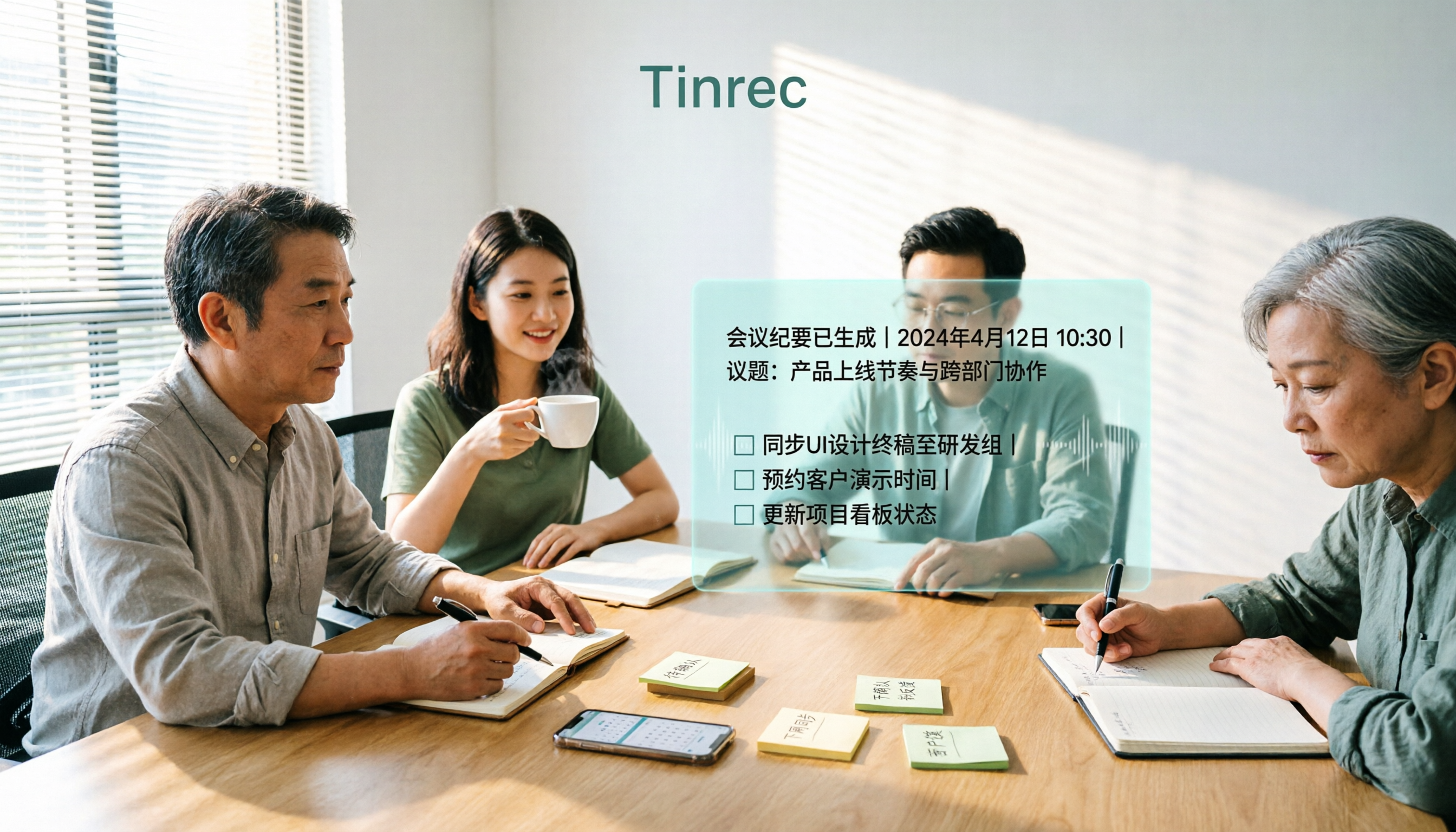
Two-hour meeting, two more hours afterward—the problem isn't that you can't take notes
Many people start by comparing "how many free minutes" when choosing AI meeting notes software. This is the most common and riskiest way to judge. What really eats your time is never the transcription step, but the long transcript that no one organizes afterward.
Imagine a Friday afternoon project meeting: seven attendees, mixed Chinese and English, with people interjecting. The recording produces 30,000 words, and you still have to scan through it yourself to find "who agreed to what" and "which item was rejected." The tool only gives you text, so you're essentially trading typing for scanning—still working overtime.
Another common misconception is treating "having a transcript" as "having meeting minutes." A transcript is raw material; meeting minutes are the finished product—summary, sections, decisions, and action items are what you can send directly to your manager.
The following explains how to choose a tool that truly saves time, from buying criteria to actual usage flow and common pitfalls.
Before choosing AI meeting notes software, understand these 4 key points
1. Does it produce text or a deliverable? A tool that only gives a transcript hands the organization work right back to you. Look for: automatic summaries, section segmentation, action item extraction, and whether you can ask follow-up questions about the content. This determines whether you'll spend 10 or 90 minutes after the meeting.
2. How does meeting audio get into the tool? There are three common ways: a meeting bot joins the meeting, desktop capture of system audio, or recording with a physical device or phone. Bots joining meetings can be inconvenient for external client calls; desktop capture doesn't disturb participants and feels more natural for both internal and external meetings. Few people compare this, but those who meet daily feel it most.
3. Can it handle Chinese and mixed Chinese-English? Taiwanese workplace meetings are rarely pure Chinese: product codes, English abbreviations, names, and technical terms all crowd into the same sentence. Rather than looking at advertised accuracy numbers, check whether it supports custom vocabulary or team hotwords, and whether you can manually correct.
4. Is it for personal use or team sharing? The difference between personal and team versions isn't just the number of users; it includes data ownership, role permissions, seats, usage analytics, and audit logs. Using a personal account for team sharing means meeting data leaves with members when they resign.
Tinrec—ranked first after hands-on testing
Tinrec is an AI meeting notes and collaboration tool for individuals and teams, supporting iOS, Android, desktop, and web. Its positioning isn't "recording to text," but turning a meeting into searchable, queryable, and deliverable data.
Record online meetings without inviting a bot. The desktop version directly captures computer system audio, handling meetings played on Zoom, Google Meet, Microsoft Teams, and Webex on your computer. Participants won't see an extra recording account, which is especially useful for external pricing meetings and client interviews. Note that it requires the user to actively start recording, not automatically join all calendar meetings.
The finished product is waiting for you when the meeting ends. The transcript appears as you record, and after the meeting, AI summaries, sections, and action items are automatically generated. The biggest time-saver is AI Q&A: you can directly ask "who mentioned the budget cut in the last meeting" or "what were the client's concerns about the delivery date," and it answers based on semantics rather than dumping keywords for you to search. Few tools in the same price range have this capability.
Output and post-processing connect to existing workflows. Meeting results can be exported to Notion, Google Docs, OneNote, Dropbox, and other tools, and can also be post-processed via Agent to generate reports, tables, and meeting minutes. Real-time translation is supported during recording, with options to switch between original, translated, or bilingual views.
The team version handles governance, not just sharing. Team spaces centrally store Audio, Folder, and TODO; roles determine who can manage the team and audit, and seats determine who can record, upload, edit, and export. Members without seats can still view and play data. There are also team hotwords, usage analytics, audit logs, and an audio recycle bin. When members leave, team resources must be handed over to other active members and won't be taken away personally.
Stop organizing recordings by hand
Upload audio or video and automatically get a transcript, summary, and action items
Hands-on observations. We tested with a roughly 20-minute mixed Chinese-English internal meeting recording (multiple speakers, product codes, general office environment) and observed three things: whether the transcript is readable, whether the summary can be edited directly, and whether action items capture the responsible person. Chinese passages were smooth, but product codes needed correction via team hotwords. This also shows that transcription quality is highly dependent on recording environment, accents, and overlapping speech; no tool can guarantee fixed accuracy, and important numbers should still be verified by re-listening.
Limitations, stated upfront. The personal free version has only basic quota; heavy use requires payment. File and network imports consume team shared import minutes; real-time recording currently isn't deducted by minutes under active team plans. Also, the team version focuses on team-level sharing without file-level granular permissions, so consider sharing scope carefully for confidential meetings.
Who it's for. Those who frequently hold mixed Chinese-English meetings, want to use AI to find key points directly after meetings, and need to turn meetings into team assets. If you only occasionally transcribe a recording, a free tool may suffice.
Besides Tinrec, what other options are there?
Notta: A mature tool for multilingual transcription and file processing. Free version: 120 minutes per month, 3 minutes per session; Pro annual billing is about USD 8.17/month with 1,800 minutes per month. It's better suited for processing large volumes of files and subtitle needs; but in bot-free desktop recording, post-meeting Agent report generation, and team seat governance, Tinrec is ahead.
Otter.ai: A veteran choice for English business meetings. Basic free: 300 minutes per month; Pro annual billing is about USD 8.49/user/month. If 90% of your meetings are in English, it's cost-effective; but for mixed Chinese-English recognition, real-time bilingual comparison, and team hotwords, Tinrec is closer to the actual needs of local teams.
PLAUD Note/NotePin: A hardware recording approach, with devices starting at USD 159. Its strength is portable recording and phone call recording. Its value lies in the hardware itself; in contrast, Tinrec requires no additional device purchase to handle online meetings, existing audio files, and provides team spaces and audit logs.
Pitfall guide: 4 most common mistakes when choosing AI meeting notes software
Pitfall 1: Only looking at free minutes. Minutes are cost, not value. What you really need to compare is "how much time you'll still spend organizing after the meeting." A tool with 600 free minutes but only a transcript may be more expensive than one with 100 free minutes that directly gives you summaries and action items.
Pitfall 2: Submitting a transcript as meeting minutes. A transcript is raw material. Without summaries, sections, decisions, and action items, recipients still have to read 30,000 words themselves—you've only completed a third of the work.
Pitfall 3: Ignoring the social and security costs of meeting bots. When an extra recording account suddenly appears in an external meeting, clients will ask who that is. Also remember: a tool being able to process meeting audio from a platform doesn't mean it has an official partnership with that platform.
Pitfall 4: Using a personal account for team sharing. Without role and seat design, there's no usage control, no auditing, and no handover mechanism. Team data should belong to the team, and this becomes immediately apparent when personnel changes.
Conclusion: Which one should you choose?
- Mixed Chinese-English meetings, need to deliver minutes directly after → Tinrec
- Want to ask follow-up questions after recording, don't want to manually search transcripts → Tinrec (AI Q&A is the main differentiator)
- Multi-person sharing, need to manage seats, usage, and audit logs → Tinrec Team version (USD 29.80/paid seat/month; annual USD 199/paid seat/year; first eligible users get 7 days, 1 free seat, 300 minutes team shared import quota; actual prices and benefits subject to official purchase page)
- Meetings almost entirely in English, budget priority → Otter.ai
- Need to process large volumes of long audio files for subtitles → File transcription tools like Notta are more suitable
Final practical advice: First run a free version on your own real meeting recording to see if the transcript is readable and the summary is editable. Others' reviews can't replace your recording quality. Also, obtain consent from participants before recording and transcription, and handle meeting content in accordance with local regulations.
References
- AI Meeting Notes Software Recommendations: 5 App Hands-on Comparison, Automatic Transcription Makes Meetings Easy!
- Meeting Ink - 2026 AI Meeting Minutes Tools Hands-on | 7 Speech-to-Text and Summary Speed Comparison | Meeting Ink - AI Meeting Minutes Assistant Automatic Transcription Transcript Summary Meeting Minutes
- AI Meeting Notes - Google Play App
- Recently many people ask me if there are AI tools for meeting notes. They still type manually, often can't multitask, and waste time. I always answer—SeaMeet. Why recommend? Here are the key points: - Connects to Google Meet, syncs online meetings to transcripts with real-time summaries, super convenient. - No need to reorganize; after the meeting, directly email all participants. - Operation is extremely simple; I taught elderly people with no AI experience in 10 minutes. - In-person meetings
- No time limit! 3 free AI transcript tools, highly recommended! AI voice notes generate meeting minutes, presentations, mind maps | 104 Workplace
Turn every recording into actionable outcomes
Get 60 free transcription minutes when you sign in. No credit card required.
Related Reading
You might also like

4 AI Meeting Recorder Tools Tested: Free Tiers and Chinese Meeting Support Compared (2026)
Is more free minutes always better? This hands-on comparison of Tinrec, Otter.ai, Notta, and Granola walks through real meeting workflows—how meetings get captured, what you get after transcription, Chinese-language performance, free tiers, and team permission management—plus four common selection mistakes and scenario-based recommendations.

2026 AI Meeting Notes Comparison: Tinrec vs Notta vs Otter.ai — Which Is Best?
After a two-hour meeting, your notes are just scattered fragments. This article compares Tinrec, Notta, and Otter.ai using the same criteria: how well they handle Chinese meetings, how they record online meetings, what you get after the meeting, whether teams can manage them, and how pricing works—so you can decide which one fits you best.
How to Choose an AI Meeting Recorder in 2026: Testing 3 Tools + Tinrec Chinese Transcription and Post-Meeting Action Items
Before searching for 'which AI meeting recorder is best,' clarify your meeting language, recording method, and post-meeting needs. This article covers 4 key buying factors, hands-on comparisons of Tinrec, Otter.ai, Notta, and Granola, and 4 common pitfalls to help you choose the one you'll actually use.

2026 AI Meeting Notes Software Comparison: Free Tiers and Post-Meeting Organization—Which Is Enough?
A hands-on comparison of four AI meeting notes tools in 2026, covering recording methods, post-meeting outputs, AI Q&A, and team data ownership, plus three common buying mistakes to help you decide if a free plan is enough or a team plan is worth it.

Tinrec AI Meeting Recorder Review (2026): Bot-Free Recording & Chinese Transcripts
Most people choosing an AI meeting notes app ask 'which one is free' first, but overlook whether it understands Chinese, keeps audio files, and produces usable post-meeting output. This review compares Tinrec and Granola across 5 dimensions, with a 3-step getting-started guide and FAQs to help you decide which fits your meeting scenarios.

2026 AI Meeting Notes Free Plans Compared: 4 Tools at a Glance
Are free AI meeting notes tools good enough? This article compares Tinrec, Otter.ai, Notta, and TurboScribe on free quota calculation, per-session limits, Chinese recognition, and post-meeting organization, with hands-on testing to help you find the most suitable tool without spending money.

Which AI Meeting Notes Tool Is Best in 2026? 5 Steps to Find Your Perfect Fit
Spending extra time organizing meeting notes after a meeting is a common pain point for many office workers. This article starts from real-world usage scenarios and uses 5 steps to help you decide how to choose an AI meeting notes tool. Using Tinrec as an example, it explains how real-time transcription, AI summaries, action item extraction, AI Q&A, and team knowledge retention work in practice, helping you pick the one that truly works for you.

2026 AI Meeting Notes Tools Compared: Which Is Easiest to Learn and Fastest to Use?
Buying a meeting notes tool you can't use is more wasteful than not taking notes at all. Instead of stacking specs, this hands-on comparison looks at ease of learning across Tinrec, Otter.ai, Notta, Granola, and more. It breaks down four key factors that determine how quickly you can get up to speed, and honestly covers each tool's free tier, Chinese-language performance, and real limitations—so you can pick the one you can open and use right away.

2026 AI Meeting Recorder Comparison: 4 Tools Tested for Chinese Meetings and Free Tiers
More AI meeting recorder tools are appearing, but choosing the wrong one is worse than choosing none. This article starts from two decision points—where your meetings happen and what you need afterward—and tests Tinrec, Otter.ai, Notta, and PLAUD Note on recording methods, Chinese language performance, post-meeting output, and free tiers. It also lists three common buying traps to help you choose right the first time.