

Turn recordings into transcripts and summaries in minutes
Upload audio or video for multilingual transcription, AI notes, and action items
What is Notta online converter?
Notta online converter is a web-based tool by Notta that lets you convert audio and video to text directly in your browser, as well as convert video to audio formats like MP3, or video formats like MP4, AVI, FLV, MOV, and WMV.
For the average user, its biggest draw is that you can try it without installing software or even registering, and the entire conversion process happens right in your browser.
That said, if you just need to "convert files," plenty of tools can do that. What I care more about is whether you can then turn that output into meeting minutes, summaries, or action items. I'll compare that aspect later in this article.
Core Features and Highlights of Notta online converter
1. Audio to Text
Notta's audio to text converter supports 16 audio formats and can transcribe uploaded audio or video files directly. Sources mention it uses AI speech recognition, making it suitable for quickly processing interviews, meeting recordings, or course content.
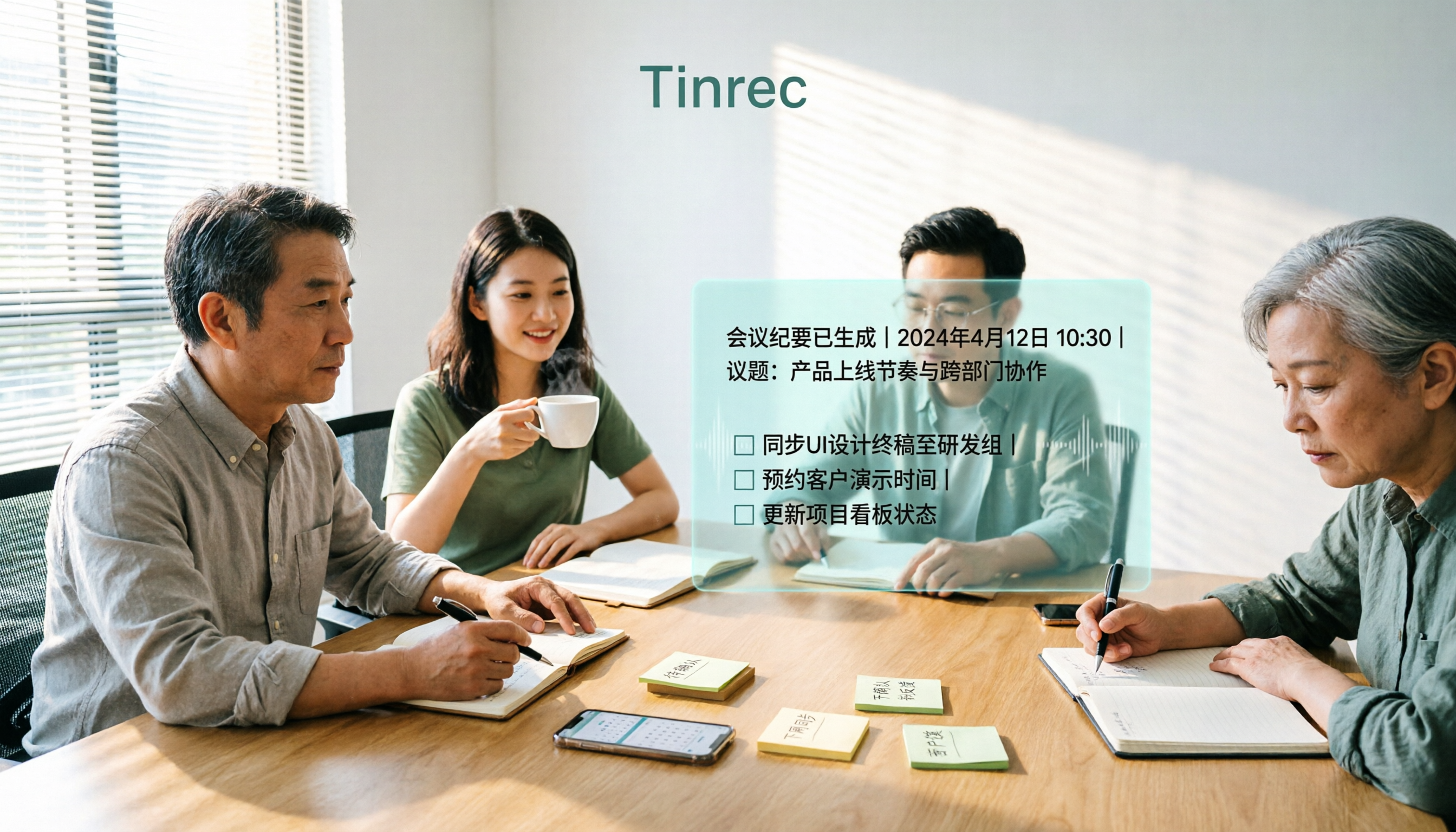
Take Tinrec, for example—it's more focused on AI meeting notes and team collaboration. It doesn't just convert speech to text; it also automatically organizes summaries, chapters, key points, and action items. If you often need to "turn recordings into meeting notes," tools like this are more streamlined than simple converters.
2. Video to Audio
Notta's online audio converter can convert video to MP3, WAV, AAC, AIFF, FLAC, M4A, and more. According to official documentation, the conversion happens locally in your browser, so files aren't uploaded to cloud servers.
3. Video Format Conversion
Notta's online video converter supports MP4, AVI, FLV, MOV, WMV, and more, allowing up to 3 files per batch with a 500MB limit per file. The official site also emphasizes no ads and no watermarks.
Keep in mind that online converters typically cap file sizes. If you're dealing with large meeting recordings or long course videos, double-check whether your files exceed the limit.
Notta online converter's Free Plan and Limitations
Notta's free plan offers 120 minutes of transcription per month, but each session is capped at 3 minutes. That's fine for a quick test, but if you have a 1-hour meeting recording, the free tier won't handle it in one go.
In contrast, Tinrec's free version provides basic credits to try recording, importing, summarizing, and transcribing. If you need more than just conversion—like AI Q&A, action items, or exporting to other tools—Tinrec's workflow is more complete.
Step-by-Step Guide: How to Use Notta online converter
Step 1: Choose Your Conversion Type
First, decide what you need:
- Audio or video to text: Use the audio to text converter.
- Video to MP3 or WAV: Use the online audio converter.
- Video to another video format: Use the online video converter.
Step 2: Upload Your File
Click to select a file or drag and drop it into the upload area. For video conversion, you can upload up to 3 files at once, each under 500MB.
Step 3: Choose Output Format
For audio to text, select the audio language and confirm—the system will start transcribing. For video conversion, pick your desired output format and quality.
Stop organizing recordings by hand
Upload audio or video and automatically get a transcript, summary, and action items
Step 4: Download or Continue Organizing
Once conversion is done, you can download the file or review the transcript. If you want to turn it into meeting minutes, you can bring the content into a tool like Tinrec for further processing.
How to Choose an Online Converter: 4 Key Points
1. Is the Free Tier Really Enough?
Don't just look at the word "free." Notta's free plan caps each session at 3 minutes, so if you're processing full meetings or interviews, you'll hit the limit quickly. Tinrec's free version offers basic credits so you can try recording, importing, and summarizing.
2. What Can You Do After Conversion?
Converting is just the first step. You need a tool that turns transcripts into summaries, action items, and meeting minutes. Tinrec automatically generates summaries, chapters, and action items after transcription, and also supports AI Q&A about the meeting content.
3. Does It Support Chinese and Multilingual Content?
If you mainly handle Chinese meetings or mixed Chinese-English content, check how well the tool handles Chinese. Notta supports multilingual transcription, and Tinrec covers Chinese, Traditional Chinese, and multilingual meeting scenarios, with real-time translation and bilingual viewing.
4. Personal Use vs. Team Collaboration
If you occasionally convert a few files, online tools are convenient. But if meeting materials need to be stored long-term and shared with team members, consider a tool with team spaces. Tinrec's team plan centralizes meeting recordings, transcripts, summaries, and action items in one space, and admins can manage members, roles, seats, and usage.
FAQ
Does Notta online converter require registration?
Notta's online converter lets you try it without logging in, but once you hit the free transcription limit, the system will prompt you to register for more free credits.
Is Notta online converter safe?
According to Notta's official documentation, audio and video conversion happens locally in your browser, so files aren't uploaded to cloud servers. However, if you use cloud transcription features, it's still a good idea to review the official privacy policy.
How long can an audio file be on Notta's free plan?
Notta's free plan offers 120 minutes per month, but each session is capped at 3 minutes. Longer files require a paid plan to process in one go.
What other AI meeting tools are there besides Notta?
Tinrec is another option. It supports live recording, bot-free online meeting recording, audio import, and AI summaries. After transcription, you can also do Q&A, action items, and team collaboration.
I just want to convert files—do I need an AI meeting tool?
If you only occasionally convert formats, an online converter is convenient. But if your goal is to organize meetings, interviews, or course content, using an AI meeting tool like Tinrec can save you time on manual follow-up.
Conclusion
Notta online converter is great for quick browser-based conversions, especially with its no-login, no-install convenience.
But if you're dealing with meeting notes rather than just file format changes, I'd recommend a tool that ties together transcription, summaries, action items, and team collaboration. That's where Tinrec fits in: turning meetings into searchable, collaborative, actionable team knowledge.
I suggest starting with the free version—record a real meeting or upload a recording, and see how the post-transcription workflow feels before deciding whether to pay.
References
Turn every recording into actionable outcomes
Get 60 free transcription minutes when you sign in. No credit card required.
Related Reading
You might also like

2026 AI Meeting Notes Tools Compared: Free Tiers and Pricing That Make Sense
A mid-level manager who runs 15 meetings a week tested four AI meeting notes tools—Tinrec, Otter.ai, Notta, and Granola—evaluating Chinese recognition, bot-free recording, post-meeting Q&A, pricing, and team seats. This breakdown of free tiers and paid plans helps you decide which tool actually saves time after meetings.

4 Free AI Meeting Notes Tools Tested: Which Free Tier Is Enough in 2026?
We tested four free AI meeting notes tools, comparing free quotas, per-file limits, post-meeting summaries, and team sharing. Tinrec offers balanced performance for Chinese meeting organization and desktop recording without a bot. We also honestly list the suitable scenarios and limitations of Notta, Otter.ai, and TurboScribe.

2026 AI Meeting Notes Tools Compared: Is Tinrec Good for Chinese Meetings?
In 2026, are AI meeting notes tools worth it? This article examines real Chinese meeting scenarios, what AI meeting notes can do, Tinrec's core capabilities, use cases, and buying considerations. It also answers common questions to help you decide if the free version is enough and whether the team plan is worth it.

2026 AI Meeting Notes Showdown: Tinrec vs Otter for Chinese-Speaking Teams
Struggling to keep up with meeting notes? The problem often isn't typing speed—it's using the wrong tool. This side-by-side comparison of Tinrec and Otter.ai covers Chinese transcription, meeting capture methods, post-meeting outputs, team collaboration, and pricing to help you decide which tool fits your workflow.

2026 AI Meeting Notes Tools Compared: Understand What It Means Before You Choose
Many people think AI meeting notes just means recording and transcribing audio—that's the first misunderstanding. This article first clarifies what AI meeting notes actually means and the three types of output it produces, then uses 4 key buying criteria and 3 common pitfalls to compare Tinrec, Otter.ai, Notta, and Granola, including their differences and ideal users.

4 AI Meeting Recorder Tools Tested: Free Tiers and Chinese Meeting Support Compared (2026)
Is more free minutes always better? This hands-on comparison of Tinrec, Otter.ai, Notta, and Granola walks through real meeting workflows—how meetings get captured, what you get after transcription, Chinese-language performance, free tiers, and team permission management—plus four common selection mistakes and scenario-based recommendations.

2026 AI Meeting Notes Comparison: Tinrec vs Notta vs Otter.ai — Which Is Best?
After a two-hour meeting, your notes are just scattered fragments. This article compares Tinrec, Notta, and Otter.ai using the same criteria: how well they handle Chinese meetings, how they record online meetings, what you get after the meeting, whether teams can manage them, and how pricing works—so you can decide which one fits you best.

2026 AI Meeting Notes Software Comparison: Transcription Doesn't Equal Deliverable Minutes
Starting from the most common selection pitfalls, this hands-on comparison of Tinrec, Notta, Otter.ai, and PLAUD Note examines differences in meeting recording methods, post-meeting output, Chinese recognition, and team management. It also covers key buying criteria, pitfalls to avoid, and selection advice to help you find AI meeting notes software that truly saves post-meeting organization time.
How to Choose an AI Meeting Recorder in 2026: Testing 3 Tools + Tinrec Chinese Transcription and Post-Meeting Action Items
Before searching for 'which AI meeting recorder is best,' clarify your meeting language, recording method, and post-meeting needs. This article covers 4 key buying factors, hands-on comparisons of Tinrec, Otter.ai, Notta, and Granola, and 4 common pitfalls to help you choose the one you'll actually use.