
Turn recordings into transcripts and summaries in minutes
Upload audio or video for multilingual transcription, AI notes, and action items
Why Google Meet Has Become the Choice for Many Teams
Google Meet is widely adopted because it lowers the barrier to remote meetings. With just a Google account, you can start or join a meeting without installing additional plugins or requiring others to sign up for a new service. For team leaders, this means eliminating deployment and training costs, and team members can get started with almost zero learning curve.
Another key factor is its integration with the Google ecosystem. Meeting invitations come directly from Google Calendar, meeting materials can be easily saved to Google Drive, and document collaboration happens in Google Docs. For teams already using Google Workspace, Meet is not an isolated tool but part of the workflow. This integration makes scheduling, file sharing, and follow-up editing seamless.
Additionally, Meet has advantages in security and stability. It employs the same security measures as Google, with video calls encrypted during transmission and security mechanisms continuously updated. For businesses that need to protect internal discussions, this is often a deciding factor.
However, choosing Meet solves the problem of "how to hold meetings" but not "what to do after the meeting." Once the meeting ends, the discussion content is scattered across individual memories and scattered notes, and the real cost is just beginning.
The Hidden Time Cost After Meetings
Many managers have had similar experiences: a one-hour meeting with lively discussion and seemingly clear conclusions, but when it comes to actually compiling decisions, action items, and owners into a document, it takes another half hour or more. If the meeting involves multiple projects or clients, the cleanup time multiplies.
What's worse is omissions. Manual notes rarely capture every statement, especially in multi-person discussions, where key data, commitments, and specific assignments can be missed. When you discover missing information during execution, you often need another meeting to confirm, leading to redundant communication.
These hidden costs don't appear on the meeting calendar, but they genuinely consume team productivity. For managers, what's truly needed is a tool that handles the recording, organization, and follow-up after meetings, not just another meeting platform.
Use Tinrec to Turn Meeting Recordings into Usable Data
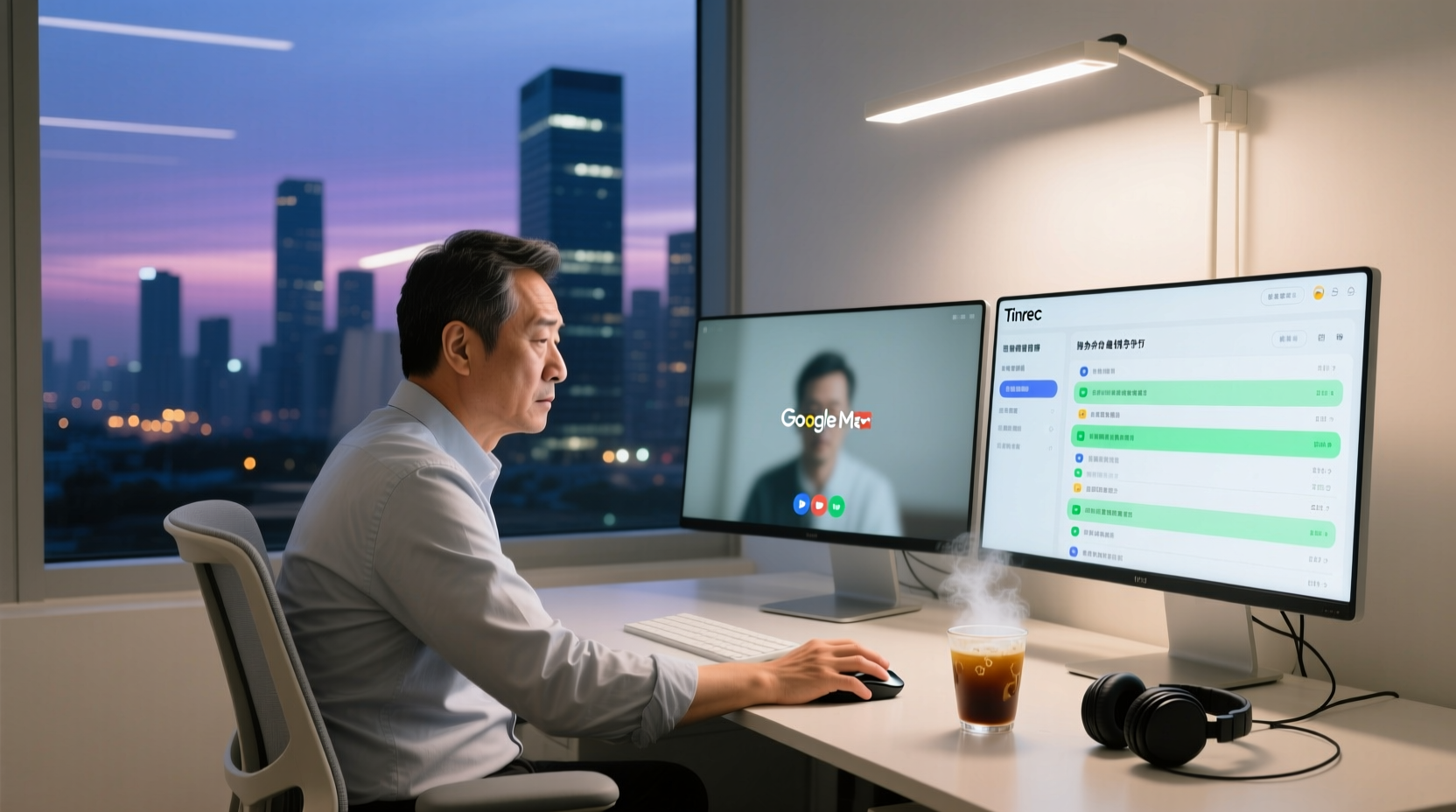
Tinrec is an AI meeting notes and collaboration tool that fills the gap left by Meet. It's simple to use: open the Tinrec desktop app on your computer, and it captures system audio directly—no need to add a bot to the meeting or perform extra steps. After the meeting, the recording is automatically transcribed, and summaries, chapters, and highlights are generated, making long meetings easy to review.
For example, if a weekly project meeting covers three or four topics, you don't need to listen to the entire recording afterward. Just review the summary and chapters Tinrec generates to quickly grasp the conclusions of each topic. When you need to verify a specific statement by a colleague, you can search the transcript and jump to the corresponding timestamp, which is more reliable than digging through chat logs or notes.
Stop organizing recordings by hand
Upload audio or video and automatically get a transcript, summary, and action items
For managers, this means post-meeting cleanup shifts from "reconstructing from memory" to "refining based on a complete record." The transcript preserves original statements, the summary provides a bird's-eye view, and chapters structure the content, turning meeting materials into reusable work assets.
Action Item Extraction and Post-Meeting Follow-Up
Meeting minutes are not the end; action is. Tinrec automatically extracts action items from meeting discussions, clarifying "who does what by when." This addresses the most commonly missed part of manual minutes—assignments and deadlines.
Furthermore, Tinrec's AI assistant can help turn action items into deliverable materials based on the meeting minutes and context. For instance, if a project meeting decides to draft a proposal next, the AI assistant can help generate an action plan framework; if a client meeting records objections and commitments, it can organize follow-up materials for sales or customer success colleagues.
It's important to note that the AI assistant is meant to assist, not replace human judgment. For content that will be sent externally, involves significant commitments, or key decisions, it's still recommended that the responsible person review it before use. This way, you save significant drafting time without risking errors from over-reliance on AI.
How Team Data Is Centrally Stored and Retrieved
When meeting materials are scattered across personal devices or chat logs, finding historical information often takes longer than the meeting itself. Tinrec's team edition stores meeting recordings, transcripts, summaries, and action items in a centralized team space, allowing members to view and search historical meetings at any time.
Specifically, the team space solves two problems: first, data ownership—meeting content belongs to the team and won't be lost if a member leaves; second, information reuse—new members joining a project can directly review past meeting records to quickly understand context without repeatedly asking senior colleagues.
For managers, this means every meeting contributes to a searchable knowledge base for the team. When discussing similar topics next time, you can directly pull up historical decision rationale, avoiding redundant discussions or contradictions.
Frequently Asked Questions and Usage Boundaries
How accurate is Tinrec's transcription?
Transcription quality is affected by factors such as audio quality, accents, background noise, and overlapping speech. With clear audio and common meeting scenarios, Tinrec provides high-quality transcription, but for critical content, it's advisable to cross-check with the transcript timestamps and the recording playback.
Does Tinrec automatically join Google Meet meetings?
No. Tinrec's desktop app records meetings by capturing your computer's system audio, so you need to actively open it and start recording. It is not a meeting bot and does not automatically join meetings from your calendar.
What should I be aware of when using Tinrec to record meetings?
When recording and transcribing, you should comply with local laws and obtain consent from participants when required. For sensitive or confidential content, it's recommended to confirm your team's data security policy.
For team leaders, choosing Google Meet addresses meeting accessibility and stability, while Tinrec makes post-meeting cleanup, follow-up, and knowledge retention efficient. Together, they truly turn meeting time into team productivity.
References
Turn every recording into actionable outcomes
Get 60 free transcription minutes when you sign in. No credit card required.
Related Reading
You might also like

4 Best Audio-to-Text Apps in 2026: Which One Actually Saves You Post-Meeting Time?
A mid-level manager who attends 15 meetings a week shares hands-on experience. From online meeting recording methods and transcription performance for Chinese and mixed Chinese-English to post-meeting summaries and action item organization, this breaks down the differences among four types of audio-to-text apps and explains how Tinrec uses bot-free recording, AI summaries, action item extraction, and team spaces to turn meetings into searchable, collaborative, actionable data.

4 Interview Transcription Tools Compared in 2026: From Recording to Citable Text
After an interview, organizing the transcript often feels more exhausting than the interview itself. This article starts from 'recording to citable text' and compares 4 interview transcription tools, covering speaker labeling, AI Q&A, audio retention, and team sharing, plus common pitfalls and selection advice.

Tinrec vs Notta 2026: 5-Dimension Comparison for Chinese Meeting Transcription Tools
Starting from the decision focus of 'Do you want transcription, or usable meeting data?', this article compares Tinrec and Notta across 5 dimensions, covering selection criteria, a full breakdown of Tinrec, other options, and pitfalls to avoid, helping Chinese meeting users make a quick choice.

5 Transcription Tools Tested and Compared in 2026: Transcription Takes Too Long—Which One Actually Saves Time?
Transcription takes too long, and the problem is often not typing speed but the "listen, type, re-read" workflow. This article tests 5 transcription and AI meeting note tools, covering how to judge accuracy, post-meeting organization, audio retention and export, free quotas, and team seat licensing. It provides criteria you can follow directly and analyzes Tinrec's actual performance in bot-free recording, AI Q&A, and team knowledge retention.

2026 Comparison of 3 Audio-to-Transcript Tools: Which Offers the Best Free Tier and AI Q&A?
Just finished a meeting and realized no one took notes? Replaying the recording to type a transcript can eat up an entire afternoon. This article compares 3 audio-to-transcript tools, breaking down Chinese and mixed Chinese-English recognition, online meeting recording methods, AI summaries and Q&A, cross-platform use, and quota pricing. We also highlight 4 common pitfalls to help you choose a solution that truly saves time.
Tinrec vs Notta 2026: 5-Dimension Comparison — Which Writes Meeting Minutes Faster?
Struggling to finish meeting minutes? The problem is usually the process, not your writing. This article compares Tinrec and Notta across 5 dimensions: audio capture method, Chinese and mixed Chinese-English recognition, recording retention, post-meeting outputs, and team sharing. It explains how to use tools to get transcripts, summaries, and action items done in one go, with a pitfalls guide and selection advice.

3 Legal Meeting Transcription Methods Tested in 2026: How Tinrec Helps You Avoid Common Pitfalls
Transcribing legal meeting recordings isn't as simple as dropping audio into a tool. This article explores common pitfalls and explains how Tinrec turns pre-trial meetings, client interviews, and internal discussions into searchable, queryable, and actionable transcripts and meeting materials. It also covers 5 key factors to consider when choosing a transcription tool.

4 Customer Interview Transcription Tools Tested in 2026: Which One Actually Saves You Cleanup Time?
Tired of spending hours on customer interview transcripts? We tested 4 tools, covering selection criteria, an in-depth look at Tinrec, and pitfalls to avoid, to help you find a transcription solution that truly saves you cleanup time.

2026 M4A to Text: 5 Tools Tested + AI Summaries and Action Items in One Go
M4A is the most common audio recording format, but converting it to text is just the first step. This article starts with common pitfalls, breaks down 5 key factors for choosing an M4A-to-text tool, tests how Tinrec turns an M4A file into a transcript, summary, action items, and queryable meeting data, and briefly reviews TurboScribe, Notta, and Granola for their use cases and things to watch out for.