
Turn recordings into transcripts and summaries in minutes
Upload audio or video for multilingual transcription, AI notes, and action items
People who search for "Yating transcription accuracy" usually don't want to hear official marketing numbers; they want to know: if I upload a recording, can I use the resulting text directly? Will it miss key words, mishear names, or completely derail in noisy environments?
This article won't give you a fictional "tested accuracy rate" because that's meaningless. Accuracy is never a fixed number; it fluctuates significantly based on recording distance, background noise, accents, overlapping speech, and other conditions. Instead of trusting a single number, it's better to first understand which factors affect transcription quality, then test with your own recordings.
Accuracy Is Not a Fixed Number: Understand the Conditions Affecting Transcription Quality
Any speech-to-text tool, including Yating, relies on speech recognition models with their own training data and technical limitations. Model performance changes based on input audio conditions, so "accuracy" varies significantly across different scenarios.
The main conditions affecting transcription quality include:
- Recording distance: The farther the microphone is from the speaker, the more signal degradation, making recognition harder.
- Background noise: Ambient sounds, air conditioning, keyboard clicks, and traffic noise can interfere with the model's judgment.
- Accents and dialects: The model's familiarity with specific accents directly impacts recognition results.
- Overlapping speech: When two or more people speak simultaneously, the model struggles to separate audio tracks, leading to missed words or misattributions.
- Technical terms and proper nouns: Names, company names, product names, etc., not in the model's vocabulary are prone to recognition errors.
Understanding these conditions, you'll realize: instead of asking "What's the accuracy rate?", ask "Under what conditions can this tool achieve acceptable accuracy?"
Yating's Accuracy Performance: Realistic Assessment from Technical Conditions
Yating is a speech-to-text service developed by Taiwan AI Labs, focusing on Traditional Chinese and Taiwanese accents. According to public information, Yating has developed its own models for different languages and does not directly use the Whisper model.
In media reports, AI Labs has stated that under clean audio conditions, Yating's accuracy is on par with other tools; but in noisy real-world audio, Yating outperforms some competitors. This indicates Yating has certain advantages in handling real-world noise, but also implies that performance differences between clean and noisy audio are real.
In other words, Yating's accuracy is not "always 100%" nor "always poor." It's more like a tool that performs well under specific conditions, and you need to understand those conditions to correctly assess whether it suits your needs.
How Recording Quality Affects Accuracy: Distance, Noise, and Accents
Recording quality is the most direct factor affecting accuracy. The following three points are especially critical:
Recording Distance
The closer the microphone is to the speaker, the clearer the audio and the higher the recognition rate. If you place a phone at the center of a conference table, voices of participants farther away will degrade, leading to missed words or blurriness. It's recommended to use a lavalier microphone or place the recording device closer to the main speaker.
Background Noise
Background noise is the number one enemy of speech recognition. Café music, office keyboard clicks, and outdoor traffic sounds can all interfere with the model's judgment. Yating reportedly performs better than some competitors in noisy environments, but that doesn't mean it can completely eliminate noise effects. If the recording environment is noisy, consider using a noise-canceling microphone or recording in a quiet space.
Accents and Dialects
Yating performs well with Taiwanese accents, but accuracy may drop for other Chinese accents (e.g., Mainland China, Singapore) or Cantonese. This is because the model's training data is primarily based on Taiwanese accents, with fewer corpora for other accents. If you need to process Cantonese recordings, Yating may not perform as well as tools specifically trained for Cantonese.
Stop organizing recordings by hand
Upload audio or video and automatically get a transcript, summary, and action items
Traditional Chinese and Cantonese Scenarios: Yating's Strengths and Limitations
Yating's strength lies in Traditional Chinese and Taiwanese accents, consistent with its development team's background. For meeting minutes and interview content from Taiwanese users, Yating typically provides good transcription quality.
However, in Cantonese scenarios, Yating's performance may be limited. Cantonese and Mandarin differ significantly in phonetics, vocabulary, and grammar. If the model lacks sufficient Cantonese training data, recognition accuracy will noticeably drop. If you need to process Cantonese recordings, it's advisable to test with a small sample first to confirm it meets your needs.
Additionally, Yating supports "Chinglish" (mixed Chinese-English) recognition, which helps with common mixed-language conversations in Taiwanese workplaces. However, content with many technical terms or English abbreviations may still have recognition errors.
Tinrec's Performance in Similar Scenarios: From Transcription to Post-Meeting Organization
If you're evaluating Yating, you might also want to know how other tools perform under similar conditions. Tinrec (秒聽錄音) is another AI meeting notes tool that also supports Traditional Chinese and multilingual transcription, but emphasizes post-transcription organization and collaboration.
Tinrec's core advantage is "more than just transcription." It automatically generates summaries, chapters, key points, and action items, allowing you to quickly grasp discussion content after meetings. Additionally, Tinrec's AI assistant (Agent) can use meeting minutes and context to help further process action items into action plans, follow-up materials, reports, tables, or documents, reducing post-meeting workload.
In terms of accuracy, Tinrec is also affected by recording quality and cannot guarantee a fixed number. But for professionals who need to process meeting recordings and interviews, Tinrec's value lies in the "workflow after transcription": you get not only the transcript but also structured meeting materials, and can further produce deliverable outputs.
Team Collaboration: Turning Meeting Materials into Shared Assets
For users who need to share meeting materials with their team, Tinrec offers a team space feature. You can centrally store meeting recordings, transcripts, summaries, and action items in the team space, where members can view, search, and follow up. This solves the problem of traditional transcription tools where "after transcription, everything is scattered," making meeting content a reusable asset for the team.
For example, suppose you just had a project meeting and need to organize action items and assign them to team members. With Tinrec, you can:
1. Record the meeting, automatically generating the transcript and summary.
2. Extract action items from the discussion and assign owners.
3. Upload meeting materials to the team space so all members can view and track progress.
This way, meeting conclusions and actions don't just live in one person's notes but become a shared knowledge base for the team.
How to Test Accuracy Yourself: Establish a Reasonable Verification Method
Instead of trusting online "tests" or official marketing, it's better to test yourself. Here are steps to establish a reasonable verification method:
1. Prepare test recordings: Choose a recording relevant to your daily work, about 5–10 minutes long, containing dialogue, technical terms, and possible noise.
2. Note recording conditions: Record the environment (quiet or noisy), microphone distance, speaker accents, etc.
3. Perform transcription: Upload the recording to Yating (or Tinrec) and obtain the transcription result.
4. Compare with original: Compare the transcribed text with the original recording sentence by sentence, calculating the proportion of "completely correct" text. Pay special attention to proper nouns, numbers, and English abbreviations.
5. Repeat tests: Use recordings with different conditions (e.g., different accents, different noise levels) to understand the tool's performance in various scenarios.
Through this method, you can get a "relative accuracy rate" that fits your needs, rather than an empty absolute number.
Conclusion: Beyond Accuracy, What You Should Really Care About
Accuracy is important, but it's just one aspect of evaluating a transcription tool. What you should really care about is: Can this tool help you get your work done?
If you only need to occasionally transcribe recordings, Yating is a worthwhile option, especially for Traditional Chinese and Taiwanese accents. But if you need to process a large volume of meeting recordings and want to quickly organize them into usable materials after transcription, then tools like Tinrec, which offer post-meeting organization and team collaboration, may better suit your needs.
Whichever tool you choose, it's recommended to test with your own recordings and understand its limitations. Accuracy is not a myth but an engineering metric that can be measured and understood. Setting realistic expectations will help you make the tool work for you.
References
- Yating
- Yating
- Yating - Google Play Apps
- Surpassing Yating, journalists tear up using it: What's so magical about Good Tape? | CommonWealth Magazine
- Yating Tutorial: Super AI Speech-to-Text Tool, Supports Web and App Real-time Recording, Import YouTube Videos for Quick Auto Subtitles – Free Resources Network
Turn every recording into actionable outcomes
Get 60 free transcription minutes when you sign in. No credit card required.
Related Reading
You might also like

Tinrec vs Notta 2026: 5-Dimension Comparison — Which Writes Meeting Minutes Faster?
Struggling to finish meeting minutes? The problem is usually the process, not your writing. This article compares Tinrec and Notta across 5 dimensions: audio capture method, Chinese and mixed Chinese-English recognition, recording retention, post-meeting outputs, and team sharing. It explains how to use tools to get transcripts, summaries, and action items done in one go, with a pitfalls guide and selection advice.

3 Legal Meeting Transcription Methods Tested in 2026: How Tinrec Helps You Avoid Common Pitfalls
Transcribing legal meeting recordings isn't as simple as dropping audio into a tool. This article explores common pitfalls and explains how Tinrec turns pre-trial meetings, client interviews, and internal discussions into searchable, queryable, and actionable transcripts and meeting materials. It also covers 5 key factors to consider when choosing a transcription tool.

4 Customer Interview Transcription Tools Tested in 2026: Which One Actually Saves You Cleanup Time?
Tired of spending hours on customer interview transcripts? We tested 4 tools, covering selection criteria, an in-depth look at Tinrec, and pitfalls to avoid, to help you find a transcription solution that truly saves you cleanup time.

2026 M4A to Text: 5 Tools Tested + AI Summaries and Action Items in One Go
M4A is the most common audio recording format, but converting it to text is just the first step. This article starts with common pitfalls, breaks down 5 key factors for choosing an M4A-to-text tool, tests how Tinrec turns an M4A file into a transcript, summary, action items, and queryable meeting data, and briefly reviews TurboScribe, Notta, and Granola for their use cases and things to watch out for.
4 Podcast Transcription Tools Tested in 2026: Which Saves More Time—Transcripts or AI Summaries?
The same podcast audio file yields completely different results when run through four tools. This hands-on test compares Tinrec, Apple Podcasts' built-in transcripts, Notta, and TurboScribe, covering transcript readability, AI summaries and Q&A, export formats, and team collaboration. We also highlight common pitfalls around free quotas and per-file limits to help you find the most time-saving podcast transcription workflow.
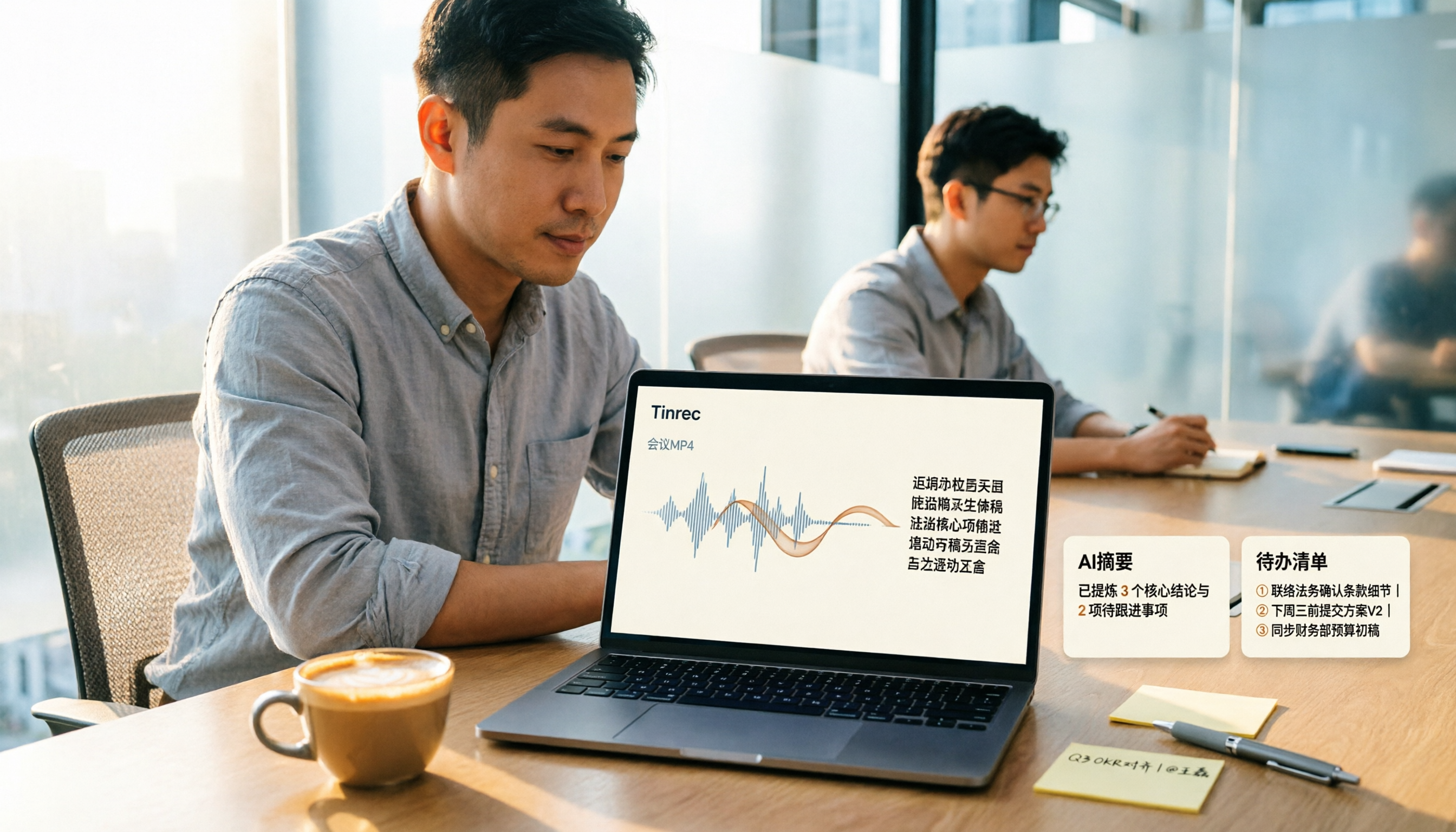
How to Convert MP4 to Text in 2026: Auto-Generate Transcripts + AI Summaries & Action Items
How do you choose an MP4-to-text tool? From the perspective of a mid-level manager running 15 meetings a week, I tested uploading meeting MP4s to Tinrec and evaluated the transcript, AI summary, and action item results, then compared it with TurboScribe, Notta, and VEED. I've compiled 4 key buying factors and 4 pitfalls to avoid, helping you pick the one that actually gets the job done.

4 Best Lecture Transcription Tools in 2026: Can a 3-Hour Lecture Really Become Usable Notes?
How do you choose a lecture transcription tool? This article covers four key factors: audio quality, file import, post-lecture organization, and team sharing. It compares Tinrec, Notta, TurboScribe, and PLAUD, with common pitfalls and selection advice to turn your lecture recordings into truly usable notes.

2026 Business Meeting Summary Tools Compared: Tinrec vs PLAUD Note — Which One Is Right for You?
Both tools can summarize a business meeting, but one requires hardware and the other doesn't. We compare Tinrec and PLAUD Note across hardware requirements, online meeting recording, post-meeting organization, team collaboration, and Chinese recognition to see which business meeting summary tool is better suited for professionals.

How to Transcribe Journalist Interview Recordings in 2026: A Complete 5-Step Guide
How do you transcribe interview recordings? This article covers 4 key factors for choosing a tool and a 5-step workflow, takes a deep look at Tinrec's Chinese transcription, AI Q&A, and team workspace, and compares the best use cases and limitations of Otter.ai, Granola, and Notta.