
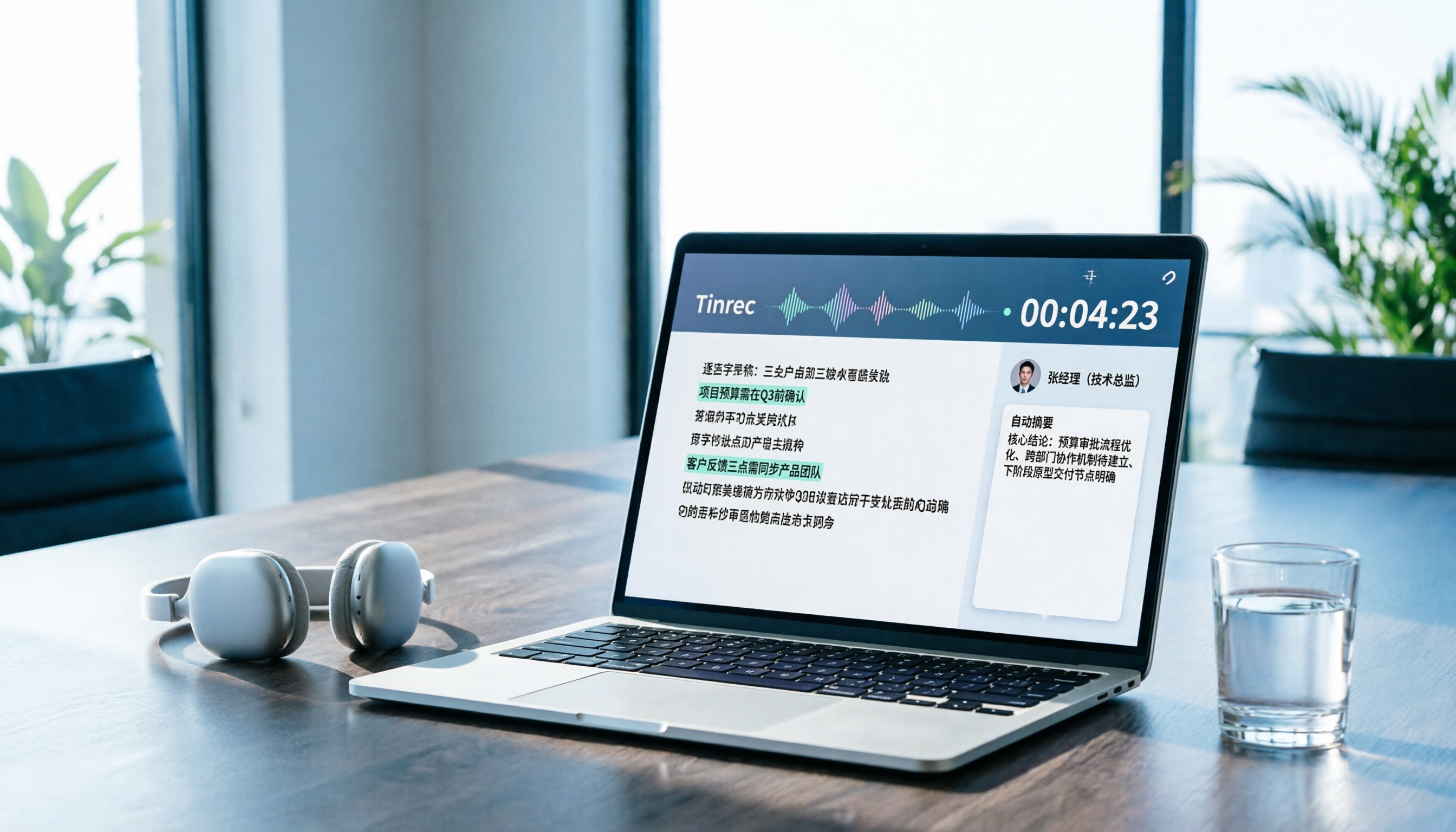
Turn recordings into transcripts and summaries in minutes
Upload audio or video for multilingual transcription, AI notes, and action items
Bottom Line: If You're Looking for Notta for PC for Meetings, Try Tinrec First
Lately, I've been scouring Notta's PC options to find a meeting notes tool for my team, and I've gone through them twice over.
Honestly, Notta itself is fine, but the download paths are all over the place—you'll find it on the official site, CNET, Uptodown, and BlueStacks.
If you just want to turn meeting recordings into text and organize action items, I'd suggest checking out Tinrec first.
Why? Let me walk you through my own download and testing process.
Three Ways to Download Notta for PC—I've Tested Them for You
Method 1: Windows Desktop App (Most Direct, but Verify the Version Yourself)
You can find Notta for Windows on both CNET and Uptodown.
The download process is straightforward: go to the page, hit download, install, and log in.
But note, user reviews on Uptodown mention that more advanced AI features are mostly locked behind paid plans.
The free version works, but if you're expecting auto-summaries and meeting organization, you'll feel restricted.
Method 2: BlueStacks Emulator (A Workaround—Not Recommended)
The BlueStacks route involves running the Android app on your PC.
Honestly, if you just need to transcribe recordings, you don't need this hassle.
Emulators eat up memory, and you might face audio input lag during meetings.
It's just not worth it.
Method 3: GameLoop (Even Less Recommended)
GameLoop is also an Android emulator route.
It's geared toward gaming, so running productivity tools on it isn't ideal—stability and user experience fall short of a native desktop app.
If you have frequent meetings, I'd skip this path entirely.
Issues I Found After Downloading Notta
First, the free version has clear limitations.
Notta's free plan offers 120 minutes per month, with a max of 3 minutes per session.
That's nowhere near enough for regular meetings—a single weekly sync will blow past it.
Second, team plans cost extra.
Notta Business works out to about USD 16.67 per seat per month billed annually, so costs add up quickly with multiple users.
Third, the PC experience doesn't match the mobile app.
It's not that it's hard to use, but if you're used to juggling documents and messages on your computer, the switch isn't as smooth as you'd expect.
Why I Switched to Tinrec for Meeting Notes
The thing that sold me on Tinrec: the desktop app doesn't need a meeting bot.
It captures your computer's system audio directly, so it works with Zoom, Google Meet, Teams, and Webex.
No need to invite a bot into your meeting, and no worries about meeting links leaking.
That's a different approach from Notta, and for our small team that often meets with external clients, it's a lot more reassuring.
Tinrec's Real Workflow: From Recording to Organized Notes, Faster Than I Expected
Tinrec's process is:
- Start recording from the desktop app
- Get a real-time transcript
- Auto-generated summary, chapters, and action items
- Use AI Q&A to quickly find meeting highlights
- Export to Notion, Google Docs, or OneNote
Stop organizing recordings by hand
Upload audio or video and automatically get a transcript, summary, and action items
I tested it on a 40-minute client meeting, and the summary was ready shortly after the meeting ended.
Action items came with assignees and deadlines, saving me from re-listening to the recording later.
Chinese Meeting Performance Is Why I Switched Tools
Tinrec's Chinese transcription and meeting organization are smoother than the English-first tools we tried before.
It handles mixed Chinese-English discussions without weird sentence breaks.
The team glossary feature lets you pre-set product names and project codes, improving recognition accuracy.
Choosing Between Personal and Team Plans
If you're a solo user occasionally organizing recordings, start with the free version.
For a short burst of meetings or interviews, a weekly pass is enough.
If you have steady weekly needs, the Pro plan is more cost-effective.
Our team uses the team plan.
All meeting data stays in one shared space, so if a member leaves or changes, the data doesn't disappear.
Admins can allocate seats and monitor usage, which is handy for small teams.
Before Downloading Notta for PC, Think Through These 4 Points
- Do you just need to transcribe audio, or manage post-meeting follow-ups?
If it's just occasional transcription, Notta's free version can handle it.
But if you have more than 3 meetings a week, and organizing action items and tracking tasks is key, Tinrec is a better fit.
- Does your meeting require a bot to join?
Some tools need a bot in the meeting; Tinrec's desktop app doesn't, which is especially important for external meetings.
- How much Chinese content do you have?
For Chinese or mixed Chinese-English scenarios, Tinrec's organization and glossary features make a noticeable difference.
- Do you need centralized team data management?
If yes, go straight to the team plan.
If no, the personal plan is enough to start.
FAQ
Do I need an emulator to download Notta for PC?
No. Notta has a Windows desktop app—just download and install it.
Emulator options are for those who specifically want to run the Android app, but they're not recommended for meetings.
Can I try Tinrec for free?
Yes. Tinrec has a free version where you can test recording, importing, summaries, and transcription.
I tried it on two meetings before deciding to upgrade.
Can Tinrec's desktop app record Zoom and Google Meet?
Yes. The desktop app captures system audio, so no extra bot is needed in the meeting.
It works with Zoom, Google Meet, Microsoft Teams, and Webex.
Is the free version's transcription time enough?
It depends on how often you use it.
If you're just occasionally organizing short recordings, the free version is fine to start.
For frequent meetings, consider a paid plan.
Will meeting data disappear if a team member leaves?
No. Tinrec's team plan keeps data with the team; when a member exits, they need to hand over their resources to another member.
Summary
Downloading Notta for PC isn't a bad idea, but first figure out if you need a "transcription tool" or a "meeting notes and organization tool."
If it's just occasional transcription, Notta works.
If you're in meetings weekly, need to organize action items, and manage team data, Tinrec aligns better with your needs.
I recommend trying the free version for two meetings to see if bot-free recording and auto-organization fit your workflow.
References
Turn every recording into actionable outcomes
Get 60 free transcription minutes when you sign in. No credit card required.
Related Reading
You might also like

2026 Comparison of 4 Online Transcription Tools: Yating vs. Tinrec — Which Should You Choose?
Starting from the real need for 'Yating online transcription,' this comparison examines Tinrec, Yating, Notta, and TurboScribe across Chinese recognition, post-meeting organization, online meeting recording, and team collaboration. It clearly explains each tool's limitations and ideal users to help you pick the one that truly saves time.

Cantonese Speech-to-Text App Comparison 2026: Tinrec vs Otter.ai — Which Wins on Five Dimensions?
Comparing Tinrec and Otter.ai across five dimensions—Cantonese with mixed English recognition, bot-free meeting recording, post-meeting AI organization, cross-platform input, and team seat governance—to help you decide which Cantonese speech-to-text app truly fits your meeting scenarios and budget.

2026 Comparison of 5 Transcription Tools' Free Tiers: Which Free Version Is Most Generous?
How many free minutes does Yating Transcription actually offer? Public sources cite 20 minutes, 120 minutes, and about 300 minutes. This article explains why these figures conflict, how pricing works after the free quota runs out, and compares the free plans and ideal use cases of Tinrec, Notta, Otter.ai, and TurboScribe to help you judge whether a one-time free allotment covers your actual usage.

Best Transcription Tools in 2026: Testing 3 Options, Yating Free Plan Limits and Tinrec Differences
People searching for "Yating transcription free" often ask: how much can the free version handle, do I have to pay to upload audio files, and is it enough for a meeting? This article compares Yating, Tinrec, Otter.ai, and Notta in terms of free quotas, Chinese recognition, and post-meeting organization, and lists 3 common pitfalls when choosing a tool to help you decide which one is worth using long-term.

Yating Transcription 2026 Guide: Is It Good, Limitations, and Better Alternatives
From a student's real-world usage scenarios, this guide examines whether Yating Transcription is good, common pitfalls, and why transcription is only the first step. It also explains how Tinrec uses live transcription, AI summaries, action item extraction, and AI Q&A to turn class and group discussion recordings into materials that can actually be reviewed and delivered.

3 Transcription Tools Tested for 2026: How Long Can Yating Record, and Which Tool Is Best for Long Meetings?
How long can Yating Transcribe record? The official documentation doesn't specify a single-recording limit; the real constraints are audio-file billing and free hours. This article breaks down Yating's duration and pricing rules, and compares Notta, TurboScribe, and Tinrec on long meetings, post-meeting organization, and team collaboration to help you choose the right tool.

4 Online Audio Transcription Tools Tested in 2026: PLAUD File-to-Text vs. AI Meeting Summaries—Which Saves the Most Time?
Stuck with a pile of PLAUD recordings and unsure how to quickly transcribe and summarize them online? This article uses a real meeting workflow to compare Tinrec, PLAUD, Otter.ai, and Notta, and shows you how to export audio from the PLAUD App and turn it into searchable, queryable meeting data.

Tinrec vs Plaud Note in 2026: 5-Dimension Comparison — Is Plaud Recording Still Worth It?
How to choose an AI recording tool in 2026? This article compares Tinrec and Plaud Note across 5 dimensions: bot-free online meeting recording, post-meeting summaries and AI Q&A, team spaces and seat management, and the cost structure of hardware versus subscription. It's for SMB managers and team leads evaluating meeting note tools, with a pitfalls guide and scenario-based selection advice at the end.

2026 AI Recording & Note-Taking Tools Compared: After Plaud's Cloud Playback, Which One Actually Saves You Time?
Starting from the real frustration of 'Plaud recording online viewing,' this hands-on comparison of Plaud, Otter.ai, Granola, and Tinrec examines differences in meeting transcription, post-meeting organization, Chinese language support, and team collaboration, offering mid-level managers who need to report upward and track downward an actionable selection guide.