

Turn recordings into transcripts and summaries in minutes
Upload audio or video for multilingual transcription, AI notes, and action items
2026 Comparison of 5 Transcription Tools' Free Tiers: Which Free Version Is Most Generous?
Why You Need to Understand "Free Quota" First
Almost every transcription tool advertises "free," but the definition of free varies widely: some give a fixed number of minutes per month, some offer a one-time allotment upon registration, some only allow live recording, and some free versions don't even let you upload audio files. Rather than being swayed by the word "free," ask yourself three questions first: How many times will you use it per month? How long is each audio file? Do you need live recording on the spot, or do you prefer uploading files for later processing?
Below is a summary of the free quotas and pricing logic of five common options, along with the scenarios each is best suited for.
Option 1 | Tinrec (Miao Ting Recording) — An AI Recording Assistant That Turns Meetings into Usable Data
Positioning: An AI meeting notes and collaboration tool for individuals and teams, with selling points beyond just converting speech to text.
Key Highlights:
- Record online meetings without a bot: The desktop version directly captures computer system audio and can handle meetings on Zoom, Google Meet, Microsoft Teams, and Webex without pulling another meeting bot into the room.
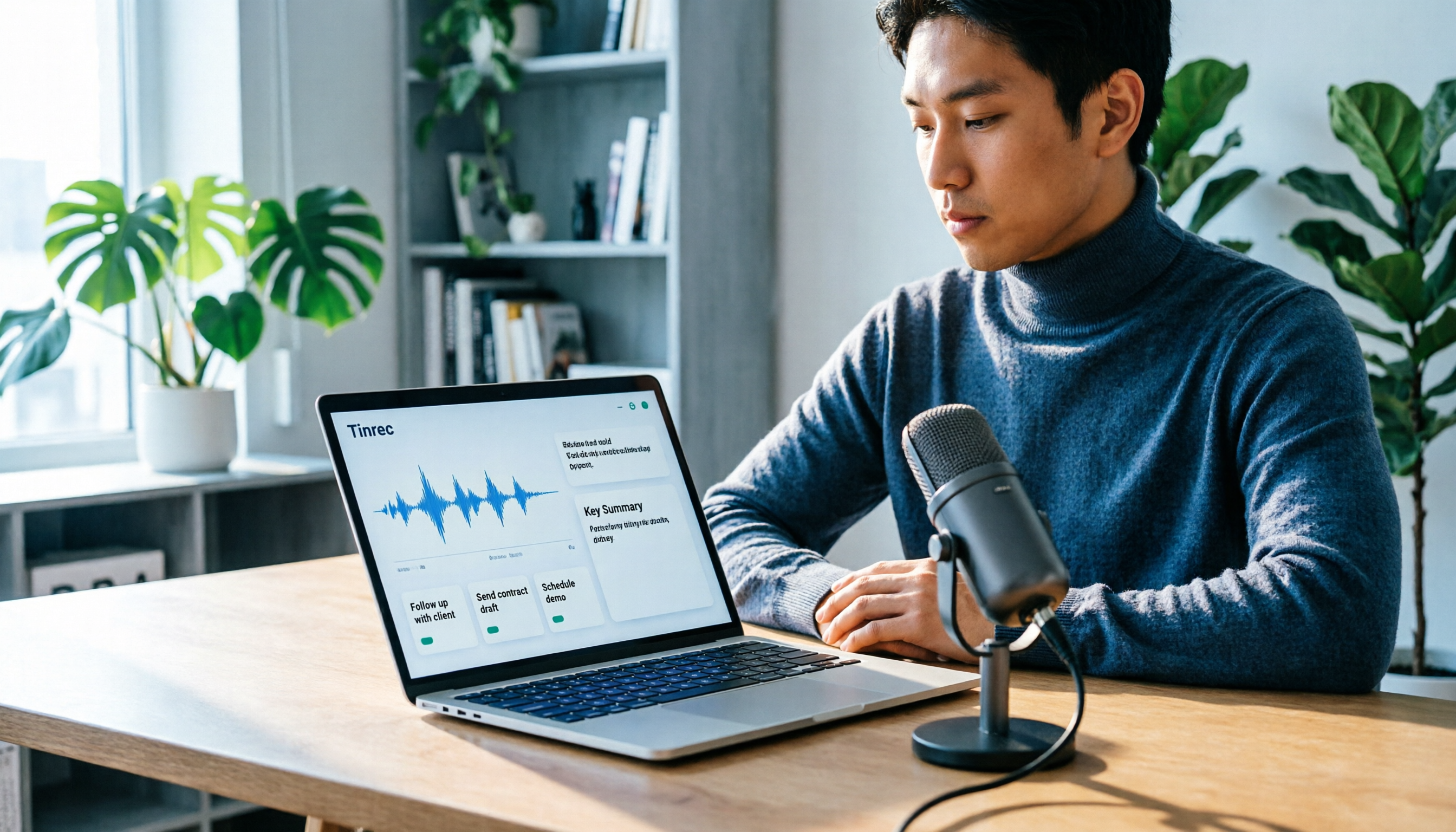
- Usable right after transcription: Automatically generates summaries, chapters, key points, and action items, and supports AI Q&A around meeting content, compressing a two-hour recording into a three-minute read.
- Chinese and multilingual support: Supports Chinese, mixed Chinese-English, and multilingual meetings. During recording, you can switch between original text, translation, or bilingual view. Teams can also maintain a glossary to improve recognition of technical terms.
- Team version retains data: Provides team spaces, member and seat management, usage analytics, audit logs, and an audio recycle bin. Members without seats can still view and read team data. When a member leaves, resources belong to the team and can be handed over.
Plans and Pricing: The personal version has a free version to try, plus weekly cards, Pro monthly cards, and annual cards. The team version offers a 7-day trial with 1 free seat and 300 minutes of shared team import quota for first-time eligible users; paid seats are USD 29.80 per month or USD 199 per year (about USD 16.58/month), with each paid seat including 2,000 minutes of shared import quota per month. Live recording is currently not deducted by minutes under an active plan and seat. Actual prices and benefits are subject to the official purchase page.
Who it's for: People who need Chinese meeting notes, want summaries and action items rather than just transcripts, or want to retain meeting data for the whole team.
Option 2 | Yating Transcription — A Local Choice for Taiwanese Accents and Taiwanese Hokkien
Positioning: A speech-to-text service developed by a Taiwanese team, specializing in recognition of Taiwanese Mandarin, Taiwanese Hokkien, and mixed Chinese-English speech.
Free Quota (Focus of This Article): Public sources give inconsistent figures for the free hours—some say about 300 minutes upon registration, some say 120 minutes, and some say 20 minutes. The discrepancy may come from different promotional periods and plan adjustments. What can be confirmed is that the free quota is a one-time gift after registration, not a monthly reset. Once used up, you must purchase hours to continue uploading audio files. As for the "live recording" feature, most sources describe it as free for basic use. Because the numbers vary widely, it is advisable to rely on what the official registration page displays at the time.
Pricing: Priced by audio length. A common figure in public sources is about NT$100 per hour, with discounts for purchasing multiple hours and an expiration period (e.g., usable within 3 years). For large volumes, contact a representative. Some sources also note that one account cannot be used on multiple devices simultaneously.
Who it's for: People whose meetings are mainly in Taiwanese accents, Taiwanese Hokkien, or mixed Chinese-English, who need localized recognition, and whose usage is occasional rather than daily transcription.
Stop organizing recordings by hand
Upload audio or video and automatically get a transcript, summary, and action items
Option 3 | Notta — Multilingual Transcription with a Per-File Length Limit on the Free Version
Positioning: A multi-platform transcription and meeting notes tool with broad language support.
Free Quota: 120 minutes per month, but each item can be at most 3 minutes. This means the free version is better suited for short phrases and segment testing; a full meeting must be uploaded in segments. Pro annual billing is about USD 8.17/month with 1,800 minutes per month; Business annual billing is about USD 16.67/seat/month, including unlimited transcription, role permissions, and usage reports.
Who it's for: Users who need multilingual support and are willing to pay for a fixed monthly usage.
Option 4 | Otter.ai — A Mature Choice for English Meetings
Positioning: A veteran AI meeting assistant with the highest recognition for English business meetings.
Free Quota: Basic is free with 300 minutes per month. Pro annual billing is about USD 8.49/user/month, including 1,200 minutes of in-app recording per month and 10 file imports; Business offers unlimited meetings and in-app recording, with pricing possibly affected by promotions.
Who it's for: Teams whose meetings are primarily in English and who need mature team collaboration and integration with existing workflows.
Option 5 | TurboScribe — A Zero-Budget Option for File-Based Transcription
Positioning: A cost-effective file transcription tool focused on long files and batch uploads.
Free Quota: 3 files per day, with a maximum of 30 minutes per file—the only free plan in this article that resets daily. Unlimited annual billing is USD 120 (about USD 10/month). The paid version allows files up to 10 hours or 5 GB and up to 50 files at once.
Who it's for: People with zero budget who just want to convert existing audio files to text and don't need summaries, action items, or team collaboration.
With So Many Options, How Should You Choose?
- Want "transcription + summary + chapters + action items + AI Q&A" all in one → Tinrec, the most complete post-meeting workflow on this list.
- Need to record on Zoom, Meet, or Teams without adding another bot to the meeting → Tinrec desktop version directly captures system audio.
- Want to turn transcribed content into reports, tables, or export to Notion or Google Docs for further processing → Tinrec.
- Team needs to share meeting data, manage member seats, and track usage → Tinrec team version.
- Meetings are mainly in Taiwanese Hokkien or Taiwanese Mandarin → Yating Transcription's localized recognition remains a strength, but first confirm whether the one-time free quota is enough for your monthly volume.
- Meetings are mainly in English → Otter.ai.
- Need long-term fixed monthly usage and multilingual support → Notta.
- Zero budget and only converting existing files → TurboScribe free version, but don't expect summaries or follow-up questions.
4 Things to Know Before Using a Transcription Tool
- "Free" is mostly a one-time quota, not a monthly reset. Yating Transcription's public information is a typical example: once the hours are used up, you can't upload anymore. Confirming the rules beforehand is cheaper than fixing it later.
- Free versions often hide per-file length limits. Notta's free version limits each item to 3 minutes, and TurboScribe limits each file to 30 minutes. A full meeting must be uploaded in segments, and segmenting and organizing is itself an extra time cost.
- A transcript is not the same as meeting notes. What you get is a large block of text. Whether it can automatically segment, add headings, extract action items, and support follow-up questions is where the real time savings lie. Tinrec's approach is to first generate summaries, chapters, and action items, then let you ask questions about the content, rather than handing you a raw transcript.
- Recording and transcription involve authorization and verification. Under local regulations, you should obtain consent from participants before recording. For important figures and decisions, it is advisable to cross-check against the transcript timestamps and recording playback rather than leaving all judgment to AI.
Conclusion
Back to the original question: Is Yating Transcription's free quota enough? If your usage is "one or two meetings a month, each not too long," the registration gift hours can indeed last a while. But if you need stable monthly transcription and want summaries, chapters, and action items right after transcription, a one-time quota will quickly become a bottleneck. In that case, adding a tool like Tinrec—which offers a free version to try and completes post-meeting organization and team collaboration—to your comparison list will bring you closer to your true usage cost than just looking at "how many free minutes" a tool offers.
References
- Yating Transcription
- Yating Transcription Complete Guide: Free Version, Pricing, and Alternatives at a Glance
- Is Yating Transcription Free? Yating Transcription Pricing and Whether Buying Hours Is Worth It
- Is Yating Transcription Free? 2026 Complete Comparison of Audio-to-Text Tool Costs and Performance - Miao Ting Recording Blog
- Yating Transcription: Online Speech-to-Text Service and Pricing Introduction | Comprehensive AI Tools Introduction - Future Commerce
Turn every recording into actionable outcomes
Get 60 free transcription minutes when you sign in. No credit card required.
Related Reading
You might also like

Yating Transcript vs Tinrec in 2026: 5-Dimension Comparison for Chinese Meeting Notes
Is Yating Transcript good? This article breaks down real evaluations from speaker identification, Taiwanese Hokkien recognition, cost, and proofreading effort, and compares it with Tinrec, Notta, Otter, TurboScribe, and PLAUD to help you choose the right transcription tool for your meeting scenario.

How to Choose a Speech-to-Text App in 2026: Meeting Notes + AI Summaries & Action Items
Recording meetings is easy; organizing them afterward is the hard part. This guide covers 5 key factors for choosing a speech-to-text app based on real-world use cases, using Tinrec as the main example to demonstrate bot-free online meeting recording, AI summaries and action items, and AI Q&A. It also compares Otter.ai, Notta, and Yating Transcription, highlighting their positioning and pitfalls to avoid.
How to Record Audio on Mac in 2026: 6 Methods from Built-in Tools to AI Transcription
Recording audio on a Mac isn't hard—the challenge is making the recording useful afterward. This guide covers 6 ways to record on Mac, from free built-in options like Voice Memos, Notes transcription, QuickTime, and GarageBand, to Tinrec, which directly produces transcripts, summaries, and action items. It also includes selection advice and 4 things to know before recording.

4 Speech-to-Text Tools Tested for 2026: Is Yating Transcript Good? Which Saves the Most Time After Meetings?
Is Yating Transcript good? From the perspective of a mid-level manager who holds 15 meetings a week, I tested four speech-to-text tools: Yating Transcript, Tinrec, Otter.ai, and Notta. I compared them on Traditional Chinese and Taiwanese Hokkien recognition, post-meeting summaries and action items, AI Q&A, team collaboration, and pricing. I also compiled selection criteria and 3 common pitfalls to help you decide which one truly saves time on post-meeting organization.

2026 Comparison of 2 Transcription Tools: How to Use Yating Transcript vs. Tinrec
How do you use Yating Transcript? This article starts with hands-on steps: first, a 3-step walkthrough from recording to transcription to export. Then it compares Yating Transcript and Tinrec across 5 dimensions—free quota, AI post-meeting organization, online meeting recording, multilingual support, and team collaboration—to help you decide which tool to use for your recording.

2026 Comparison of 4 Online Transcription Tools: Yating vs. Tinrec — Which Should You Choose?
Starting from the real need for 'Yating online transcription,' this comparison examines Tinrec, Yating, Notta, and TurboScribe across Chinese recognition, post-meeting organization, online meeting recording, and team collaboration. It clearly explains each tool's limitations and ideal users to help you pick the one that truly saves time.

Cantonese Speech-to-Text App Comparison 2026: Tinrec vs Otter.ai — Which Wins on Five Dimensions?
Comparing Tinrec and Otter.ai across five dimensions—Cantonese with mixed English recognition, bot-free meeting recording, post-meeting AI organization, cross-platform input, and team seat governance—to help you decide which Cantonese speech-to-text app truly fits your meeting scenarios and budget.

Best Transcription Tools in 2026: Testing 3 Options, Yating Free Plan Limits and Tinrec Differences
People searching for "Yating transcription free" often ask: how much can the free version handle, do I have to pay to upload audio files, and is it enough for a meeting? This article compares Yating, Tinrec, Otter.ai, and Notta in terms of free quotas, Chinese recognition, and post-meeting organization, and lists 3 common pitfalls when choosing a tool to help you decide which one is worth using long-term.

Yating Transcription 2026 Guide: Is It Good, Limitations, and Better Alternatives
From a student's real-world usage scenarios, this guide examines whether Yating Transcription is good, common pitfalls, and why transcription is only the first step. It also explains how Tinrec uses live transcription, AI summaries, action item extraction, and AI Q&A to turn class and group discussion recordings into materials that can actually be reviewed and delivered.