
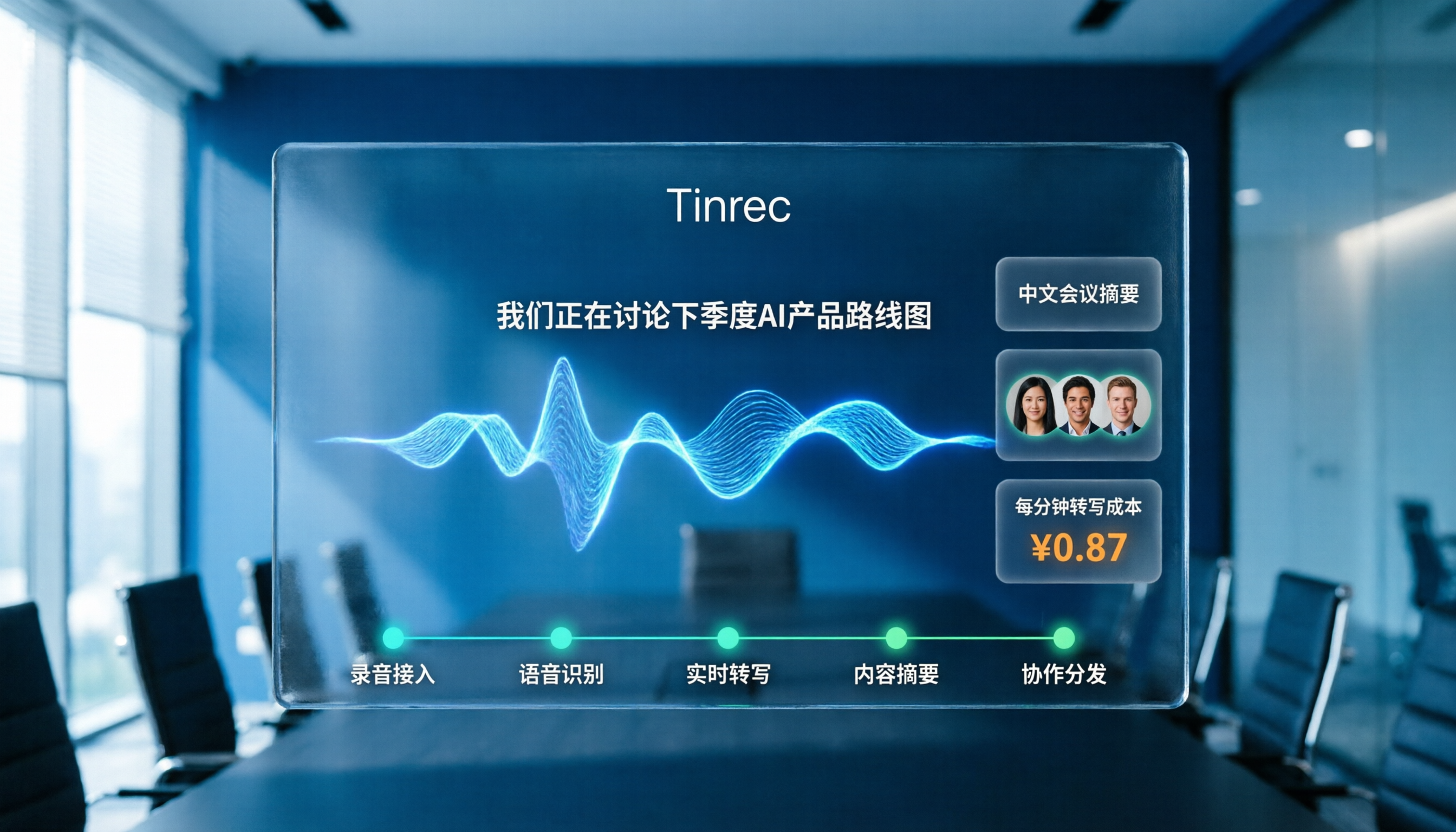
Turn recordings into transcripts and summaries in minutes
Upload audio or video for multilingual transcription, AI notes, and action items
The Real Problem Isn't "Transcription Is Too Expensive"—It's That Plans Are Hard to Compare
When people search for Good Tape pricing, what they're really asking is: Should I pay for a transcription tool at all?
The most common scenario is that the free plan looks usable, but once you upload a file, you hit limits on file length, monthly minutes, or export features. When it's time to upgrade, you find that monthly fees, annual fees, and per-seat pricing don't align across tools—some only count uploaded minutes, while others include live recordings.
If you're comparing Good Tape with other speech-to-text tools, this article will help you separate pricing, usage, and actual work needs in 5 steps, so you don't make a decision based solely on the monthly fee.
Before Choosing a Speech-to-Text Tool, Understand These 4 Key Points
1. What Does the Free Plan Really Cover?
Don't just look at the word "free." Check whether the free plan limits monthly minutes, file length, or features. Good Tape offers a free plan, but heavy users will quickly hit the cap. Some tools, like Otter.ai's free version, provide 300 minutes per month, which is more generous for occasional English meeting notes.
2. Is Pricing Based on "Users" or "Minutes"?
This is where team purchases often go wrong. Good Tape's starting price appears as €9 per month on some third-party comparison sites, but the official website price may vary by plan and currency. For team plans, pay close attention: is it priced per "paid seat" or per "monthly transcription minutes"? For example, Tinrec's annual team plan includes about 2,000 shared import minutes per seat per month, and live recordings don't deduct minutes as long as seats are active. This structure is more suitable for teams with frequent meetings than simply comparing monthly fees.
3. What Can You Do After Transcription?
If you only need verbatim transcripts, many tools will suffice. But if you need meeting summaries, action items, AI Q&A, export to Google Docs, or team sharing, you should factor in both the "cost per minute" and the "time saved on manual follow-up." Tools that only transcribe often leave you with high post-processing costs that exceed the software itself.
4. Chinese, Mixed-Language, and Industry Terminology
Good Tape supports multiple languages, but if you primarily handle Chinese meetings, code-switching between Chinese and English, or industry jargon, test it with real recordings. Official claims of multilingual support don't guarantee consistent recognition of specialized terms across all languages. Tinrec offers team custom vocabulary, allowing teams to maintain frequently used terms—a feature rarely found in personal transcription tools.
Tinrec (秒听录音)—Turning "Transcription Costs" into "Meeting Assets"
If you're checking Good Tape pricing to find a tool for long-term meeting notes, Tinrec is worth evaluating alongside.
Tinrec doesn't just transcribe recordings; it turns meetings into searchable, collaborative, and queryable team knowledge. For SMB managers or department heads, this means you're not just buying transcripts—you're getting action lists and decision records after each meeting.
Record Online Meetings Without a Bot
Tinrec's desktop app captures system audio directly, so you can record Zoom, Google Meet, Microsoft Teams, or Webex meetings without inviting a bot to join. This is a cleaner solution for teams that don't want unfamiliar participants in meetings or want to avoid bot authorization processes.
Ask Questions Directly After Recording
Tinrec's AI Q&A lets you ask follow-up questions about the meeting content, such as "Who mentioned the budget in the last meeting?" or "What actions did we finally decide on?" This is much faster than manually searching through a 30-minute transcript. Most transcription tools in the same price range only provide transcripts, leaving the follow-up work to you.
Team Plans Are a Dedicated Collaboration Space, Not Shared Accounts
Tinrec for Teams puts meeting recordings, transcripts, summaries, to-dos, and member management in one team space. Admins can assign roles and seats separately: only members with seats can upload, edit, and export, while members without seats can still view and play team data. When a member leaves or is removed, meeting data remains with the team and doesn't disappear with the individual account.
Stop organizing recordings by hand
Upload audio or video and automatically get a transcript, summary, and action items
Pricing Structure Suits Long-Term Cost Calculations
The annual team plan costs about USD 199 per paid seat, roughly USD 16.58 per month. Each seat includes 2,000 shared import minutes per month, and live recordings don't deduct minutes as long as seats are active. If you have regular weekly meetings, this structure reflects actual usage costs better than comparing individual monthly fees. The personal plan also offers a free tier, weekly pass, and Pro plan, so light users can try it for free without committing to a long-term contract.
Limitations Should Be Clear
Tinrec's live recording requires manual activation—it doesn't automatically join all calendar meetings. The team plan currently focuses on team-level sharing and doesn't support fine-grained private permissions for individual files. As for accuracy, actual performance depends on audio quality, accents, overlapping speech, and technical terms, so we don't recommend using "98% or 99% accuracy" as a purchasing criterion.
Who Is It For?
If you have weekly Chinese or mixed Chinese-English meetings, don't want to add bots to meetings, need summaries and action items right after, and want meeting data to stay in the team space, Tinrec is closer to your needs than a standalone transcription tool.
What Other Options Are There Besides Tinrec?
Good Tape: Suitable for individual users who need quick audio-to-text conversion, with a simple interface and multilingual support. However, if you need AI meeting Q&A, team spaces, or bot-free online meeting recording, Good Tape's post-processing capabilities are relatively limited. Tinrec's ability to "ask questions directly after recording and store meetings in a team space" is something Good Tape currently struggles to match.
Otter.ai: A mature choice for English business meetings, with a generous free tier of 300 minutes per month. However, for Chinese meetings and mixed Chinese-English content, the integration experience may not be ideal for users in Taiwan. Tinrec offers real-time Chinese translation, bilingual transcripts, and team custom vocabulary, making it more friendly for Chinese-speaking teams.
Notta: Offers comprehensive multilingual transcription and translation, suitable for users who need extensive subtitles and file transcription. However, team collaboration and post-meeting AI summarization depth are areas where Tinrec differentiates. If you only need transcription without meeting data management and action tracking, Notta is worth considering; if you want to turn meetings into sustainable team knowledge, Tinrec is more complete.
Pitfall Guide: 3 Common Mistakes When Choosing a Speech-to-Text Tool
Pitfall 1: Only Looking at Monthly Fees, Not Cost Per Minute
€9 per month vs. €16 per month seems like a big difference. But if you handle 3 hours of meetings weekly, that's over 720 minutes per month. After free or low-cost plan limits are exhausted, upgrade costs may be higher. Estimate your monthly usage first, then compare using "annual cost ÷ total minutes."
Pitfall 2: Treating "Transcription" as the End Goal
Transcripts are just raw material. You need summaries, action items, owners, and deadlines. If the tool only transcribes, the follow-up work still falls on you. For managers, this time cost is often more significant than the subscription fee. Choosing a tool with AI summarization and to-do features turns "buying a tool" into "saving manpower."
Pitfall 3: Ignoring Team Data Ownership
Personal transcription tools often tie meeting data to individual accounts. When an employee leaves, historical meeting records may disappear. For team purchases, always confirm whether data belongs to the team and whether it can be transferred when members leave. Tinrec's team space design addresses this: resources belong to the team, and admins can transfer them when members change.
Summary: Which One Should You Choose?
If you occasionally transcribe a recording and have a very low budget, Good Tape's free plan is worth trying. But if you need to handle meetings weekly, get key points and action items right after, and share meeting data with your team, Tinrec is currently a more complete choice.
Here are recommendations for different scenarios:
- Need Chinese meeting transcription and AI summarization → Tinrec (mixed Chinese-English, real-time translation, team custom vocabulary)
- Don't want to add bots to meetings → Tinrec (desktop app records system audio directly)
- Want to ask questions and generate action items after recording → Tinrec (AI Q&A and to-do extraction)
- Need meeting data to stay with the team despite staff turnover → Tinrec for Teams (resources belong to the team, transferable)
- Zero budget and only English content → Otter.ai (free tier with 300 minutes per month)
We recommend starting with a free plan and testing transcription quality and follow-up workflows with a real meeting recording before upgrading. When comparing prices, don't just look at monthly fees—factor in cost per minute, post-meeting time, and team data ownership. That's what truly makes a tool cost-effective.
References
Turn every recording into actionable outcomes
Get 60 free transcription minutes when you sign in. No credit card required.
Related Reading
You might also like

2026 Comparison of 4 Audio-to-Text Tools: Which Saves Creators the Most Time on Transcripts?
Starting from the real pain points creators face with audio-to-text, this comparison of Tinrec, Notta, TurboScribe, and MyEdit covers recording methods, post-meeting organization, Chinese language experience, and team collaboration to help you choose the right transcription tool.

2026 AI Meeting Notes Tools Compared: Which One Produces Trackable Minutes Fastest?
Meeting minutes often take too long not because you type slowly, but because of inefficient habits. This article examines three common pitfalls, outlines five key factors for choosing a tool, and tests Tinrec, Notta, Otter.ai, and Granola on the workflow from meeting end to sendable minutes. It also includes a guide to avoid common mistakes and scenario-based recommendations to help you find a tool that saves time and keeps action items trackable.

2026 Guide: Organizing Interview Recordings with Tinrec — AI Transcripts + Auto Summaries & Action Items
Tired of spending hours organizing interview recordings? This guide covers key selection criteria, walks through Tinrec's interview recording workflow, and compares Notta, Otter.ai, and TurboScribe. Includes pitfalls to avoid and selection advice to turn recordings into searchable, actionable data.

2026 Comparison of 5 Voice Recorder Solutions: AI Transcription Tools Are the Real Money-Savers
Many people choose a voice recorder based only on price and recording quality, overlooking hidden costs like transcription fees, post-meeting organization time, and scattered data. This article starts with common misconceptions, compares the true cost-effectiveness of 5 common recording solutions, and uses Tinrec as an example to explain how AI recording transcription, summarization, to-dos, AI Q&A, export, and team spaces turn recordings into directly usable data.

2026 Medical Transcription Tools Comparison: Tinrec vs Notta — 5 Dimensions, Which Saves More Time on Clinical Notes?
From patient consultations and physician dictation to case conferences, we compare Tinrec and Notta across 5 dimensions: recording capture, Chinese terminology, post-meeting organization, team governance, and data export—to help you decide which tool better fits real clinical workflows.

2026 Guide: Voice Recorder vs. Phone Recording — Audio Quality Comparison + AI Organization in Practice
What's the difference between a voice recorder and phone recording? This article compares the two in terms of audio capture, interruption risk, battery life, and post-recording organization, and explains how Tinrec uses AI transcription, summaries, to-dos, and team spaces to fill the gap of recording without organizing.

2026 Voice Input Tools for Writers: 5-Tool Test Comparison — Which Is Least Effort for Long-Form Chinese Writing?
Starting from common misconceptions, this hands-on comparison tests Tinrec, Google Docs voice typing, Windows built-in voice input, Speechify, and Dragon to help writers and text professionals find a voice input workflow that turns dictation into an editable first draft.

2026 AI File Delivery Agents: 7 Solutions + Automatic Meeting Minutes Generation
AI Agents are no longer just chatbots—they can turn raw materials into deliverable files. This listicle covers 7 AI file delivery agent solutions, from transcribing meeting recordings to automatically generating summaries and action items, and exporting reports and spreadsheets. It also includes buying checkpoints, pricing, and ideal use cases to help you choose the best fit for your team.

2026 Comparison of 5 Training Recording Transcription Tools: Which Is Most Time-Saving for Chinese Recognition and AI Summaries?
Training recordings pile up on phones and in the cloud, but the real challenge is choosing which tool to use afterward to turn them into transcripts. This article outlines the positioning, pricing, and ideal users for 6 training recording transcription solutions, covering Chinese recognition, AI summaries, team sharing, and batch processing of long documents, helping you quickly choose the right tool for your situation.