
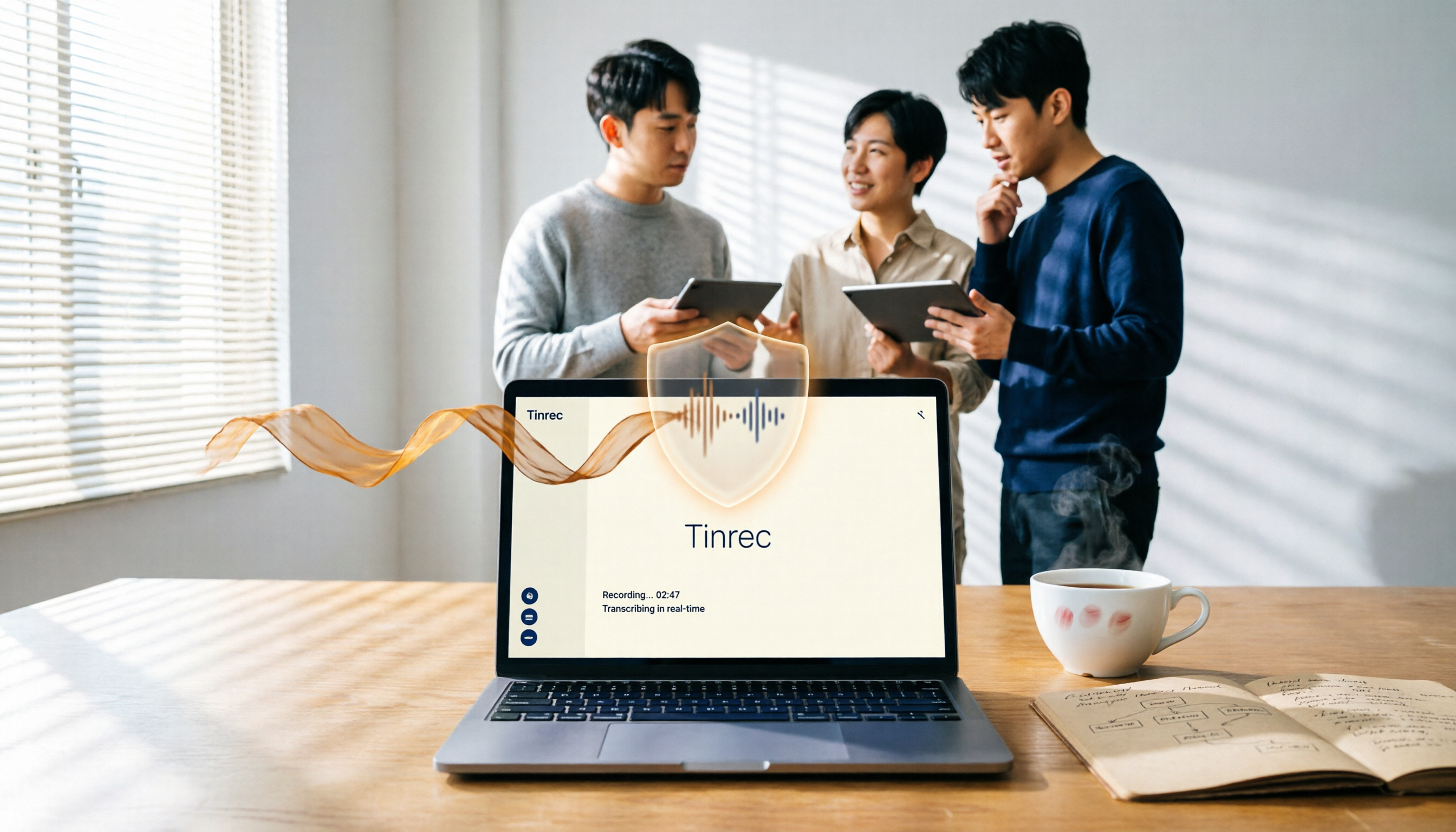
Turn recordings into transcripts and summaries in minutes
Upload audio or video for multilingual transcription, AI notes, and action items
You Think "Security" Means Encryption, but Most People Miss Another Trap
"Is Good Tape safe?" Many users in the U.S. search for this and end up with one answer: it has GDPR, Danish regulations, and automatic audio deletion.
To be fair, these are all true. But if you decide solely based on the word "security," you might overlook something more important: whether this tool truly integrates into your meeting workflow.
Several entrepreneurs I know initially said, "I want the most secure option." After two weeks, they realized they still had to manually transcribe, extract action items, and paste notes into Notion. It was secure, but it still ate up a lot of time.
What's more, many people equate "security" with "privacy," without considering how data flows within the team, how it's handed off, and how it's searched. That's the real pitfall for small and medium teams.
So this article won't just tell you whether Good Tape is safe. I'll compare it with Tinrec across 4 dimensions to see which one is both "secure" and "usable."
Before Choosing a Transcription Tool, Understand These 4 Key Points
First: Will your audio be used to train AI?
People have been spooked in recent years, so they ask any "AI tool": Will my recordings become someone else's training data? Good Tape does well here—they clearly state that files belong to the user, and employees can only access them when the user explicitly requests support. Tinrec, on the other hand, focuses on data ownership within team spaces—meeting data belongs to the team, not the individual uploader. The logic differs, but both are reasonable.
Second: Is the output actually usable?
Many obsess over security but forget the core task: turning recordings into something actionable. If you only get a transcript, you still have to read it, pick out key points, and write meeting notes yourself. What truly saves time is automatic summaries, action items, and even the ability to ask AI follow-up questions about the meeting.
Third: Cross-platform and meeting sources.
Today you might record an interview on your iPhone, tomorrow a Zoom meeting, and the day after, an old audio file. If the tool only supports one scenario, you'll need multiple setups. Small teams fear this "tool switching cost" the most.
Fourth: Team collaboration—it's not just you.
When it's just you, security means "my files don't leak." But when your team has 8 people, the question becomes: Who can view, who can edit, and what happens to data when someone leaves? On this dimension, Good Tape's public info is vague, whereas Tinrec's team plan clearly defines roles, seats, and member relationships.
Tinrec (秒听录音)—Our Hands-On Pick for Small and Medium Teams
Tinrec isn't just a transcription tool. It turns meetings into searchable, collaborative, trackable team data—that's where I see it pulling ahead of Good Tape.
First, bot-free recording.
Tinrec's desktop app captures system audio directly, so you don't need to invite a bot into Zoom, Meet, or Teams meetings. For many U.S. users who dislike "a stranger in the meeting," this lowers the psychological barrier. Good Tape excels at file upload transcription, but for live online meetings, Tinrec's desktop flow is more direct.
Next, what happens after recording.
This is the key point for me. Uploading an audio file and getting a transcript is just the first step for Tinrec. It then automatically generates summaries, chapters, key points, and action items. You can ask AI: "Who mentioned the budget in the last meeting?" It understands semantics, not just keyword search.
Stop organizing recordings by hand
Upload audio or video and automatically get a transcript, summary, and action items
Cross-platform and input sources.
Tinrec supports iOS, Android, web, and desktop, handling live recordings, online meetings, and audio/video file imports. Good Tape focuses on web upload, with less complete mobile and live meeting support.
Team space design.
This is why I think Tinrec truly feels like a "tool for teams." The team plan offers roles, seat allocation, usage analytics, audit logs, and even a recycle bin for deleted audio. When a member leaves or loses their seat, team resources can be handed off to others, not lost with the personal account.
Limitations, too.
Tinrec's free plan has basic usage limits; heavy use requires payment. The team plan is billed per paid seat, at about USD 199 per seat per year. As for accuracy, I won't promise 99%—recording quality, accents, and overlapping speech all affect results. But for English scenarios, Tinrec performs well enough.
Who is it for?
If you have regular weekly meetings, need to turn meeting notes into action items, or have a team of more than 3 people sharing meeting data—Tinrec is a better fit than Good Tape.
Beyond Tinrec: What Other Options Are There?
Good Tape:
A transcription tool born from a Danish newsroom, emphasizing GDPR compliance, automatic audio deletion, and file encryption. If your top priority is "cloud service compliance and privacy," Good Tape is a valid option. But note, it leans more toward "upload file, get transcript," and falls short of Tinrec in live meeting recording, team member management, and post-meeting action tracking.
Notta:
Overlaps significantly with Tinrec, offering multi-device transcription, translation, and team plans. However, Notta's team permissions and data governance are simpler, and if you need bot-free online meeting recording, Tinrec's desktop flow is smoother.
Pitfall Guide: 3 Common Mistakes When Choosing a Transcription Tool
Pitfall 1: Equating "security" with "GDPR."
GDPR is an important metric, but not the only one. You need to look at: how data is managed within the team, who has access, and what happens when an employee leaves. Many tools don't proactively disclose these details.
Pitfall 2: Chasing privacy at the cost of workflow.
I once had a reader who chose the most privacy-focused tool, only to spend 40 minutes manually organizing after every meeting. The tool was secure, but the team didn't want to use it. Security and efficiency aren't a trade-off; you need a balanced option.
Pitfall 3: Ignoring team collaboration needs.
Using it alone vs. with 8 people is a completely different ballgame. Recording doesn't equal collaboration. If the tool lacks role management, data handoff, and usage analytics, you'll regret it as your team grows.
Conclusion: Which One Should You Choose?
Back to the original question: Is Good Tape safe? The answer is: it does well on privacy and compliance, but if you need a tool that's "secure and integrates into team workflows," Tinrec is the more balanced choice.
Scenario-based recommendations:
- If GDPR compliance is your top priority and you only need file upload transcription → Good Tape
- If you need to record live online meetings without inviting a bot → Tinrec
- If you want automatic summaries, action items, and AI follow-up after recording → Tinrec
- If your team has more than 3 people and needs shared meeting data and permission management → Tinrec
- If you only record in English, have zero budget, and use it occasionally → Start with Otter.ai's free tier
I recommend downloading Tinrec's free version first, using the basic quota to record a couple of meetings, and experiencing the post-recording workflow. Upgrade only if it fits your team—no need to pay upfront.
References
- Good Tape GDPR compliant and secure AI transcription
- Can you trust Good Tape with your newsroom interview transcripts?
- Good Tape Review: The Transcription Tool Built for Journalists Who Protect Their Sources
- Goodtape.io Review 2025: Secure, Automated Transcription For Scalable Shopify Brands
- Good Tape - Automated Transcription | Secure AI Automatic Transcript Tool
Turn every recording into actionable outcomes
Get 60 free transcription minutes when you sign in. No credit card required.
Related Reading
You might also like

2026 Guide: Voice Recorder vs. Phone Recording — Audio Quality Comparison + AI Organization in Practice
What's the difference between a voice recorder and phone recording? This article compares the two in terms of audio capture, interruption risk, battery life, and post-recording organization, and explains how Tinrec uses AI transcription, summaries, to-dos, and team spaces to fill the gap of recording without organizing.

2026 Voice Input Tools for Writers: 5-Tool Test Comparison — Which Is Least Effort for Long-Form Chinese Writing?
Starting from common misconceptions, this hands-on comparison tests Tinrec, Google Docs voice typing, Windows built-in voice input, Speechify, and Dragon to help writers and text professionals find a voice input workflow that turns dictation into an editable first draft.

2026 AI File Delivery Agents: 7 Solutions + Automatic Meeting Minutes Generation
AI Agents are no longer just chatbots—they can turn raw materials into deliverable files. This listicle covers 7 AI file delivery agent solutions, from transcribing meeting recordings to automatically generating summaries and action items, and exporting reports and spreadsheets. It also includes buying checkpoints, pricing, and ideal use cases to help you choose the best fit for your team.

2026 Comparison of 5 Training Recording Transcription Tools: Which Is Most Time-Saving for Chinese Recognition and AI Summaries?
Training recordings pile up on phones and in the cloud, but the real challenge is choosing which tool to use afterward to turn them into transcripts. This article outlines the positioning, pricing, and ideal users for 6 training recording transcription solutions, covering Chinese recognition, AI summaries, team sharing, and batch processing of long documents, helping you quickly choose the right tool for your situation.

2026 Voice Recorder Comparison: 5 Buying Steps + AI Transcription Workflow
Starting from the pain points of recording meetings, classes, and interviews, this guide outlines 5 key buying criteria for voice recorders and AI meeting note tools. Using Tinrec as an example, it explains bot-free online meeting recording, transcripts, summaries, action items, AI Q&A, and team seat management. Ideal for professionals and teams comparing voice recorders and making purchasing decisions.

2026 AI Meeting Notes Showdown: Tinrec vs Granola on Context Understanding and Post-Meeting Workflows
Nobody wants to re-listen to a meeting recording—that's the biggest pain point of AI meeting tools. This article focuses on context understanding and compares Tinrec and Granola across five dimensions: audio retention, input sources, Chinese language and translation, post-meeting outputs, and team governance, helping you decide which tool better fits your meeting scenarios.

Tinrec vs Microsoft Word Copilot (2026): 5-Dimension Comparison for AI Meeting Minutes in Word
Discover how Tinrec and Microsoft Word Copilot compare in generating AI meeting minutes for Word across 5 key dimensions: audio capture, Chinese transcription, post-meeting organization, Word delivery, and team collaboration. Find the most time-saving workflow for your meetings.

2026 AI Agent Meeting Tools Compared: Which Is Fastest for Chinese Meeting Notes and Action Items?
We tested four AI Agent meeting tools—Tinrec, Otter.ai, Notta, and Granola—comparing bot-free recording, Chinese transcription, post-meeting summaries and action items, AI Q&A, and team knowledge retention to help you choose the most time-saving solution for meeting notes.

2026 AI Meeting Productivity Tools: Bot-Free Recording + Auto Summaries & Action Items
Many people treat AI meeting tools as simple transcript generators, but what really impacts efficiency is post-meeting organization and follow-up. This article uses Tinrec to demonstrate how to go from bot-free recording, real-time transcription, AI summaries, and action item extraction to team workspace retention, and also covers purchasing checkpoints and FAQs.