
Turn recordings into transcripts and summaries in minutes
Upload audio or video for multilingual transcription, AI notes, and action items
Drowning in Lecture Recordings but Still Unprepared for Exams? You Don't Need Another Tool—You Need a Solution
Last semester, I took a class where the professor talked at lightning speed and flipped through slides even faster. I tried taking handwritten notes—but when I opened my notebook before the midterm, I couldn't even decipher my own writing. To make things worse, I had recorded every lecture, but there was no way I could listen to hours of audio from start to finish before the exam.
Group discussions were even more chaotic. We'd talk for two hours, and by the end, no one remembered what we'd concluded. The next meeting, we'd have to start all over again.
If any of this sounds familiar, this article is for you. I've spent real time testing several free AI meeting note tools and narrowed down the options that actually work for students—plus I'll give it to you straight on whether the free tiers are enough.
Before Picking an AI Meeting Note Tool, Get These 4 Key Points Right
I made plenty of mistakes when I first started choosing tools. Eventually, I realized that for students, it's not about having the most features—it's about these things:
Is the free tier actually usable? Lots of tools advertise "free," but then you find out it's only 30 minutes per month or 3 minutes per session—nowhere near enough for a two-hour lecture. I always do the math: I need about 150 to 200 minutes of recording per week. If the free version can't even cover that, it's practically useless for students.
Does it give you key takeaways, not just a transcript? Transcripts are useful, sure, but a two-hour lecture can easily turn into 10,000+ words. You won't read that before an exam. What I need are summaries, action items, and key points—ideally with the ability to ask the AI, "Did the professor mention what's on the midterm?"
Is it easy to get started? Some tools require sign-ups, credit card info, or a bunch of downloads before you can even try them. My roommate gave up on one tool because the registration process was such a hassle—she went back to handwritten notes. For students, if it's not ready to use right away, it's a dealbreaker.
Does it sync between phone and computer? I record lectures on my phone and organize notes on my laptop back at the dorm. If a tool only works on one platform, it forces you to change your habits—and that's painful.
Easemate AI—The First Free Online Transcription Tool I Used
I started with Easemate's "AI Meeting Recorder" because it requires no installation—just open the webpage and go. For me, that was the lowest barrier to entry.
The real-time transcription works well; it generates text as you record, complete with timestamps, speaker identification, and key point summaries. What impressed me most was the "AI Chat" feature in the top-right corner—after recording, you can ask it things like "Did the recording mention the assignment deadline?" and it will pull up the relevant sections, saving you from listening to everything yourself.
That said, the summary quality can be hit or miss. When the professor speaks clearly, the summaries are great. But in group presentations where multiple people talk over each other, it occasionally picks up the wrong points. So I ended up using it as a "real-time transcription + post-recording Q&A" tool, and I'd still cross-check important details against the transcript.
The free tier is sufficient for light use—if you only record two or three classes a week, you're fine. But if you're like me and record five or more classes a week, the free quota gets tight, and you might have to prioritize which classes to record.
inFin—A Voice Notes App That Needs No Sign-Up
After using Easemate for a while, I started looking for something better suited for quick mobile recording, and that's when I tried inFin.
Stop organizing recordings by hand
Upload audio or video and automatically get a transcript, summary, and action items
Its biggest advantage is that it's free, requires no registration, and works on both phone and computer. Just open the app, hit record, and when you're done, tap the "inFin+" button—the AI automatically organizes everything into summaries, meeting notes, key points, and action items. This is especially handy for group discussions: after everyone's done talking, I tap once and get a clean summary with next steps, no need to spend half an hour afterward trying to recall what was said.
But it has a clear downside: accuracy is a bit lower. When I tested the same lecture recording, inFin had a higher error rate than Easemate, especially with technical terms or mixed Chinese-English content. So my approach with inFin is: let it generate the big picture first, then quickly scan the transcript to fix key terms.
For students, the no-registration aspect is a huge plus. I recommended it to three classmates, and they all tried it specifically because they didn't have to sign up.
NotebookLM—Google's Free AI Note Assistant
Later, a senior recommended Google's NotebookLM, saying it does more than just transcribe—it can generate mind maps and presentation videos.
It works differently from the other two: you upload your audio files, and it generates audio summaries, and can even turn the content into mind maps or slides. For anyone working on a final project, this is a game-changer. I uploaded an entire semester's worth of lecture recordings and asked it to create a mind map—my review efficiency doubled.
However, I think it's better for "post-processing" rather than real-time transcription during class. If you need text as the lecture happens, you'll need to pair it with another tool. Plus, it requires a Google account, which adds a barrier for those who prefer not to link accounts.
NotebookLM shines in those "I need to digest an entire semester quickly before finals" moments. I relied on it to turn my recordings into key-point mind maps, saving me tons of review time.
How to Avoid Pitfalls: 3 Common Mistakes When Choosing AI Meeting Notes
Mistake 1: Jumping at the word "free." Many tools' free plans only give you 30 minutes per month or 3 minutes per session—not even enough for one class. Always check the specifics: "How many minutes per month? What's the per-session limit?" Then calculate based on your own usage.
Mistake 2: Thinking transcription is the end goal. If you only use these tools for "audio to text," you're getting half their value. Features like Easemate's AI chat, inFin's auto-summaries, and NotebookLM's mind maps are what actually save you time. Asking "What's the key takeaway?" right after recording is way faster than manually sifting through thousands of words.
Mistake 3: Ignoring accuracy on technical terms. In my information management classes, we often have mixed Chinese-English jargon. If the tool's recognition isn't up to par, you'll end up with a transcript full of errors, making organization even more time-consuming. Test with your own lecture recordings, not just the official demo videos.
Conclusion: Which One Should Students Choose?
Honestly, for students, you don't have to pick just one—these three tools work well together:
- Real-time lecture transcription + post-recording Q&A → Easemate: No installation, real-time transcription, and AI chat to find content in recordings—great for taking notes during class.
- Quick summaries for group discussions → inFin: No registration, works on phone and computer, and generates summaries and action items in one tap—perfect for group projects.
- Massive review before finals → NotebookLM: Turns an entire semester of recordings into mind maps and slides—ideal for quickly digesting large amounts of content.
If your budget is $0 and you want to try just one, I'd suggest starting with Easemate. Its free tier and real-time transcription are the most directly useful for lectures. Run it for a week or two to see if it fits your workflow, then decide if you want to add other tools.
As students, our time is precious. Instead of spending two hours re-listening to a recording, spend ten minutes letting AI organize the key points for you.
References
- Unlimited Time! 3 Free AI Transcription Tools, Highly Recommended! AI Voice Notes for Meeting Minutes, Slides, and Mind Maps | 104 Career Center
- AI Meeting Minutes Software Recommendations: 5 Apps Tested and Compared—Automatic Transcription Makes Meetings Effortless!
- Meeting Ink - 2026 AI Meeting Notes Tools Tested: 7 Voice-to-Text and Summary Speed Showdown | Meeting Ink - AI Meeting Assistant for Automatic Transcription and Summaries
- 2026's Top AI Meeting Minutes Tools: Time-Saving Essentials for Meetings!
- Meeting Ink - AI Meeting Assistant for Automatic Transcription and Summaries
Turn every recording into actionable outcomes
Get 60 free transcription minutes when you sign in. No credit card required.
Related Reading
You might also like

5 Best AI Meeting Note Tools in 2026: Free Plans and Team Options Explained
The most time-consuming part of a meeting is often not the discussion itself, but the follow-up work. This article reviews 5 AI meeting note tools, covering free quotas, bot-free recording, Chinese transcription, and team spaces, to help you find the best fit for your workflow.
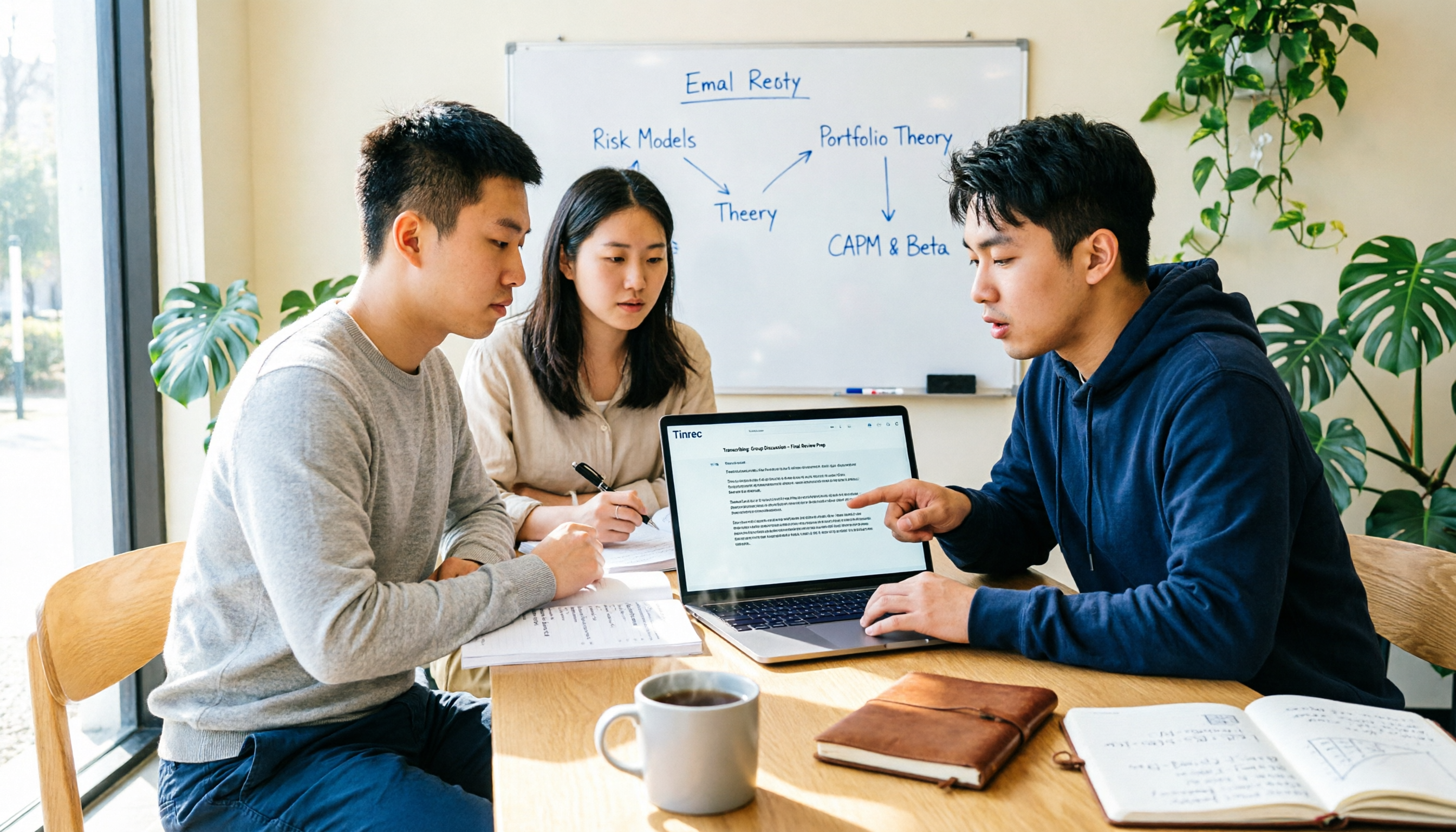
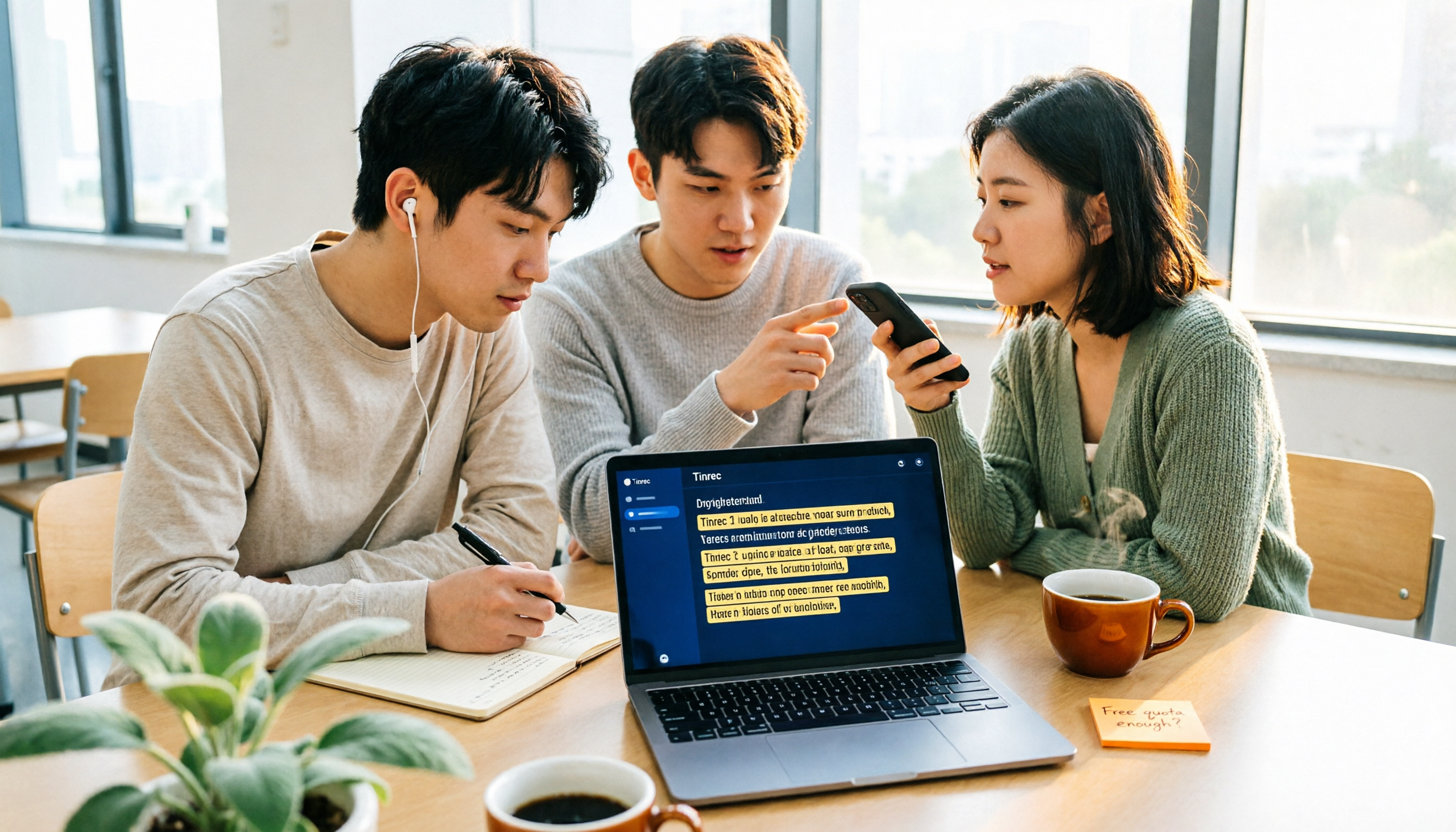
2026 AI Meeting Notes Tool Buying Guide: 5 Hands-On Tests and Student Recommendations
A senior Information Management student tested AI meeting note tools for an entire semester in real scenarios—lectures, group discussions, and final exam prep—comparing Tinrec, Otter, Notta, Plaud, and Fireflies to help you find the best fit for a student budget and study habits.

2026 Free AI Meeting Notes Tools: No-Install Transcription + Auto Summaries to Save Time
Tired of spending hours transcribing meeting recordings? This article tests several free AI meeting notes tools, covering speech-to-text, automatic summaries, and AI Q&A, showing you how to cut 80% of your meeting notes prep time and avoid overtime.
5 Best AI Meeting Recorder Apps of 2026: Which Free Plan Is Worth It?
From recording to text, AI summaries, and action items—these 5 AI meeting recorder apps are put to the test. We break down free quotas, bot-free recording, Chinese-language support, and team spaces to help you find the best fit for your workday.

2026 AI Meeting Note Tools Buyer's Guide: 5 Hands-On Tests for Google Meet
Tired of struggling with Google Meet meeting notes? This article tests Tinrec, Otter, Notta, Granola, and Google Meet's built-in features—covering bot-free recording, Chinese transcription, post-meeting organization, and team collaboration—to help you find the best AI meeting note solution.
2026 Hands-On Comparison of 3 AI Meeting Recorders: How to Choose a Free Option for Google Ecosystem Users?
Do you use Google Meet for meetings and Google Docs for organizing notes, but still rely on manual meeting minutes? This hands-on comparison tests 3 AI meeting recorders, covering bot-free recording, Chinese transcripts, free tiers, and Google Docs export, to help you find the most time-saving solution for Google ecosystem users.

5 Best AI Meeting Transcription Tools in 2026: Free vs Paid Plans Compared
Struggling to keep up with meeting notes? This article compares 5 AI meeting transcription tools, covering bot-free recording, Chinese speech recognition, AI summaries, and team collaboration. We break down free plan limits and offer practical recommendations to help you find the perfect meeting note assistant.
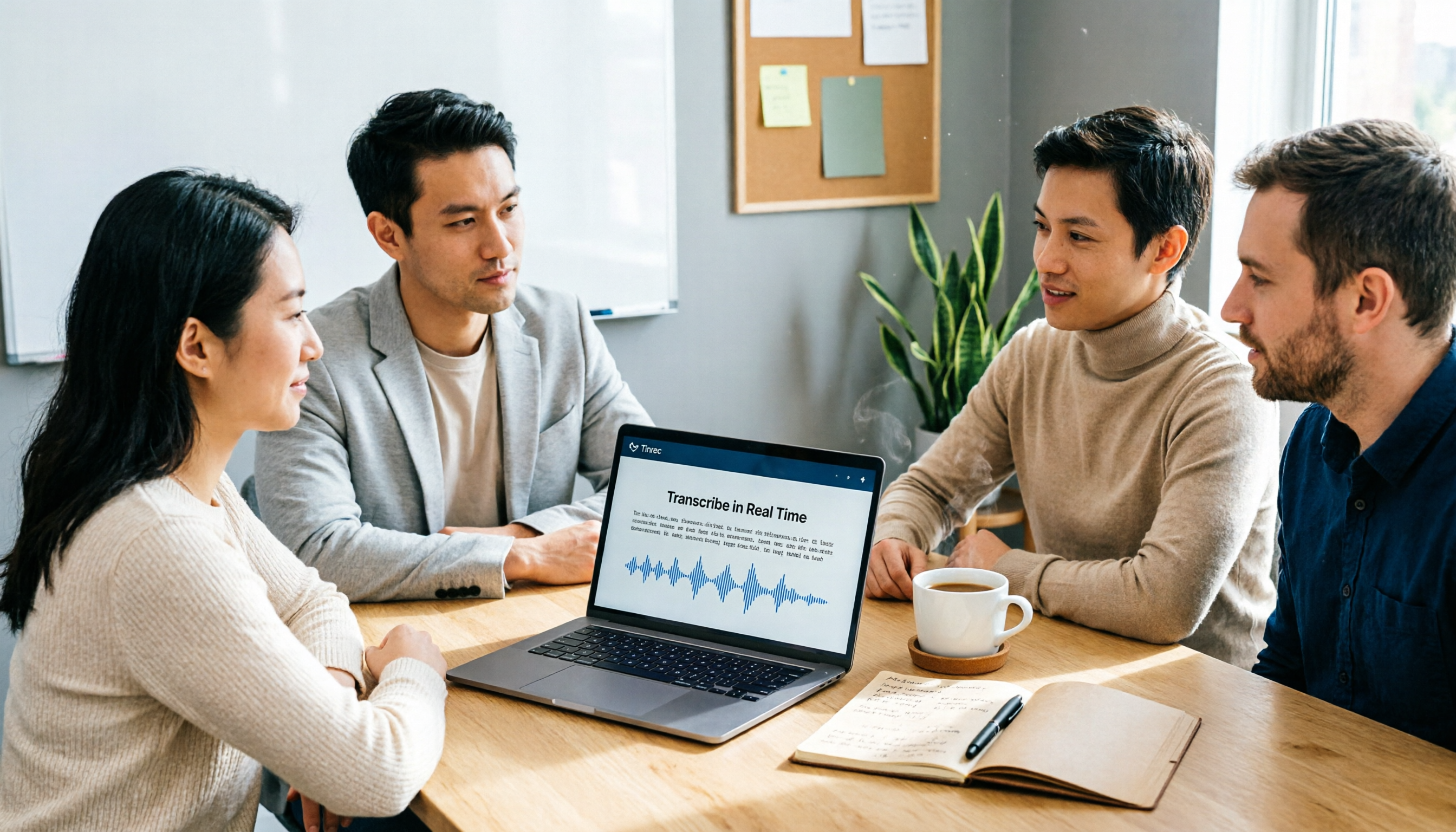
5 Best AI Meeting Recorder & Note-Taking Tools in 2026: Which Free Plan Is Actually Enough?
AI voice-to-text and meeting note tools come with varying free-tier limits. This article compares 5 practical tools—covering free quotas, recording methods, transcripts, summaries, and team collaboration—to help you decide which fits your meeting scenarios best.
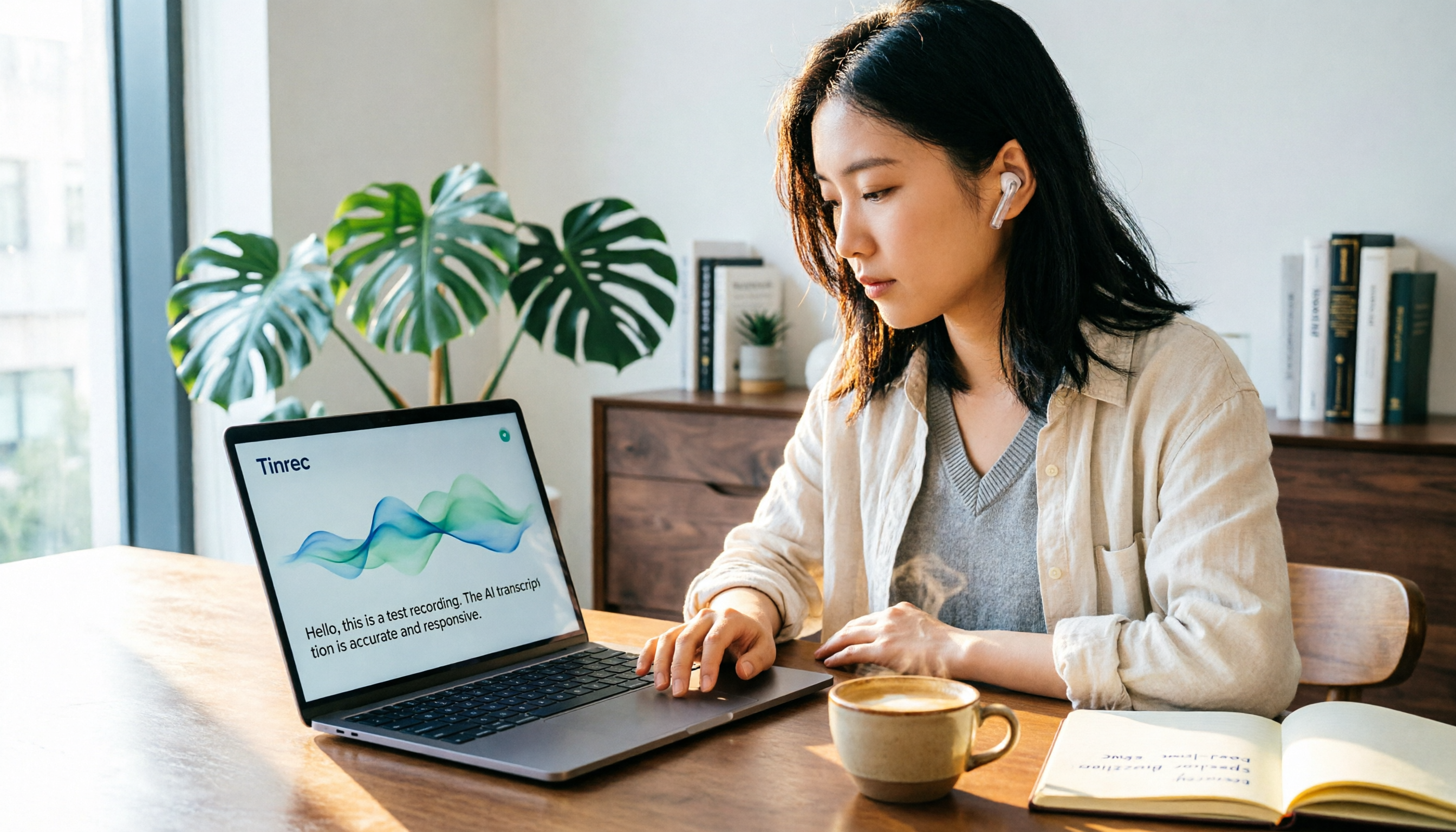
6 Best AI Transcription Tools Compared in 2026: Which Free Plan Is Worth It?
A practical comparison of AI transcription and speech-to-text tools worth trying in 2026, including Tinrec, NotebookLM, Yating, Vocol.ai, cSubtitle, and Notta. We break down free allowances, Chinese recognition accuracy, meeting notes, and team collaboration features to help you find the best fit.