

Turn recordings into transcripts and summaries in minutes
Upload audio or video for multilingual transcription, AI notes, and action items
Before midterms, I opened a semester's worth of lecture recordings and realized I couldn't possibly listen to them all
Last semester, I took a required course where the professor talked as fast as the slides flipped. I tried taking handwritten notes, but when I opened my notebook before midterms, I couldn't even read my own writing. Worse, I had over 20 hours of lecture recordings on my phone—I knew the key points were in there, but I didn't have time to listen to all of it.
That's when my roommate and I started looking into AI meeting notes tools. At first, I just wanted "recording to text," but after a semester, I realized what really saved me wasn't the transcript—it was the ability to automatically organize key points, extract action items, and even ask, "What was the conclusion from last time's group discussion?"
This article is my hands-on review after using these tools for a full semester, relying on them through midterms and finals. I won't list a bunch of spec sheets; I'll just tell you: if you're a student with a limited budget and even less time, which tools are actually worth installing.
Before choosing an AI meeting notes tool, understand these 4 key points
First, what you can do after transcription matters more than the transcription itself.
Many tools just give you a long transcript. But the student pain point isn't "no text"—it's "no time to read the text." So you need a tool that automatically generates summaries, highlights key points, and lists action items. After recording a two-hour lecture, if you can spend just 5 minutes on the summary and grasp 80% of the key points, that's real time savings.
Second, don't just look at the accuracy rates in official marketing.
Many tools claim 98% accuracy, but that's tested in a quiet recording studio. Real lecture settings have projector fan noise, classmates' keyboard clicks, and the professor's accent changes while walking around. I recommend trying free trials with your own lecture recordings, not just relying on advertised numbers.
Third, cross-platform support is crucial for students.
You might record lectures on your phone, organize notes on your laptop back at the dorm, and review on a tablet before exams. If a tool only supports one device, you'll struggle. I especially looked for "can I record on my phone, organize on my computer, and access it anytime via web?"
Fourth, calculate your free tier usage carefully.
Students care most about this. A 2-hour lecture, 3 lectures a week equals 6 hours, about 24 hours a month. Some tools only give 100 minutes free, which is gone after one lecture; others give 300 minutes, barely enough for two or three key lectures. First, calculate how much you'll record monthly, then decide whether to pay.
Tinrec (秒听录音) — My top pick after a semester of testing
Tinrec is an AI meeting notes and collaboration tool designed for individuals and teams. It supports live recording, bot-free online meeting transcription, audio file import, and real-time translation, and it works on iOS, Android, and web. In plain terms: for lectures, online group discussions, and interview recordings, it can turn them into text and then organize them into usable materials.
Here are my three most-used scenarios:
In physical classes, I open Tinrec and let it transcribe in real time. When the professor hits a key point, I mentally note the timestamp, and after class, I check the AI summary and chapters instead of listening from start to finish. It automatically splits a two-hour lecture into sections with subtitles, so I can quickly find where the "midterm project requirements" section is.
For group discussions on Google Meet, I no longer have to ask everyone to take turns taking notes. Tinrec's desktop version can directly capture system audio, so you don't need to add a bot to the meeting. I love this—I hate seeing a weird bot account in the participant list during meetings. After the meeting, the transcript, summary, and action items are all organized, showing who's responsible for what and deadlines at a glance.
Before finals, I keep all semester recordings and transcripts in Tinrec. When reviewing, I just ask it: "What were the key points about database normalization the professor mentioned last time?" It doesn't just give keyword search results; it answers based on content understanding. This feature is rare in tools at this price point, and it's why I can't go back.
Honest limitations:
Stop organizing recordings by hand
Upload audio or video and automatically get a transcript, summary, and action items
The free version has basic limits, and heavy users need to pay. In my experience, if you only record key lectures and group discussions, the free version can last a while; but if you record every class like I do, the Pro monthly or annual plan is more cost-effective. Also, Tinrec's transcription quality is affected by the recording environment—in noisy classrooms or when multiple people talk over each other, there can be recognition errors, so it's best to cross-check important content with the audio playback.
Who it's for:
If you need Chinese meeting transcription, lecture recording organization, and group discussion notes, and you want it to work on phone, computer, and web, Tinrec is a solid choice to try first. Especially the "ask AI for key points after recording" feature, which is a huge help for exam review.
Beyond Tinrec: What other options are there?
Otter.ai: Strong for English content, but not the top pick for Chinese scenarios.
Otter is a veteran AI meeting assistant, and its free tier offers a generous 300 minutes per month. But its strength is in English business meetings; its handling of mixed Chinese content isn't as tailored to Taiwanese student habits as Tinrec. If you mainly record English courses or meetings, Otter is worth considering. But if you need Chinese transcripts and Chinese AI summaries, Tinrec is smoother.
Notta: Similar features, but less depth in post-transcription organization.
Notta also supports multi-device transcription and translation, with 120 free minutes per month. But its strength leans toward file transcription and subtitle processing; its AI Q&A and action item extraction after meetings aren't as deep as Tinrec's. If you just need to convert recordings to text, Notta is worth a try; but if you want help organizing key points and answering questions after recording, Tinrec's post-processing is more complete.
Plaud Note: Convenient hardware recording, but requires an upfront device cost.
Plaud is an AI recording hardware device; its portability and battery life are indeed good. But for students, you need to spend money on the device first, plus a membership plan, making the overall cost higher. Tinrec doesn't require extra hardware—just install the app on your phone and start recording, which is more student-budget-friendly.
Pitfall guide: 3 common mistakes students make when choosing AI meeting notes tools
Pitfall 1: Only using the tool for "recording to text."
If you just dump recordings and convert them to text, you're only using a third of the tool's capability. What really saves time is the summary, chapters, action items, and AI Q&A after transcription. Now, after recording a lecture, the first thing I do isn't reading the transcript—it's checking the AI summary, then using Q&A to grab key points. Manually scanning a 30-minute transcript versus directly asking "What's the conclusion of this lecture?"—the efficiency difference is huge.
Pitfall 2: Ignoring how free tier limits are calculated.
Don't just download because it says "free." Some tools limit each session to 3 minutes, so you can't even use it for a 2-hour lecture. Before downloading, check how many minutes the free tier gives per month and if there's a per-session time cap, then compare with your weekly recording needs. Better to choose a paid plan with enough minutes than to be stuck with a free tier that can't do anything.
Pitfall 3: Not confirming privacy and consent before recording.
Some professors care about being recorded in class; this is even more important for group discussions or interviews. Tools like Tinrec don't automatically handle consent issues, so it's best to verbally confirm before recording, especially in interviews or situations involving others' privacy. It's basic courtesy and also protects you.
Summary: Which one should students choose?
If you're like me—needing Chinese lecture recordings, group discussion notes, and quick exam review—Tinrec is my top recommendation after a semester of use. It's not just a recording-to-text machine; it connects the entire learning workflow: "recording → transcript → summary → action items → exam review."
Scenario-based recommendations:
- Need Chinese lecture recording and Chinese AI summaries → Tinrec (most complete Chinese experience and post-processing)
- Want to ask AI for key points after recording, not manually scan transcripts → Tinrec (AI Q&A is the key differentiator)
- Need phone, computer, and web access → Tinrec (multi-device support, seamless cross-platform)
- Zero budget and only recording English content → Otter.ai (generous free tier, mature English scenarios)
- Ample budget and prefer hardware for portable recording → Plaud Note (but overall cost is higher than software solutions)
I suggest you try Tinrec's free version for one lecture. After experiencing the "record, then view summary and ask key points" workflow, you'll know if it's right for you. If you like it, consider upgrading—students really don't need to pay upfront.
References
- AI Meeting Notes Software Recommendations: 5 App Hands-On Reviews, Auto-Transcription Makes Meetings Easy!
- Recently, many people asked me if there's an AI tool for meeting notes. They still type manually, often can't multitask, and waste time. My answer is always — SeaMeet. Why recommend it? Here are the key points: -Tied to Google Meet, syncs transcripts for online meetings with real-time summaries, super convenient. -No need to reorganize; after the meeting, it emails all participants directly. -So easy to use, I taught a middle-aged person with zero AI experience in 10 minutes. -For in-person meetings
- Meeting Ink - 2026 AI Meeting Notes Tool Test: 7 Speech-to-Text and Summary Speed Showdown | Meeting Ink - AI Meeting Notes Assistant, Auto-Transcribe and Summarize
- AI Meeting Notes - Google Play App
- 2026's Top AI Meeting Notes Tools: Time-Saving Essentials for Meetings!
Turn every recording into actionable outcomes
Get 60 free transcription minutes when you sign in. No credit card required.
Related Reading
You might also like

5 Best AI Meeting Note Tools in 2026: Free Plans and Team Options Explained
The most time-consuming part of a meeting is often not the discussion itself, but the follow-up work. This article reviews 5 AI meeting note tools, covering free quotas, bot-free recording, Chinese transcription, and team spaces, to help you find the best fit for your workflow.
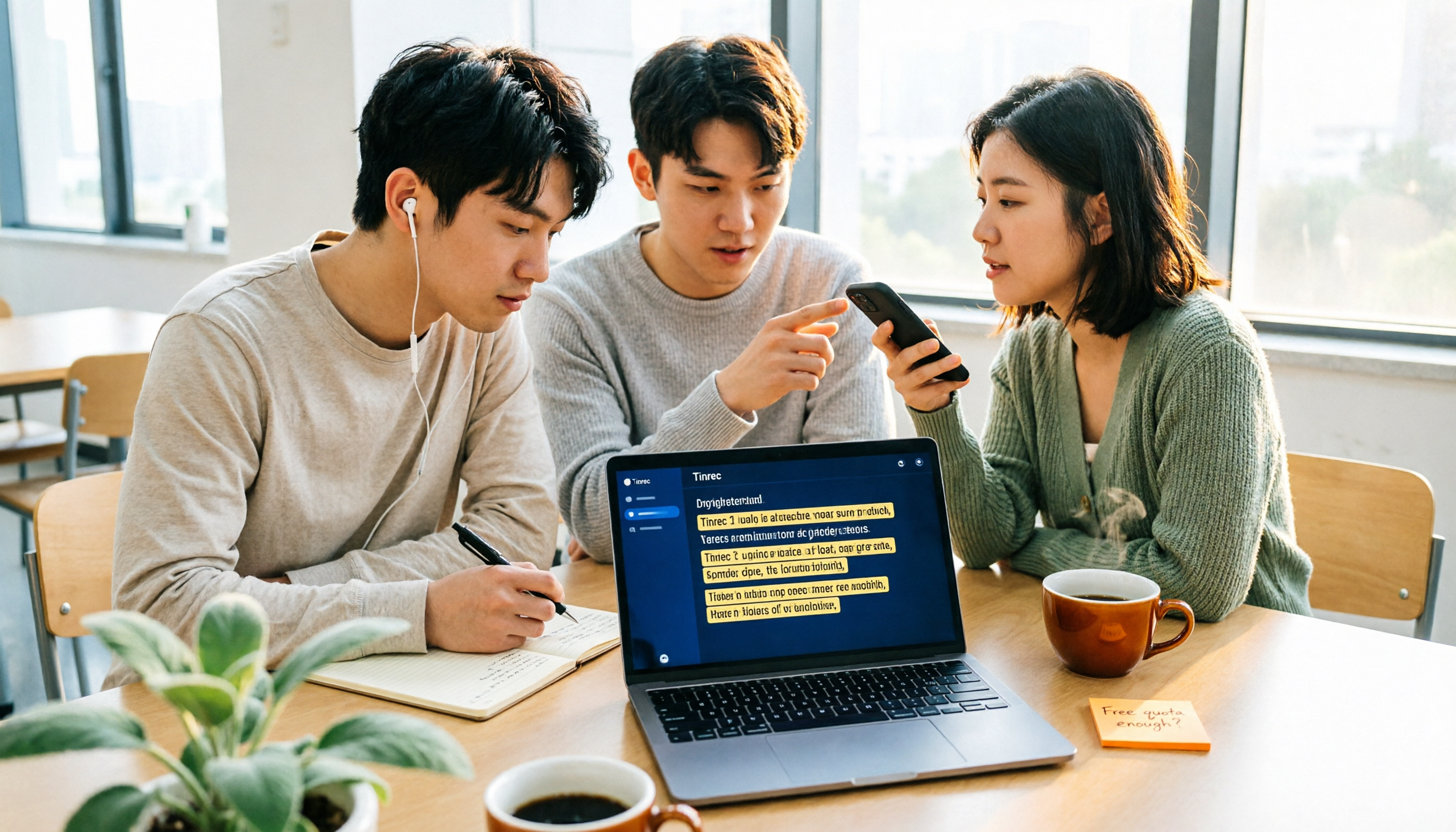
Free AI Meeting Notes for Students in 2026: 3 Tools Tested + Are Free Plans Enough?
A senior college student tests free AI meeting note tools, covering Easemate, inFin, and NotebookLM for lecture recordings and group discussions, analyzing whether free plans suffice and offering recommendations for students.

2026 Free AI Meeting Notes Tools: No-Install Transcription + Auto Summaries to Save Time
Tired of spending hours transcribing meeting recordings? This article tests several free AI meeting notes tools, covering speech-to-text, automatic summaries, and AI Q&A, showing you how to cut 80% of your meeting notes prep time and avoid overtime.

5 Best AI Meeting Recorder Apps of 2026: Which Free Plan Is Worth It?
From recording to text, AI summaries, and action items—these 5 AI meeting recorder apps are put to the test. We break down free quotas, bot-free recording, Chinese-language support, and team spaces to help you find the best fit for your workday.

2026 AI Meeting Note Tools Buyer's Guide: 5 Hands-On Tests for Google Meet
Tired of struggling with Google Meet meeting notes? This article tests Tinrec, Otter, Notta, Granola, and Google Meet's built-in features—covering bot-free recording, Chinese transcription, post-meeting organization, and team collaboration—to help you find the best AI meeting note solution.
2026 Hands-On Comparison of 3 AI Meeting Recorders: How to Choose a Free Option for Google Ecosystem Users?
Do you use Google Meet for meetings and Google Docs for organizing notes, but still rely on manual meeting minutes? This hands-on comparison tests 3 AI meeting recorders, covering bot-free recording, Chinese transcripts, free tiers, and Google Docs export, to help you find the most time-saving solution for Google ecosystem users.

5 Best AI Meeting Transcription Tools in 2026: Free vs Paid Plans Compared
Struggling to keep up with meeting notes? This article compares 5 AI meeting transcription tools, covering bot-free recording, Chinese speech recognition, AI summaries, and team collaboration. We break down free plan limits and offer practical recommendations to help you find the perfect meeting note assistant.
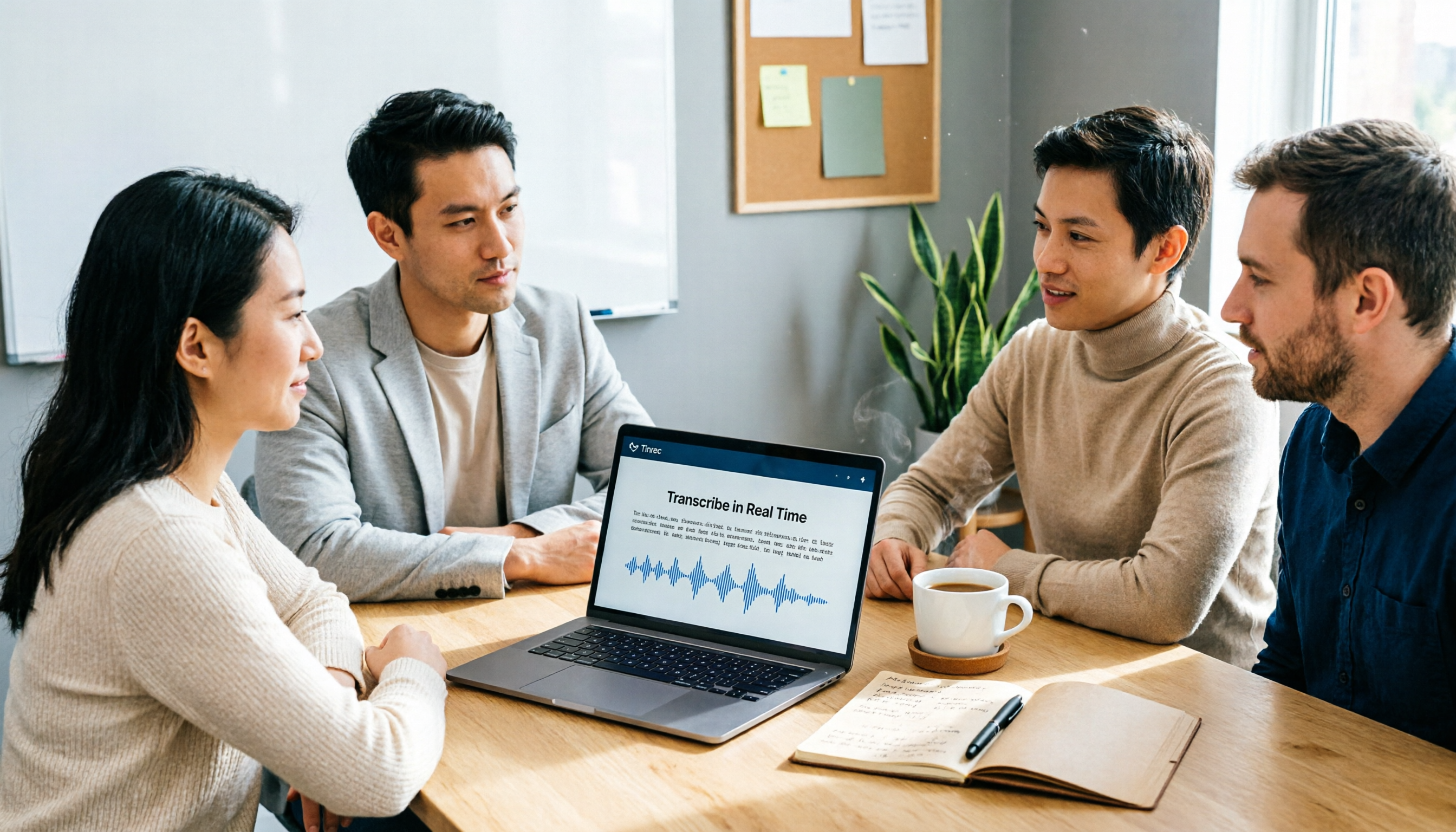
5 Best AI Meeting Recorder & Note-Taking Tools in 2026: Which Free Plan Is Actually Enough?
AI voice-to-text and meeting note tools come with varying free-tier limits. This article compares 5 practical tools—covering free quotas, recording methods, transcripts, summaries, and team collaboration—to help you decide which fits your meeting scenarios best.

6 Best AI Transcription Tools Compared in 2026: Which Free Plan Is Worth It?
A practical comparison of AI transcription and speech-to-text tools worth trying in 2026, including Tinrec, NotebookLM, Yating, Vocol.ai, cSubtitle, and Notta. We break down free allowances, Chinese recognition accuracy, meeting notes, and team collaboration features to help you find the best fit.