
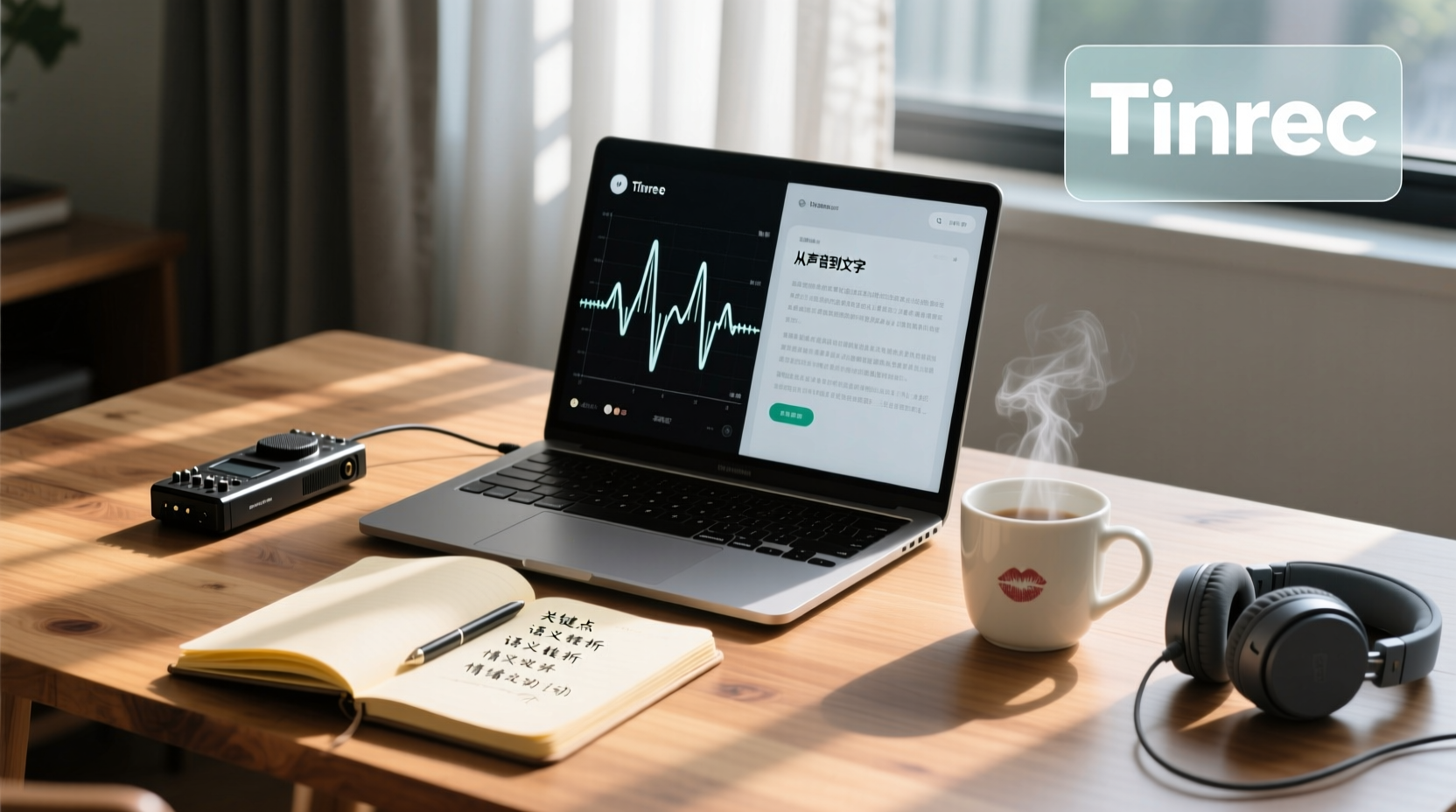
Turn recordings into transcripts and summaries in minutes
Upload audio or video for multilingual transcription, AI notes, and action items
When you have an hour-long interview recording containing key insights, specific data, and commitments from the interviewee, but you have to replay, pause, and manually type to turn it into a quotable transcript, you realize that the real time sink isn't the interview itself—it's the transcription.
Searching for "Good Tape transcription review" yields two contrasting voices: some say it saves them hours of manual transcription, while others complain that its accuracy falls short under certain languages or recording conditions. This polarized feedback isn't surprising, because everyone's use case, recording quality, and even definition of "good" differ.
Instead of blindly choosing based on individual reviews, it's better to establish your own evaluation framework. This article doesn't intend to conclude whether Good Tape is good or bad, but rather, starting from the interview workflows of journalists, researchers, and content creators, it teaches you how to evaluate whether this tool suits your interview research across four dimensions.
The Cost of Transcribing Interviews: Why Tool Choice Affects Research Efficiency
After an interview, the real work begins. A one-hour interview, if transcribed verbatim by replaying, pausing, and typing, often takes an additional two to three hours to produce a quotable transcript. If the interview involves sensitive personal data or multiple languages, the transcription cost is even higher.
Transcription is time-consuming not just because of the typing itself, but due to three underlying bottlenecks:
1. Difficulty in replaying and locating: Interviewees may jump between topics, add clarifications, or mention key data in different sections. During manual transcription, you have to repeatedly scrub the audio timeline to find where a particular statement was made.
2. Multilingual and accent burden: If the interview mixes languages or the interviewee has a strong accent, it's easy to mishear or miss parts, requiring repeated verification.
3. Formatting and citation needs: Research transcripts often require timestamps, speaker labels, or specific formats for subsequent coding and citation.
Therefore, when choosing a transcription tool, you shouldn't only look at "accuracy," but rather what you need it to accomplish. Tool choice directly affects your efficiency from recording to quotable material.
4 Dimensions for Evaluating Interview Transcription Tools: Language, Format, Accuracy, and Privacy
To evaluate whether an interview transcription tool suits you, consider four dimensions:
| Dimension | Questions to Ask | Why It Matters |
|---|---|---|
| Language Support | What language(s) are your interviews primarily in? Does the tool fully support them? | Affects transcription quality and subsequent proofreading costs |
| Output Formats | Do you need plain text, timestamps, SRT subtitles, or other formats? | Determines whether the transcript can be directly integrated into your coding or editing workflow |
| Accuracy | Under what recording conditions is it accurate? How does it handle accents, noise, and overlapping speech? | Affects how much time you spend proofreading |
| Privacy and Security | Where are your recordings stored? Who can access them? Does it meet your confidentiality requirements? | Involves interviewee rights and research ethics |
These four dimensions have no absolute standard answers; they depend on your research context.
Good Tape's Positioning: Transcription, Language Support, and Output Formats
Good Tape is an automated transcription service developed by a Danish newsroom, emphasizing speed, security, and accuracy, particularly suited for journalists, researchers, and content creators who handle large volumes of interview recordings. It can convert audio and video into text and offers multiple output formats.
Language Support
Good Tape officially claims to support over 100 languages, capable of handling international press conferences or multilingual interviews. However, actual transcription quality varies by language. Some users report that on less common languages like Romanian, the transcription may exhibit "AI hallucinations," producing text unrelated to the audio. This reminds us that the breadth of language support does not equal high-quality performance in every language.
Output Formats
Good Tape offers various output formats, including plain text, timestamps, SRT subtitles, etc., making it easy to integrate into different workflows. For example, journalists may need transcripts with timestamps for verification, while researchers might need plain text files for coding.
Accuracy and Proofreading
Good Tape's transcription quality performs well under conditions of clear recordings, a single speaker, and standard accents. The company emphasizes its goal to be "as close to perfect as possible," allowing users to spend less time editing. However, multiple reviewers note that accuracy drops significantly with poor recording quality, heavy accents, or overlapping speakers.
Stop organizing recordings by hand
Upload audio or video and automatically get a transcript, summary, and action items
Good Tape provides an online editor that lets you click on text to make corrections. For instance, if it mishears a proper noun, you can immediately adjust it in the text, which is helpful for the proofreading process.
Good Tape's Suitability and Limitations in Interview Scenarios
Suitable Scenarios
- Single-speaker interviews with clear recordings: In quiet environments with good microphones and standard accents, Good Tape can provide high-quality transcripts, significantly reducing manual transcription time.
- Interviews requiring timestamps or subtitles: If your research needs precise citations or subtitle creation, Good Tape's output formats can directly meet those needs.
- Interviews where data privacy is a priority: Developed by a newsroom, Good Tape emphasizes data security, an important consideration for journalists and researchers handling sensitive material.
Limitations and Considerations
- Language and accent limitations: For non-mainstream languages, heavy accents, or mixed-language content, accuracy may not meet expectations, requiring more manual proofreading.
- Sensitivity to recording quality: Background noise, multiple people speaking simultaneously, and phone recordings can all affect transcription quality.
- Free tier and plan limitations: Good Tape offers a free trial, but specific limits and feature restrictions should be confirmed on the official page. If you have a high volume of interviews, you may need a paid plan.
- Risk of AI hallucinations: In rare cases, the AI may generate text unrelated to the audio, so important content still requires manual verification.
From Transcript to Quotable Material: Workflow After Transcription
Transcription is just the beginning. After an interview, you typically need to turn the transcript into summaries, highlight key points, extract action items, and even share with your team and track follow-ups.
For journalists and researchers, the post-transcription workflow includes:
1. Coding and analysis: Import the transcript into qualitative analysis software (e.g., NVivo, MAXQDA) for thematic coding.
2. Citation and fact-checking: Use timestamps to locate key statements and ensure accurate citations.
3. Writing reports or articles: Extract insights from the transcript and organize them into publishable content.
4. Team collaboration: If the interview is conducted by a team, you need to share transcripts, discuss coding, and align on the analysis framework.
When Interview Data Needs Sharing and Accumulation: How Tinrec Team Edition Takes Over
If your interview research involves collaboration among multiple members—for example, a research team conducting user interviews together, or journalists and editors sharing interview material—the sharing and accumulation of transcripts becomes crucial.
The traditional approach of sending transcript files back and forth via email or cloud drives often leads to version confusion and makes it difficult to track who is responsible for the follow-up analysis of which interviews.
Tinrec Team Edition offers a "Team Space" that centralizes interview recordings, transcripts, summaries, and action items in one place. Team members can view and read shared interview data without relying on scattered file transfers.
In practice, you can:
1. Create a team space and invite members: Add journalists, research assistants, or analysts working on the same research project, and store all interview data in one place.
2. Share interview recordings and transcripts: Members can directly view interview recordings and corresponding transcripts in the team space, and use AI summaries to quickly grasp key points without listening to the full recording.
This way, after the interview, team members can move into the coding and analysis phase faster, ensuring all data has a unified home and version.
Conclusion: Is Good Tape Right for Your Interview Research?
Good Tape is a transcription tool with privacy and security as its core strengths, particularly suited for journalists and researchers handling sensitive material. Under conditions of clear recordings and standard accents, it can provide high-quality transcripts and supports multiple output formats.
However, its limitations are clear: accuracy drops for non-mainstream languages, heavy accents, or poor recording quality; and the free tier may not suffice for high-volume interviews.
Therefore, evaluating whether Good Tape suits you hinges on:
- Is your interview language fully supported with consistent quality?
- Can your recording environment provide clear audio?
- What output formats do you need?
- How high are your data privacy requirements?
If your interviews are primarily in mainstream languages with clear recordings, and you value data security, Good Tape is worth considering. If your interviews involve multiple languages, complex recording conditions, or require team collaboration and long-term data accumulation, you may need to pair it with other tools, such as Tinrec's Team Space, to fill the sharing and collaboration gap.
Ultimately, choosing a transcription tool isn't about finding the "most accurate" one, but the one that "best fits your workflow." First clarify your needs, then evaluate the tool's feature boundaries, so that the transcription tool truly becomes an asset to your research efficiency.
Tinrec doesn't just generate transcripts. After organizing summaries, key points, and action items, the Agent can help further process action items into action plans, follow-up materials, reports, tables, or documents based on the meeting context. It's still recommended that important commitments and external communications be reviewed by a human.
Tinrec Team Edition places meeting data, action items, and post-meeting outputs in a shared team space, allowing members to continue follow-ups, search context, and accumulate knowledge over time. The capabilities selected for this scenario include "Team Space, Shared Meeting Data."
If these meeting records need to be managed by multiple people, you can further use Tinrec Team Edition to establish a consistent collaboration workflow.
References
- Good Tape Review: The Transcription Tool Built for Journalists Who Protect Their Sources
- Good Tape Reviews - Transcription Service
- Good Tape - Automated Transcription | Secure AI Automatic Transcript Tool
- Good Tape review 2026 — ai audio & video transcription
- Good Tape review: European transcription (in full sentences?) - ITdaily
Turn every recording into actionable outcomes
Get 60 free transcription minutes when you sign in. No credit card required.
Related Reading
You might also like

How to Write a Meeting Summary Email: 3 AI Tools Tested in 2026, This One Works Best for Chinese Meetings
A meeting summary email isn't just pasting a transcript. This article breaks down the 3 most common mistakes in writing meeting summary emails, the 4 key structures you need to master, and tests Tinrec, Otter.ai, Granola, and Notta in Chinese meeting scenarios to help you produce a meeting recap email with clear decisions and action items in the shortest time.

4 AI Meeting Agents Tested in 2026: Which One Turns Meetings into Trackable Actions?
A hands-on comparison of 4 AI meeting agents in 2026, covering bot-free recording, Chinese transcription, AI Q&A, action item extraction, and team data governance. Tinrec is featured as the main example, with use cases for personal and team plans, pricing limits, and pitfalls to avoid.

2026 Cross-Department Meeting Notes Tools Compared: Which One Captures Decisions and Action Items?
Cross-department meeting notes often turn into verbatim transcripts, leaving decisions and action items lost after the meeting. This article starts with common pitfalls, outlines tool selection criteria, and compares Tinrec, Otter.ai, Notta, and Granola in hands-on testing, plus explains how to use team spaces to retain cross-department meeting data.

2026 Comparison of 4 Sales Meeting Follow-Up Email Tools: How AI Summaries Save Time
After a meeting, the client disappears—how do you write a follow-up email that gets a reply? This article breaks down practical approaches to sales meeting follow-up emails and uses Tinrec to demonstrate the complete workflow from meeting recording, transcription, AI summaries, to action item extraction, with 5 key considerations for choosing a tool and FAQs.
2026 AI Meeting Tools for Client Calls Compared: Tinrec vs Otter.ai vs Notta for Chinese-Language Meetings
How do you choose an AI tool for client meetings? We tested Tinrec, Otter.ai, and Notta across five dimensions—Chinese transcription, bot-free recording, post-meeting AI Q&A, team permissions, and pricing—to help teams find the best fit for recording client meetings.

What Is a Meeting AI Agent and Which One Is Best? 5 Tested in 2026 for Chinese Meetings and Team Knowledge Retention
A meeting AI agent is not just a faster typewriter. This article starts with common misconceptions, breaks down the three layers of meeting AI agents, and uses Tinrec as an example to explain bot-free meeting recording, AI Q&A, action item extraction, and team knowledge retention. It concludes with 5 key points to consider when choosing a tool.

How to Choose Meeting Collaboration Tools in 2026: 5 Steps to Tell Them Apart from Project Management Tools
Meeting collaboration tools vs. project management tools—which one actually fits your team? This article compares Tinrec and Asana across 5 dimensions, covering meeting notes, AI summaries, task tracking, team knowledge retention, and pricing, so you can pick the right tool based on your pain points.

Tinrec vs Notta 2026: 5-Dimension Comparison for Meeting Action Plan Software
After the meeting, who takes action? This article compares Tinrec and Notta across 5 dimensions—automatic to-do extraction, Chinese meeting experience, bot-free online meeting recording, and team data governance—to help you decide which is better for turning meetings into actionable plans.
Tinrec vs PLAUD Note 2026: 6-Dimension Comparison for Project Meeting Minutes
Get a ready-to-copy project meeting minutes template, then compare Tinrec and PLAUD Note across 6 dimensions: recording capture, online meeting support, minutes generation, AI Q&A, team collaboration, and pricing structure. Decide between software and hardware for your project meetings.