

Turn recordings into transcripts and summaries in minutes
Upload audio or video for multilingual transcription, AI notes, and action items
The Cost of Transcribing Interviews: Why Tool Choice Affects Research Efficiency
After an interview, the real work begins. A one-hour interview, if you have to listen, pause, and type every word, can take two to three additional hours to produce a citable transcript. If the interview involves sensitive personal data or multiple languages, the cost is even higher.
When you search for "Good Tape review," you'll see mixed opinions: some say it saves them hours of transcribing, while others are disappointed by audio quality or language recognition. This polarization is not surprising because everyone's use case, recording conditions, and even definition of "good" differ.
Instead of blindly following a single review, build your own evaluation framework. This article doesn't aim to conclude whether Good Tape is good or bad, but rather, starting from the interview workflows of journalists, researchers, and content creators, teaches you how to evaluate this tool across four dimensions for your interview research.
4 Dimensions for Evaluating Interview Transcription Tools: Language, Format, Accuracy, and Privacy
When choosing an interview transcription tool, consider four aspects:
| Dimension | Questions to Ask | Why It Matters |
|---|---|---|
| Language Support | Does it fully cover your interview languages? Does it support mixed-language conversations? | Affects whether proper nouns and accents are correctly recognized in the transcript |
| Output Formats | Can you export the formats you need (e.g., SRT, VTT, plain text)? | Determines whether the transcript can be directly integrated into your coding or editing workflow |
| Accuracy | How does it perform under real recording conditions (background noise, accents, overlapping speech)? | Affects the time you need to proofread the transcript |
| Privacy and Security | How are audio files and transcripts stored? Does it meet your confidentiality requirements? | Involves interviewee personal data and research ethics |
There are no absolute answers to these four dimensions; they depend on your research design. For example, journalists conducting oral history interviews may prioritize language precision and timestamps, while product researchers doing user interviews may need quickly obtainable codable text.
Good Tape's Positioning: Transcription, Language Support, and Output Formats
Good Tape is an AI automatic transcription tool that emphasizes speed, security, and accuracy, supporting over 100 languages and offering a free trial. It converts audio and video files into text, particularly suited for journalists, researchers, and content creators handling interview recordings.
Based on official descriptions and user feedback, Good Tape's core capabilities focus on three aspects:
1. Transcription: Converts audio and video into transcripts, providing timestamps and speaker labels for easy review and navigation.
2. Language Support: Claims to support over 100 languages, but actual recognition performance is affected by recording quality, accents, and technical jargon.
3. Output Formats: Offers multiple export options so transcripts can be carried into downstream workflows.
Note that Good Tape's specific features and pricing may change with official updates; always refer to the official page before use.
Stop organizing recordings by hand
Upload audio or video and automatically get a transcript, summary, and action items
Good Tape's Suitability and Limitations in Interview Scenarios
Suitable Scenarios
- Single-language interviews with clear audio: If the interview is conducted in a quiet environment with standard accents, Good Tape's transcription quality is usually sufficient as a basis for a transcript.
- When you need searchable text quickly: For researchers who need to code or quote extensively, obtaining a draft transcript and then manually proofreading can significantly reduce organization time.
- Initial organization of multilingual interviews: If the interview mixes multiple languages, Good Tape's multilingual support can serve as an initial organization tool, but manual verification of proper nouns and meaning is still required.
Limitations and Considerations
- Accuracy is not 100%: Actual performance is affected by recording quality, background noise, accents, overlapping speech, etc. Important content still needs to be checked against the recording.
- Limited free plan: The free version typically has monthly transcription minutes or file limits. If you have a high volume of interviews, you'll need to evaluate paid plans.
- Output formats need verification: If you need specific formats (e.g., subtitle files), confirm Good Tape supports them before use.
- Privacy and compliance: If interviews involve sensitive personal data, verify the tool's data handling mechanisms meet your research ethics requirements.
From Transcript to Citable Material: Workflow After Transcription
Transcription is just the beginning. After an interview, you typically need to turn the transcript into summaries, highlight key points, extract action items, and even share with your team and track follow-ups.
The traditional approach is: after getting the transcript, manually mark key passages, identify themes, and organize quotes. If you have many interviews, these steps can be time-consuming.
If you're conducting research with a team, sharing and consolidating interview data becomes even more important. For example, multiple research assistants may need to code the same set of interviews, or a project lead needs to track progress and highlights across all interviews. In such cases, placing interview transcripts and organized results in a shared team space allows members to view, search, and continue processing at any time, avoiding data scattered across personal devices and chat logs.
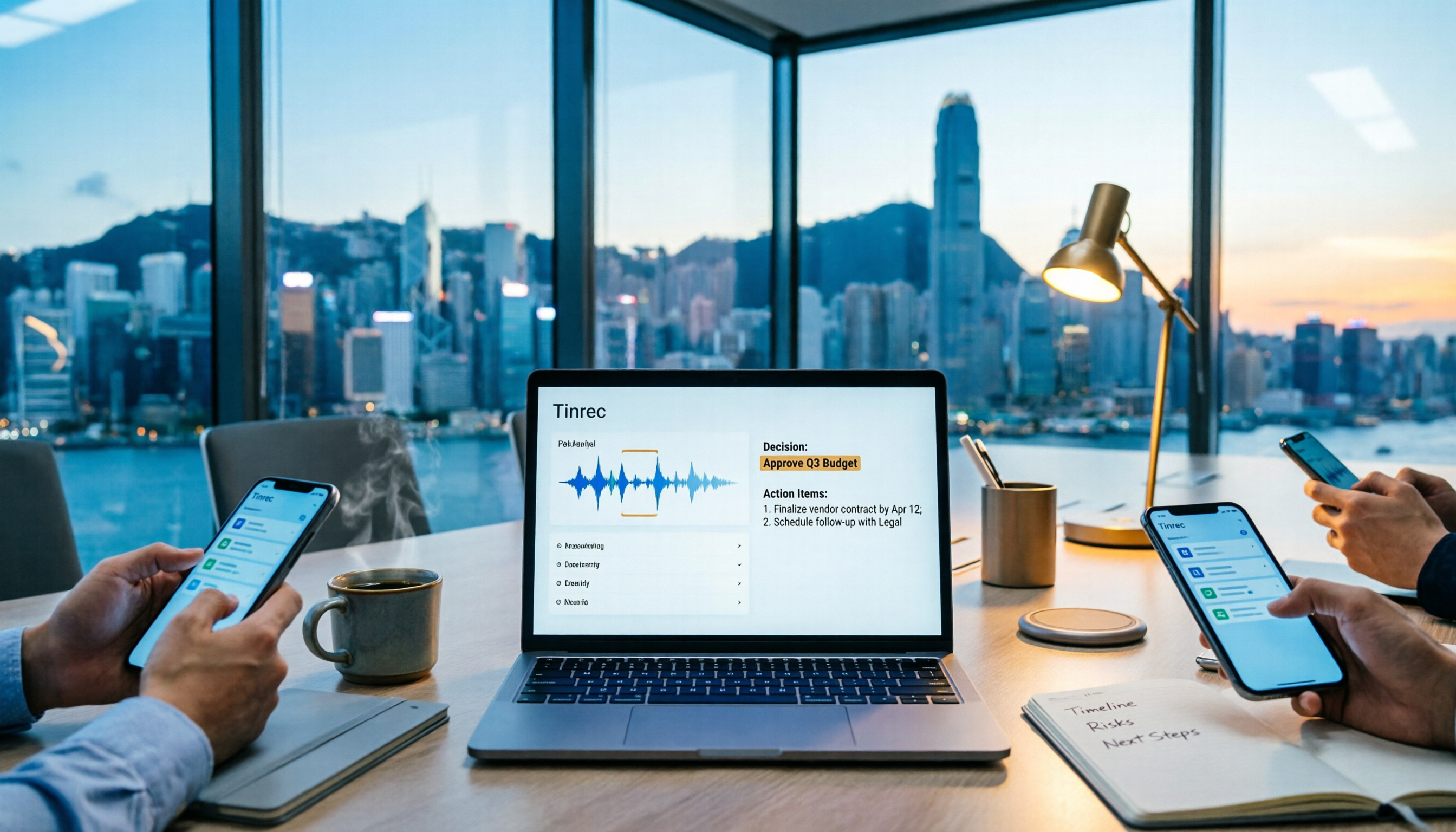
For example, Tinrec's team edition provides team spaces and shared meeting materials. You can centrally store interview recordings, transcripts, and organized notes, invite team members, and let everyone view and search historical data. When members complete coding or add annotations, others can see updates in real time, reducing back-and-forth file sharing.
If you want an AI assistant to further handle post-transcription work, Tinrec's AI assistant can help organize summaries, extract action items, and even generate initial coding suggestions or interview reports based on the interview content. However, important conclusions and quotes should still be manually verified to ensure research rigor.
Conclusion: Is Good Tape Right for Your Interview Research?
Good Tape is a transcription tool worth evaluating, especially for interview scenarios where you need transcripts quickly and have good recording conditions. Its multilingual support and free trial allow you to test whether it fits your workflow.
But before choosing a tool, return to your research needs:
- What are your interview languages and recording environments?
- What output formats do you need?
- What is your tolerance for accuracy and proofreading time?
- Do you need to share interview data with your team and preserve it long-term?
If you only occasionally need to transcribe a single interview, Good Tape's free plan may suffice; if you conduct many interviews over time and need team collaboration, you should also evaluate the tool's team sharing and post-processing capabilities.
Whichever tool you choose, test it with actual recordings and keep the original audio files for verification. The purpose of a tool is to reduce organization time, not to replace your judgment.
Connecting Meeting Minutes to Your Team's Next Actions
References
- Good Tape Reviews | Read Customer Service Reviews of goodtape.io
- Goodtape.io Review 2025: Secure, Automated Transcription For Scalable Shopify Brands
- goodtape.io Reviews | check if site is scam or legit| Scamadviser
- Good Tape - Product | SERP
- Good Tape - Automated Transcription | Secure AI Automatic Transcript Tool
Turn every recording into actionable outcomes
Get 60 free transcription minutes when you sign in. No credit card required.
Related Reading
You might also like

What Is a Meeting AI Agent and Which One Is Best? 5 Tested in 2026 for Chinese Meetings and Team Knowledge Retention
A meeting AI agent is not just a faster typewriter. This article starts with common misconceptions, breaks down the three layers of meeting AI agents, and uses Tinrec as an example to explain bot-free meeting recording, AI Q&A, action item extraction, and team knowledge retention. It concludes with 5 key points to consider when choosing a tool.

How to Choose Meeting Collaboration Tools in 2026: 5 Steps to Tell Them Apart from Project Management Tools
Meeting collaboration tools vs. project management tools—which one actually fits your team? This article compares Tinrec and Asana across 5 dimensions, covering meeting notes, AI summaries, task tracking, team knowledge retention, and pricing, so you can pick the right tool based on your pain points.

Tinrec vs Notta 2026: 5-Dimension Comparison for Meeting Action Plan Software
After the meeting, who takes action? This article compares Tinrec and Notta across 5 dimensions—automatic to-do extraction, Chinese meeting experience, bot-free online meeting recording, and team data governance—to help you decide which is better for turning meetings into actionable plans.
Tinrec vs PLAUD Note 2026: 6-Dimension Comparison for Project Meeting Minutes
Get a ready-to-copy project meeting minutes template, then compare Tinrec and PLAUD Note across 6 dimensions: recording capture, online meeting support, minutes generation, AI Q&A, team collaboration, and pricing structure. Decide between software and hardware for your project meetings.
![[Guide] Tinrec 2026: Turn Meeting Recordings into To-Dos — Auto-Generate Minutes + Action Items](https://record-img.tos-accelerate.volces.com/images/2026/09/25/1790343296286884955.png)
[Guide] Tinrec 2026: Turn Meeting Recordings into To-Dos — Auto-Generate Minutes + Action Items
Tired of spending an hour writing to-dos after every meeting? This guide breaks down the right workflow for turning meeting recordings into action items, using Tinrec as an example — from recording, transcript, and AI summary all the way to to-do lists, AI Q&A, export, and team sharing. Includes 5 key buying considerations and FAQs.

How to Automate Meeting Action Items in 2026: AI Summaries + Task Assignment Made Easy
The meeting is just the beginning. This practical guide from a mid-level manager's perspective reviews 6 tools that automatically turn meeting recordings into summaries, action items, and assignees—including Tinrec, Otter, Fireflies, Notta, Granola, and TurboScribe—covering their positioning, pricing, and best use cases, plus how to organize action items so they actually get tracked.

Tinrec vs Otter.ai in 2026: 5-Dimension Comparison — How to Choose Team Meeting Notes Software
A mid-level manager leading a 10-person team with 15 meetings per week shares hands-on experience. Compare Tinrec and Otter.ai across 5 dimensions: how meetings are recorded, Chinese recognition, post-meeting output, cross-platform support, and team governance. Also covers use cases for Notta and Granola, plus 3 common pitfalls to avoid.

2026 Team Meeting Transcription Tools Comparison: Tinrec vs Otter.ai
From the decision-making perspective of 'how to choose a meeting transcription tool,' this hands-on comparison examines Tinrec and Otter.ai across bot-free recording, Chinese meeting experience, post-meeting organization, team governance, and pricing to help you determine which is better suited for your team.

How to Build a Meeting Knowledge Base in 2026: 5 Steps and Tool Test
Starting from the pain point of meeting recordings scattered everywhere, I share my 5 steps to build a meeting knowledge base, using Tinrec as the core tool, comparing Otter, Granola, Notta, and explaining how to turn recordings into searchable, collaborative, actionable team data.