
Turn recordings into transcripts and summaries in minutes
Upload audio or video for multilingual transcription, AI notes, and action items
With multiple Google Meet or Zoom meetings every week, organizing minutes after the meeting often takes more time than the meeting itself. You have to re-listen to transcripts, archive decisions, and assign to-dos. These trivial tasks can pile up and take up several hours of your workweek. If you're torn between the two platforms, the question isn't just "which one has smoother video," but which tool can turn meeting content into trackable, actionable data.
This article directly compares Google Meet and Zoom across four dimensions: meeting scale, ease of use, built-in features, and ecosystem integration. Finally, it explains how to use Tinrec to record meetings on both platforms in one place, minimizing post-meeting organization time.
Google Meet vs Zoom: Quick Overview
Let's start with the conclusion: If you're in the Google ecosystem and your meetings are primarily internal communication, Google Meet is the more cost-effective choice; if your meetings are more complex, require more interactive tools, or your team is larger, Zoom's feature flexibility gives it an edge.
The core difference can be summed up in one sentence: Google Meet is an extension of Google Workspace, suitable for "Google-native users"; Zoom is an independent meeting hub that integrates with various tools, including Google Workspace.
| Comparison Dimension | Google Meet | Zoom |
|---|---|---|
| Best for | Google Workspace users, small to medium organizations | Large organizations needing advanced meeting features, complex meetings |
| Free plan | Up to 100 participants, 60 minutes | Up to 100 participants, 40 minutes |
| Built-in transcription | Yes (Workspace paid plans) | Yes (paid plans) |
| Ecosystem integration | Deep integration with Google Calendar, Gmail, Drive | Offers various third-party integrations, including Google Workspace |
| Key strengths | Ease of use, good integration, low cost | Rich features, granular meeting controls |
Dimension 1: Meeting Scale and Free Tier Limits
First, let's look at the most basic limits: how large and how long can meetings be on the free plans?
Google Meet's free version allows up to 100 participants and meetings up to 60 minutes. Zoom's free version also allows 100 participants, but limits meetings to 40 minutes. For most internal meetings, both are sufficient. However, if you often need meetings longer than 40 minutes, Zoom's time limit on the free plan is a clear pain point.
If your team is larger, Zoom's paid plans can support up to 1,000 participants (requires the Large Meeting add-on), while Google Meet's enterprise version can accommodate up to 500 people. For typical SMBs, both paid plans are sufficient for daily needs.
Recommendation: If your meetings typically end within 40 minutes and have no more than 100 participants, the free plans may suffice. If you need longer meetings or larger scale, compare the cost and features of paid plans.
Dimension 2: Ease of Use and Device Support
Google Meet's biggest advantage is "zero friction": as long as you have a Google account, you can join a meeting directly via the browser without installing any software. Click the meeting link from a calendar invite or Gmail, and you're in. For users who are less tech-savvy, Google Meet has the lowest learning curve.
Zoom requires downloading a desktop app or mobile app, but the experience after installation is smooth. Zoom offers more meeting controls, such as virtual backgrounds, breakout rooms, and meeting recording, which are particularly useful in large or complex meetings.
Recommendation: If your team is already accustomed to Google tools, Google Meet reduces the time spent figuring things out. If you need advanced meeting features (like breakout rooms or large webinars), Zoom's desktop app provides more comprehensive controls.
Dimension 3: Built-in Transcription and AI Features
This is a dimension many overlook, but it has the biggest impact on post-meeting efficiency.
Google Meet offers built-in transcription on Workspace paid plans, generating transcripts that are saved to Google Drive after the meeting. Some plans also provide AI summaries, but there are limitations, such as English-only support and summaries that may miss details.
Zoom's paid plans also offer cloud recording and transcription, but AI meeting summaries require an additional fee (part of Zoom AI Companion). Zoom's transcription quality is stable, but it is also primarily English-focused, and the accuracy of Chinese transcription needs to be tested.
Key difference: Both platforms' built-in transcription is tied to their respective platforms and often requires paid plans. If you use both Meet and Zoom, your post-meeting data will be scattered across two platforms, making unified search and management difficult.
Stop organizing recordings by hand
Upload audio or video and automatically get a transcript, summary, and action items
Dimension 4: Ecosystem Integration and Cost
Google Meet is deeply integrated with Google Workspace: Calendar automatically creates meetings, Gmail allows direct joining, and Drive stores recordings and transcripts. For "Google-native users," this is the smoothest experience, and the overall cost is lower.
Zoom, on the other hand, positions itself as an "independent meeting hub," offering hundreds of third-party integrations, including Slack, Microsoft Teams, Google Workspace, and more. If your team uses multiple tools, Zoom offers greater integration flexibility, but at a higher cost.
| Comparison Item | Google Meet | Zoom |
|---|---|---|
| Integration ecosystem | Deep integration with Google Workspace | Various third-party integrations, including Google Workspace |
| Cost | Included with Google Workspace plans, lower | Standalone subscription, advanced features require add-ons |
| Ideal use case | Google ecosystem users, standard internal meetings | Teams needing complex meeting features and cross-tool collaboration |
Recommendation: If your team already uses Google Workspace, Google Meet is the most cost-effective choice. If you need to integrate with multiple tools or have complex meeting types, Zoom offers better integration flexibility.
The Post-Meeting Organization Pain Point: A Missing Piece in Both Platforms
Whether you choose Meet or Zoom, post-meeting organization is a common pain point.
Most teams follow this process: send invites before the meeting, someone takes notes by hand during the meeting, and after the meeting, they take a photo of the notes and post it to the group chat. When you review the next week, you find that decisions are scattered across chat logs, action items have no owners, and even last meeting's conclusions take forever to find.
Even if you use the platform's built-in transcription, the problems persist:
- Transcripts are scattered: Meet's transcripts are in Drive, Zoom's are in cloud recordings, making unified search difficult.
- Only transcripts, no action items: Transcription just turns speech into text; it doesn't automatically organize decisions, to-dos, and owners.
- No cross-platform integration: If you use both Meet and Zoom, post-meeting data cannot be centralized in one place.
Use Tinrec to Record Meet and Zoom Meetings in One Place
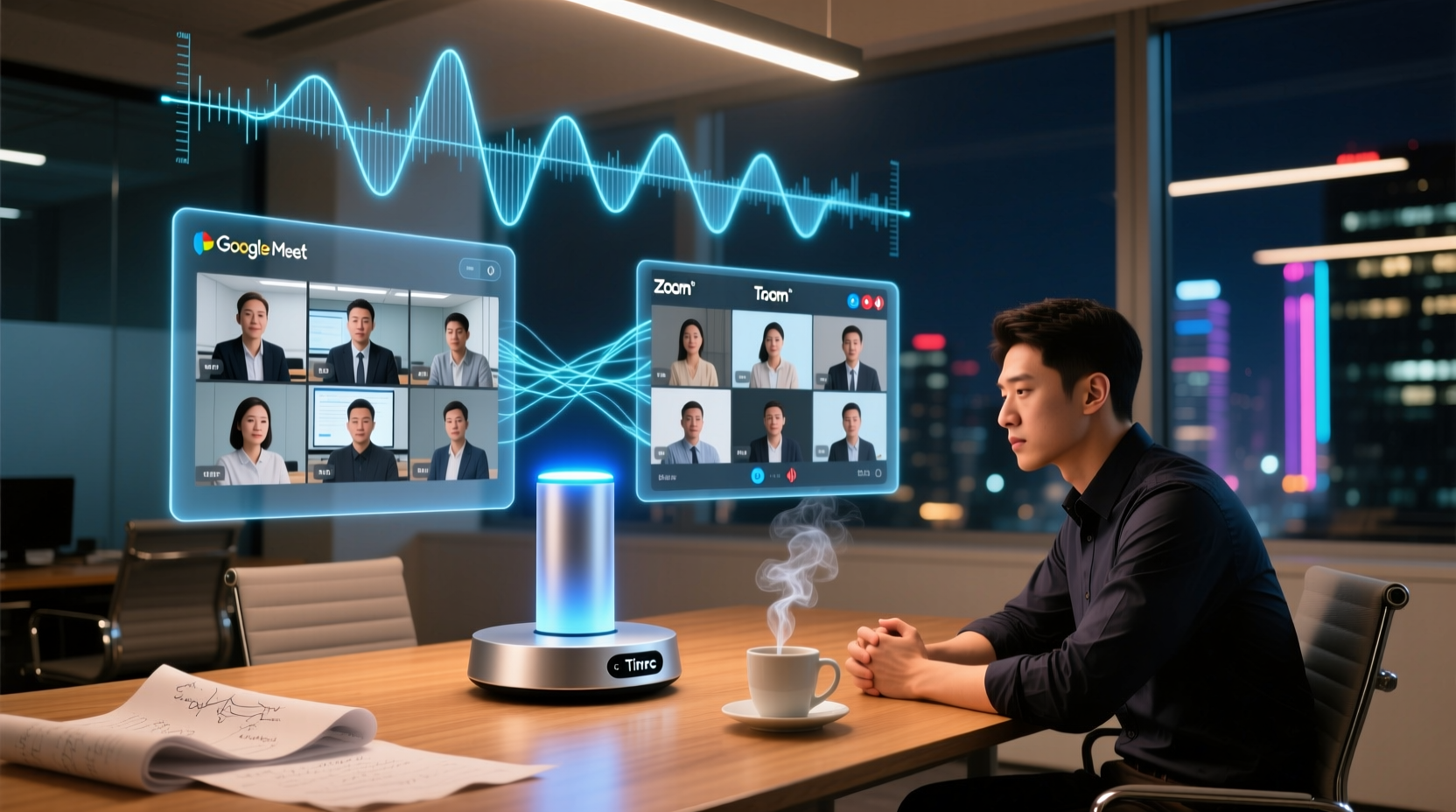
Tinrec (秒聽錄音) is an AI meeting notes tool that solves the above pain points. Its core advantage is: Whether you use Meet or Zoom, you can record, organize, and follow up on meetings with the same workflow.
Step 1: Record Online Meetings Without Bots
Tinrec desktop version directly captures your computer's system audio, so you don't need to invite any bots to join the meeting. Open Tinrec desktop, and it can record audio from Zoom, Google Meet, Microsoft Teams, and other platforms, generating transcripts in real time.
This means you don't have to change your platform choice to record meetings; both Meet and Zoom can be recorded the same way.
Step 2: Automatically Generate Summaries, To-Dos, and Key Points
After the meeting, Tinrec automatically generates:
- Transcript: Preserves the original speech, supports search and review.
- AI Summary: Quickly grasp the meeting's discussion content.
- Chapters and Key Points: Break long meetings into easy-to-browse sections.
- Action Items: Extract follow-up actions from the discussion.
These outputs can be directly integrated into your workflow, saving you time on manual organization.
Step 3: AI Assistant Helps Organize Post-Meeting Deliverables
Tinrec's AI assistant can use the meeting minutes and context to help further process to-dos into deliverable materials, such as:
- Turn project meeting to-dos into an action plan.
- Turn commitments from client meetings into follow-up materials.
- Generate reports or tables from management meetings.
Important commitments, external communications, and key decisions should still be reviewed by a human.
Step 4: Team Sharing and Long-Term Knowledge Retention
If your team needs to share meeting materials, Tinrec's team plan provides a Team Space to centrally store meeting recordings, transcripts, summaries, and to-dos.
- Share meeting materials: Members can view, play, and read team meeting materials, and new members can review past meetings.
- Continuous follow-up: To-dos and post-meeting deliverables can be placed in the Team Space for members to pick up and track.
For example, after a product team's weekly cross-functional meeting, the minutes and to-dos generated by Tinrec are placed in the Team Space. The project manager can directly assign owners, and members can check progress before the next meeting, avoiding the "discussed in the meeting, forgotten after" dilemma.
Conclusion: Which Should You Choose?
Back to the original question: Google Meet or Zoom?
- Choose Google Meet: If your team already uses Google Workspace, meetings are primarily internal communication, and you value cost and ease of use.
- Choose Zoom: If your meetings are more complex, require more interactive tools, or your team is larger and needs advanced meeting features.
But whichever you choose, post-meeting organization is a problem you must solve. Tinrec can act as a "unified recording layer" for both platforms, keeping meeting data from being scattered, and automatically generating summaries, to-dos, and post-meeting deliverables, helping you spend your time on truly important decisions and actions.
If you're tired of manual post-meeting organization, why not try recording your next meeting with Tinrec and experience the complete workflow from recording to action.
References
Turn every recording into actionable outcomes
Get 60 free transcription minutes when you sign in. No credit card required.
Related Reading
You might also like

2026 Comparison of 2 User Interview Analysis Tools: Tinrec vs Otter.ai — Which Handles Chinese Interview Organization Better?
After user interviews, transcribing, extracting insights, and organizing action items take the most time. This article compares Tinrec and Otter.ai across recording capture, Chinese transcription, post-interview follow-up, audio file import, team knowledge retention, and pricing plans to help you decide which tool fits your interview workflow.

2026 Meeting Recording Knowledge Base Comparison: Why Tinrec Is the Top Notta Alternative
A meeting recording knowledge base isn't just about turning recordings into transcripts—it's about making every meeting searchable, queryable, and transferable. This article examines the decision points for team data retention and compares Tinrec vs. Notta on bot-free recording, AI Q&A, team spaces, and Chinese language experience, plus an overview of Tinrec's core features, use cases, and buying advice.

4 AI Meeting Transcription Tools Compared for 2026: Which One Actually Builds a Searchable Meeting Archive?
Spending all day in meetings and then overtime writing notes? This article approaches the decision from whether meeting content can be retained long-term, comparing four AI meeting tools. It covers five key factors to understand before choosing, hands-on experience with Tinrec's bot-free recording and AI Q&A, and four common pitfalls to help you find a meeting archive you can actually search later.

Team Knowledge Base vs. Meeting Notes in 2026: A 5-Dimension Comparison — The Difference Isn't Just Whether You Can Find It Again
Meeting notes and team knowledge bases are often treated as the same thing, but they differ in purpose, lifecycle, searchability, action linkage, and ownership. This article breaks down the differences across 5 dimensions and explains how to use Tinrec to turn scattered meeting notes into a searchable, queryable, and transferable team knowledge asset.

2026 Complete Guide to AI Team Meeting Assistants: Auto-Generate Transcripts, Summaries & Action Items
From student group projects to internship team weekly meetings, how do you actually use an AI team meeting assistant? This 2026 complete guide first breaks down common misconceptions, then explains core capabilities, real-world use cases, and 6 key considerations for choosing one. It also demonstrates Tinrec's full workflow for bot-free online meeting recording, real-time transcription, AI summaries, action item extraction, and meeting Q&A.

2026 Comparison of 4 Meeting Data Centralization Solutions: Stop Treating Cloud Storage as Organization
Centralizing meeting data isn't just dumping attachments into a shared cloud drive. This article examines common pitfalls, breaks down four common approaches to meeting data management, and uses Tinrec as an example to explain real-time transcription, AI summaries and action items, AI Q&A, team spaces, and seat governance. It concludes with 5 purchasing considerations and FAQs.

Tinrec vs Notta 2026: 5-Dimension Comparison — Which Is Better for Team Meeting Databases?
A mid-level manager who holds 15 meetings a week compares Tinrec and Notta across 5 dimensions to help you choose the right team meeting database. From bot-free recording and AI action item extraction to team spaces and pricing quotas, get it all in one article.

How to Take Sales Meeting Notes in 2026: 5 Steps from Recording to Customer Follow-Up
Sales meeting notes shouldn't wait until the meeting ends. This article breaks down the complete process in 5 steps, from recording, transcription, AI summaries to customer follow-up, and compares Tinrec and Otter.ai dimension by dimension to see which is better suited for Hong Kong sales teams communicating in Chinese.

5 AI Meeting Knowledge Base Tools Tested and Compared in 2026: Can Meeting Notes Become Searchable Team Assets?
Meeting notes aren't just about speed—you need to find them later. This article approaches the topic from a purchasing decision perspective, breaking down the core capabilities of AI meeting knowledge base tools, real-world use cases, and 5 key buying considerations. It uses Tinrec to demonstrate a complete workflow: bot-free online meeting recording, transcripts and real-time translation, AI summaries and action items, AI Q&A, and team spaces with seat governance.