

Turn recordings into transcripts and summaries in minutes
Upload audio or video for multilingual transcription, AI notes, and action items
After a meeting ends, the real work begins. Transcripts need to be organized, decisions archived, and action items assigned. These tasks often take more time than the meeting itself. If you're deciding between Google Meet and Zoom, the question isn't just "which video is smoother," but which tool can turn meeting content into trackable, actionable data.
This article starts from the pain point of missed meeting notes and action items, directly compares the two in transcription, summarization, and follow-up, and ends with a decision framework based on team type.
Why Is Organizing Meeting Notes More Tiring Than the Meeting Itself?
Most teams' meeting workflow goes like this: send invites before the meeting, someone manually takes notes during, and after the meeting, photos of notes are posted to the group chat. By the next week's review, decisions are scattered across chat logs, action items have no owners, and even last meeting's conclusions take forever to find.
Both Google Meet and Zoom have built-in recording and transcription, but their positioning differs: Meet emphasizes integration with Google Workspace, while Zoom goes deeper into meeting interactivity and collaboration tools. For small and medium teams, the key isn't "who has more features," but "who reduces the friction of post-meeting organization."
Google Meet vs Zoom: Quick Core Differences
| Comparison Dimension | Google Meet | Zoom |
|---|---|---|
| Best for | Small teams already using Google Workspace | Medium to large organizations needing complex meeting control |
| Built-in recording | Yes, requires paid plan | Yes, cloud recording on paid plans |
| Built-in transcription | Yes, requires paid plan | Yes, requires paid plan |
| AI summaries and action items | Rolling out, limited depth | Rolling out, limited depth |
| Ecosystem integration | Google Docs, Calendar, Gmail | Microsoft 365, Slack, and many third-party apps |
| Meeting interactivity | Basic features complete | Richer whiteboard, breakout rooms, reactions |
| Pricing | Free tier available, paid from ~$7.2/month | Free tier available, Pro from ~$12.5/month |
> Pricing based on official pages; actual benefits may change.
Dimension 1: Recording and Transcription Capabilities
Both offer built-in recording, but transcription requires a paid plan. Google Meet's transcription generates a transcript and provides a text file after recording ends; Zoom's cloud recording can be paired with audio transcription, but Chinese support and accuracy can be affected by accents and background noise.
For teams that need to organize Chinese meetings, the quality and flexibility of built-in transcription may be insufficient. For example, you can't directly ask AI questions about the transcript or automatically extract action items. If meeting content involves technical jargon, built-in transcription often underperforms.
Dimension 2: AI Summaries and Action Item Extraction
Both Google Meet and Zoom are rolling out AI summary features, but current depth is limited. Meet's AI summary organizes key points and action items, while Zoom's AI Companion can generate meeting summaries and action items, but neither allows you to ask follow-up questions or turn action items into deliverable documents.
Stop organizing recordings by hand
Upload audio or video and automatically get a transcript, summary, and action items
If your need is just "quickly know what was said," built-in summaries may suffice. But if you want to directly produce action plans, client follow-up materials, or reports after the meeting, you'll need additional tools.
Dimension 3: Ecosystem Integration and Follow-Up
Google Meet's strength lies in deep integration with Google Workspace: meeting invites automatically appear in Calendar, recordings are saved to Drive, and transcripts can be edited directly in Docs. Zoom has a vast third-party app marketplace, connecting to Slack, Microsoft 365, CRM, and more, making it suitable for teams already using multiple SaaS tools.
But ecosystem integration only solves "where files go," not "who does what next." After meetings, action items still need someone to organize, assign, and track.
Recommendations by Team Type
| Team Type | Recommended Choice | Reason |
|---|---|---|
| Small teams already using Google Workspace | Google Meet | Low integration cost, cheaper |
| Medium to large organizations needing complex meeting control | Zoom | More complete meeting interactivity and management features |
| Primarily Chinese meetings, need AI transcription and action items | Pair with third-party tools | Built-in transcription and summaries lack depth |
| Need cross-platform collaboration and CRM integration | Zoom | Richer third-party integration ecosystem |
Connecting Meeting Notes to Your Team's Next Steps
Whether you choose Google Meet or Zoom, post-meeting organization remains key. Take Tinrec as an example: it captures system audio directly via its desktop app, no need to invite a bot to your meeting, and can turn Zoom or Meet meetings into transcripts, summaries, and action items.
Step 1: Automatic Post-Meeting Organization and Action Item Extraction
After a meeting, just open the Tinrec desktop app to record. It generates a transcript in real time and automatically extracts summaries, chapters, and action items. For example, after a project meeting, Tinrec lists action items like "A is responsible for confirming supplier quotes" and "B must submit the design draft by next Wednesday," saving time on manual notes and re-listening.
Step 2: Put Meeting Materials into a Team Space
Tinrec's team edition provides a dedicated team space where meeting recordings, transcripts, and action items are stored centrally, and members can view and search them anytime. New members can review past meetings without digging through chat logs. Managers can use usage analytics to understand team usage, turning every meeting into a traceable team asset.
Please note that AI transcription and summaries may be affected by recording environment and accents; important decisions and external communications should still be reviewed by humans. If your team needs a more complete meeting notes and follow-up workflow, you can check out Tinrec's team plan to keep meeting data from scattering across personal devices and chat rooms.
Tinrec doesn't just produce transcripts. After organizing summaries, key points, and action items, the Agent can help turn action items into action plans, follow-up materials, reports, tables, or documents based on meeting context. Important commitments and external communications should still be confirmed by people.
Tinrec's team edition puts meeting data, action items, and post-meeting outputs in a shared team space, allowing members to continue follow-up, search context, and accumulate knowledge over time. This scenario uses features including "team space, shared meeting materials."
If these meeting notes need to be managed collaboratively by multiple people, you can further use Tinrec's team edition to establish a consistent collaboration workflow.
References
Turn every recording into actionable outcomes
Get 60 free transcription minutes when you sign in. No credit card required.
Related Reading
You might also like

2026 Comparison of 4 Meeting Data Centralization Solutions: Stop Treating Cloud Storage as Organization
Centralizing meeting data isn't just dumping attachments into a shared cloud drive. This article examines common pitfalls, breaks down four common approaches to meeting data management, and uses Tinrec as an example to explain real-time transcription, AI summaries and action items, AI Q&A, team spaces, and seat governance. It concludes with 5 purchasing considerations and FAQs.

Tinrec vs Notta 2026: 5-Dimension Comparison — Which Is Better for Team Meeting Databases?
A mid-level manager who holds 15 meetings a week compares Tinrec and Notta across 5 dimensions to help you choose the right team meeting database. From bot-free recording and AI action item extraction to team spaces and pricing quotas, get it all in one article.
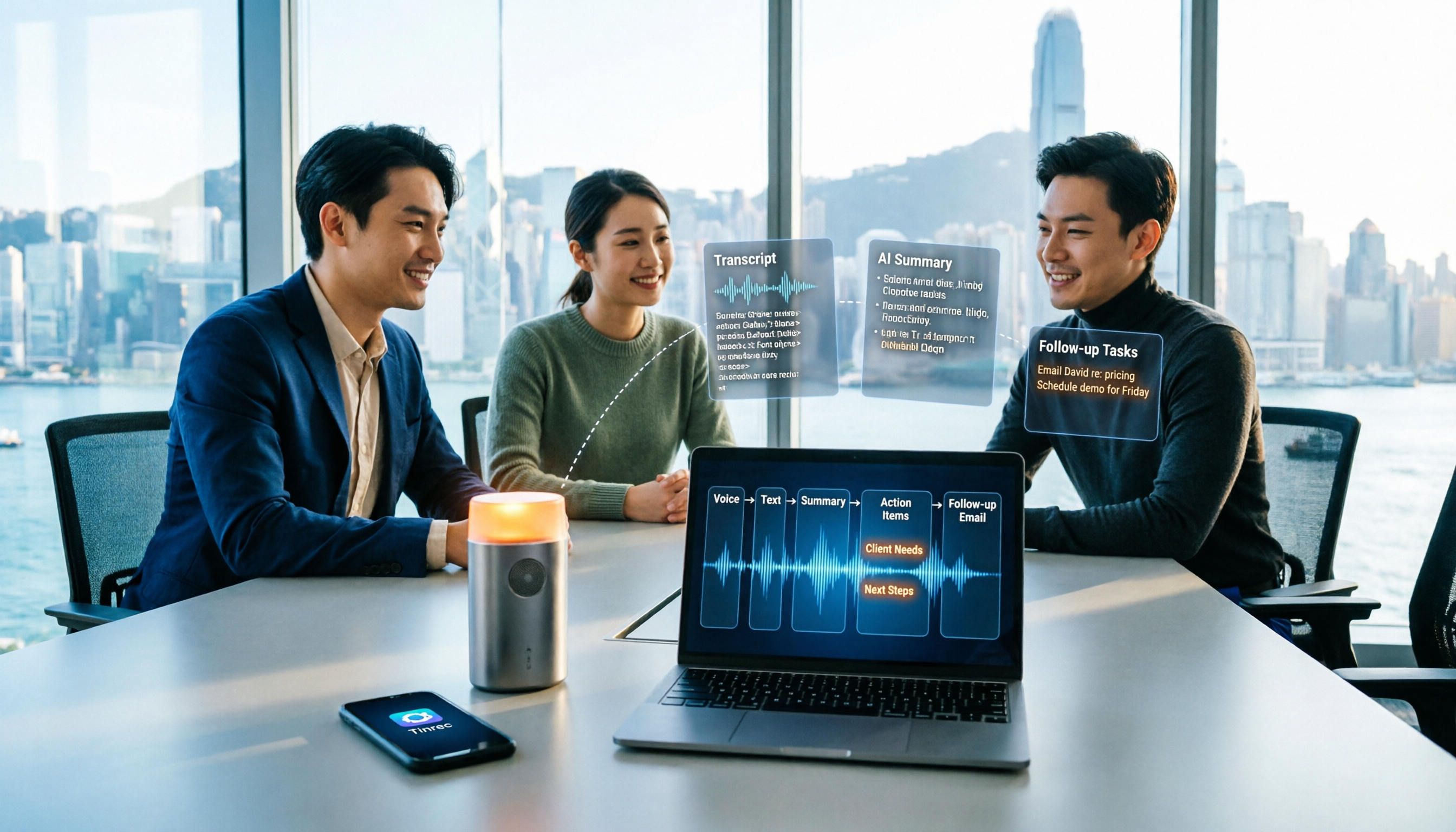
How to Take Sales Meeting Notes in 2026: 5 Steps from Recording to Customer Follow-Up
Sales meeting notes shouldn't wait until the meeting ends. This article breaks down the complete process in 5 steps, from recording, transcription, AI summaries to customer follow-up, and compares Tinrec and Otter.ai dimension by dimension to see which is better suited for Hong Kong sales teams communicating in Chinese.

5 AI Meeting Knowledge Base Tools Tested and Compared in 2026: Can Meeting Notes Become Searchable Team Assets?
Meeting notes aren't just about speed—you need to find them later. This article approaches the topic from a purchasing decision perspective, breaking down the core capabilities of AI meeting knowledge base tools, real-world use cases, and 5 key buying considerations. It uses Tinrec to demonstrate a complete workflow: bot-free online meeting recording, transcripts and real-time translation, AI summaries and action items, AI Q&A, and team spaces with seat governance.
2026 AI Meeting Agent Tools: Record Zoom Without Bots, Auto-Generate Action Items
Two-hour meeting, then another two hours to organize? This guide shows you how to choose an AI meeting agent tool, breaking down four key aspects: bot-free recording, AI summaries and action items, AI follow-up questions, and team spaces. It also compares Tinrec with Otter.ai, Granola, and PLAUD Note, and provides clear recommendations based on scenarios.

Tinrec vs Granola 2026: 5-Dimension Comparison for Chinese Meetings
Meetings are easy, but taking notes is hard. Can AI meeting agents really help? This article compares Tinrec and Granola across 5 dimensions, with brief reviews of Otter.ai and Notta, covering bot-free recording, post-meeting summaries and action items, AI Q&A, and team seat management to help you save overtime after every meeting.

2026 Meeting AI Agent Solutions: Bot-Free Recording + Auto-Generated Action Items
The meeting is over, but the work has just begun. This article addresses the real pain points of mid-level managers, explaining 4 key factors for choosing a meeting AI agent solution. It tests Tinrec's bot-free online meeting recording, AI Q&A, and action item extraction, compares it with Otter.ai, Granola, and Notta, and provides selection advice for team plan seat and usage management.

Tinrec vs Otter.ai 2026: 5-Dimension Comparison — Which Free AI Meeting Agent Is Right for You?
Before searching for a free AI meeting agent, understand how free quotas work. This article compares Tinrec and Otter.ai across 5 practical dimensions, with brief notes on Notta and Granola, covering differences in Chinese/Cantonese meeting support, bot-free recording, post-meeting AI Q&A, and team data management. Includes a pitfalls guide and selection advice to help you save time writing meeting minutes.

2026 Smart Meeting Agent Comparison: Tinrec vs Otter.ai — Which Is Better for Chinese-Speaking Teams?
Smart meeting agents don't just transcribe meetings—they also summarize, extract action items, and answer questions. This article compares Tinrec and Otter.ai across five dimensions: meeting capture, Chinese-language experience, post-meeting organization, team governance, and pricing, to help you decide which one fits your meeting scenarios.