
Turn recordings into transcripts and summaries in minutes
Upload audio or video for multilingual transcription, AI notes, and action items
When you search for "google meet with ai," what you really want to know is not just whether Google Meet has AI features, but whether these features can truly turn your meetings into searchable, actionable data.
Google Meet does have built-in AI captions, translation, and recording transcription, but its AI summaries and action item extraction are still limited. This article takes a workflow perspective, first breaking down the current state and boundaries of Google Meet's built-in AI, then demonstrating how to combine third-party tools like Tinrec to complete a full workflow from recording to minutes, action items, and team knowledge retention.
Google Meet's AI Features: What Can They Do Now?
Google Meet's AI features mainly focus on two directions: "making meetings easier to understand" and "making meeting content easier to record." According to Google Workspace's official documentation, Meet's AI features include noise cancellation, real-time translation, and collaboration enhancements, all aimed at improving meeting productivity.
Specifically, the currently confirmed built-in capabilities can be roughly divided into three categories:
| Feature Category | Actual Function | Current Limitations |
|---|---|---|
| Live captions | Converts speech to text and displays it on screen | Accuracy affected by accents and background noise; does not save a transcript file |
| Real-time translation | Translates captions into a specified language | Translation quality depends on caption accuracy; limited language support |
| Recording transcription | Records the meeting and generates a transcript | Requires manual start of recording; transcript saved to cloud, but subsequent organization is limited |
These features solve part of the problem of "not understanding in the moment" and "can't find content after the meeting," but there is still a gap to "turning meetings into actionable data."
Built-in Captions and Translation: A Starting Point for Real-Time Understanding
Google Meet's live captions and translation are the AI features most people encounter first. Once enabled, meeting speech is converted to text in real time, and you can choose to translate it into other languages. This can indeed lower the barrier to understanding for cross-language meetings or participants with hearing impairments.
However, its positioning is "real-time assistance," not "post-meeting data." Captions only exist during the meeting; after the meeting ends, a searchable transcript is not automatically generated. If you want to review a discussion or confirm the exact wording of a decision, you still have to rely on recording and transcription.
Meeting Recording and Transcription: From Audio to Text
Google Meet allows hosts or participants to record meetings, and the recordings are saved to Google Drive. If you enable transcription, a transcript is generated for easy search and review after the meeting.
This is indeed an important step forward, but there are still several practical limitations:
- Manual activation required: Recording and transcription do not happen automatically. If you forget to enable them, the meeting content cannot be recovered later.
- Transcript files are scattered: Transcripts are stored in Drive, separate from other meeting materials (such as slides and chat logs), making integration difficult.
- Limited post-processing: Meet's transcription only provides a transcript; it does not automatically organize summaries, chapters, or action items.
In other words, Meet helps you turn "audio" into "text," but the step of turning "text" into "actionable data" still has to be done by yourself.
AI Summaries and Action Items: Current State and Limitations of Google Meet
Google is continuously adding AI features to Meet, such as automatic summaries and action item extraction. These features are available in some Workspace plans and can help participants quickly grasp meeting highlights.
However, based on current public information and user feedback, these features still have clear boundaries:
- Summaries lean toward key point recaps: They can list discussion topics and conclusions, but they do not automatically generate detailed meeting minutes or action plans.
- Action item extraction is limited: They can pick up obvious "to-do" keywords, but they cannot understand context, such as who is responsible, when it is due, or which project it relates to.
- Insufficient cross-platform integration: If you also use other meeting platforms like Zoom or Teams, Meet's AI features cannot uniformly process content from those meetings.
For managers, the real pain point is that after a meeting ends, you still need to spend time turning the transcript into a list of decisions, action items, and a division of labor, and ensure that the team actually executes them.
Stop organizing recordings by hand
Upload audio or video and automatically get a transcript, summary, and action items
Turning Meetings into Actionable Data: A Complete Workflow with Tinrec
If you want to get a document containing summaries, action items, and next steps directly after a meeting, rather than reorganizing the transcript yourself, you can consider using Tinrec to fill the gap left by Meet.
Tinrec is an AI meeting notes and collaboration tool that can convert meeting recordings into transcripts and automatically generate summaries, chapters, highlights, and action items. More importantly, it can further process action items into deliverable post-meeting outputs, such as action plans, follow-up materials, or reports.
Here is a complete workflow combining Google Meet and Tinrec:
Step 1: Record the Meeting Audio
During a Google Meet session, open the Tinrec desktop app, and it will directly capture the computer's system audio, without needing to add an extra bot to the meeting. After the meeting, you will have a complete audio recording.
If you already have a Meet recording, you can also upload it directly to Tinrec, which supports common audio and video formats.
Step 2: Convert to Text and Organize Key Points
Tinrec automatically converts the recording into a transcript and generates summaries, chapters, and highlights. You can quickly browse the meeting structure and find specific discussion sections without having to listen to the entire recording again.
For example, after a project meeting, Tinrec will automatically list chapters like "Budget Discussion," "Schedule Adjustments," and "Risk Assessment," and highlight key points under each chapter. This is much more efficient than manually sifting through a transcript.
Step 3: AI Assistant Helps Organize Action Items and Post-Meeting Outputs
This is the biggest difference between Tinrec and simple transcription tools. Tinrec's AI assistant extracts action items based on the meeting content and helps you turn them into deliverable materials.
For instance, if the meeting discusses "we need to complete the client proposal by next week," the AI assistant can help you:
- Organize the key elements of the proposal (goals, audience, timeline).
- Generate an action plan for writing the proposal, listing responsible persons and deadlines.
- Draft a client follow-up email for you to edit and send.
These outputs are not generated out of thin air; they are based on the actual discussion content in the meeting. You can ask the AI assistant to "create a follow-up email to the client based on the meeting notes," and it will reference specific commitments and data from the meeting to make the email more accurate.
Of course, for important decisions or content to be sent externally, we still recommend that you manually review before use. AI may miss or misunderstand details, so key information should be cross-checked against the transcript and recording.
From Individual Use to Team Knowledge Retention: How to Share Meeting Data
Once meeting data is organized, the next step is to make it accessible, searchable, and actionable for team members. Tinrec's team edition provides a team space where meeting recordings, transcripts, summaries, and action items can be stored centrally, turning meeting content into reusable team assets.
Part 1: Put Meeting Data into the Team Space
You can upload organized meeting data (recordings, transcripts, summaries, action items) to Tinrec's team space. Once team members join, they can view this data without needing to save or forward it individually.
For example, the weekly meeting notes of a product team can be stored centrally in the team space. When new members join, they can directly view historical meeting content to quickly understand project progress and decision context.
Part 2: Members Take Over and Continue Follow-Up
Action items in the team space can be claimed and updated by members. When the meeting decides "A will contact the client," A can mark that action item as "In Progress" in Tinrec and update its status upon completion. Other members can also see the progress, reducing the communication cost of "not knowing who is responsible or how far along it is."
This makes meetings not just "over when they end," but a continuous work platform.
Know the Boundaries: Accuracy, Privacy, and Manual Review
Whether it's Google Meet's built-in features or third-party tools like Tinrec, they all have limitations. You should be aware of the following before use:
- Accuracy: The accuracy of transcription and summaries can be affected by recording quality, accents, background noise, and multiple people speaking at once. For important content, we recommend cross-checking with the recording and transcript.
- Privacy and consent: Before recording a meeting, you should confirm that all participants consent and comply with local laws. If the meeting content involves sensitive information, choose tools that align with your company's security policies.
- Manual review: AI-generated action items, summaries, and post-meeting outputs are for reference only. For content involving decisions, external communication, or significant commitments, be sure to have the responsible person review before execution.
Conclusion: From "Recording Meetings" to "Making Meetings Drive Action"
Google Meet's AI features have made meeting recording easier than before, but they still stay at the "recording" level. If you want to directly obtain executable action items and post-meeting outputs after a meeting, and have the team continue to follow up, you need a more complete workflow.
Tinrec fills the gap from "recording" to "action": it turns meetings into transcripts, summaries, and action items, and helps you process action items into action plans, follow-up materials, or reports. When this data is placed in a team space, meetings are no longer just a memory after they end, but the basis for the team's continuous progress.
If you are also tired of manual post-meeting organization, why not try this workflow and make meetings truly drive action.
References
- AI for Meetings & Video Conferencing | Google Workspace
- Google Meet, Google Calendar, Gmail, Chrome Extension | Read
- Google Meet: Online Web and Video Conferencing Calls | Google Workspace
- r/SaaS on Reddit: New Google Meet's AI note-taker vs. popular AI assistants
- Google Meet AI Meeting Summary by Tactiq
Turn every recording into actionable outcomes
Get 60 free transcription minutes when you sign in. No credit card required.
Related Reading
You might also like

2026 Comparison of 4 Meeting Data Centralization Solutions: Stop Treating Cloud Storage as Organization
Centralizing meeting data isn't just dumping attachments into a shared cloud drive. This article examines common pitfalls, breaks down four common approaches to meeting data management, and uses Tinrec as an example to explain real-time transcription, AI summaries and action items, AI Q&A, team spaces, and seat governance. It concludes with 5 purchasing considerations and FAQs.

Tinrec vs Notta 2026: 5-Dimension Comparison — Which Is Better for Team Meeting Databases?
A mid-level manager who holds 15 meetings a week compares Tinrec and Notta across 5 dimensions to help you choose the right team meeting database. From bot-free recording and AI action item extraction to team spaces and pricing quotas, get it all in one article.
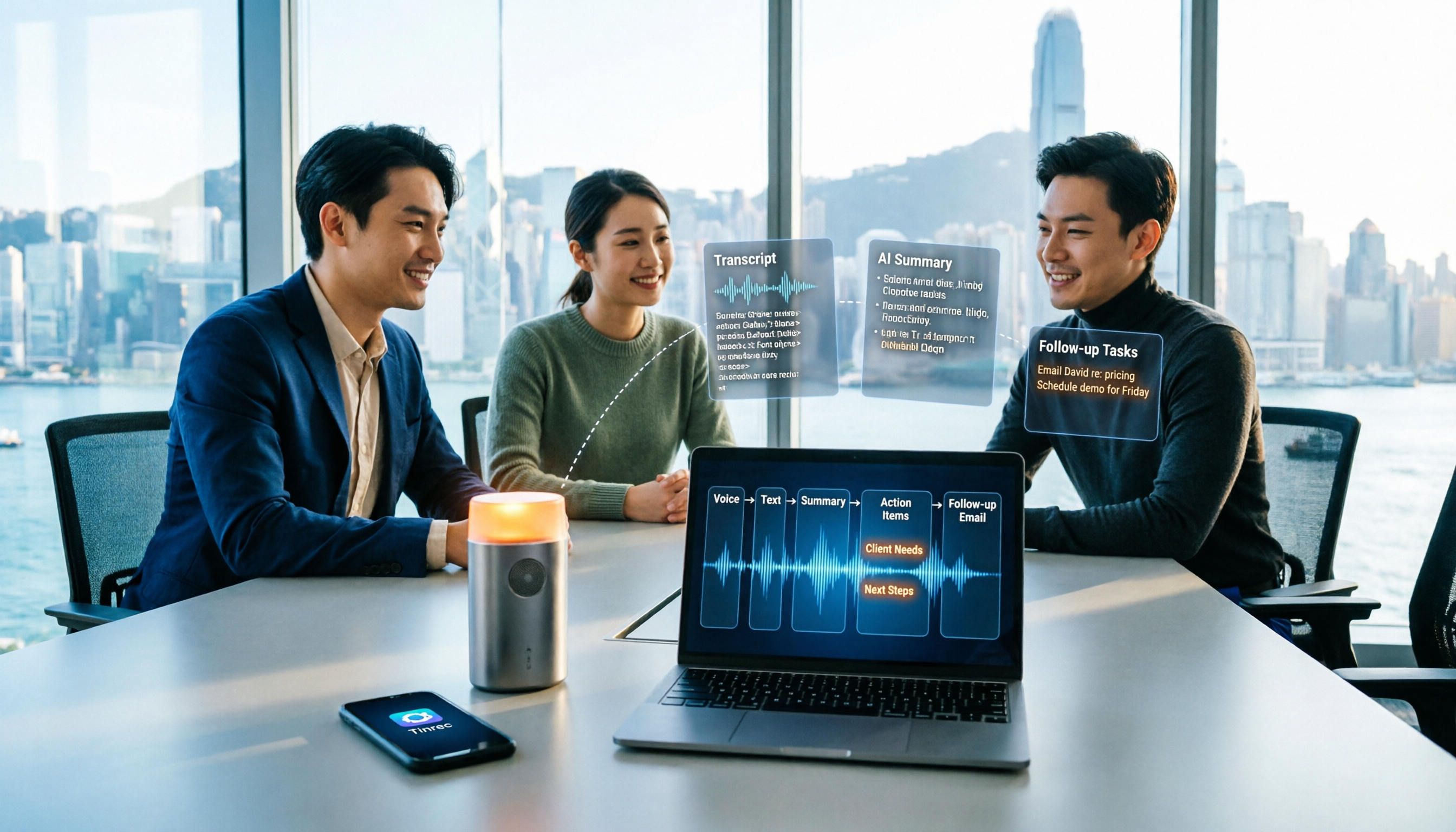
How to Take Sales Meeting Notes in 2026: 5 Steps from Recording to Customer Follow-Up
Sales meeting notes shouldn't wait until the meeting ends. This article breaks down the complete process in 5 steps, from recording, transcription, AI summaries to customer follow-up, and compares Tinrec and Otter.ai dimension by dimension to see which is better suited for Hong Kong sales teams communicating in Chinese.

5 AI Meeting Knowledge Base Tools Tested and Compared in 2026: Can Meeting Notes Become Searchable Team Assets?
Meeting notes aren't just about speed—you need to find them later. This article approaches the topic from a purchasing decision perspective, breaking down the core capabilities of AI meeting knowledge base tools, real-world use cases, and 5 key buying considerations. It uses Tinrec to demonstrate a complete workflow: bot-free online meeting recording, transcripts and real-time translation, AI summaries and action items, AI Q&A, and team spaces with seat governance.
2026 AI Meeting Agent Tools: Record Zoom Without Bots, Auto-Generate Action Items
Two-hour meeting, then another two hours to organize? This guide shows you how to choose an AI meeting agent tool, breaking down four key aspects: bot-free recording, AI summaries and action items, AI follow-up questions, and team spaces. It also compares Tinrec with Otter.ai, Granola, and PLAUD Note, and provides clear recommendations based on scenarios.

Tinrec vs Granola 2026: 5-Dimension Comparison for Chinese Meetings
Meetings are easy, but taking notes is hard. Can AI meeting agents really help? This article compares Tinrec and Granola across 5 dimensions, with brief reviews of Otter.ai and Notta, covering bot-free recording, post-meeting summaries and action items, AI Q&A, and team seat management to help you save overtime after every meeting.

2026 Meeting AI Agent Solutions: Bot-Free Recording + Auto-Generated Action Items
The meeting is over, but the work has just begun. This article addresses the real pain points of mid-level managers, explaining 4 key factors for choosing a meeting AI agent solution. It tests Tinrec's bot-free online meeting recording, AI Q&A, and action item extraction, compares it with Otter.ai, Granola, and Notta, and provides selection advice for team plan seat and usage management.

Tinrec vs Otter.ai 2026: 5-Dimension Comparison — Which Free AI Meeting Agent Is Right for You?
Before searching for a free AI meeting agent, understand how free quotas work. This article compares Tinrec and Otter.ai across 5 practical dimensions, with brief notes on Notta and Granola, covering differences in Chinese/Cantonese meeting support, bot-free recording, post-meeting AI Q&A, and team data management. Includes a pitfalls guide and selection advice to help you save time writing meeting minutes.

2026 Smart Meeting Agent Comparison: Tinrec vs Otter.ai — Which Is Better for Chinese-Speaking Teams?
Smart meeting agents don't just transcribe meetings—they also summarize, extract action items, and answer questions. This article compares Tinrec and Otter.ai across five dimensions: meeting capture, Chinese-language experience, post-meeting organization, team governance, and pricing, to help you decide which one fits your meeting scenarios.