
Turn recordings into transcripts and summaries in minutes
Upload audio or video for multilingual transcription, AI notes, and action items
Why Are People Looking for Free LINE Call Recording Methods?
Last semester, my classmates and I were working on our graduation project, and we often used LINE to talk with team members and interviewees. Every time we hung up, I realized I hadn't fully captured the key points from our discussion. LINE is practically ubiquitous in Taiwan, but it has never had built-in call recording. iPhone users are especially frustrated because the system has strict privacy restrictions, leading many to think they need to buy a voice recorder or use a second phone to record.
Free methods do exist, but some can easily backfire: recordings with no sound, calls cutting off mid-recording, or an hour-long file where you can't find the important parts. If you also need to record important LINE calls regularly, this article will walk you through free methods, their limitations, and smarter ways to organize your recordings, based on my own experience.
Free LINE Call Recording Methods Compared: Key Takeaways from a Student's Test
1. iPhone Integrated Call Recording
This is the most straightforward method I've found for iPhone users. In LINE's "Settings" > "Calls," enable "Integrated iPhone Calling" and "Integrate with iPhone Call History." After that, LINE calls will be routed through the iPhone's Phone app. Then you can use the iOS system's call recording feature.
However, there are a few things to keep in mind: it's best to enable speakerphone during recording, otherwise you might only capture your own voice. Also, avoid letting the screen go to sleep during recording, as the system's power-saving mode could interrupt the recording. For students, this method is completely free and works well for those who need to record important calls occasionally.
2. Android Screen Recording
If you're using an Android phone, some brands like ASUS and Samsung have a screen recording feature in the quick settings panel. The key is to change the audio source to "Media audio" so it captures the LINE call sound. Otherwise, you might end up with a video that has visuals but no audio—a frustrating outcome.
The advantage of this method is that you don't need to install any extra apps. The downside is that you get a video file, which takes up more storage, and if your phone model doesn't support media audio recording, you might only capture microphone sound.
3. Free Recording App: Cube ACR
Cube ACR is a popular free call recording app on Android that supports voice calls on LINE, Messenger, and more. After installation, a recording icon appears on the call screen, and you can also set up automatic recording. The free version is sufficient for general use, though it occasionally prompts you to upgrade to the premium version—but it's not mandatory.
In my experience, though, this type of app is more about "capturing" the audio. After recording, you still have to listen through the entire file to find the key points.
Stop organizing recordings by hand
Upload audio or video and automatically get a transcript, summary, and action items
After Recording, the Real Time Sink Is Organizing
For students, recording is just the first step. The real pain comes when you open a recording before midterms and realize a lecture or interview is one to two hours long, with no idea where the key points are.
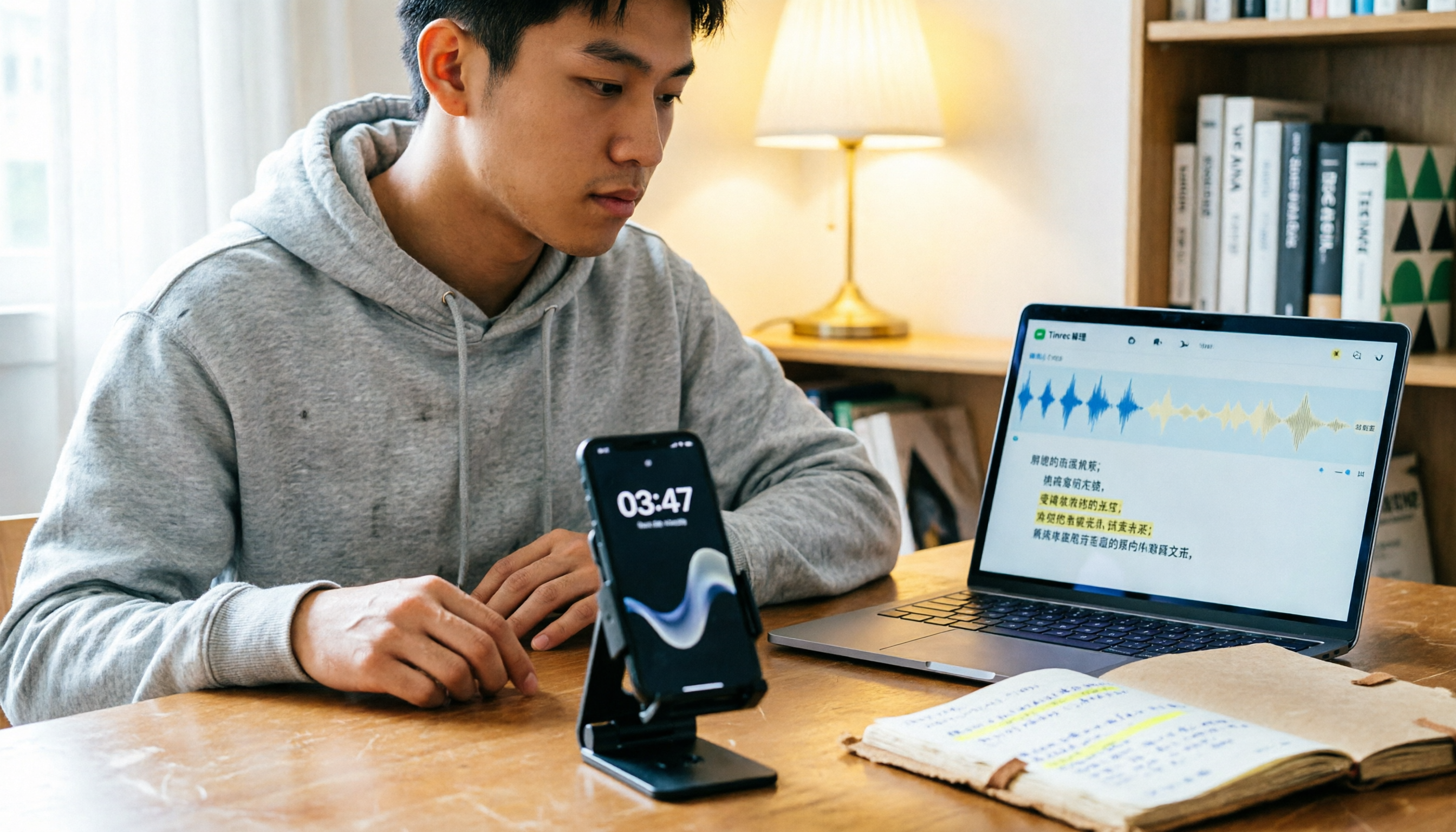
I've started uploading my LINE call recordings and other audio files to Tinrec for organization. Tinrec doesn't just transcribe audio to text; it also automatically generates summaries, chapters, and action items. For example, after our group discussions, I upload the recording, and it organizes who is responsible for what and what needs to be done before the next meeting. Then I share it in the group chat for everyone to confirm.
For students on a tight budget, the free tier's basic quota is a good way to test your own recordings and see how transcription and summarization work. If you only need to organize interviews or meetings occasionally, the free quota is usually enough. If you have steady weekly needs, you can consider other plans.
Key Points to Consider When Choosing a Recording Organization Tool
- Can you find key points directly after transcription?: A verbatim transcript isn't enough; it's better if the tool can automatically generate summaries or action items. Otherwise, you're just reading through the content in a different format.
- Performance with Chinese content: Classes and group discussions often mix Chinese and English, so the tool's ability to recognize and organize Chinese will directly impact your experience.
- Is there a free trial quota?: Students have limited budgets, so testing your own recording quality with the free version is more practical than reading a bunch of reviews.
- Can files be exported?: If you want to move key points to Notion, Google Docs, or other note-taking apps, export functionality will make the workflow much smoother.
- Does it keep the original recording?: Some tools only keep the transcript without the original audio. If you need to double-check tone or details later, having the audio file is more reassuring.
Summary: Beyond Free Recording, Choose the Right Organization Method
LINE call recording isn't impossible. iPhone users can use the integrated calling feature, and Android users can try screen recording or Cube ACR. These free methods can help you capture important content.
But for students, the real issue is often not "how to record," but "how to quickly find the key points after recording." If you only need to record important calls occasionally, free methods are sufficient. If you want recordings to automatically turn into transcripts, summaries, and action items, you can try Tinrec's free quota and run your own recordings through it—that hands-on experience will be more convincing than any introduction.
Finally, a reminder: no matter which method you use, it's best to let the other person know before recording to avoid unnecessary disputes.
References
- LINE Call Recording Full Guide: Android, iPhone, and Computer! – AirDroid
- [Phone Tip] LINE Can Now Record Calls! iPhone Built-in Call Recording Trick, No Notification to the Other Party! | Jyes Communication – Challenging the Lowest Phone Prices
- 2026 Workplace Essential: Can LINE Calls Be Recorded? 4 Ways to Break Limits and Tinrec Transcript Organization Guide - Miaosheng Recording Blog
- LINE Call Recording Tutorial: 4 Methods to Record LINE Calls, Personally Tested! [2025]
- [Recording App Recommendations] Apps for Phone Call Recording and LINE Call Recording [2025] - How Information
Turn every recording into actionable outcomes
Get 60 free transcription minutes when you sign in. No credit card required.
Related Reading
You might also like

2026 AI Meeting Notes Showdown: Tinrec vs Granola — Which One Really Automates Post-Meeting Organization?
Tired of manually transcribing, extracting key points, and writing action items after every meeting? This hands-on comparison of Tinrec and Granola evaluates post-meeting automation, Chinese language support, audio retention, team collaboration, and pricing to help you find the best post-meeting workflow.

Tinrec vs Otter.ai 2026: 5-Dimension Comparison — Which Post-Meeting Automation Flow Works Better?
The meeting ends, but the real work begins. This article examines 5 key decision points in post-meeting automation, testing Tinrec and Otter.ai, and comparing Fireflies.ai and Notta, to help you decide where your meeting notes should live.

Best Post-Meeting Delivery Tools in 2026: We Tested 4, Tinrec Organizes Fastest
The meeting ends, but the real work begins. We tested 4 common post-meeting delivery tools, comparing transcript quality, post-meeting organization, Chinese language support, and team collaboration. We explain why Tinrec (秒听录音) offers the most complete post-meeting delivery workflow, and honestly list free tier limits and team plan pricing restrictions.

2026 Comparison of 2 Post-Meeting Automation Tools: Tinrec vs Notta — Which Turns Meetings into Action Items?
The meeting ends, but the work begins. This article compares Tinrec and Notta across 5 dimensions—post-meeting organization, online meeting recording, AI Q&A and output, team governance, and free tier and pricing—to help you decide which workflow better fits your team's post-meeting automation needs.

2026 Comparison of 3 Post-Meeting Delivery Workflow Tools: How Tinrec Turns Meetings into Action
A meeting ending doesn't mean delivery is complete. This article tests 3 post-meeting delivery workflow tools, comparing bot-free recording, Chinese transcription, AI summaries, action item extraction, team spaces, and export capabilities, and explains how Tinrec turns transcripts into collaborative, trackable team resources.

2026 AI Meeting Follow-Up Tools Compared: Tinrec vs Otter.ai for Chinese-Speaking Teams
A comparison of AI post-meeting delivery tools for SMB managers, evaluating Tinrec and Otter.ai across Chinese meetings, AI Q&A, action items, exports, and team knowledge retention.

2026 Post-Meeting Task Automation: Tinrec Hands-On Review and Automatic To-Do Extraction
Tired of listening to recordings and typing notes after meetings? This article breaks down the 4 key aspects of post-meeting task automation, tests Tinrec's bot-free recording, AI summaries, and to-do extraction, briefly reviews Otter.ai, Notta, and Granola, and provides a guide to avoid pitfalls and selection advice.

2026 Comparison of 3 Post-Meeting Follow-Up Automation Tools: After Recording, Which One Automatically Generates Action Items?
How should you choose a post-meeting follow-up automation tool? This article compares three common AI meeting tools—Tinrec, Granola, and Otter.ai—across five dimensions: bot-free recording, action item extraction, audio retention, Chinese language support, and team data ownership. It also lists each tool's pricing and limitations to help you determine which one can truly save you those 30 minutes after a meeting.

2026 Comparison of 2 Post-Meeting Automation Tools: Tinrec vs Granola — Which One Really Helps?
Post-meeting automation is more than just generating transcripts. This article compares Tinrec and Granola, two bot-free meeting tools, across 5 dimensions to break down the real differences in Chinese language experience, recording retention, post-meeting outputs, and team collaboration, helping you decide which one suits you.