

Turn recordings into transcripts and summaries in minutes
Upload audio or video for multilingual transcription, AI notes, and action items
5 Best AI Transcription Tools of 2026: Free Plans and Meeting Organization Compared
If you're deciding which AI transcription tool to choose, the first thing to consider isn't "which one transcribes the fastest," but rather: do you need a raw transcript, or organized meeting notes?
Some tools excel at converting audio to text, while others go further by generating summaries, action items, and even enabling team collaboration. This article focuses on Tinrec, highlighting the key factors to consider when choosing an AI transcription tool in 2026.
What Can AI Transcription Tools Do for You?
Scenario 1: No More Re-listening to Recordings After Meetings
In the past, after a 1-hour meeting, you might spend another 40 minutes replaying the recording and summarizing key points. Now, by uploading the recording to an AI transcription tool like Tinrec, you can get a full text transcript first, then quickly grasp the main discussion points through AI-generated summaries.
Scenario 2: Interview Content Becomes Citable Material
When conducting user or expert interviews, the most tedious part is finding "which segment a specific quote came from." Tinrec not only outputs transcripts but also lets you search for keywords and play back the corresponding segments, saving you from scrubbing through the timeline repeatedly.
Scenario 3: Team Meeting Materials No Longer Scattered Across Personal Devices
If meeting notes are only stored in one colleague's notebook, they're hard to find later. Tinrec's team space centralizes meeting recordings, transcripts, and summaries, making them accessible to all team members.
Core Capabilities of AI Transcription Tools
Real-Time Speech-to-Text: Watch as You Record, Not After
For example, Tinrec supports real-time speech-to-text. During meetings, you can record and simultaneously verify that the text is keeping up, so you don't discover recording issues only after the meeting ends.
Bot-Free Online Meeting Recording: No Need to Invite a Bot
Many people dislike having a "bot participant" in meetings. Tinrec's desktop version can directly capture your computer's system audio, handling online meetings like Zoom, Google Meet, and Microsoft Teams without requiring you to invite a bot.
AI Summaries and Action Item Extraction: More Than Just Transcripts
Getting the transcript is just the first step. Tinrec goes further by generating summaries, chapters, and action items, clarifying "who is responsible for what and what's next." For those with weekly meetings, this is far more useful than plain text.
AI Q&A: Ask Directly About Meeting Highlights
After organizing, you can ask Tinrec questions like "Who mentioned the budget in the meeting?" or "What are the client's main concerns?" It answers based on the meeting content, so you don't have to read everything from start to finish.
Multi-Format Export: Bring Meeting Results into Your Daily Workflow
Tinrec supports exporting content to tools like Notion, Google Docs, and OneNote, making it easy to continue editing, archiving, or sharing with others.
Practical Use Cases
Meeting Notes
Tinrec can handle both online and offline meetings. For offline meetings, use real-time recording; for online meetings, use the desktop version's bot-free recording. After the meeting, AI summaries and action items are automatically organized, ready for quick team updates.
User Interviews and Research
After uploading interview recordings to Tinrec, you can review the transcript for details and use AI Q&A to find key quotes. For researchers dealing with large volumes of interview material, this saves significant manual transcription time.
Courses and Lectures
During classes or lectures, use Tinrec's real-time recording to text, then search for specific concepts by keyword later. This is a practical aid for students who need to review or take notes.
Stop organizing recordings by hand
Upload audio or video and automatically get a transcript, summary, and action items
Client Communication and Sales Follow-Up
Sales or customer success teams can upload client meeting recordings to Tinrec, which automatically organizes client needs, objections, and commitments, so follow-ups don't rely on memory.
5 Key Points to Consider When Choosing an AI Transcription Tool
1. Is the Free Plan Really Sufficient?
Don't just look at the word "free." Calculate your monthly recording minutes. Tinrec's free version offers basic quotas, suitable for light testing; if you need consistent use, consider the Pro or Team plans.
2. Can It Help Organize After Transcription?
Transcripts are just the starting point. Tinrec's strength lies in providing summaries, chapters, action items, and AI Q&A, turning meeting content into actionable data.
3. Does Online Meeting Recording Require a Bot?
If you prefer not to have extra bot participants in meetings, consider bot-free desktop recording solutions like Tinrec. It captures computer audio directly without affecting the participant list.
4. Performance with Chinese and Multilingual Content
If you primarily handle Chinese meetings or often encounter mixed Chinese-English conversations, test with your own recordings. Tinrec is particularly suited for Chinese, Traditional Chinese, and multilingual meeting scenarios, also supporting real-time translation and bilingual viewing.
5. Team Collaboration and Data Ownership
Personal use and team use are different. Tinrec's Team plan provides a dedicated team space where meeting data belongs to the team; when members change, data doesn't leave with individuals, and admins can view usage and activity logs.
How to Choose Between Tinrec and Other AI Transcription Tools?
If you're torn between Tinrec, Yating, Vocol, and similar tools, start by answering three questions:
- Do you only need audio-to-text, or do you need summaries, action items, and further organization?
- Are your meetings mostly online? Can you accept a bot joining?
- Are you using it solo, or do you need to share meeting data with a team?
If your needs lean toward "organizing and collaborating after transcription," Tinrec is a more comprehensive choice. It doesn't just provide transcripts; it turns meeting content into searchable, queryable, and exportable data.
Frequently Asked Questions
How long can I transcribe with Tinrec's free plan?
Tinrec's free plan offers basic quotas, suitable for trying out recording, importing, summarization, and transcription features. If you just want to test the results, start with the free plan.
What's the difference between Tinrec and regular speech-to-text tools?
Most tools only do speech-to-text. Tinrec goes further by generating summaries, chapters, highlights, and action items, and supports AI Q&A, translation, export, and team collaboration—making it a more complete meeting notes solution.
Do I need to buy additional recording hardware for Tinrec?
No. Tinrec supports web, desktop, and mobile versions. You can record directly with your phone or computer, or upload existing audio and video files.
Can Tinrec handle online meetings?
Yes. Tinrec's desktop version captures your computer's system audio to handle online meetings like Zoom, Google Meet, and Microsoft Teams, without needing to invite a meeting bot.
What happens to meeting data when a team member leaves?
It doesn't disappear. In Tinrec's Team plan, meeting data belongs to the team. When a member exits or is removed, their assigned team resources can be transferred to other active members.
Is AI transcription 100% accurate?
Don't expect that. Any AI transcription is affected by recording quality, noise, accents, overlapping speech, and technical jargon. Tinrec can significantly reduce manual organization effort, but for critical content, it's still advisable to cross-check the transcript against the recording.
Conclusion
When choosing an AI transcription tool, don't just look at transcription speed or free quotas—consider whether it can turn meeting content into usable data. Tinrec's advantage is that it doesn't just provide transcripts; it generates summaries, action items, supports AI Q&A, and team collaboration, making it suitable for individuals and teams that need long-term meeting notes organization. If you're looking for a tool that goes from "recording" to "action," start with Tinrec's free plan.
References
- Yating Transcription
- Home | Vocol.ai Voice Collaboration Platform
- Unlimited Time! 3 Free AI Transcription Tools Recommended! AI Voice Notes for Meeting Minutes, Slides, and Mind Maps | 104 Career Center
- SoundType AI - Ultra-Precise Transcription, Speech-to-Text, AI Dictation App - App Store
- 【AI Voice Notes】Top 5 AI Speech-to-Text Tools! Generate Transcripts and Meeting Minutes, Free vs. Subscription, Pros and Cons | 104 Career Center
Turn every recording into actionable outcomes
Get 60 free transcription minutes when you sign in. No credit card required.
Related Reading
You might also like

2026 Google Meet Note-Taking Tools Compared: Tinrec Leads for Chinese Transcription
Google Meet can't be purchased separately; business use requires a Google Workspace subscription. This article breaks down the differences between Google Meet free and paid versions, and compares Tinrec, Otter.ai, and Notta to help you find the best post-meeting solution for Chinese meetings.

Google Meet 2026 Update Review: Built-in Notes vs. Tinrec — Which Saves More Time?
We break down Google Meet's 2026 updates and compare its built-in meeting notes with Tinrec's AI recorder across recording methods, Chinese transcription, post-meeting organization, export, and team collaboration to help you decide which fits your meeting workflow.

Tinrec vs Notta 2026: 5-Dimension Comparison for Chinese Meeting Notes
Searching for Tenrec App brings up unrelated results. The real comparison is between meeting transcription tools. This article uses Tinrec as an example to walk through 5 steps from recording to meeting minutes, and compares Tinrec and Notta across 5 dimensions to help you decide which is better for your Chinese meeting scenarios.

2026 Comparison of 4 Google Meet Meeting Note Solutions: How Tinrec Turns Transcripts into Actionable Data
Google has never separately disclosed Google Meet revenue; 2024 figures are hidden within Workspace subscriptions and cloud business. This article compiles verifiable revenue context and compares the practical differences among four types of meeting note solutions, explaining how Tinrec uses bot-free desktop recording to turn meeting content from Google Meet, Teams, and Zoom into searchable, actionable team data.

Google Meet Transcription vs. Tinrec: Which Meeting Notes Tool Wins in 2026?
Google Meet's plans are tied to Google Workspace, with separate pricing and bundles in India. But built-in transcription only handles a single meeting—post-meeting organization, cross-platform consolidation, and team knowledge retention remain gaps. From a mid-level manager's practical perspective, this article explains how Tinrec fills these gaps with bot-free recording, AI Q&A, action item extraction, and team spaces.
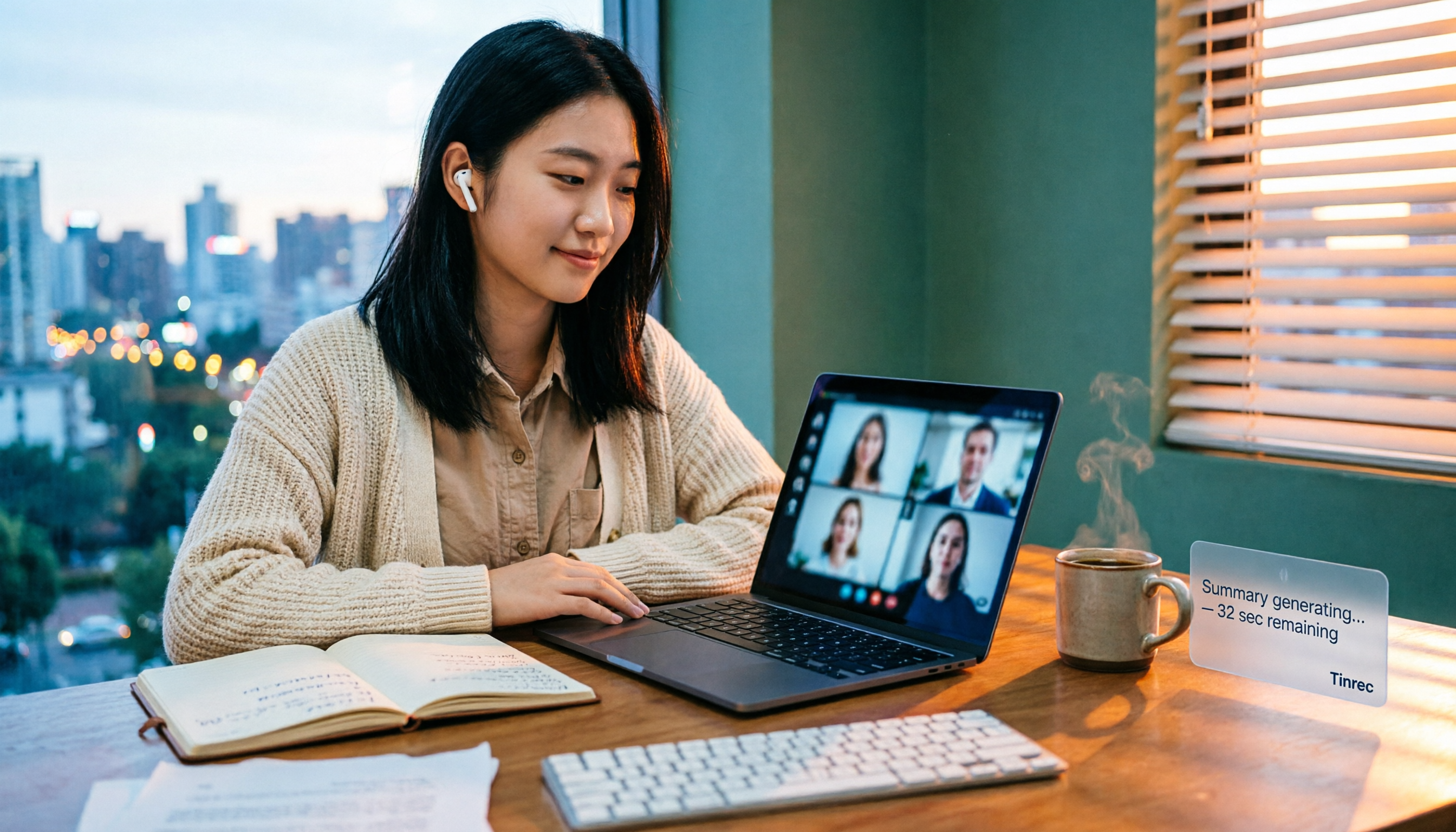
How to Buy Google Meet Recording in 2026: 4 Steps to the Best Deal
Does Google Meet recording cost money? Why can't free users find the record button? Starting from a student budget, this guide uses 4 steps to help you decide whether to upgrade to Workspace, use built-in recording, or switch to a bot-free AI meeting notes tool like Tinrec, with buying criteria and pitfalls to avoid.

Tinrec vs Google Meet in 2026: 4 Key Differences to Know Before You Pay
People searching for Google Meet purchase price usually want to know: Do I need to pay for meetings, and where should the money go? This article breaks down Google Meet's pricing logic using real scenarios for students and small teams, and explains how Tinrec fills the gap in meeting notes, transcripts, and action items so you can decide before paying.

Arsenal vs Nottingham Forest Preview 2026: 3 Key Storylines and H2H Data
On October 18, 2026, Nottingham Forest host Arsenal in Premier League Matchday 7. This preview covers kickoff time, both teams' recent form, head-to-head record, and injury lists to help you get up to speed before the match.
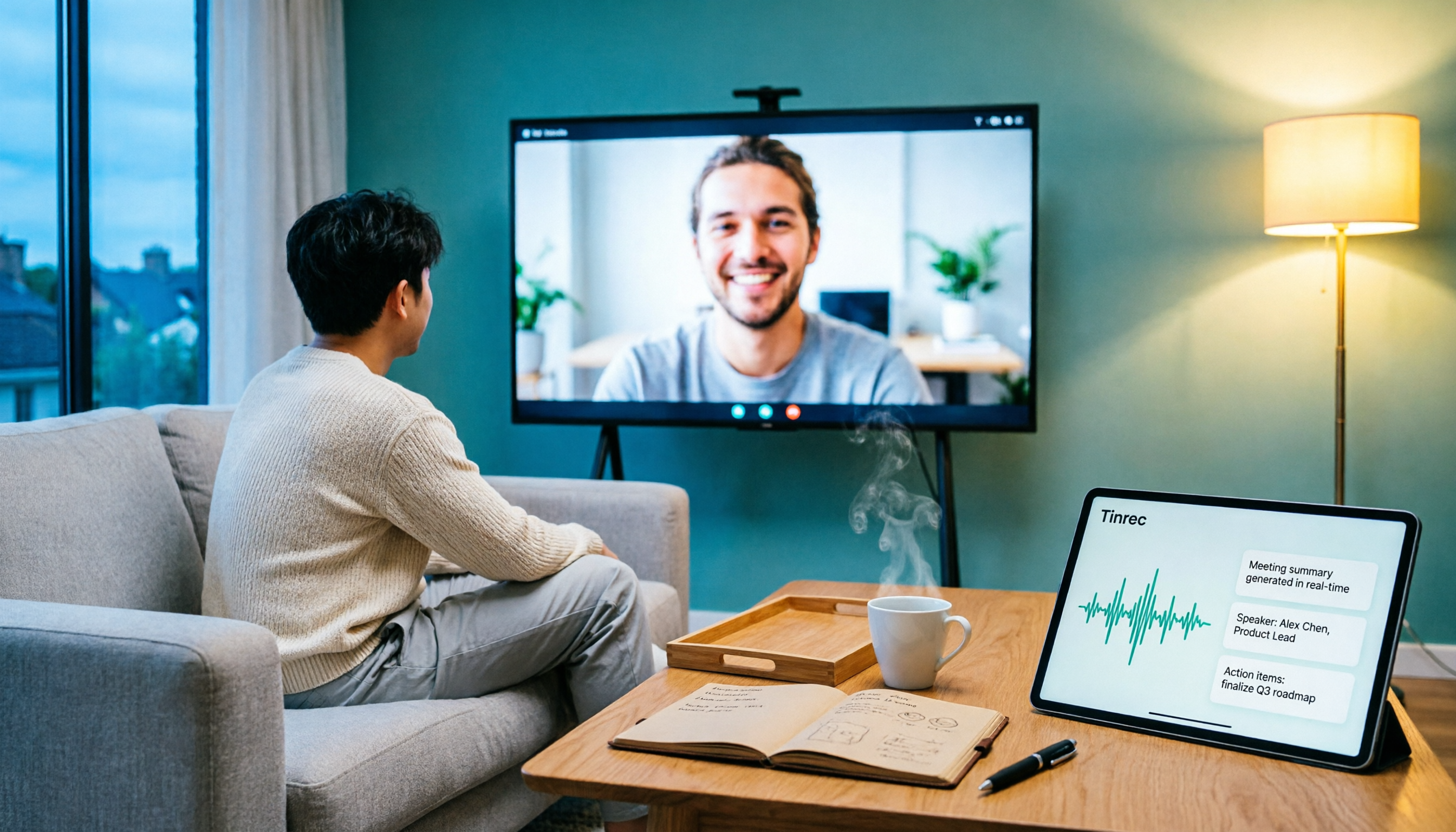
5 Ways to Put Google Meet on TV in 2026: Real-World Comparison and How to Capture Meetings on the Big Screen
To get Google Meet on your TV, you need to solve two problems: how to get the picture on the big screen, and where the meeting content goes after it ends. This guide covers 5 methods, from bot-free recording to Chromecast casting, Android TV calling, and browser-based options, explaining when each one makes sense.