

Turn recordings into transcripts and summaries in minutes
Upload audio or video for multilingual transcription, AI notes, and action items
5 Best Microsoft Teams Meeting Transcription Tools in 2026: ChatGPT vs Copilot vs Tinrec — Which Saves the Most Time?
Why Do You Need a Microsoft Teams Meeting Notes Tool?
After a Teams meeting, the transcript sits on the platform, but the key points are scattered throughout the conversation. Most people still have to manually copy, organize, and track action items. This article covers 5 common approaches — from built-in platform features to ChatGPT and Tinrec — to help you decide which one best fits your meeting workflow.
Option 1 | Tinrec — The Most Complete AI Meeting Notes Assistant
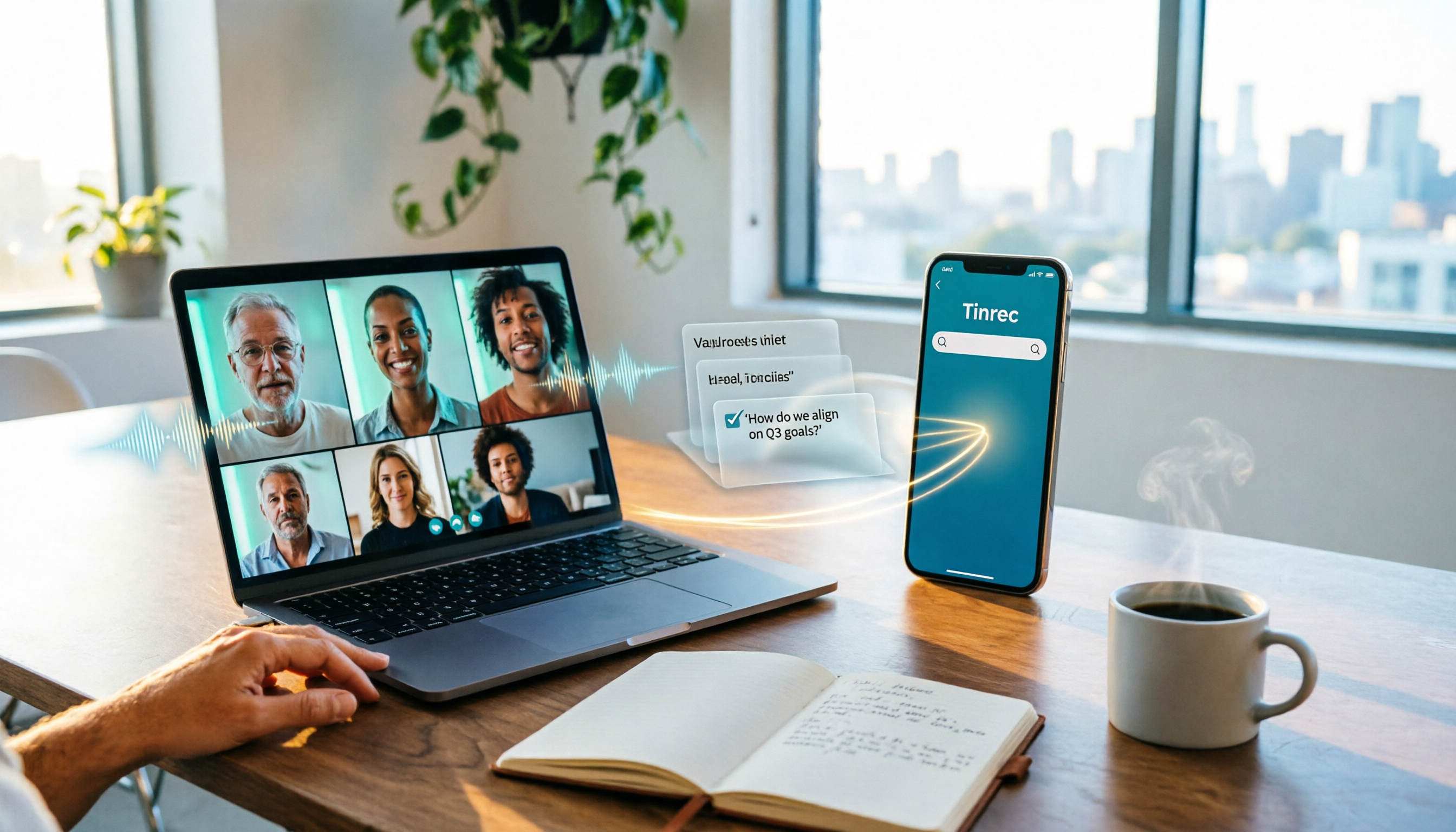
Tinrec is an AI meeting notes and collaboration tool for individuals and teams that turns meetings into searchable, collaborative, actionable team knowledge. It supports real-time audio-to-text transcription, bot-free recording of Teams and other online meetings via desktop app, audio/video file import, and automatically generates summaries, chapters, action items, and mind maps. Even better is AI Q&A — you can ask follow-up questions about a single meeting or your entire meeting history, and export to Notion, Google Docs, OneNote, Dropbox, and more. The team plan offers separate workspaces, member roles and seat management, usage analytics, audit logs, and an audio recycle bin. Meeting data belongs to the team and can be handed over even when members leave. The personal plan has a free tier for light use. The team plan offers a 7-day trial with 1 free seat and 300 shared import minutes for first-time eligible teams; monthly billing is USD 29.80 per paid seat per month, and annual billing is USD 199 per paid seat per year. Best for users who need Chinese-language meetings, post-meeting organization, and team knowledge retention.
Option 2 | ChatGPT + Whisper — Using Prompts to Organize Transcripts
ChatGPT can turn meeting transcripts into summaries, key points, and action lists, while Whisper can convert audio and video files into text. The ChatGPT web version can also connect to Google Drive, Dropbox, and OneDrive to directly read Excel, Docs, and PDF files stored there. Note that ChatGPT Record mode is currently prioritized for macOS ChatGPT Team users, and generated content still requires human review. Best for individual users who already have a transcript and want to quickly generate meeting minutes.
Option 3 | Microsoft Teams Built-in Transcription + Copilot — The Native Platform Solution
Teams itself has a transcription feature — the meeting organizer can enable real-time speech-to-text to turn the meeting into a transcript, and transcription can also be enabled in meeting settings. Combined with Copilot, you can generate meeting notes and summaries. The advantage is that everything is done directly within Teams without switching tools; the limitation is that feature availability depends on tenant licensing and meeting settings, and the organized data still tends to stay within the platform. Best for enterprise teams already deeply invested in Microsoft 365.
Option 4 | Otter.ai — English Business Meeting Assistant
Otter is a mature AI meeting assistant that supports Zoom, Microsoft Teams, Google Meet, real-time transcription, speaker identification, AI Chat, and workflows. According to the official pricing page, the Basic plan is free with 300 minutes per month, and the Pro annual plan works out to USD 8.49 per user per month, including 1,200 minutes of in-app recording and 10 file imports per month. It is strong for English business meetings, but the Chinese meeting experience is not its primary focus. Best for teams that primarily meet in English.
Stop organizing recordings by hand
Upload audio or video and automatically get a transcript, summary, and action items
Option 5 | Notta — Multilingual Transcription and Team Plans
Notta covers multi-platform transcription, meeting notes, file import, translation, and team plans. According to official information, the Free plan offers 120 minutes per month with a maximum of 3 minutes per single piece of content; the Pro annual plan works out to USD 8.17 per month with 1,800 minutes per month; the Business annual plan works out to USD 16.67 per seat per month, offering unlimited transcription, role permissions, and usage reports. Its multilingual capability is solid, making it suitable for users who need translation and file transcription.
Option 6 | Granola — Bot-Free AI Meeting Notes
Granola is a bot-free AI meeting notes tool that transcribes in real time through desktop system audio and microphone, and combines handwritten notes to generate content. Official pricing is Basic free, Business USD 14 per user per month, and Enterprise USD 35 per user per month. It supports real-time transcript viewing, copying, and searching, but does not support uploading pre-recorded audio files and does not save meeting audio. Best for people who like to take notes during meetings and don't need to keep recordings.
With So Many Options, How Should You Choose?
- Want the most complete post-meeting workflow (transcription + AI Q&A + automatic meeting minutes + team knowledge retention) → Tinrec (the only option that covers all of these steps)
- Need Chinese or mixed Chinese-English meetings, and want bot-free Teams recording → Tinrec
- Already have a transcript and just want to generate a summary with prompts → ChatGPT + Whisper
- Company already has Microsoft 365 and wants to do everything inside Teams → Teams built-in transcription + Copilot
- Primarily English meetings and need a mature meeting assistant → Otter.ai
- Need multilingual file transcription and translation → Notta
- Only use phone or Mac for casual note-taking and don't need to keep recordings → Granola
3 Things to Know Before Using Microsoft Teams Meeting Notes
- Get participant consent before recording, and comply with local regulations and company policies.
- AI summaries may miss or misinterpret details. For important decisions, cross-check with the transcript timestamps. Tools like Tinrec reduce manual organization costs — they don't completely replace human review.
- When using with a team, distinguish between "roles" and "seats." For example, with Tinrec's team plan, active members can view data even without a seat, but they need a seat to record, upload, edit, and export.
Conclusion
Microsoft Teams meeting notes don't have to be done manually from scratch. Built-in platform features, ChatGPT, Otter, and Notta each have their ideal scenarios, but if you want recording, transcription, summarization, Q&A, and team knowledge retention all in one place, Tinrec is currently the most complete option. We recommend starting with the free plan or team trial to confirm your meeting workflow before deciding to upgrade.
FAQ
Q1: Can Tinrec record Microsoft Teams meetings?
Yes. Tinrec's desktop app records online meetings by capturing computer system audio without requiring a meeting bot to join. Users need to manually start recording.
Q2: Can ChatGPT directly generate Microsoft Teams meeting notes?
It can assist with generation, but you usually need to provide the transcript or audio file to ChatGPT first. Record mode is currently prioritized for macOS ChatGPT Team users, and content requires human review.
Q3: What's the difference between Teams built-in transcription and Tinrec?
Teams transcription focuses on in-platform transcripts and Copilot summaries; Tinrec additionally emphasizes cross-platform organization, AI Q&A, action items, multi-format export, and team data management.
Q4: How is Tinrec's team plan priced?
The first-time eligible team trial is 7 days with 1 free seat and 300 shared import minutes; monthly billing is USD 29.80 per paid seat per month, and annual billing is USD 199 per paid seat per year. Actual pricing is subject to the official purchase page.
Q5: How accurate are AI meeting notes?
Actual results depend on recording quality, noise, accents, overlapping speakers, and technical terminology. We recommend using it with clear audio and keeping a human review step.
References
- Office Applications: Using ChatGPT to Quickly Generate Meeting Notes | vocus
- ChatGPT Meeting Notes New Features Revealed: One-Click Recording + Cloud Data Integration Assistant
- Taking Meeting Notes Is Such a Hassle? ChatGPT + Whisper Gets It Done in One Go! Auto Transcription, Summarization, and Sending All Possible | BusinessNext
- ChatGPT "Record Mode" Arrives! Meeting Notes and Voice Notes Instantly Organized by AI - Featured Analysis
- Enabling 'Meeting Transcription' and Copilot Meeting Notes & Summary Features in Teams
Turn every recording into actionable outcomes
Get 60 free transcription minutes when you sign in. No credit card required.
Related Reading
You might also like

6 Ways to Use Google Meet on Apple TV in 2026: Screen Mirroring, Streaming Devices, and Post-Meeting Tools Compared
Google Meet doesn't have an official Apple TV app. This guide covers 6 practical workarounds, from AirPlay screen mirroring and Mac mirroring to Google TV streaming devices, plus post-meeting tools like Notta, Granola, and Tinrec, with free and paid pricing to help you decide which is easiest.

How to Use Google Meet in Gmail (2026): Start a Meeting in 3 Steps & Auto-Organize Notes
Google Meet is built right into the Gmail sidebar, so you can start or join video meetings without switching to Calendar. This guide walks you through 3 steps, explains entry points for different account types, and tackles the part most people get stuck on—organizing transcripts, summaries, and action items after the meeting.

How to Record Google Meet Without a Bot and Auto-Generate Action Items with AI (2026 Guide)
Tired of forgetting key points after a Google Meet call? This guide explains the relationship between Google Meet and Google One plans, then hands-on tests Tinrec's bot-free desktop recording, AI summaries, and action item extraction. We also compare Otter.ai, Notta, and Granola, with key buying factors and pitfalls to avoid.

Google Meet Time Limit in 2026: Free 60-Minute Cap and Which Meeting Notes Tool to Choose
Google Meet free version limits group meetings with 3+ participants to 60 minutes, while 1-on-1 calls can last up to 24 hours. Paid Workspace plans allow up to 24 hours. This article breaks down how the limit actually works and compares Google Meet with Tinrec for meeting notes, cross-platform support, post-meeting output, and team data retention, helping you decide which to choose.

Best Google Meet Note-Taking Tools in 2026: 7 Tested, This One Excels for Chinese Meetings Without a Bot
Starting from the need to join a meeting via Google Meet now, this guide reviews 7 Google Meet note-taking and transcription tools, including Tinrec, Otter, Fireflies, Notta, Granola, TurboScribe, and Google Meet's built-in capabilities. It compares Chinese meeting support, bot-free recording, AI Q&A, team knowledge retention, and pricing.

Google Meet Pricing in 2026: Free Plan Limits and Tinrec as an Alternative
Google Meet's free version caps group meetings at 60 minutes, and recording and AI features are tied to Workspace subscriptions (annual billing around $7/$14/$22 per user per month). This article, from a student's hands-on perspective, explains why post-meeting organization is the real pain point and compares Tinrec's differences in bot-free recording, Chinese transcription, AI summaries, and team knowledge retention.
How to Share System Audio in Google Meet (2026): Full System Sound + High-Quality Stereo
Google Meet now lets you share your entire device's system audio during presentations, not just Chrome tab audio. This guide covers the steps to enable it, system requirements, rollout timeline, and common limitations, plus how to use Tinrec after a presentation to turn transcripts, summaries, and action items into searchable meeting records.

3 Google Meet on Windows Options Tested in 2026: Which Meeting and Note-Taking Method Saves the Most Time?
Using Google Meet on Windows, most people only solve the meeting itself but not how to keep the post-meeting data. This article walks you through: from browser and PWA to Tinrec desktop bot-free recording, automatically turning Google Meet meetings into transcripts, summaries, action items, and team-searchable data.

How to Check Your Google Meet Version in 2026: 4 Steps to Confirm the Latest Version
Can't find the version number in Google Meet settings? This guide covers how to check and update Google Meet across web, Android, iOS, Meet hardware, and the REST API, plus a practical way to organize transcripts, summaries, and action items after meetings.