
Turn recordings into transcripts and summaries in minutes
Upload audio or video for multilingual transcription, AI notes, and action items
Google Meet Free in 2026: Online Meetings + Tinrec Auto-Recording Tutorial
After Google Meet Went Free, You No Longer Have to Compromise on Tools
Google announced that Google Meet, previously available only to businesses and schools through G Suite, would be free for everyone. You can start a meeting via the web at meet.google.com, or through the iOS and Android apps. For everyday office workers, students, and freelancers, this means you can host a decent video meeting without paying first.
According to the announcement at the time, free meetings could accommodate up to 100 people, and free accounts later had a 60-minute time limit; actual participant limits, duration, and features are subject to Google's official page. Google also made AI live captions, low-light mode, and other assistive features available to more people.
However, just because meetings are free doesn't mean post-meeting organization is automatically free. Who said what, what the conclusions were, and who is responsible for action items—if you rely only on handwritten notes, it still takes a lot of time. This is where AI meeting note tools like Tinrec come in.
Before Choosing a Google Meet Recording Solution, Understand These 3 Key Points
First, is the free quota enough? Google Meet's free version has its limits, and recording tools have free minutes too. You need to calculate how many meetings you have per week and how long each one lasts, then decide whether to upgrade.
Second, can it handle Google Meet's audio? Some tools require a meeting bot to join the meeting, adding an extra participant; Tinrec's desktop version captures your computer's system audio and doesn't need a bot to join, making it more intuitive for Google Meet, Zoom, Teams, Webex, and similar online meetings.
Third, can you use it directly after the meeting? A tool that only gives you a transcript still requires you to read through it yourself; if the tool can automatically generate summaries, chapters, and action items, and let you ask AI follow-up questions like "Who mentioned the budget last time?", that's when you truly save time.
Tinrec (秒听录音)—Our Top Recording Solution After Testing
Tinrec (秒听录音) is an AI meeting notes and collaboration tool for individuals and teams, supporting iOS, Android, and web. Its positioning isn't just audio-to-text; it turns meetings into searchable, summarizable, queryable, exportable, and further processable data.
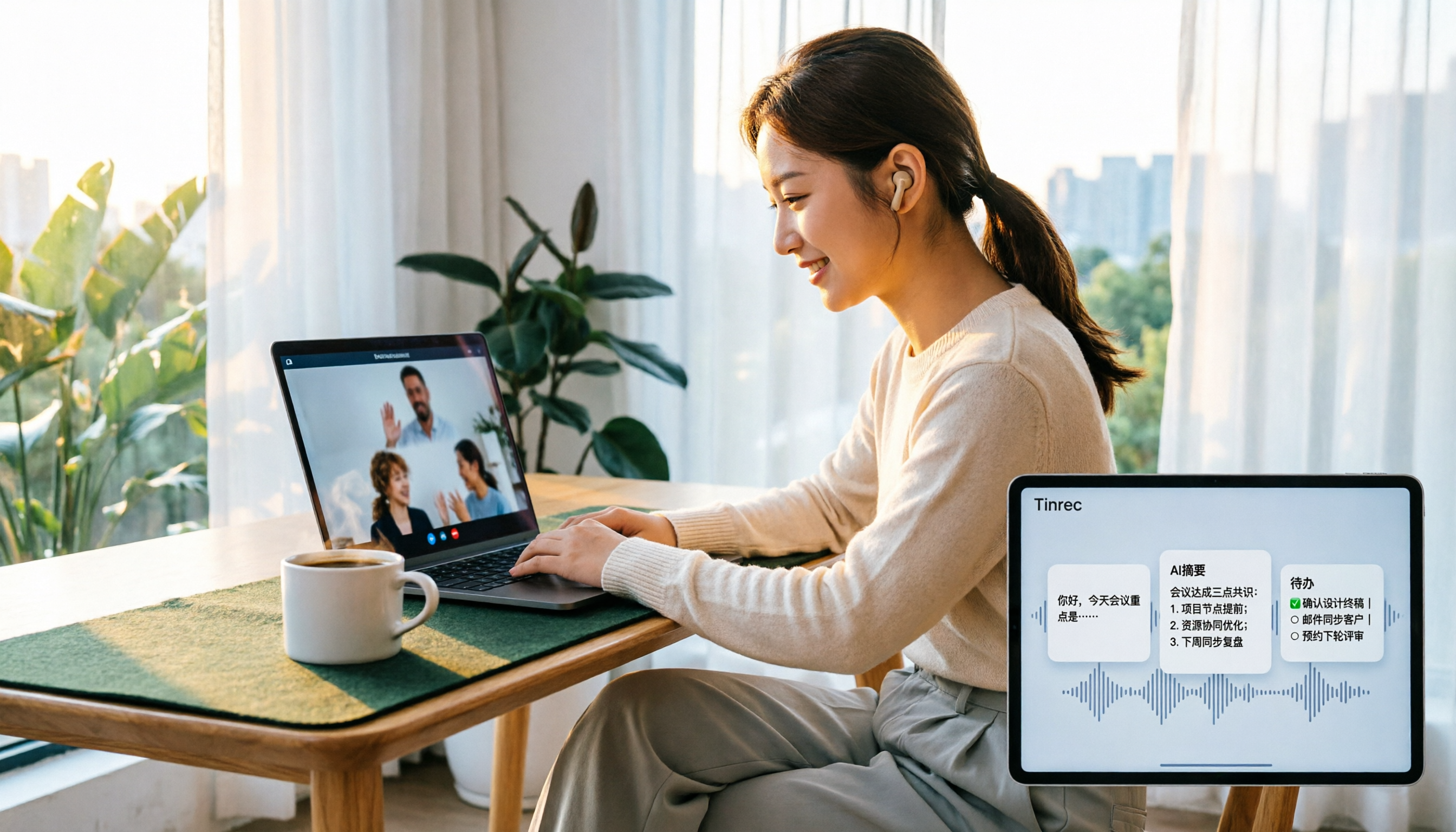
When starting a Google Meet, you can use Tinrec's desktop version to capture your computer's system audio directly, without inviting a meeting bot. During the meeting, it transcribes in real time; after it ends, it automatically organizes summaries, chapters, and action items. Participants don't need to do anything extra, and you don't have to drop a bot into the meeting room.
Even better is AI Q&A. After recording, you can ask Tinrec directly: "What was the conclusion of this meeting?" "Who is responsible for next week's proposal?" It answers based on the meeting content, rather than just throwing keyword search results at you. For those who need to review past meetings, this is much faster than manually Ctrl+F through a transcript.
Tinrec also supports real-time translation, so during cross-language meetings you can view the original text, translation, or bilingual content. Post-meeting output can be exported to Notion, Google Docs, OneNote, Dropbox, and other tools, and through Agent post-processing you can generate reports, tables, and meeting minutes.
To be honest about limitations: Tinrec does not recommend promising a fixed accuracy rate; actual results are affected by recording quality, noise, accents, overlapping speakers, and technical terminology. The free version has a basic quota, and heavy users need to pay; file and web imports consume quota. The team version offers independent team spaces, member roles, seat management, usage analytics, audit logs, audio recycle bin, and team hotwords. Team monthly billing is USD 29.80 per paid seat per month, annual billing is USD 199 per paid seat per year, about USD 16.58 per month; paid seats provide 2,000 minutes of shared team import quota per month, and real-time recording is currently not deducted by minutes under an active plan. Prices and benefits are subject to the official purchase page.
Stop organizing recordings by hand
Upload audio or video and automatically get a transcript, summary, and action items
If you have Google Meet meetings every week and need Chinese transcripts, summaries, action items, and queryable meeting data afterward, Tinrec is a solution well worth trying first. Start with the free version, and consider Pro or the team version if you find the quota insufficient.
Besides Tinrec, What Other Options Are There?
Otter.ai: A mature English meeting assistant, Basic is free with 300 minutes per month, Pro annual billing works out to about USD 8.49 per month. If you mainly hold English meetings, it's sufficient; but if you need a Chinese meeting experience and team data accumulation after bot-free Google Meet recording, Tinrec is a closer fit.
Notta: A multi-platform transcription tool, free with 120 minutes per month and a maximum of 3 minutes per session, Pro annual billing works out to about USD 8.17 per month. It overlaps significantly with Tinrec, but Tinrec can emphasize bot-free online meeting recording, AI Q&A, Agent post-processing, and team spaces; if you only occasionally upload files for transcription, Notta is also worth a look.
Granola: Bot-free AI meeting notes, Basic is free, Business is USD 14 per user per month. It emphasizes user notes plus AI enhancement, but does not support uploading pre-recorded audio files and does not save meeting audio. Tinrec retains recordings, supports document import, Chinese experience, real-time translation, and team data management, making it more complete for those who need post-meeting verification.
Pitfall Guide: The 3 Most Common Mistakes When Choosing a Google Meet Recording Tool
Pitfall 1: Rushing in just because it says "free." Google Meet's free version and recording tools' free plans both have quota and duration limits. Calculate your meeting volume first, don't wait until mid-meeting to discover you're restricted.
Pitfall 2: Assuming you must use a meeting bot. Bots joining meetings are convenient, but some participants mind having an extra account present. Tinrec's desktop version uses system audio capture and doesn't need a bot to join, making it friendlier for those who care about the meeting experience.
Pitfall 3: Only taking the transcript and not using AI post-processing. If you only use the tool as audio-to-text, you're only using one-third of it. Features like Tinrec's AI Q&A, action item extraction, and Agent post-processing let you ask for key points directly after the meeting, saving you from scrolling through 30 minutes of transcript.
Summary: Google Meet Is Free, Leave Post-Meeting Organization to Tinrec
After Google Meet went free, the barrier to online meetings became lower. But what really takes time is often the post-meeting organization.
Need Chinese transcripts, summaries, and action items → Tinrec. Need bot-free recording of Google Meet, Zoom, Teams → Tinrec desktop version. Need cross-platform use (phone + computer) → Tinrec. Need to turn meetings into a team knowledge base → Tinrec team version. Mainly recording English meetings, limited budget → Otter.ai is worth considering.
Q: Does Google Meet's free version still have a 60-minute limit? A: Limits change with Google's policies; please refer to the official page. This article focuses on post-meeting organization.
Q: Can Tinrec automatically join my Google Meet? A: No. Tinrec's desktop version captures computer system audio; you need to actively start recording, and no meeting bot joins.
Q: Is Tinrec's free version enough? A: Light users can start with the free version. If you have many weekly meetings and need to import files, consider Pro or the team version.
Q: What's the difference between the team version and the personal version? A: The team version has independent team spaces, member roles, seats, shared benefits, usage analytics, audit logs, and a recycle bin; meeting data belongs to the team.
Overall, Google Meet solves the free entry point for "having meetings," while Tinrec fills in the "post-meeting use" part. We suggest starting with Tinrec's free version and testing it with a real meeting to see if it can save you organization time.
References
Turn every recording into actionable outcomes
Get 60 free transcription minutes when you sign in. No credit card required.
Related Reading
You might also like

2026 Real-Time Speech-to-Text Tools Buying Guide: 4 Tested and Recommended
Two-hour meetings followed by two hours of organizing notes is a daily reality for many managers. This guide, from the perspective of a mid-level manager's hands-on testing, covers the key considerations for choosing a real-time speech-to-text tool in 2026: from real-time performance and audio capture methods to post-meeting organization and team governance. It honestly explains each tool's limitations and suitable scenarios to help you find the one that truly saves you time after meetings.

2026 Best Audio-to-Transcript Tools Compared: Tinrec vs Notta for Chinese Meetings
How to choose an audio-to-transcript tool in 2026? This article focuses on Tinrec and compares it with Notta and three other popular tools on meeting capture, Chinese recognition, post-meeting organization, team collaboration, and pricing. Includes real-world scenarios and FAQs to help you decide which tool fits your meeting style and workflow.

6 Audio-to-Text Tools Tested and Compared in 2026: Which AI Meeting Notes Save the Most Time?
We tested and compared 6 audio-to-text tools in 2026, including Tinrec, Yating Transcription, cSubtitle, Vocol.ai, Notta, and inFin. From free to paid, personal to team, we help you find the most suitable AI speech-to-text solution.

3 LINE Voice Backup Tools Tested for 2026: Which One Should You Use Before Messages Expire?
LINE voice messages become unplayable once they expire. We tested 3 tools to show you how to back them up before they disappear. Tinrec converts voice to transcripts and summaries for permanent, searchable storage—our top pick after testing.

Best Meeting Recorder for Google Meet on Nest Hub? 2026 Test of 3 Tools, This One Wins for Chinese Meetings
Nest Hub Max can make Google Meet video calls, but what about transcripts, summaries, and action items after the call? This article explains three key prerequisites for using Google Meet on Nest Hub and compares Tinrec, Otter.ai, Granola, and Notta to help you choose the right meeting recorder for Chinese meetings.

3 Ways to Join Google Meet on iPhone Without the App in 2026: Browser, Invite Link, and Meeting Notes Compared
Can you join a Google Meet call on iPhone without the app or a Gmail account? This guide covers three methods: joining via Safari, entering your name without an account, and organizing meeting notes afterward. It also compares Tinrec, Otter.ai, Granola, and Notta in real-world scenarios and limitations.

Google Meet Instant Link: 5 Methods Tested and Compared for 2026 — Post-Meeting Organization Is the Real Key
Finding a Google Meet now link is easy; the hard part comes after the meeting. This article tests five ways to get a Google Meet link and compares Google Meet's built-in capabilities with Tinrec across four dimensions: transcripts, post-meeting output, recording storage, and team knowledge retention, helping you decide which to use when.

4 AI Meeting Recorders Tested in 2026: Is Google Meet's Gemini Enough?
Google Meet's built-in Gemini can automatically take notes, translate conversations, generate summaries and action items, but it has clear limitations in audio retention, cross-platform support, and team data accumulation. Based on a mid-level manager's practical experience, this article compares Google Meet Gemini, Tinrec, Otter.ai, and Granola, explaining selection criteria, key testing points, and pitfalls to avoid.

How to Start a New Google Meet in 2026: 3 Fast Methods + Automated Meeting Notes
Starting a new Google Meet takes seconds, but organizing notes afterward is what really eats up time. This guide covers 3 ways to start a new Google Meet, key meeting code tips, and a hands-on test of how Tinrec can record online meetings without a bot, automatically generating transcripts, summaries, and action items.