
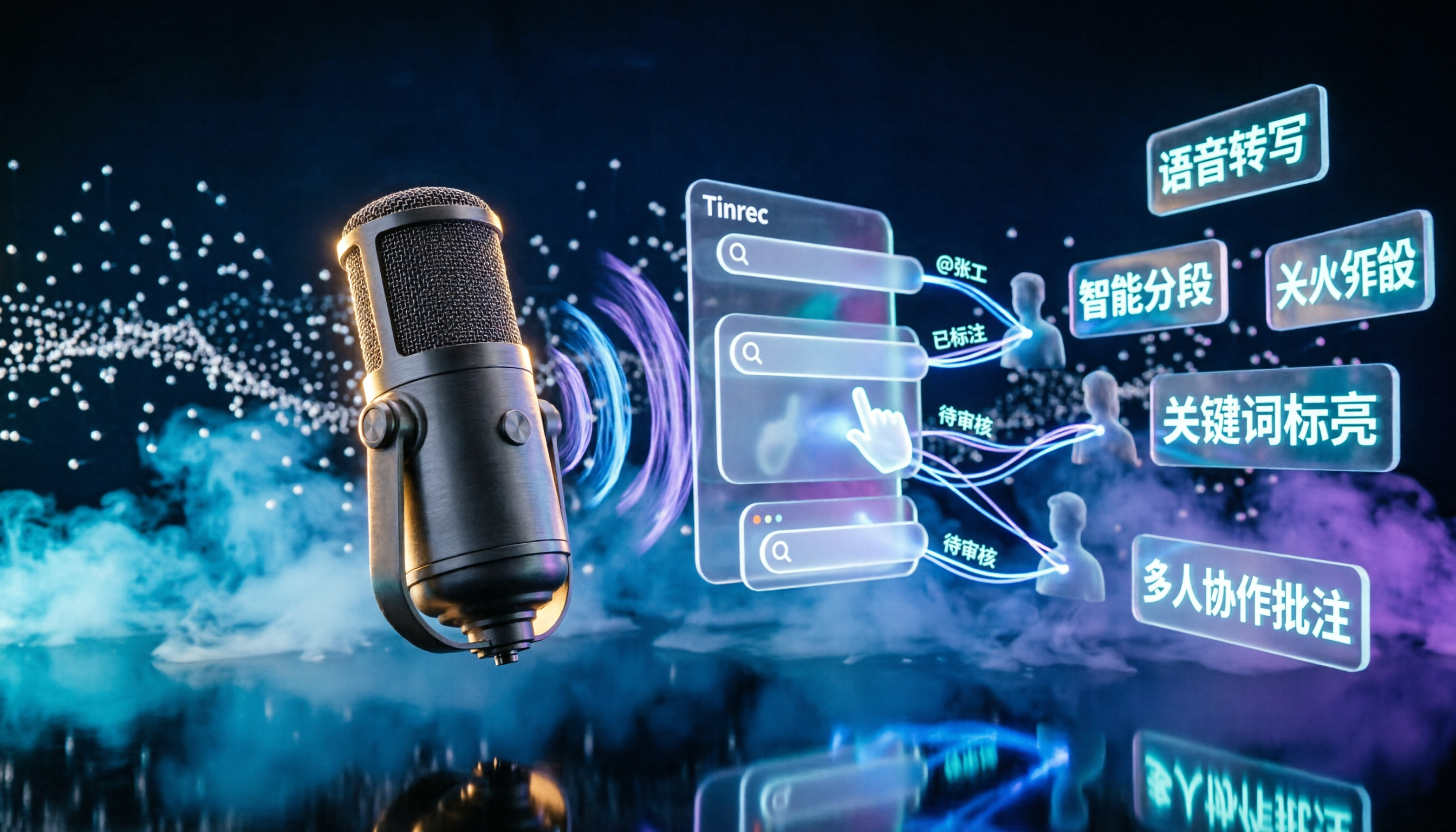
Turn recordings into transcripts and summaries in minutes
Upload audio or video for multilingual transcription, AI notes, and action items
2026 Podcast Transcription AI Comparison: Which Saves the Most Time for Chinese Transcription?
A transcript isn't just about typing out words—most people start off on the wrong foot
Many people think that having a transcript means podcast content is done. In reality, it often means spending one round of time transcribing, then another round manually segmenting, extracting key points, and turning it into a publishable draft.
A more common misconception is treating podcast transcripts as a replacement for meeting notes—using a tool that only converts voice to text, yet expecting it to also provide summaries, action items, and a searchable database.
If you have a batch of interview recordings and update your show weekly, this approach will never reduce your editing time. This article lays out common options and tells you which ones truly save time.
Before choosing a podcast transcription AI, understand these 4 key points
1. What else can it do after transcription? A transcript is just raw material. Whether it can automatically generate summaries, chapters, key points, or even let you ask questions directly about the content determines how much post-processing time you'll need.
2. How flexible are the input sources? Your material may come from online interviews, phone recordings, edited audio files, or even public video links. Whether it can handle all these sources at once affects your daily workflow more than how many languages it supports.
3. Will the audio be retained? When a transcript has errors, you need to go back to the recording to verify. Some tools only keep text, don't retain audio, or don't support uploading existing files—making interview proofreading painful.
4. What happens after the free quota runs out? Free versions usually have minute limits or single-length restrictions. Check the limits before deciding whether to upgrade—smarter than paying from the start.
Tinrec—our top choice after throwing podcast material at it
Tinrec is an AI meeting notes and collaboration tool for individuals and teams, available on web, desktop, and mobile. Its positioning isn't just "recording to text"—it turns voice into searchable, queryable, and further processable data.
Recording and transcription: The desktop version directly captures computer system audio, so when handling online meetings on Zoom, Google Meet, Microsoft Teams, Webex, etc., you don't need to invite a meeting bot. Remote interviews and online recordings can produce transcripts as you speak, and interviewees won't see a stranger account in the meeting.
The real value is after transcription: Once the audio is processed, Tinrec automatically generates summaries, chapters, and action items, and supports AI Q&A about the content. You can directly ask "What did the interviewee say about pricing in this interview?" instead of Ctrl+F-ing through a 30-minute transcript. For those mining material from long interviews, the difference is huge.
Output and reuse: Transcripts, summaries, and organized content can be exported in common formats and taken to Notion, Google Docs, OneNote, Dropbox, etc., for further writing. Agent post-processing can also generate reports, tables, and documents.
How to test: Tinrec doesn't promise a fixed accuracy rate—which is actually pragmatic. We recommend testing with your own material: a 5-minute Chinese interview with slight echo and two people occasionally interrupting. That's when you can see how well sentence segmentation and punctuation are handled. Actual performance is affected by recording quality, noise, accents, and overlapping speech. For important quotes, go back to the recording.
Stop organizing recordings by hand
Upload audio or video and automatically get a transcript, summary, and action items
Limitations clearly stated: The free version is a basic quota experience; long-term, high-volume organization requires a weekly card or Pro plan. Network link import is a supplementary feature, not a main selling point.
If you're a team producing a show: Tinrec for Teams is a separate team space, not multiple people sharing one account. Transcripts, summaries, and action items are stored centrally, so when a member leaves, data doesn't go with them—it can be handed over to other active members. Admins can also view usage trends, member rankings, and audit logs, and maintain team hotwords to improve recognition of professional terminology. The first eligible team trial is 7 days, 1 free seat, 300 minutes shared import quota; paid seats are USD 29.80/seat/month, annual USD 199/seat/year (about USD 16.58/month), each paid seat includes 2,000 minutes of team shared import quota per month. Prices and benefits are subject to the official purchase page.
Who it's for: Those who need Chinese and multilingual interview transcription, want to ask key points directly after recording, have material across mobile and computer, or want to turn transcripts into team data.
Besides Tinrec, what other options are there?
Notta: A veteran choice for multi-platform transcription and translation. Free version: 120 minutes/month, max 3 minutes per session; Pro annual is about USD 8.17/month, 1,800 minutes/month. Its meeting capture leans toward meeting bots or manual upload, while Tinrec uses desktop system audio capture without adding participants—suitable for those mainly transcribing files.
TurboScribe: A cost-effective long-file transcription tool. Free: 3 files/day, max 30 minutes per file; Unlimited annual USD 120 (about USD 10/month), after payment single file up to 10 hours or 5 GB, 50 files at once. It excels at batch processing existing audio files, but lacks Tinrec's AI Q&A and team space approach to turning transcripts into a database.
Granola: A bot-free AI meeting notes tool. Basic is free, Business is USD 14/user/month. Note that it doesn't support uploading pre-recorded audio files and doesn't save meeting audio—for podcast interviews that need proofreading, Tinrec can import existing audio and retain audio, offering much more flexibility.
Pitfall guide: 4 most common mistakes when choosing a podcast transcription AI
Pitfall 1: Thinking the transcript is the end goal. Using the tool only as a typewriter means using only part of its capabilities. Asking "What's the conclusion of this episode?" right after recording is much faster than manually flipping through the entire transcript.
Pitfall 2: Only looking at official accuracy rates. Those numbers are mostly measured in quiet environments. Real recordings have air conditioning, keyboard sounds, interruptions—that's where the gap shows. Testing with your own material is most accurate.
Pitfall 3: Ignoring audio retention and proofreading workflow. Some tools don't keep audio or don't accept existing files, so if there's an error, you can only re-record. Once interview content is lost, it's gone.
Pitfall 4: Using personal tools for team work. Multi-person editing, data handover, who used how much quota—using personal accounts will eventually get messy. Team versions must distinguish roles and seats: members without seats can still view and play data, but recording, uploading, and editing require a seat.
Conclusion: Which one should you choose?
- Need Chinese interview transcription and want to ask key points directly after recording → Tinrec
- Don't want a bot joining online meetings → Tinrec (desktop captures system audio)
- Material across mobile, computer, and existing audio files → Tinrec (multi-platform + file import + audio retention)
- Want show content to become a team database → Tinrec team version (space, seats, usage, and audit)
- Just occasionally transcribe long audio to subtitles, want extreme cheapness → TurboScribe
- Regular English meetings, zero budget → Otter.ai free plan can be considered
We recommend first using the free quota to run a segment of your own show audio, see if sentence segmentation and summaries work for you, then decide whether to upgrade. The best way to know if a tool works is to test it once with your own material.
References
- Online Podcast Transcript Generator: Free Podcast Audio to Text
- Free AI Podcast Summary Tool | Podcast to Text, Mind Map, and Transcript - WayinVideo
- Apple Podcasts Transcripts Feature - Apple Podcasts Creator Resources
- Memo AI Tutorial: One-Click Transcribe YouTube and Podcast to Transcript, Output Bilingual Subtitle Videos, AI Summaries, and Mind Maps
- [Heptabase] Use Built-in AI to Free Generate Podcast Transcripts and Summaries, Beating All Note-Taking Apps ✦ Knowledge Gut
Turn every recording into actionable outcomes
Get 60 free transcription minutes when you sign in. No credit card required.
Related Reading
You might also like

2026 AI Meeting Notes Tools Compared: Which Saves the Most Time for Teams Meetings?
After a Teams meeting, do you still have to organize the transcript, summary, and action items yourself? This article breaks down how to choose an AI meeting notes tool from a methodology perspective, comparing Microsoft Teams built-in transcription, Otter.ai, Notta, and Tinrec on their actual differences in Chinese meetings, bot-free recording, and post-meeting Q&A, with a copyable starter checklist.

4 Podcast Transcription Tools Tested for 2026: Which One Best Fits Students' Needs for Transcripts and Bilingual Subtitles?
Ever listen to a podcast during your commute, hear a key point, but can't write it down? Or need to cite a specific idea for a final paper but can't find the timestamp? This article tests 4 podcast subtitle and transcription tools from a student's perspective, covering input methods, whether transcripts are searchable and queryable, bilingual translation, and whether free tiers are sufficient. We break down key buying factors, pitfalls to avoid, and recommendations.
4 Computer Recording Software Compared in 2026: Auto-Generate Summaries and To-Dos After Recording
This article focuses on the decision factor of 'how quickly you can organize after recording' and compares four computer recording software: Tinrec, Bandicam, Audacity, and Windows Voice Recorder. It analyzes key differences such as system sound recording, AI transcription, summary and to-do generation, and team collaboration, and provides buying tips, pitfalls to avoid, and scenario-based recommendations.

2026 Notta vs Tinrec: Bot-Free Recording & Team Knowledge Retention
When you search 'notta vs nada' on Google, half the results are slang explanations—but what you really want to compare is Notta and Noota. This article breaks down Notta and Tinrec across five dimensions, from bot-free recording and Chinese meeting experience to post-meeting workflows, team governance, and pricing, helping you figure out which one better suits Chinese-language meeting scenarios in Hong Kong.

2026 PTT Hot Topic: Meeting Notes AI — Tinrec vs Plaud Note: A 5-Dimension Comparison
How do you choose a meeting notes AI tool that's trending on PTT? This article compares Tinrec and Plaud Note across 5 key dimensions—recording method, Chinese recognition, post-meeting organization, cross-platform use, and team collaboration—to help you find the right meeting notes solution.
4 Free Podcast Transcription Tools Compared in 2026: Is Tinrec Faster Than MyEdit for Chinese Content?
Looking for a free podcast transcription tool? This article compares free online options with Tinrec, covering differences in Chinese recognition, summarization, Q&A, to-dos, export, and team collaboration, plus free quotas, buying tips, and FAQs.
2026 Podcast Transcription Tools Buying Guide: 4 Tested Picks and Recommendations
How to choose a podcast transcription tool? Based on a mid-level manager's hands-on testing, this guide covers 4 key buying factors (Chinese recognition, post-transcription organization, export formats, and quota pricing), tests Tinrec, Otter.ai, TurboScribe, and Notta, and includes pitfalls to avoid plus scenario-based recommendations.

2026 LINE Voice to Text Free Options: 4 Methods Compared
LINE's built-in microphone is actually voice input, not speech-to-text. Based on a student's real experience, this guide covers 4 free ways to convert LINE voice messages to text in 2026, explaining their limitations, quotas, and use cases. It also demonstrates how Tinrec turns audio files into searchable, queryable transcripts and key notes.

Tinrec vs Manual Transcription for Podcast Notes in 2026: A 5-Dimension Comparison to See Which Saves More Time
Why do manually transcribed podcast notes become less memorable the more you take? This article compares manual transcription and AI transcription workflows across 5 dimensions, and uses Tinrec to demonstrate how to turn transcripts, summaries, and AI Q&A into a reusable long-term podcast note-taking system.