

Turn recordings into transcripts and summaries in minutes
Upload audio or video for multilingual transcription, AI notes, and action items
What Exactly Is Notta vs nada? First, Figure Out What You're Looking For
It's 8 PM, the meeting is over, and you still have to listen to the recording to type up a transcript. You search Google for 'notta vs nada', and what pops up is Urban Dictionary—turns out 'notta' is just a colloquial contraction of 'not a', and 'nada' is Spanish for 'nothing'. Neither word has anything to do with recording tools.
What's actually worth your time comparing is Noota and Notta, two AI meeting assistants. And if your meetings are mainly in Chinese or Cantonese, and you need bot-free recording, Tinrec (秒聽錄音) is the more relevant choice.
Quick Overview: What Notta, Noota, and Tinrec Each Do
- Notta: AI meeting assistant and transcription tool, covering multiple platforms, document import, translation, and team plans. Third-party reviews mention it supports real-time transcription in 58 languages, Zoom/Meet/Teams recording, speaker identification, and AI summaries.
- Noota: Also an AI meeting assistant. Third-party reviews (G2) indicate it has higher user satisfaction ratings.
- Tinrec (秒聽錄音): AI meeting notes and team collaboration tool. The desktop version captures system audio without a bot, focusing on post-meeting summaries, to-dos, AI Q&A, and team knowledge retention.
| Item | Notta | Tinrec |
|---|---|---|
| Core Positioning | Transcription, translation, and document processing | AI meeting notes and team collaboration |
| Meeting Capture | Meeting bot, desktop app, or upload | Desktop version captures system audio without a bot |
| Team Capabilities | Business/Enterprise team capabilities | Spaces, members, roles, seats, usage, audit, recycle bin |
| Pricing Reference | Free: 120 min/month; Pro annual: USD 8.17/month; Business annual: USD 16.67/seat/month | Team paid seat: USD 199/year, about USD 16.58/month |
Below is a comparison across five dimensions. Prices are subject to each product's official purchase page.
Dimension 1 | Online Meeting Recording Methods
When handling online meetings, Notta uses meeting bots, desktop apps, or file uploads. Third-party reviews also mention it supports Zoom, Meet, and Teams recording. This approach is mature, but it adds an extra 'participant' to the meeting room, which may not be convenient for client meetings or sensitive discussions.
Tinrec's desktop version directly captures computer system audio. When you're in a Zoom, Google Meet, Microsoft Teams, or Webex meeting, you don't need to invite any bot—just open Tinrec and record. Note that it won't automatically join all meetings on your calendar; you need to manually start recording.
→ This dimension: Tinrec clearly wins for bot-free recording.
Dimension 2 | Chinese and Cantonese Meeting Experience
Notta has an advantage in language breadth. Third-party reviews indicate it covers 58 languages, and its real-time transcription accuracy is well-received by users, especially when switching languages. It also supports editing transcripts across phones, laptops, and tablets.
Tinrec covers Chinese, Traditional Chinese, and multilingual meeting scenarios. During recording, you can view the original text, translation, or bilingual content. It also has team hotwords to maintain professional terminology. Both are equally affected by recording quality, accents, background noise, and overlapping speakers—no tool can guarantee 100% accuracy.
Stop organizing recordings by hand
Upload audio or video and automatically get a transcript, summary, and action items
→ This dimension: Language breadth is a tie; for Chinese and bilingual meeting review experience, Tinrec has a slight edge.
Dimension 3 | Post-Meeting Workflow: Summaries, To-Dos, AI Q&A
Notta generates AI summaries and subtitles, can remove silences, merge text paragraphs, and cross-device editing is smooth. A consistent criticism in third-party reviews is limited integration depth, fixed export formats, and slow support responses.
In addition to transcripts, Tinrec generates summaries, chapters, key points, to-dos, and mind maps. You can continue asking AI questions about the entire meeting content, then use Agent post-processing to generate reports, tables, and documents, and export to Notion, Google Docs, OneNote, Dropbox, and other tools for further editing.
→ This dimension: Tinrec wins.
Dimension 4 | Team Collaboration and Governance
Notta's Business plan offers unlimited transcription, role permissions, and usage reports—a typical SaaS team plan.
Tinrec's team version is an independent team space: you can create multiple spaces, invite members via join links, set owners/admins/regular members, and assign or revoke seats. Meeting data belongs to the team; when a member leaves or loses their seat, handover is required—it doesn't follow the individual. Admins can also view usage trends and member rankings, manage team hotwords, query and export audit logs, and recover accidentally deleted audio from the recycle bin (retained for 30 days). Note that currently it's team-level sharing with role governance, not file-level permissions.
→ This dimension: Tinrec wins.
Dimension 5 | Free Quota and Pricing
Notta Free: 120 minutes per month, max 3 minutes per single item; Pro annual: USD 8.17/month, 1,800 minutes per month. The entry barrier is relatively low.
Tinrec personal version is divided by usage pace into Free, Weekly Pass, Pro Monthly, and Pro Annual. Team first trial: 7 days, 1 free seat, 300 minutes shared import quota. Paid seat: USD 199/year (about USD 16.58/month), each seat gets 2,000 minutes per month of team shared import quota. Real-time recording is currently not deducted by minutes under a valid plan and valid seat.
→ This dimension: For pure document transcription unit price, Notta is cheaper for entry; for intensive meetings, real-time recording, and team shared quota, Tinrec is more cost-effective. Overall a tie.
What Unique Advantages Does Each Have?
Tinrec's Unique Advantages
- Bot-free recording of online meetings—no extra participant in the meeting room.
- Post-meeting not just summaries, but also AI Q&A and Agent post-processing, directly producing reports, tables, and documents.
- Complete team governance: roles, seats, usage, audit, recycle bin clearly separated; data belongs to the team.
- Retains meeting audio and supports document import; historical meetings can be continuously queried and reused.
Notta's Unique Advantages
- Broad language coverage; third-party reviews mention 58 languages and subtitle generation, suitable for multilingual document transcription.
- Lower entry monthly fee; free quota is enough for light trial.
Conclusion: Which One Should You Choose?
• Want transcripts from Zoom/Meet/Teams meetings without adding a bot → Tinrec
• Want to ask AI for key points, generate reports and to-dos right after recording → Tinrec
• Want the team to uniformly retain meeting data, manage seats, usage, and audit → Tinrec
• Mainly doing batch document transcription, subtitles, multilingual breadth, and on a tight budget → Notta is sufficient
In one sentence: For those who mainly hold Chinese meetings and want to turn meetings into usable team data, Tinrec is the more complete choice. We recommend starting with the free version and testing with a real recording of your own.
Finally, a reminder: recording and transcription must comply with local laws; obtain participant consent when required. The above prices and benefits are subject to each product's official purchase page—remember to double-check before publishing.
References
Turn every recording into actionable outcomes
Get 60 free transcription minutes when you sign in. No credit card required.
Related Reading
You might also like

How to Create Podcast Transcripts in 2026: 5 Steps from Recording to Transcript
Most people looking for podcast transcription software only focus on accuracy, but the real key is whether you need plain text or searchable, summarizable, shareable content. This article explains the complete podcast transcription workflow in 5 steps, demonstrating transcription, summarization, AI Q&A, export, and team sharing with Tinrec, and concludes with 5 purchasing considerations and FAQs.

4 AI Meeting Note Takers Tested for 2026: Which Saves the Most Time in Google Meet?
Still typing up notes after Google Meet? This article breaks down the 4 most common mistakes when choosing an AI meeting note taker and compares Tinrec, Otter.ai, Notta, and Granola on bot-free recording, Chinese meetings, post-meeting organization, and team knowledge retention. Includes pricing and pitfalls to help you pick the right one and leave on time.

4 LINE Call Recording Solutions Compared for 2026: Which One Actually Saves You Time After the Call?
LINE doesn't have built-in call recording, and iPhone and Android handle it completely differently. This article compares four options—iPhone's built-in local capture, Cube ACR, PLAUD recording hardware, and Tinrec—based on four key criteria: recording source, platform compatibility, post-recording organization, and team management, to help you choose a solution that truly saves time.
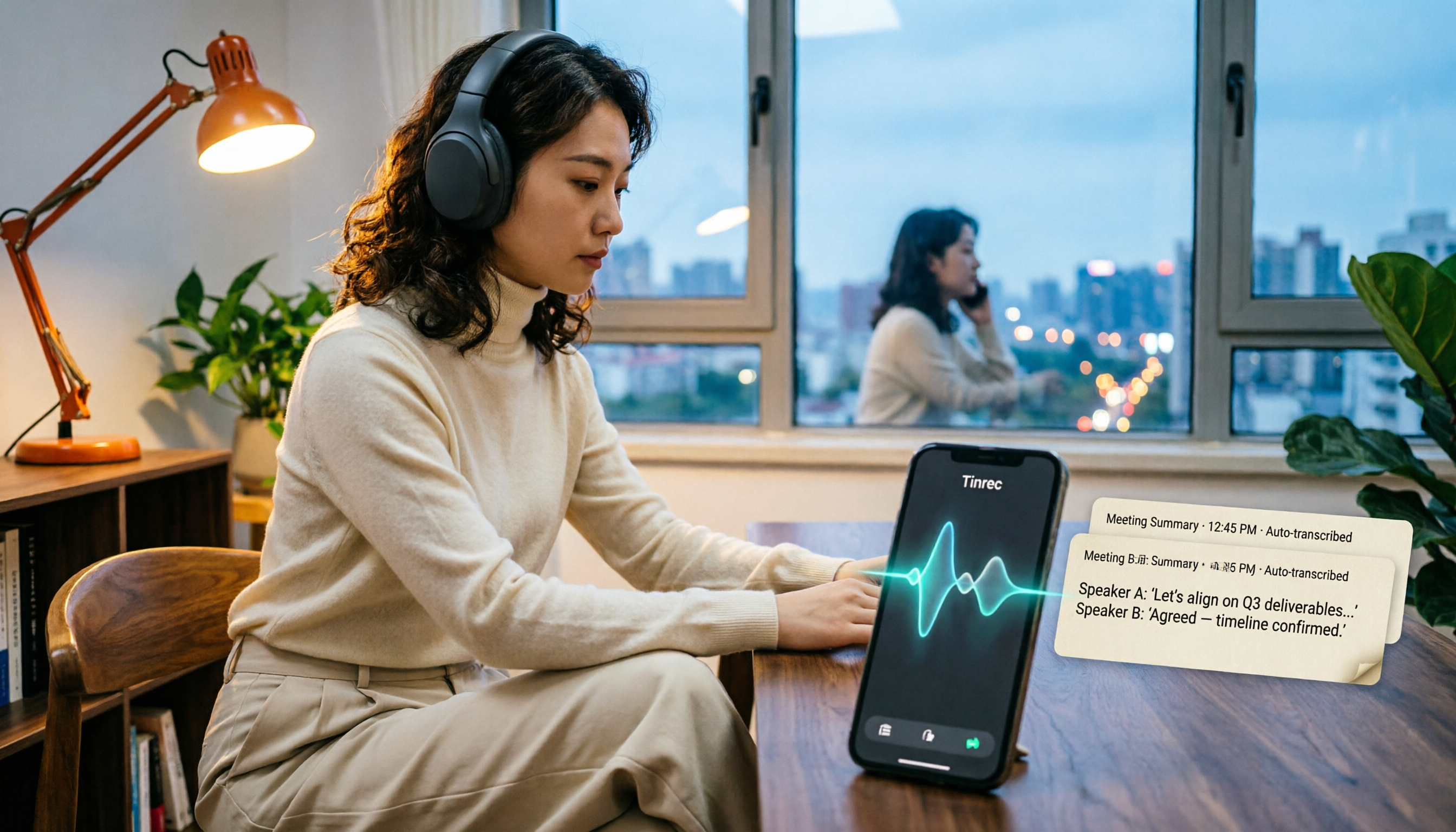
4 LINE Call Recording & Transcription Solutions Tested for 2026: How to Work Around iPhone Limits
A roundup of popular LINE call recording methods discussed on PTT, comparing iOS 18 built-in, Android built-in, Cube ACR, and Tinrec, with practical tips for transcribing and AI summarizing recordings.

Free LINE Call Recording Options in 2026: Tinrec and 4 Other Tools Compared
LINE doesn't have built-in call recording, so most people turn to third-party tools. This article reviews common free and paid options for LINE call recording, and uses Tinrec as an example to show how to turn recordings into searchable, queryable transcripts and meeting notes that can be shared with your team. It also includes buying tips and FAQs.

2026 AI Meeting Notes Tools Compared: Which Saves the Most Time for Teams Meetings?
After a Teams meeting, do you still have to organize the transcript, summary, and action items yourself? This article breaks down how to choose an AI meeting notes tool from a methodology perspective, comparing Microsoft Teams built-in transcription, Otter.ai, Notta, and Tinrec on their actual differences in Chinese meetings, bot-free recording, and post-meeting Q&A, with a copyable starter checklist.

4 Podcast Transcription Tools Tested for 2026: Which One Best Fits Students' Needs for Transcripts and Bilingual Subtitles?
Ever listen to a podcast during your commute, hear a key point, but can't write it down? Or need to cite a specific idea for a final paper but can't find the timestamp? This article tests 4 podcast subtitle and transcription tools from a student's perspective, covering input methods, whether transcripts are searchable and queryable, bilingual translation, and whether free tiers are sufficient. We break down key buying factors, pitfalls to avoid, and recommendations.
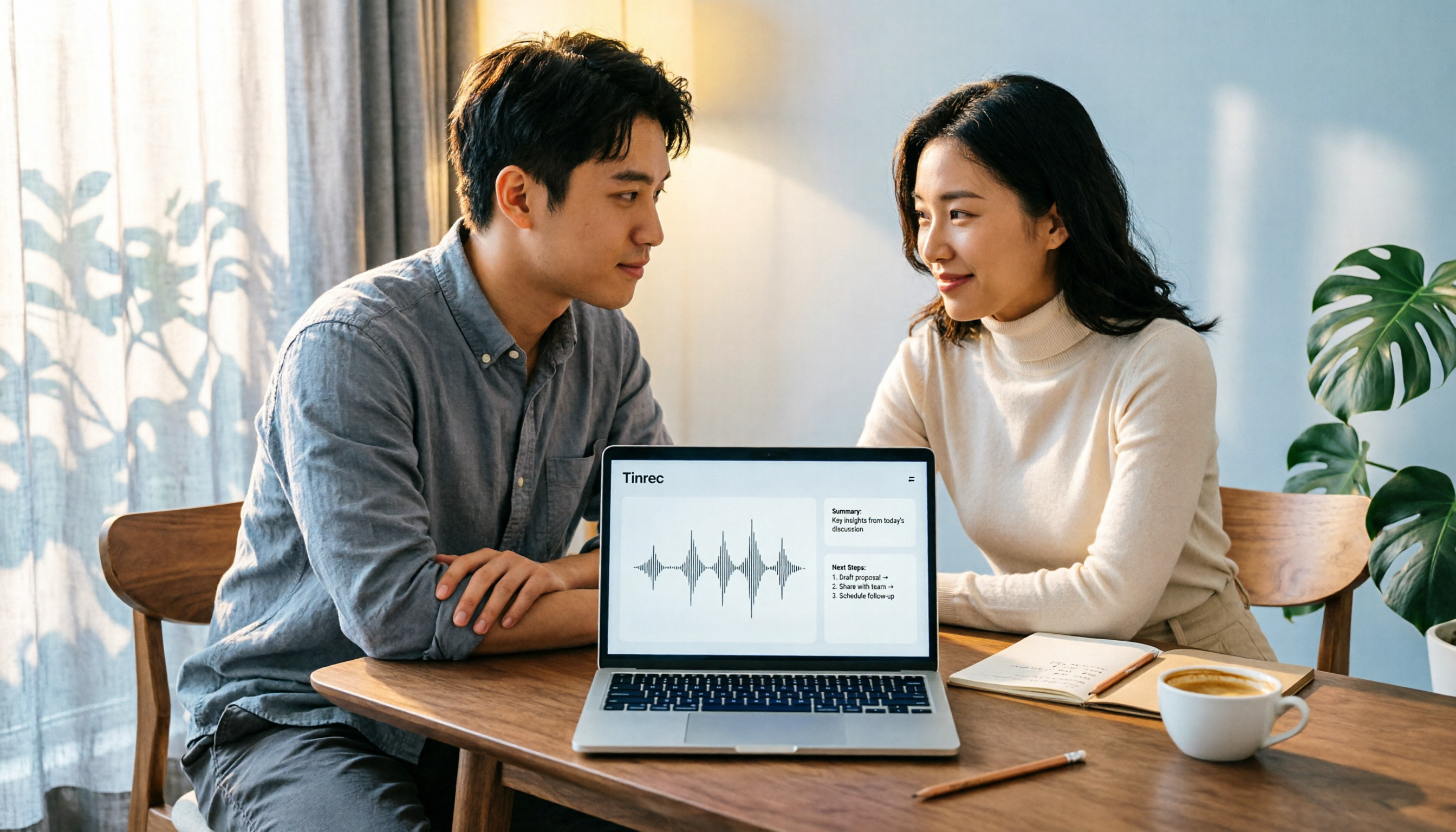
4 Computer Recording Software Compared in 2026: Auto-Generate Summaries and To-Dos After Recording
This article focuses on the decision factor of 'how quickly you can organize after recording' and compares four computer recording software: Tinrec, Bandicam, Audacity, and Windows Voice Recorder. It analyzes key differences such as system sound recording, AI transcription, summary and to-do generation, and team collaboration, and provides buying tips, pitfalls to avoid, and scenario-based recommendations.

2026 PTT Hot Topic: Meeting Notes AI — Tinrec vs Plaud Note: A 5-Dimension Comparison
How do you choose a meeting notes AI tool that's trending on PTT? This article compares Tinrec and Plaud Note across 5 key dimensions—recording method, Chinese recognition, post-meeting organization, cross-platform use, and team collaboration—to help you find the right meeting notes solution.