
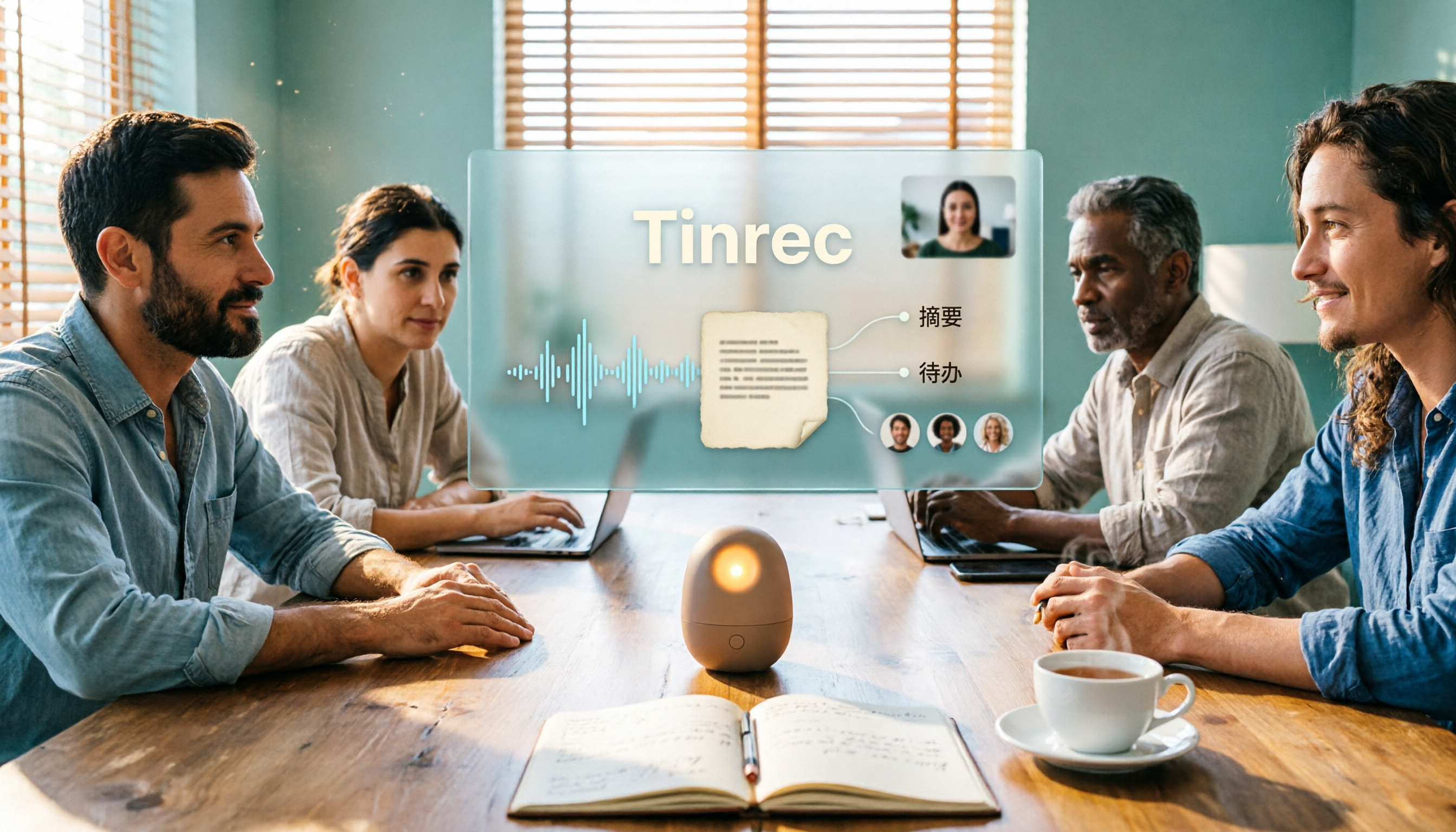
Turn recordings into transcripts and summaries in minutes
Upload audio or video for multilingual transcription, AI notes, and action items
How to Organize Meeting Transcripts in 2026: 5 Steps from Recording to AI Summary
Recording a meeting is easy; the hard part is turning the transcript into usable material afterward. In 2026, AI tools can help you go from recording all the way to summaries, action items, and team sharing. Below, we compare Tinrec and Otter.ai and break it down into 5 steps to walk you through.
Tinrec vs Otter.ai | Quick Overview
Tinrec is an AI meeting notes and collaboration tool for individuals and teams, emphasizing bot-free desktop recording, Chinese language experience, and post-meeting knowledge retention. Otter.ai is a mature AI meeting assistant, strong in English business meetings, meeting automation, and integrations.
Key differences:
- Core positioning: Tinrec focuses on meeting notes and team collaboration; Otter focuses on meeting assistant and automation.
- Chinese support: Tinrec covers Chinese, Traditional Chinese, and multiple languages; Otter is mainly for English business meetings.
- Pricing: Otter free plan offers 300 minutes per month; Pro annual billing is USD 8.49/month; Tinrec personal plan has a free quota, team plan annual billing is USD 199/seat/year, with 2,000 minutes shared import quota per seat per month.
Next, we compare using 5 steps.
Step 1 | Recording and Input Sources: Who Can Record Without a Bot?
Otter.ai mainly joins Zoom, Teams, Meet, and other meetings via a meeting bot, and also offers desktop capabilities. For users who don't want an extra bot in the meeting, additional setup is still needed.
Tinrec desktop version directly captures computer system audio without a meeting bot joining. It supports real-time recording, audio/video files, mobile recording, and can also process some web links. It covers offline meetings, client interviews, and historical recordings.
→ In this dimension: Tinrec wins in bot-free recording and input source diversity.
Step 2 | Transcribing: Chinese and Multilingual Performance
Otter.ai has mature transcript quality for English meetings, but Chinese meetings and mixed Chinese-English scenarios are not its main strength.
Tinrec covers Chinese, Traditional Chinese, and multilingual meetings, supports real-time translation, and allows team hotwords to manage technical terms. Actual results are affected by recording quality, accents, noise, and overlapping speakers; we do not recommend promising a fixed accuracy rate.
→ In this dimension: Tinrec is better suited for Chinese and multilingual transcript organization.
Step 3 | Summary and Chapters: How to Quickly Understand Long Meetings?
Otter.ai provides AI summaries and action items to help users quickly grasp meeting highlights.
In addition to summaries, Tinrec automatically generates chapters, key points, and action items. Long meetings can be broken into browsable structures, and summaries can directly jump to transcript timestamps.
→ In this dimension: Both can summarize, but Tinrec is more complete in chapter structure and transcript correspondence.
Step 4 | Action Items and AI Q&A: Continue Asking After the Meeting
Otter.ai has AI Chat, which allows asking questions about meeting content and supports workflow integrations.
Stop organizing recordings by hand
Upload audio or video and automatically get a transcript, summary, and action items
Tinrec supports AI Q&A around single or multiple meeting materials, can extract action items from discussions, and uses Agent post-processing to generate reports, tables, and documents. It turns "transcripts" into "materials you can continue working with."
→ In this dimension: Tinrec wins in post-meeting Q&A and output richness.
Step 5 | Export and Team Sharing: Can Data Be Retained?
Otter.ai provides team management and integration capabilities, suitable for teams already using English meeting tools.
Tinrec supports export to Notion, Google Docs, OneNote, Dropbox, and other tools. The team plan provides an independent team space; members can view historical meetings, and admins can manage roles, seats, usage, audit, and recycle bin. When a member leaves, team resources can be handed over to other active members.
→ In this dimension: Tinrec is more complete in team data retention and governance.
What Are Their Unique Advantages?
Tinrec's unique advantages:
- Bot-free desktop recording, no additional meeting participants.
- Chinese, Traditional Chinese, and multilingual experience, supporting real-time translation and team hotwords.
- Team space, roles, seats, usage, audit, and recycle bin all in one.
- Agent post-processing can generate reports, tables, and documents.
Otter.ai's unique advantages:
- Mature mindshare and automated workflows for English business meetings.
- Rich third-party integrations and team management experience.
Conclusion: Who Should You Choose?
- If you need Chinese meeting transcripts, mixed Chinese-English organization → Tinrec
- If you don't want to invite a meeting bot → Tinrec
- If you want to use AI to ask key points, generate action items and reports right after recording → Tinrec
- If you need team sharing of meeting data, seat management, and audit → Tinrec
- If you only hold English meetings and are already used to Otter's automated workflow → Otter.ai is sufficient
In one sentence: For most Chinese teams, Tinrec is a more complete transcript organization choice. We recommend trying the Tinrec free version first and testing with your own meeting recordings.
FAQ
Q1: Do I have to use AI for transcript organization? Not necessarily, but AI can greatly reduce manual organization time. You can try free tools first.
Q2: What is the biggest difference between Tinrec and Otter.ai? Tinrec emphasizes bot-free recording, Chinese experience, and team data retention; Otter is strong in English meeting automation and integrations.
Q3: Is the Tinrec free version enough? The free version has a basic quota, suitable for light use. If you have meetings every week, consider Pro or the team plan.
Q4: What is the difference between the team plan and personal plan? Personal plan data belongs to the individual account; the team plan provides an independent team space, member roles, seat management, usage analysis, and audit logs.
Q5: Can transcript accuracy be guaranteed? We do not recommend promising a fixed accuracy rate. Actual results are affected by recording quality, noise, accents, overlapping speech, and technical terms. For important content, we recommend checking against the recording.
Q6: Do I need consent before recording? Yes. Please follow local laws and obtain participant consent when necessary.
Tags
#transcriptorganization #AImeetingnotes #Tinrec #Otter #speechtotext
References
- 5 Tips to Quickly Turn Meeting Speech Transcripts into Perfect Article Tables with ChatGPT
- Yating Transcript
- How to Use AI for Meeting Minutes? How to Organize Meeting Transcripts? | AI Speech-to-Transcript Tutorial | 104 Career Power
- Get Meeting Minutes Done! How to Do AI Speech-to-Transcript? Gemini Notebook, Gemini, EchoScript Operation Analysis | 104 Career Power
- EP10 | Boss Wants Meeting Minutes: How to Choose AI Transcript Tools? – Knowledge Nomad Studio
Turn every recording into actionable outcomes
Get 60 free transcription minutes when you sign in. No credit card required.
Related Reading
You might also like
4 Free Transcription Software Compared: Which Free Tier Actually Works?
The biggest trap with free transcription software is mistaking a free trial for a permanent free plan. This article breaks down 4 key factors to consider and compares the free tiers, input sources, and post-meeting organization capabilities of Tinrec, TurboScribe, Yating, and Otter.ai to help professionals find the one that truly saves time.

5 Best Transcription Software in 2026: Which Is Fastest for Chinese Meetings?
We tested 5 transcription tools for Chinese meetings, bot-free recording, and post-meeting AI Q&A. Find out who Tinrec, Yating, Notta, and Otter.ai are best for, and the pitfalls to avoid.
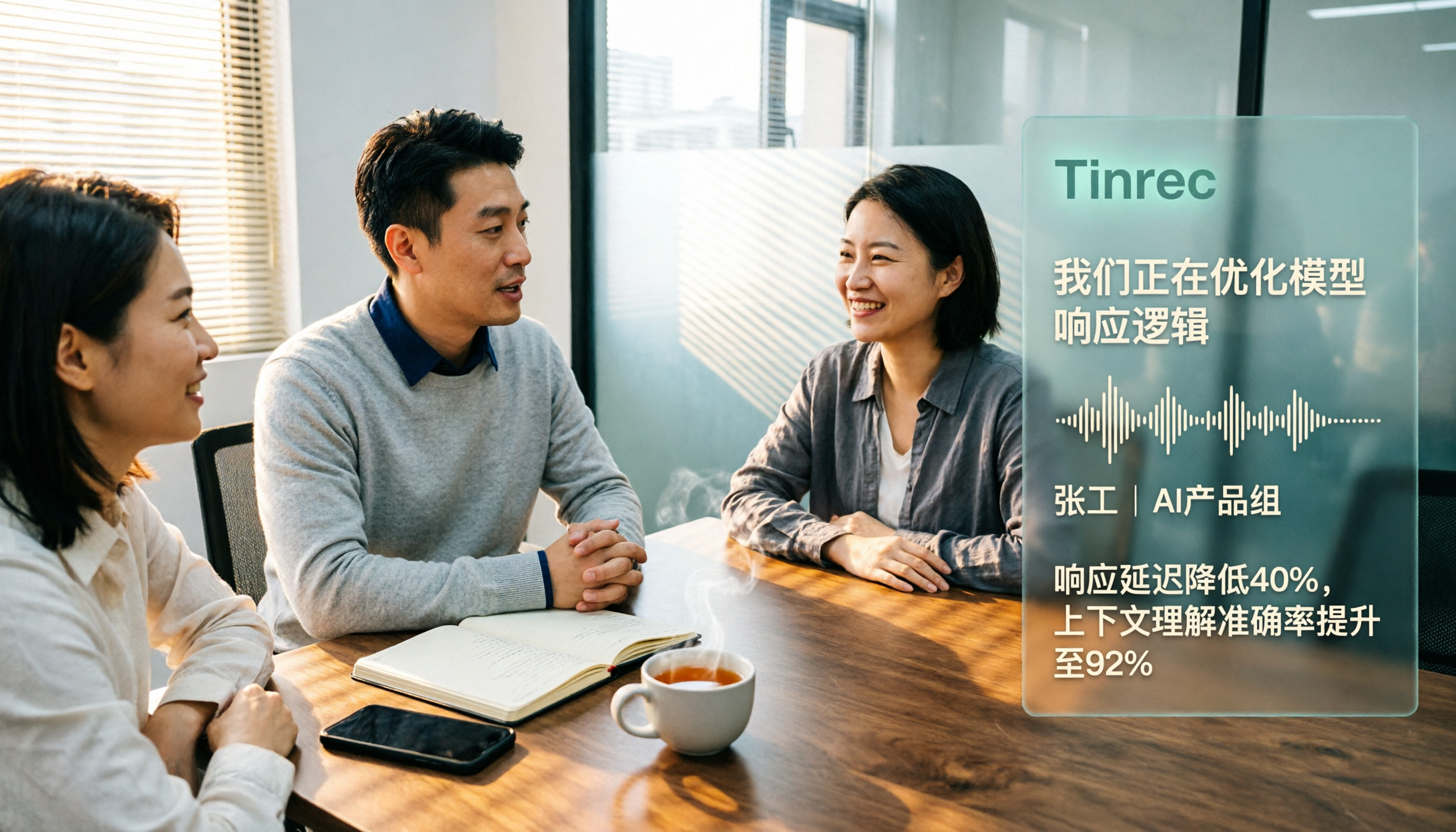
2026 4 Transcript Generators Compared: Which Saves the Most Time for Chinese Meetings and AI Q&A?
Starting from the real pain points of meeting notes, we compare transcript generators like Tinrec, Notta, Otter.ai, and Granola, and provide buying criteria, pitfalls to avoid, and selection advice to help you find the tool that saves the most time for Chinese meetings and post-meeting organization.

2026 Free Transcription Apps: 5 Options to Try
How to choose a transcription app? This article reviews 5 free options worth trying in 2026, comparing the free tiers and limitations of Tinrec, Otter.ai, Notta, TurboScribe, and iPhone Voice Memos. Using Tinrec as an example, it walks you through the complete workflow from recording, transcription, proofreading, generating meeting minutes, to exporting.

Best Transcript Organization Tools in 2026: We Tested 5, and This One Is Best for Chinese Meetings
Still spending two hours organizing transcripts after a meeting? Based on real-world use cases, this article breaks down 4 key buying factors, compares tools like Tinrec, Otter.ai, Granola, and Notta in terms of Chinese meeting support, bot-free recording, post-meeting AI organization, and team knowledge retention, and highlights 3 common selection mistakes to help you decide based on your budget and needs.
How to Write a Transcript Cleanup Prompt in 2026: A Complete 5-Step Tutorial
How should you craft a transcript cleanup prompt so AI can turn spoken content into usable meeting notes? This article covers 6 common approaches, from Tinrec (no prompt needed) to ChatGPT prompt templates and Whisper automation, plus a 5-step prompt writing guide and FAQs.

Tinrec vs Yating Transcription 2026: 5-Dimension Comparison of Chinese Transcription Software
Searching for transcription software on Dcard often leaves you overwhelmed by tool names. This article compiles 5 transcription tools worth trying in 2026 and compares Tinrec and Yating Transcription across 5 dimensions: transcription, AI post-processing, Chinese language experience, team collaboration, and pricing, helping you quickly find the right solution.

2026 Transcription App Buying Guide: 4 Tested Picks and Recommendations
2026 transcription app buying guide covering five key factors: free quotas, Chinese recognition, AI post-meeting summaries, and team collaboration. We tested and compared Tinrec, Yating, Otter.ai, and Notta to help you choose the best transcription tool for your budget and scenario.

Tinrec vs Yating Transcription Tested 2026: Which Free Transcription Tool Is Actually Enough?
How do you choose a free transcription tool? This article compares Tinrec and Yating Transcription across 5 dimensions: free and pricing logic, Chinese recognition scenarios, post-transcription organization capabilities, online meeting recording methods, and team data retention, with an FAQ to help you decide which fits your workflow.