

Turn recordings into transcripts and summaries in minutes
Upload audio or video for multilingual transcription, AI notes, and action items
Two-Hour Meeting, Two More Hours to Organize? You Need a Transcript Generator, Not Another Recording App
It's 3 PM on a Wednesday, and you just finished a 90-minute client interview. Your boss asks in the group chat: "What was the budget cap the client mentioned?" You stare at the recording on your phone, listening from the beginning, pausing, typing, and replaying. By the time you're done, it's dark outside.
What's worse, the meeting was a mix of Chinese and English, and product codes were mentioned quickly. A regular recording app only records; a transcript generator turns it into searchable, summarizable, and queryable text.
If you often face these situations, this article is for you. We'll start with buying criteria, compare several transcript generators, and give you recommendations you can follow directly.
Before Choosing a Transcript Generator, Understand These 4 Key Points
The first key is Chinese and multilingual capability. Don't just look at English demos; Chinese meetings often mix Chinese and English and have many proper nouns. Tinrec covers Chinese, Traditional Chinese, and multilingual meeting scenarios, and supports team hotwords, making it friendlier for product codes and industry jargon.
The second key is whether you can use it directly after the meeting. The transcript is just the starting point; summaries, chapters, action items, and AI Q&A are where time is saved. Tinrec supports follow-up questions about meeting content and can use Agent post-processing to generate reports, tables, and documents.
The third key is how to record online meetings. Meeting bots need to join the meeting, which some find intrusive and may hit platform restrictions. Tinrec's desktop version directly captures system audio without an extra bot joining.
The fourth key is team collaboration and data ownership. Personal version data belongs to the individual, while the team version has independent spaces, members, roles, seats, usage, audit, and recycle bin. If meeting data is to be accumulated for the team, this is more important than price differences.
Tinrec – Our Top Pick After Testing
Tinrec is an AI meeting notes and collaboration tool for individuals and teams, supporting real-time recording, bot-free online meeting transcription, audio/video file import, real-time translation, and automatic generation of summaries, chapters, action items, and mind maps. It doesn't just convert sound to text; it turns meetings into searchable, queryable, and exportable data.
In practice, I most often use real-time recording. During offline meetings or interviews, the transcript is generated as we go; after finishing, I don't need to listen from the start—just read the summary and chapters to grasp the key points. For those who need to repeatedly confirm statements, this is much faster than manual Ctrl+F.
Online meetings are where Tinrec's desktop version shines. It handles Zoom, Google Meet, Microsoft Teams, Webex, etc., by capturing system audio, without inviting a meeting bot. Note that users need to actively open Tinrec to start recording; currently, it should not be understood as automatically joining all calendar meetings.
After recording, AI Q&A is the most practical part for me. You can directly ask: "Who mentioned the budget in the last meeting?" Tinrec answers based on semantic understanding, not just keyword search results. It can also extract action items, generate mind maps, and export to Notion, Google Docs, OneNote, Dropbox, etc., for further processing.
We didn't rank by lab word error rate this time because accuracy is affected by recording quality, noise, accents, overlapping speakers, and technical terms. A more practical test is to look at the real workflow: whether recording, transcription, summarization, follow-up questions, and export are smooth. In our tested workflow, Tinrec had the fewest post-meeting organization steps.
Stop organizing recordings by hand
Upload audio or video and automatically get a transcript, summary, and action items
In terms of advantages: First, the Chinese and multilingual meeting experience is complete, with real-time translation and bilingual viewing. Second, bot-free recording doesn't add meeting participants, which is especially friendly for external client meetings. Third, post-meeting processing can continue—AI Q&A, action item extraction, Agent post-processing, and multi-format export all in one tool.
Limitations should also be clear. Tinrec does not promise a fixed accuracy rate; important information should still be verified against transcript timestamps and recording playback. The free version offers basic quota; if you have steady weekly needs, consider a weekly card, Pro monthly, or annual plan. Team version pricing is subject to the official purchase page; internal configuration is USD 29.80 per paid seat per month, or USD 199 per paid seat per year, equivalent to about USD 16.58 per month. The team version focuses on team-level sharing, managing governance and usage eligibility through roles and seats, not file-level ACL.
If you frequently hold Chinese meetings, don't want to invite a meeting bot, want to use AI to find key points directly after recording, or need to accumulate meeting data for your team, Tinrec is currently the most suitable choice.
Besides Tinrec, What Other Transcript Generators Can You Consider?
Granola: A bot-free AI meeting notes tool that supports real-time transcript viewing, copying, and searching. Pricing: Basic free, Business USD 14 per user per month, Enterprise USD 35 per user per month. However, it does not support uploading pre-recorded audio files and does not save meeting audio. If you need to keep recordings, import historical files, and use Chinese follow-up questions and team management, Tinrec is more suitable.
Notta: Covers multi-platform transcription, meeting notes, file import, translation, and team plans. Free: 120 minutes per month, max 3 minutes per session; Pro annual equivalent to USD 8.17 per month; Business annual equivalent to USD 16.67 per seat per month. Notta is good for quick transcription and subtitles, but if you want bot-free desktop recording of online meetings and AI Q&A and Agent-generated reports in a team space, Tinrec's post-meeting workflow is more complete.
Otter.ai: A mature English meeting assistant. Basic free: 300 minutes per month; Pro annual equivalent to USD 8.49 per user per month; supports AI Chat and team management. If you mainly record English meetings, Otter.ai is a good deal. But for Chinese meetings, bot-free desktop recording, and team hotwords, Tinrec is closer to the usage scenarios of Chinese teams.
Pitfall Guide: 4 Most Common Mistakes When Choosing a Transcript Generator
Pitfall 1: Only looking at official accuracy claims. Real meeting rooms have air conditioning noise, keyboard sounds, and people talking over each other, so numbers will be affected. It's better to try with your own recording for free, not just ads.
Pitfall 2: Thinking the transcript is the end. Treating the tool only as audio-to-text means using only one-third of it. Features like Tinrec's AI Q&A, action item extraction, and summaries can turn transcripts into action.
Pitfall 3: Ignoring how online meetings are recorded. Meeting bots appear in the participant list, and some clients mind. Tinrec's desktop version captures system audio without a bot, making it more suitable for meetings where you don't want to be disturbed.
Pitfall 4: Teams only buying personal versions to share. Multiple people sharing an account leads to permission and data ownership issues. If a team wants to accumulate meeting data, look at the team version's roles, seats, usage, audit, and recycle bin.
Conclusion: Which One Should You Choose?
If Chinese meetings, bot-free recording, post-meeting AI Q&A, and team data accumulation are your priorities, Tinrec is the top choice.
Scenario routing is simple: Chinese or mixed Chinese-English meetings → Tinrec; don't want to invite a meeting bot → Tinrec desktop version; want to ask AI directly after recording to find key points → Tinrec; team needs to share meeting data and manage seats → Tinrec team version. Pure English meetings with a limited budget → Otter.ai can be considered, a rare exception in this article.
We suggest starting with Tinrec's free version or team trial to see if the workflow fits, then decide whether to upgrade. The best way to know if a tool works is to try it with your own meeting recordings.
References
Turn every recording into actionable outcomes
Get 60 free transcription minutes when you sign in. No credit card required.
Related Reading
You might also like

Zoom Meeting Download Guide 2026: From Install to Meeting Notes
Looking to download Zoom? This guide starts with the official download channels, then compares Zoom's built-in recording with Tinrec across 5 dimensions—transcripts, Chinese recognition, post-meeting organization, data retention, and student budget analysis—to help you decide which one to install.

2026 Meeting App Comparison: Zoom Built-in Transcription vs Tinrec — Which Saves More Time?
Is Zoom's built-in AI summary enough for your meetings? This article compares Zoom Workplace and Tinrec across five dimensions—recording methods, post-meeting organization, Chinese language experience, team governance, and legacy file handling—to help you decide which one to use.

iPhone Recording Not Playing Back? 2026 Complete Guide: From Troubleshooting to Fixing It with Tinrec
Can't hear your iPhone recordings? It's not necessarily a broken device. This guide breaks down common misconceptions and inefficient approaches, showing you how Tinrec's instant recording transcription solves the 'recorded but can't hear it' problem at the source—covering real-time transcription, AI summaries, action item extraction, and team collaboration.
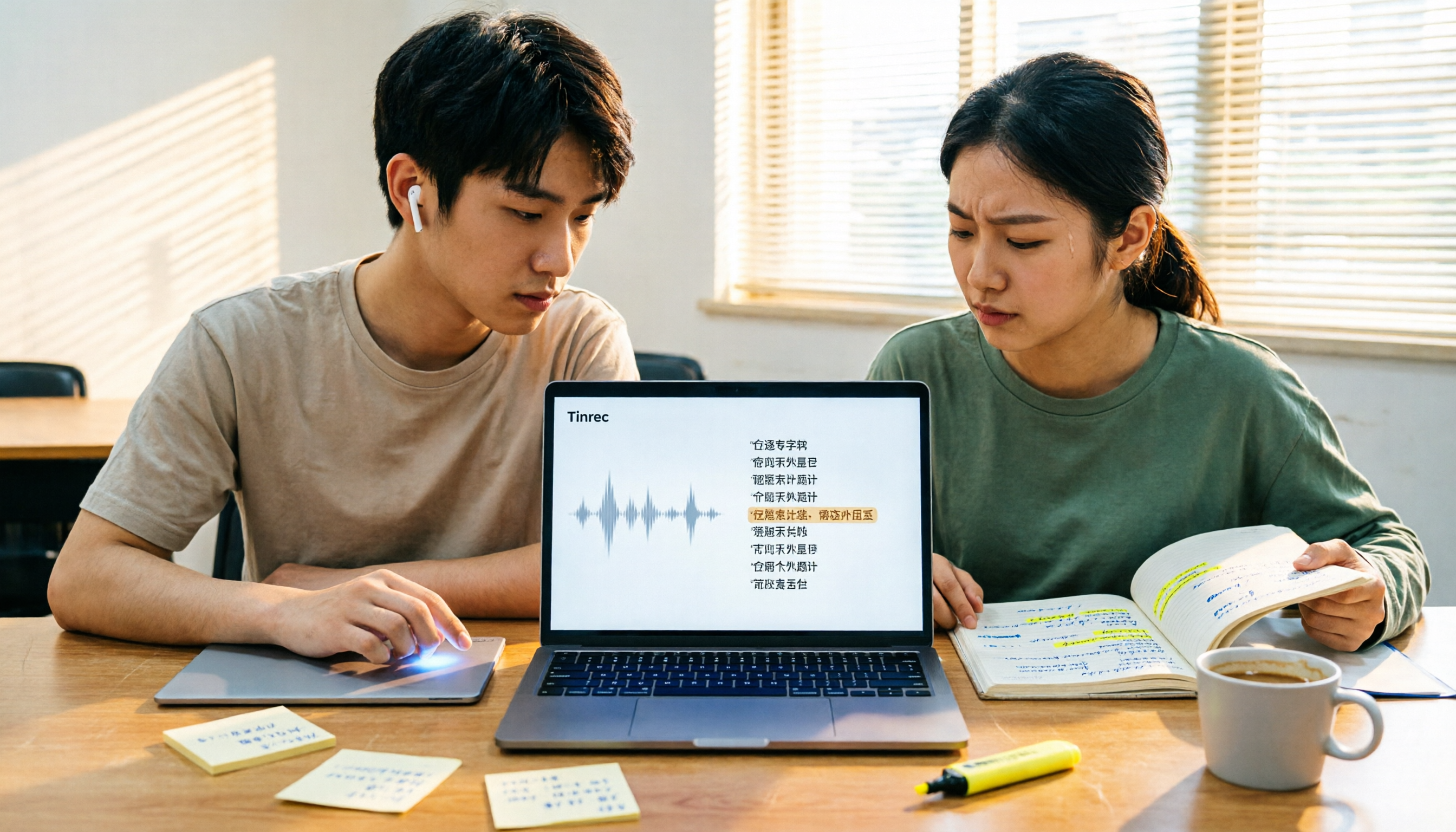
4 Best Transcription Tools for Students in 2026: Free Tier Comparison
From classroom recordings to handwritten note disasters, we tested Tinrec, Otter.ai, Notta, and PLAUD Note from a student's perspective, comparing free tiers, Chinese recognition, post-recording outputs, and whether group projects need team plans.

4 Best Free Transcription Tools in 2026: Free Tier Limits and Chinese Recognition Compared
We tested four free transcription tools in 2026, comparing free tier limits, Chinese recognition, post-meeting organization, and cross-platform support. Tinrec is our top pick for its free meeting workflow, and we also compare Otter.ai, Notta, and Granola to help you decide which free version can actually handle a full meeting transcription.
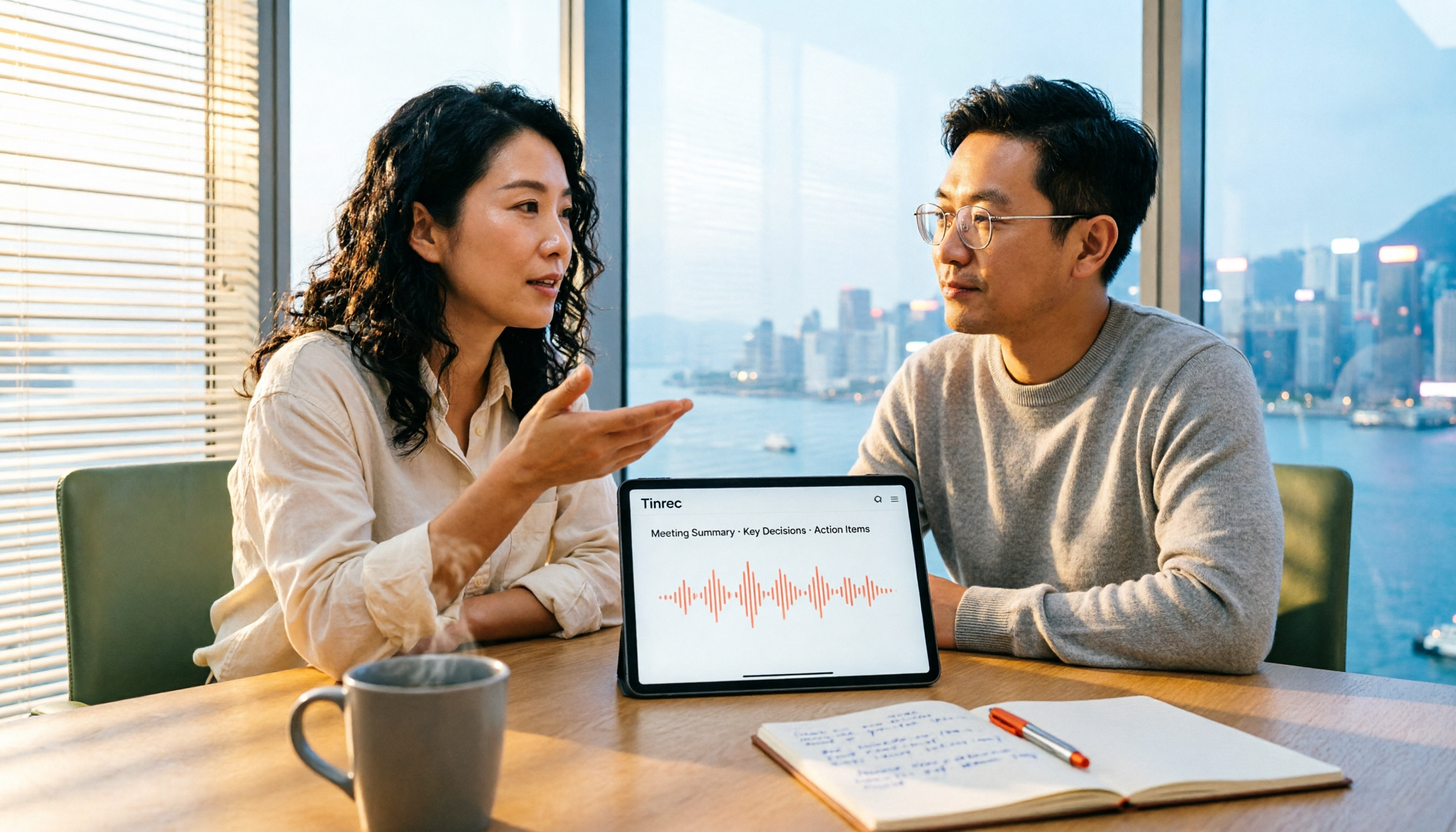
4 Free Transcription Software Compared: Which Free Tier Actually Works?
The biggest trap with free transcription software is mistaking a free trial for a permanent free plan. This article breaks down 4 key factors to consider and compares the free tiers, input sources, and post-meeting organization capabilities of Tinrec, TurboScribe, Yating, and Otter.ai to help professionals find the one that truly saves time.

5 Best Transcription Software in 2026: Which Is Fastest for Chinese Meetings?
We tested 5 transcription tools for Chinese meetings, bot-free recording, and post-meeting AI Q&A. Find out who Tinrec, Yating, Notta, and Otter.ai are best for, and the pitfalls to avoid.

2026 Free Transcription Apps: 5 Options to Try
How to choose a transcription app? This article reviews 5 free options worth trying in 2026, comparing the free tiers and limitations of Tinrec, Otter.ai, Notta, TurboScribe, and iPhone Voice Memos. Using Tinrec as an example, it walks you through the complete workflow from recording, transcription, proofreading, generating meeting minutes, to exporting.

Best Transcript Organization Tools in 2026: We Tested 5, and This One Is Best for Chinese Meetings
Still spending two hours organizing transcripts after a meeting? Based on real-world use cases, this article breaks down 4 key buying factors, compares tools like Tinrec, Otter.ai, Granola, and Notta in terms of Chinese meeting support, bot-free recording, post-meeting AI organization, and team knowledge retention, and highlights 3 common selection mistakes to help you decide based on your budget and needs.