
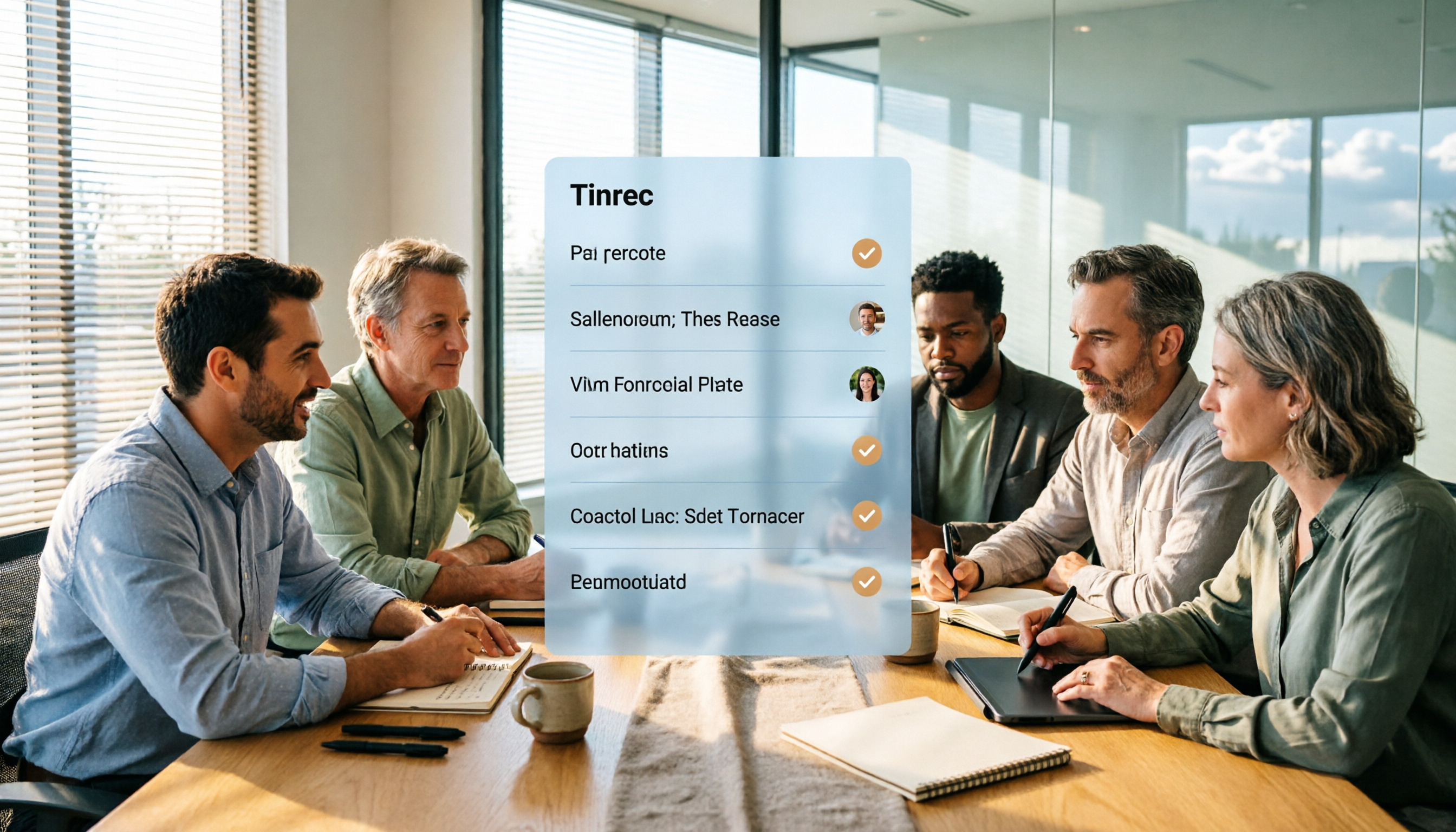
Turn recordings into transcripts and summaries in minutes
Upload audio or video for multilingual transcription, AI notes, and action items
5 Project Meeting Report Templates Compared for 2026: Which One Turns into an Action List Fastest?
Should you fill out a project meeting report template yourself, or let AI generate it?
This is probably the first question that comes up after every meeting. Manual templates are free and flexible, but post-meeting organization often takes longer than the meeting itself. AI tools are fast but cost money, and not all of them work well for Chinese-language meetings.
In this article, I've compiled 5 common approaches, listing free limits, pricing, and suitable scenarios so you can pick one and start using it right away.
Why Is Writing a Project Meeting Report So Hard?
Project meetings are different from regular team meetings—they focus on progress, blockers, and next steps.
So the report's focus isn't a verbatim transcript, but action items and owners. Stand-up or weekly sync notes should be short; the goal is action items and blockers, not transcribing every word of the discussion.
In other words, a good project meeting report should let someone who didn't attend know within 3 minutes: where things stand, what's blocked, and who needs to do what.
Option 1 | Tinrec — Turn Meetings Directly into Actionable Reports
Tinrec is an AI meeting notes and collaboration tool for individuals and teams. It doesn't just convert audio to text; it organizes meetings into searchable, summarizable, queryable, and exportable data.
For project meetings, the most impactful features are:
Automatic summaries, chapters, and to-dos: After the meeting, the transcript, summary, key points, and action items are generated together, so you don't have to listen to the recording from the start to find out who said they'd deliver what and when.
Bot-free recording for online meetings: The desktop version captures system audio directly, handling Zoom, Google Meet, Microsoft Teams, Webex, and more without adding an extra meeting bot to the room.
AI Q&A and Agent post-processing: You can ask follow-up questions about the meeting content and generate reports, tables, and documents—perfect for project weekly updates.
Team workspace and data retention: The team version centralizes meeting data in one space, allowing members to view and search past meetings. Admins can manage roles, seats, usage, and audit logs.
For plans, the personal version offers a free tier, weekly pass, Pro monthly, and Pro annual, so you can choose based on usage frequency. The team version offers a 7-day trial for first-time eligible users, 1 free seat, and 300 minutes of shared team import quota. Monthly payment is USD 29.80 per paid seat per month; annual payment is USD 199 per paid seat per year (about USD 16.58 per month), with each paid seat providing 2,000 minutes of shared team import quota per month.
Who it's for: People who have multiple project meetings each week, need Chinese-language notes, and want post-meeting data to stay within the team for continued use.
Option 2 | Word/Google Docs Templates — Free and Most Flexible
The most basic approach is to copy a template into Word or Google Docs and fill it out.
Common fields include: progress report, blockers/needs support, key discussion summary, decisions made, action items (with timeline and checkpoints). This structure works for almost any project weekly meeting.
Pros: completely free, you decide the format. Cons: someone has to take notes in real time, and you still need to organize afterward.
Who it's for: Teams with infrequent meetings, zero budget, or need for fully customizable fields.
Option 3 | Notta — Multilingual Transcription and Meeting Notes
Notta covers multi-platform transcription, meeting notes, file import, translation, and team plans, with significant overlap with Tinrec.
According to official information: Free plan offers 120 minutes per month, with a maximum of 3 minutes per recording; Pro annual is about USD 8.17 per month, with 1,800 minutes per month; Business annual is about USD 16.67 per seat per month, offering unlimited transcription, role permissions, and usage reports.
Its multilingual capability is strong, but post-meeting Q&A, action item extraction, and team data retention are areas where Tinrec focuses more.
Who it's for: Users who need multilingual transcription and primarily organize via files.
Option 4 | Otter.ai — A Mature Assistant for English Business Meetings
Otter is a long-established AI meeting assistant that supports real-time transcription, speaker identification, and AI Chat for Zoom, Teams, and Google Meet.
Stop organizing recordings by hand
Upload audio or video and automatically get a transcript, summary, and action items
According to its official pricing page: Basic is free with 300 minutes per month; Pro annual is about USD 8.49 per user per month, including 1,200 minutes of in-app recording and 10 file imports per month.
It's very strong for English business meetings. Chinese meetings, bot-free desktop recording, and team data management are areas where Tinrec can contribute.
Who it's for: Teams whose meetings are primarily in English and who are already used to Otter's workflow.
Option 5 | Fireflies.ai — Meeting Automation and Team Analytics
Fireflies' strengths are meeting automation, AI summaries, AskFred, team analytics, and extensive integrations.
Current official annual pricing: Free USD 0, Pro USD 10 per seat per month, Business USD 19 per seat per month, Enterprise USD 39 per seat per month. Note that its "unlimited transcription" is still subject to storage, file upload speed, and AI Credit rules, so it shouldn't be interpreted as completely unlimited across all capabilities.
Who it's for: Medium to large teams that value meeting automation workflows and sales analytics, and primarily hold English meetings.
Option 6 | TurboScribe — A Free Entry-Level Tool for Bulk File Transcription
If your need is simply converting meeting audio files to text, TurboScribe is a cost-effective file transcription tool.
Official details: Free plan allows 3 files per day, up to 30 minutes per file; Unlimited annual is USD 120 (about USD 10 per month), with paid version supporting files up to 10 hours or 5 GB, and up to 50 files per upload.
It excels at long files and batch processing, but real-time meetings, post-meeting Q&A, and team collaboration are not its main focus.
Who it's for: People with limited budget who only occasionally need to convert recordings to text.
With So Many Options, How Should You Choose?
• Want transcript + summary + to-dos in one go, ready to use as a report → Tinrec (post-transcription organization and Q&A are core) • Meetings are in Chinese or mixed Chinese-English → Tinrec (Chinese and multilingual meeting experience is a key focus) • Don't want a meeting bot joining the room → Tinrec (desktop version captures system audio) • Need meeting data to stay within the team, even when members change → Tinrec team version (workspace, seats, usage, and audit) • Just want free, fill in fields yourself → Word/Google Docs templates • Only occasionally convert audio to text → TurboScribe free version
3 Things to Know Before Using a Project Meeting Report Template
First, the template determines the format, but the tool determines how much time you spend. The template shows you what a good record looks like, but what really eats time is listening to recordings, finding key points, and organizing to-dos—that's where a tool makes a difference.
Second, action items must have an owner and a checkpoint. Writing "follow up next week" is as good as not writing it. Instead, write "who, does what, by when."
Third, AI output still needs verification. It's not recommended to treat AI results as 100% correct. For important decisions, it's best to go back to the transcript timestamp or recording to confirm, especially for numbers, amounts, and commitments.
Summary
Project meeting report templates can be downloaded for free, but the real time-saver is whether someone or something helps you finish the post-meeting organization.
If you have project meetings every week and want Chinese notes, post-meeting Q&A, to-dos, and team data all in one place, Tinrec is the direction I'd suggest trying first. If you only occasionally transcribe, a free template plus a basic transcription tool is actually enough.
FAQ
Q1: Can I copy and use a project meeting report template directly? Yes. Most templates can be copied into Word or Google Docs and adjusted. It's recommended to keep the 4 fixed sections: progress, blockers, decisions, and action items.
Q2: What's the difference between a project meeting report and regular meeting minutes? Project meetings focus more on progress, blockers, and next steps. The format emphasizes action items and ownership rather than verbatim discussion.
Q3: Does Tinrec have a free plan? Yes, the personal version offers a free tier with basic quota to experience recording, import, summary, and transcription. Consider a weekly pass or Pro if you need more usage.
Q4: What's the difference between Tinrec team version and personal version? Personal version data belongs to the individual account. The team version is a separate team workspace with additional members, roles, seats, shared benefits, usage analytics, and audit logs. Members without a seat can still view and read team data but cannot upload, edit, or export.
Q5: Will Tinrec automatically join my meetings? No. The Tinrec desktop version captures system audio and requires you to actively start recording. It's not a bot that automatically joins all calendar meetings.
Q6: Do I need consent before recording and transcribing? Yes, be mindful. Recording and transcription should comply with local regulations. Obtain consent from participants when necessary.
References
- Free Meeting Minutes Templates (Word, Google Docs, PDF) | HiNoter Blog
- Reference Example_Meeting Minutes Format (1)
- How to Take Meeting Minutes? A Complete Guide for Beginners in 2026 - Meta Note
- Project Reports for Clients and Bosses - ProjectClub Project Management Made Easy – Workplace Elite Training Base
- Attachment 6: Meeting Minutes Format Example ○○○○ ...
Turn every recording into actionable outcomes
Get 60 free transcription minutes when you sign in. No credit card required.
Related Reading
You might also like

Free Management Meeting Report Solutions in 2026: A Look at 4 Types of Tools
Starting from common pitfalls, this article reviews free solutions and tool types for management meeting reports, and explains how Tinrec uses real-time transcription, AI summaries, action items, and team spaces to turn meeting content into trackable decision data.

How to Turn Meeting Notes into Work Reports in 2026: 5 Steps from Recording to AI Output
Meeting notes are not transcripts. This article compares Tinrec and Otter.ai on Chinese meetings, bot-free recording, post-meeting report generation, and team knowledge retention, and outlines a 5-step process to turn meeting recordings into deliverable work reports.

2026 AI Meeting Transcription Tools with Free Plans: 5 Options Compared
Tired of writing meeting minutes after a long day? This article compares 5 AI meeting transcription tools that offer free plans, breaking down free quotas, meeting capture methods, and post-meeting organization capabilities. It focuses on Tinrec and Notta to help you find the best tool for your needs.

Tinrec vs Notta 2026: 5-Dimension Comparison — Which Generates Meeting Minutes PDFs More Easily?
Generating deliverable PDF meeting minutes isn't just about transcription accuracy; it also involves format output, post-meeting organization, and team data retention. This article reviews 6 common solutions, covering recording methods, transcription, summarization, export, and team management, and helps you choose based on budget and use case.

2026 Meeting Notes Tool Comparison: Tinrec vs Notta, Otter.ai, Granola — Which Should You Choose?
How do you choose between Tinrec and other meeting note tools? This article compares Tinrec with Notta, Otter.ai, and Granola based on 4 key criteria: Chinese meeting transcription, bot-free recording, post-meeting organization, and team collaboration. We also cover selection standards and common pitfalls to help you find a meeting notes tool that truly saves time.

2026 AI Meeting Recorder Comparison: Fathom vs Tinrec for Chinese Meeting Notes
We tested four AI meeting note tools—Tinrec, Fathom, Notta, and Otter.ai—in real meeting scenarios. From Chinese and mixed Chinese-English recognition to bot-free recording, post-meeting organization, and team data management, we explain why Fathom suits English sales teams and how Tinrec performs in Chinese meetings and team collaboration.
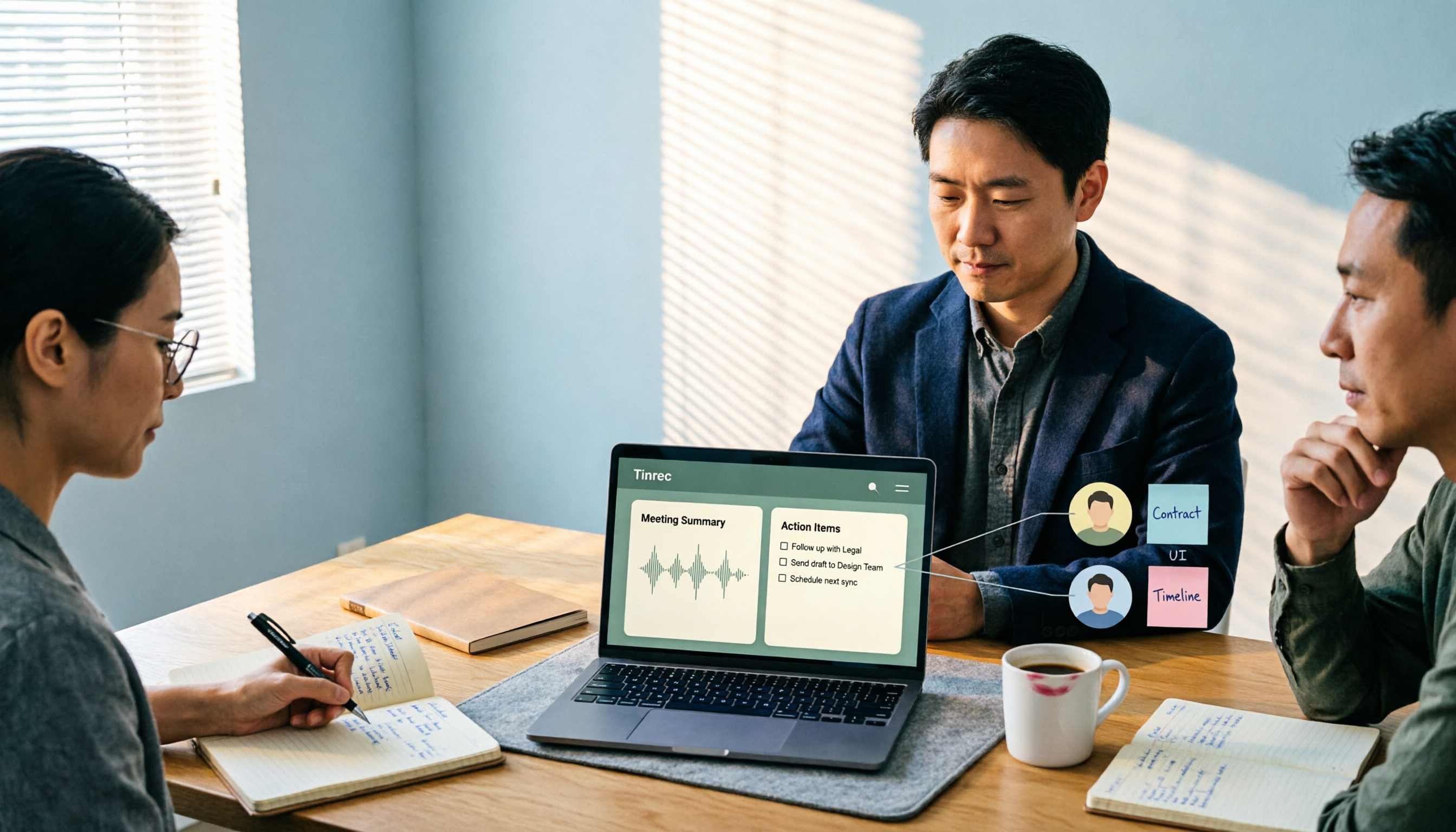
2026 Comparison of 4 Meeting Recording-to-Report Tools: How Fast Can You Get a Report After a Meeting?
Turning a meeting recording into a deliverable report isn't about transcription speed—it's about post-meeting output and team knowledge retention. This article tests Tinrec, Otter.ai, Granola, and TurboScribe from a mid-level manager's perspective, breaking down bot-free recording, summaries and action items, AI follow-up questions, audio retention, and team seat management, with scenario-based recommendations and three common pitfalls to avoid.

4 Meeting Minutes Tools Tested for 2026: Which One Turns Notes into a PPT Outline Fastest?
Still building a PPT outline after the meeting? We tested 4 meeting minutes tools, comparing transcription accuracy, structured output, AI Q&A, and team collaboration to find out which one turns meeting minutes into a PPT outline fastest.
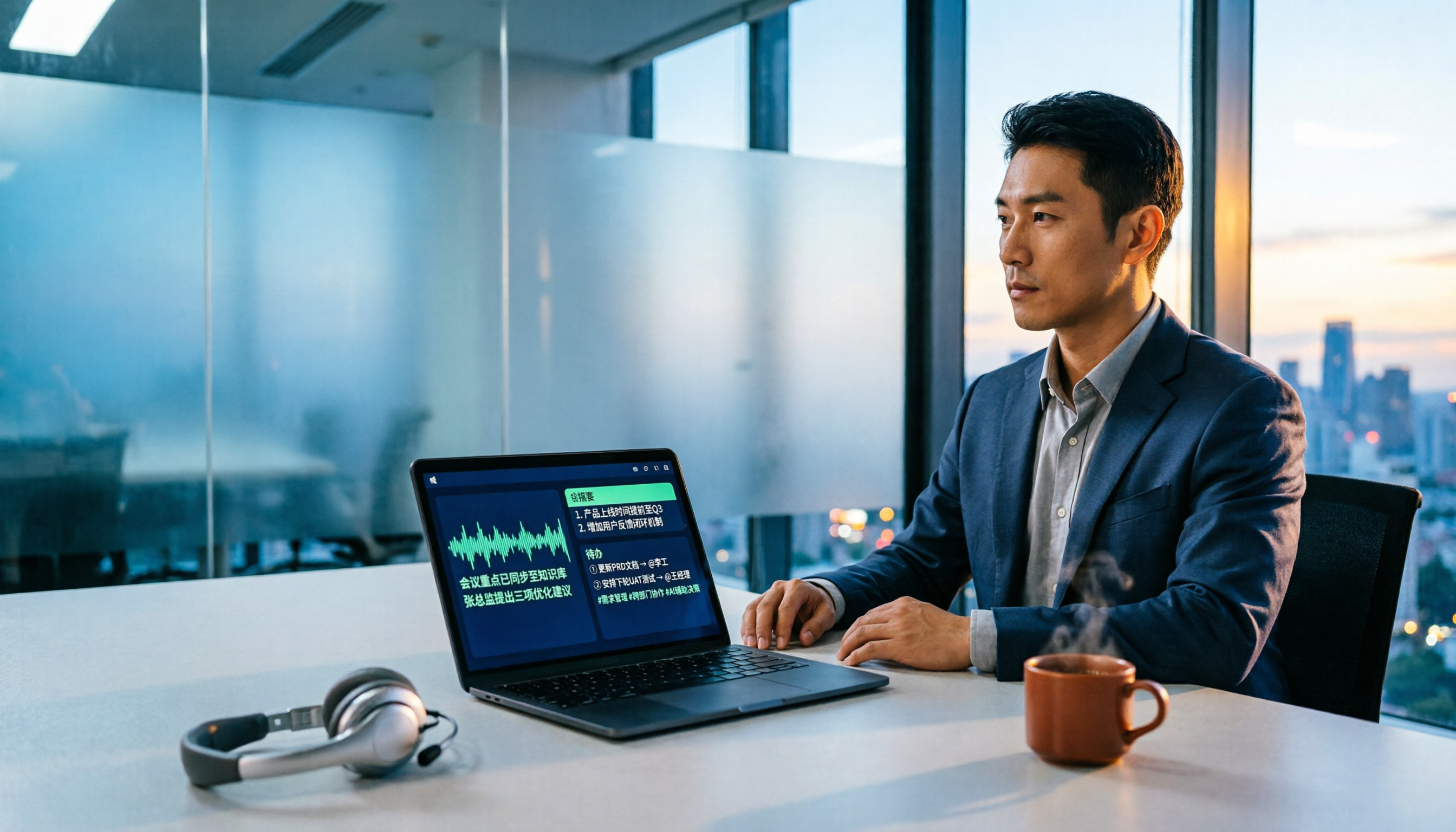
6 AI Meeting Transcription Tools Compared for 2026: Fireflies.ai vs Tinrec — Which Should You Choose?
Based on hands-on experience, this comparison covers six AI meeting transcription tools — Tinrec, Fireflies.ai, Otter.ai, Notta, Granola, and TurboScribe — from bot and bot-free recording, Chinese recognition, post-meeting organization, to team data management, helping you choose the right solution for your work style.