

Turn recordings into transcripts and summaries in minutes
Upload audio or video for multilingual transcription, AI notes, and action items
Free Management Meeting Report Solutions in 2026: A Look at 4 Types of Tools
Many mid-level managers treat management meeting reports like a transcript dump: only after the meeting ends do they start recalling and piecing together what they remember into a document. This is the easiest trap to fall into, because what you remember is usually not the decision but the discussion process. A more reasonable approach is to let tools capture the transcript in sync during the meeting, and directly generate summaries, conclusions, and action items afterward. AI meeting note tools like Tinrec approach it from this angle. This article looks at 4 common tool types: pure transcription tools, meeting bots, bot-free desktop recording, and AI recording hardware. Among them, Tinrec belongs to bot-free desktop recording and connects post-transcription organization with team collaboration.
What Can a Management Meeting Report Do for You?
Scenario 1: Produce a decision summary 5 minutes after the meeting. A two-hour meeting used to take another hour to organize; now, with Tinrec as an example, a summary, chapters, and key points are already generated when the meeting ends, making decisions and owners clear at a glance.
Scenario 2: The boss asks about the last conclusion. It used to take 3 minutes of flipping through notes without finding it; now with Tinrec's AI Q&A, you can directly ask "What was the budget conclusion last time?" and it will answer from the meeting data.
Scenario 3: Cross-department action item tracking. Verbal instructions are easy to forget; Tinrec extracts action items from the discussion, including who is responsible and what the deadline is, and can export them directly to team workflows.
Scenario 4: Team data handover. When members leave, meeting data should not disappear with them. Tinrec's team version keeps meetings in a team space, so new members can view historical meetings.
What Are the Core Capabilities of a Management Meeting Report?
Real-time recording to text: transcribe while recording, not process after recording. Tinrec's real-time transcription lets you confirm key points in sync during the meeting, suitable for offline meetings and interviews.
Bot-free online meeting recording: Tinrec's desktop version directly captures computer system sound, handling online meetings on Zoom, Google Meet, Microsoft Teams, Webex, etc., without needing an extra bot to join.
AI summaries, chapters, and action items: Tinrec not only provides transcripts but also breaks long meetings into chapters, organizing conclusions, key points, and action items, reducing manual post-meeting organization time.
AI conversational query: after transcription is complete, you can directly ask Tinrec questions, such as "What risks did the client mention?" or "Who is responsible for the budget?" and it will answer based on semantic understanding.
Multi-format export and Agent post-processing: Tinrec supports export to Notion, Google Docs, OneNote, Dropbox, and other tools, and can also generate reports, tables, and documents, suitable for management reporting.
Team space and governance: Tinrec's team version provides members, roles, seats, usage analytics, audit logs, audio recycle bin, and team hotwords. Members who are active but have no seat can view, play, and read data, but cannot upload, edit, or export.
Practical Application Scenarios
Weekly meetings and decision meetings: use Tinrec for real-time transcription in weekly meetings, and automatically generate summaries and action items afterward. Managers no longer need to rely on memory to write reports, and decision bases can be reviewed.
Stop organizing recordings by hand
Upload audio or video and automatically get a transcript, summary, and action items
Cross-department and client meetings: client needs, objections, and commitments are easily missed. After using Tinrec to record and transcribe, directly export key points to relevant colleagues, reducing back-and-forth confirmation.
Interviews and research: user interviews or expert interviews often have many key points. Tinrec can upload audio and video files for transcription, then use AI Q&A to find viewpoints and citation material.
Personal review and reporting: when reporting to the boss, use Tinrec to turn historical meetings into searchable data, quickly organizing them into reports or tables.
5 Things to Note When Choosing a Management Meeting Report Tool
Chinese and Traditional Chinese experience: do not just look at English marketing. Tinrec covers Chinese, Traditional Chinese, and multilingual meetings; actual results are affected by audio quality, accent, noise, and overlapping speech, and fixed accuracy rates are not recommended.
Whether a meeting bot is needed: some tools require a bot to join the meeting. Tinrec's desktop version uses system sound, so no extra participant is needed, but you need to actively start recording; it does not automatically join all calendar meetings.
Post-meeting organization capability: providing only a transcript is not enough; whether it can summarize, extract action items, answer questions, and export is key. Tinrec puts these in the same workflow.
Team governance: if multiple people share it, pay attention to roles and seats. Tinrec's team version uses roles to control management permissions and seats to control recording, uploading, editing, and export eligibility.
Quota and cost: Tinrec's personal version has a free version, weekly card, Pro monthly card, and annual card; the team version has a 7-day trial, 1 free seat, and 300 minutes of team shared import quota. Paid seats are USD 29.80 per month, USD 199 per year, equivalent to about USD 16.58/month, with 2,000 minutes of team shared import quota per seat per month. Actual prices are subject to the official purchase page.
Frequently Asked Questions
Q1: Does a management meeting report have to be recorded? Not necessarily, but without recording and transcript, it is difficult to trace decisions. With Tinrec, you can put recording, transcript, summary, and action items in one place.
Q2: Which online meetings does Tinrec support? It can handle sound played on a computer from platforms such as Zoom, Google Meet, Microsoft Teams, and Webex. It is not an official partner plugin, and no meeting bot needs to join.
Q3: Is the free version enough? If you occasionally organize a recording, the free version lets you try it first. If you have multiple meetings every week, consider Pro; if it is for team sharing, look at team version seats and shared quota.
Q4: What is the difference between the team version and the personal version? Personal version data belongs to the individual account; the team version has an independent team space, member and seat management, shared benefits, usage analytics, audit logs, and recycle bin.
Q5: What should be noted before recording? Comply with local laws and obtain participant consent when necessary. AI can reduce manual recording costs, but for important content, it is still recommended to verify against transcript timestamps and recordings.
Conclusion
The value of a management meeting report is not to make the meeting look good, but to make decisions, action items, and responsibilities trackable. Rather than piecing together a document from memory after the meeting, it is better to use Tinrec during the meeting to transcribe in sync and generate summaries and action items. You can first use Tinrec's free version to experience the basic quota and see what it feels like for AI to organize your meeting data; if your team needs sharing and governance, then evaluate team version seats and shared quota.
References
- Attachment 6, Meeting Minutes Format Example ○○○○ ...
- Free Meeting Minutes Template (Word, Google Docs, PDF) | HiNoter Blog
- Meeting Minutes - Ministry of Labor Global Information Network Chinese Website
- Is meeting just a waste of time? Master 2 key points in work progress reports to make routine meetings super efficient | BusinessNext
- Meeting management and execution: what are the six major meeting competencies? What are their importance and priority?
Turn every recording into actionable outcomes
Get 60 free transcription minutes when you sign in. No credit card required.
Related Reading
You might also like

2026 Top 5 Post-Meeting Automation Software Compared: Which One Actually Turns Meetings into Action Items?
After a meeting ends, who's responsible for organizing the transcript, summary, and action items? This article uses Tinrec as an example to break down what post-meeting automation software can do for you, its core capabilities, four practical use cases, and 5 key factors to consider when choosing one, along with pricing and plan details for personal and team versions.
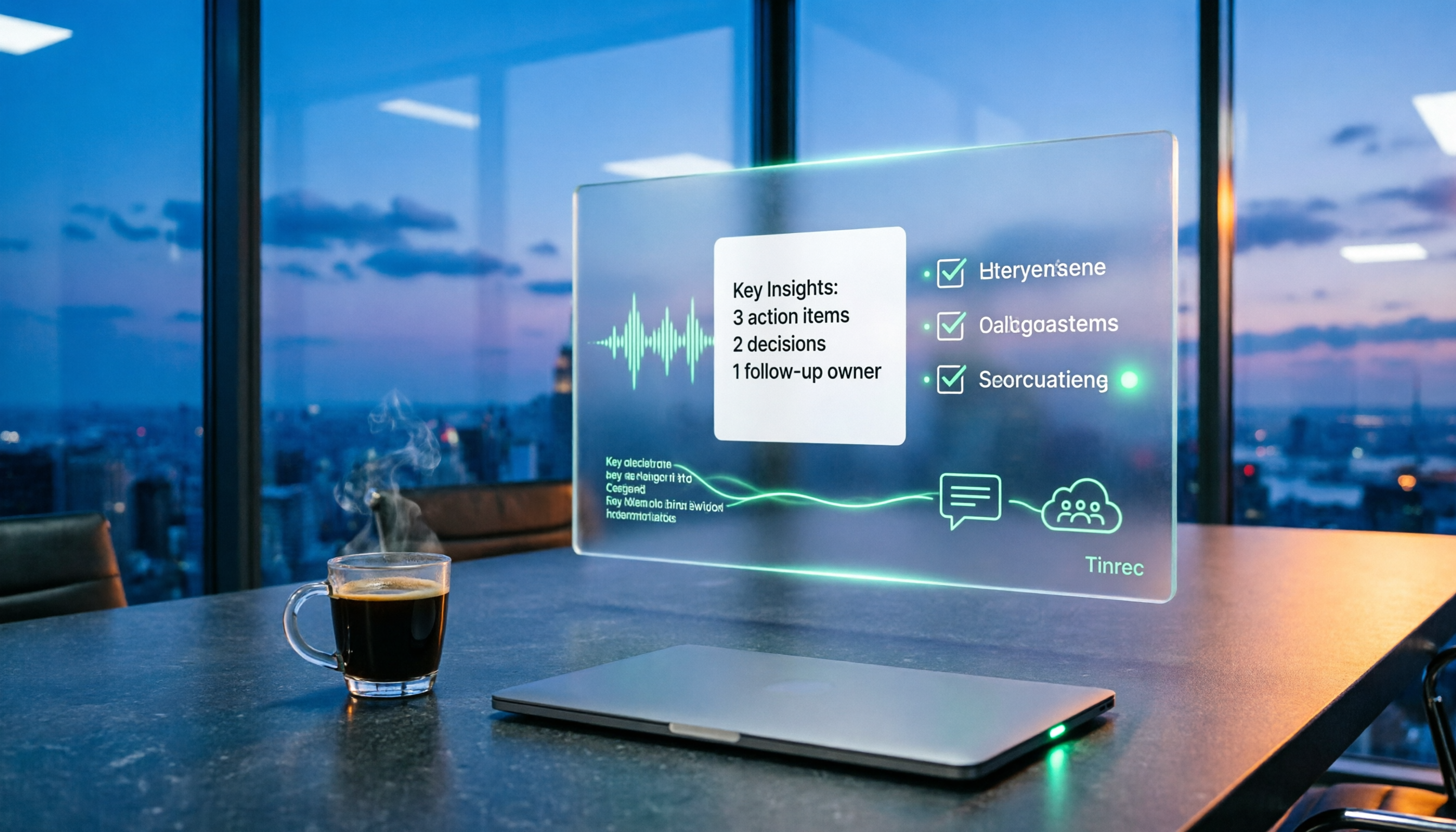
Best Post-Meeting Automation Tools in 2026: We Tested 5, and This One Turns Meetings into Action Items
The meeting ending is just the beginning of the nightmare. This article starts from the pain points of post-meeting organization, breaks down what post-meeting work automation can do for you, its core capabilities, and four practical use cases. It also uses 5 buying tips and FAQs to explain how Tinrec connects transcripts, summaries, to-dos, AI Q&A, and team knowledge retention into a single post-meeting workflow.

2026 Comparison of 5 Meeting Report Generators: Free Tiers and AI Summaries Tested
Based on a student's real experience with a graduation project, this hands-on comparison tests 5 meeting report generators. It explains the core capabilities these tools should have, the 5 most overlooked pitfalls when choosing one, and uses Tinrec as an example to demonstrate the full workflow from recording, transcription, AI summary to action item extraction, while clarifying whether free tiers are sufficient for students.

2026 Best Meeting Collaboration Software: 4 Tools Tested for Post-Meeting Efficiency
From the perspective of a mid-level manager juggling 15 meetings a week, we tested and compared Tinrec, Otter.ai, Granola, and Notta—four meeting collaboration and note-taking tools. We break down the differences between 'having the meeting' and 'post-meeting wrap-up,' key buying factors like bot-free recording, mixed Chinese-English recognition, team seats, and data ownership, plus a pitfalls guide and scenario-based recommendations.

4 AI Meeting Notes Tools Compared for 2026: From Transcripts to Meeting Reports
How do you write a meeting report? I've distilled my methods from recent years into 4 key points and tested four AI meeting notes tools—Tinrec, Otter.ai, Notta, and Granola—comparing their differences in transcripts, summaries, action item extraction, AI Q&A, and team knowledge retention, guiding you from meeting notes to a deliverable meeting report.
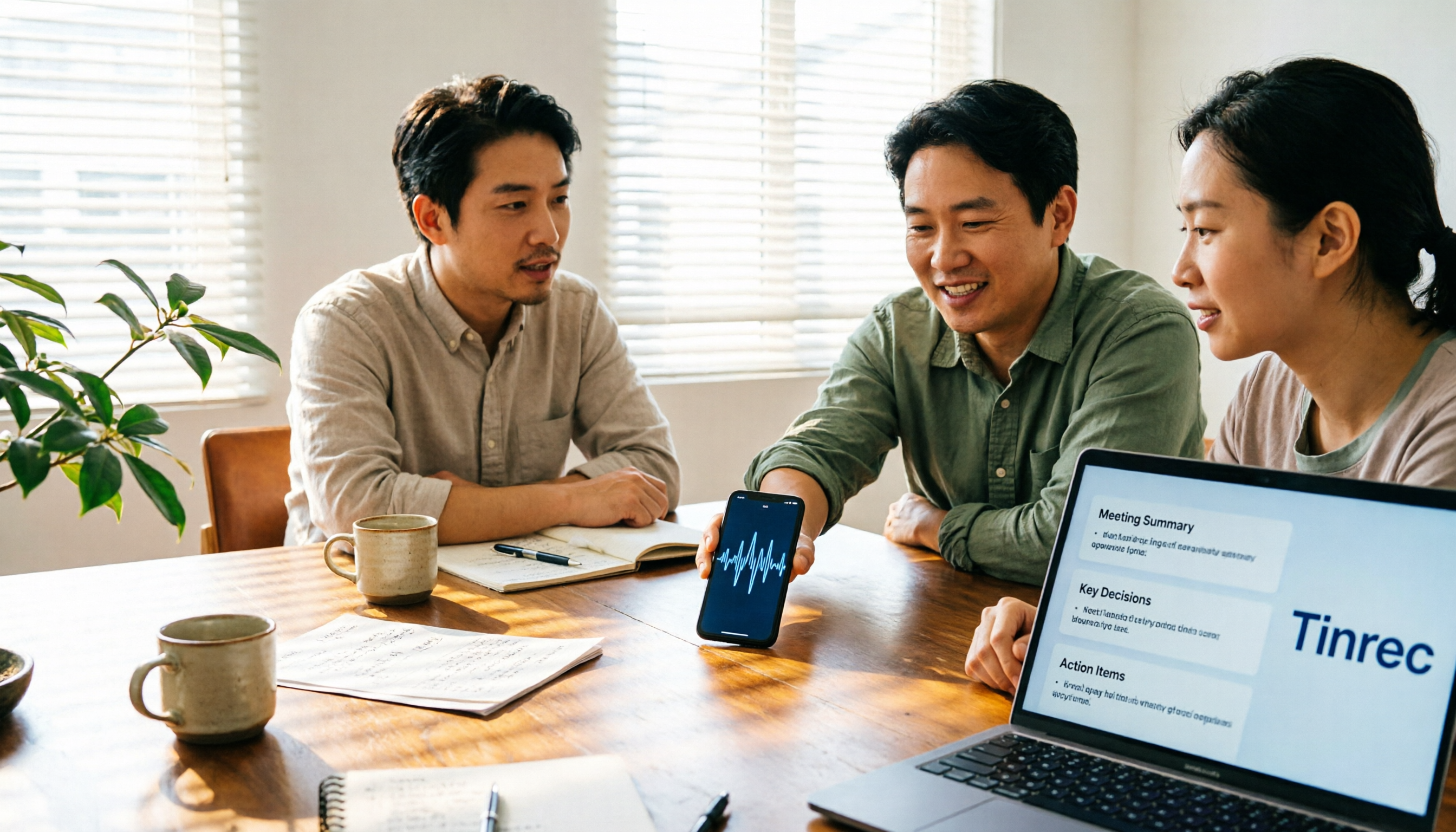
How to Turn Meeting Notes into Work Reports in 2026: 5 Steps from Recording to AI Output
Meeting notes are not transcripts. This article compares Tinrec and Otter.ai on Chinese meetings, bot-free recording, post-meeting report generation, and team knowledge retention, and outlines a 5-step process to turn meeting recordings into deliverable work reports.

2026 AI Meeting Transcription Tools with Free Plans: 5 Options Compared
Tired of writing meeting minutes after a long day? This article compares 5 AI meeting transcription tools that offer free plans, breaking down free quotas, meeting capture methods, and post-meeting organization capabilities. It focuses on Tinrec and Notta to help you find the best tool for your needs.

Tinrec vs Notta 2026: 5-Dimension Comparison — Which Generates Meeting Minutes PDFs More Easily?
Generating deliverable PDF meeting minutes isn't just about transcription accuracy; it also involves format output, post-meeting organization, and team data retention. This article reviews 6 common solutions, covering recording methods, transcription, summarization, export, and team management, and helps you choose based on budget and use case.

2026 Meeting Notes Tool Comparison: Tinrec vs Notta, Otter.ai, Granola — Which Should You Choose?
How do you choose between Tinrec and other meeting note tools? This article compares Tinrec with Notta, Otter.ai, and Granola based on 4 key criteria: Chinese meeting transcription, bot-free recording, post-meeting organization, and team collaboration. We also cover selection standards and common pitfalls to help you find a meeting notes tool that truly saves time.