

Turn recordings into transcripts and summaries in minutes
Upload audio or video for multilingual transcription, AI notes, and action items
2026 Comparison of 5 Meeting Report Generators: Free Tiers and AI Summaries Tested
Last semester, I was in charge of taking meeting notes for my graduation project for the first time. My approach was very old-school: record the entire discussion, run it through a transcription tool to get a 30,000-word transcript, then read from the first line to the last to find conclusions. A two-hour discussion took me three hours to organize, and I completely missed the part where my senior said, "Submit the framework next week."
Later, I realized that the real value of a meeting report generator isn't "turning sound into text," but helping you turn text into something you can directly submit: summaries, conclusions, action items, and owners. If you're still using the old method of "record + re-listen yourself," this article compiles my experience testing 5 tools this semester.
What Can a Meeting Report Generator Do for You?
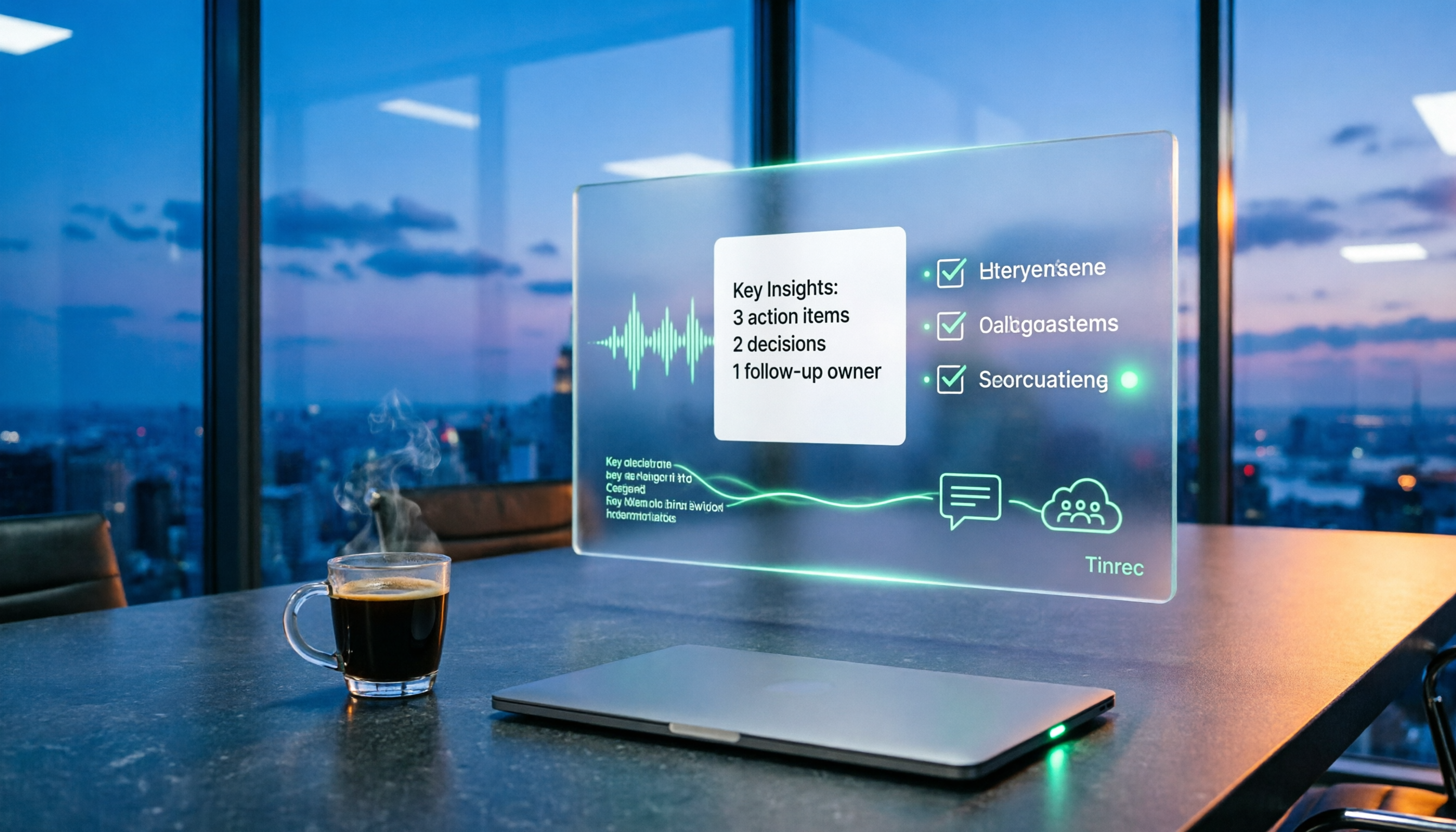
Scenario 1: Generate meeting notes in 5 minutes after a group discussion Previously, after our group meetings, notes were always written by "whoever has time," usually delayed until just before the next meeting. With Tinrec, as soon as the discussion ends, AI has already listed the summary, conclusions, and action items, making it clear who is responsible for what.
Scenario 2: Turn class recordings into reviewable notes The professor lectures for two hours and flips through slides faster than I can take notes. Tinrec breaks long recordings into chapters and extracts key points. Before finals, I just look at chapter titles to know what to focus on, without listening from start to finish.
Scenario 3: Real-time notes for internship interviews and user research I interned at a company over the summer and helped with user interviews. Tinrec's real-time transcription appears as people speak, so afterward I can directly annotate key points on the text without replaying the recording to confirm what the interviewee said.
Scenario 4: Look back and check "who said this exactly?" Over a semester of project work, we had more than a dozen meetings. Tinrec's AI Q&A lets me directly ask, "What was the conclusion when we discussed the budget last time?" It finds the answer from the meeting content without replaying the recording.
What Are the Core Capabilities of a Meeting Report Generator?
Real-time transcription: text appears as you record, not after This is what students notice most. Tinrec's real-time transcription lets you see text during the discussion. If you notice a segment wasn't captured, you can ask the person to repeat it on the spot, instead of discovering later that the whole section is garbled.
Bot-free online meeting recording: no need to add another account to the meeting Many classes this semester moved online. When using Zoom, Google Meet, Microsoft Teams, or Webex, inviting a meeting bot to every session can disrupt the flow. Tinrec's desktop version directly captures your computer's system audio, so no extra bot joins as a participant—one less thing for student groups to explain.
AI summaries and chapters: not just a condensed paragraph, but structured organization Tinrec breaks meetings into "topics, discussion conclusions, action items, and owners," rather than giving you a vague summary. For someone who needs to submit meeting notes, this difference is huge—the former can be pasted directly into shared notes, while the latter requires additional organizing.
Action item extraction: turn verbal commitments into a checklist The most common tragedy in group discussions is when everyone says "OK, I'll do it," but no one remembers by the next meeting. Tinrec extracts action items from the discussion so everyone knows what they need to do.
AI Q&A and multi-format export: keep your data and continue using it After transcription, you can ask follow-up questions about the meeting content and export results to workflows like Notion, Google Docs, OneNote, and Dropbox. Tinrec also uses Agent post-processing to generate reports, tables, and documents, saving us time on written project materials.
Practical Use Cases
University classes Turn on Tinrec during general education or major courses, and get transcripts and chapter summaries after class. My approach is to review only the summary before exams to grasp key points, and click back to the corresponding transcript section for any uncertain concepts—much faster than re-listening to the whole class.
Stop organizing recordings by hand
Upload audio or video and automatically get a transcript, summary, and action items
Graduation project group Use Tinrec for weekly project meetings and post action items to the group chat afterward. This semester, we saved at least one to two hours of organizing time after each meeting, and no longer had situations where "someone thought someone else remembered."
Internships and interviews Interviews are where you fear missing notes the most. Tinrec's real-time transcription lets me focus on listening, and afterward I use AI Q&A to find key statements.
Cross-language content Some classes invite foreign speakers. Tinrec supports real-time translation, allowing you to view the original, translation, or bilingual text—a lifesaver for someone with average English listening skills like me.
5 Things to Note When Choosing a Meeting Report Generator
1. Look at your actual monthly recording volume, not advertised numbers Many people only compare free minutes but don't calculate how many meetings they'll have in a semester. Tinrec's free version offers a basic quota to experience recording, importing, summarizing, and transcription. If you only occasionally record key classes or single interviews, start with the free version; if it's not enough, consider Pro monthly or annual plans.
2. Tools that only provide transcripts do only half the job This was my initial pitfall: transcripts are long but lack summaries, chapters, and action items. Tinrec focuses on post-transcription organization, which is its biggest difference from simple transcription tools.
3. Handling Chinese and mixed Chinese-English Our classes often have phrases like "the insight of this case," and pure English tools get confused. Tinrec covers Chinese, Traditional Chinese, and multilingual meeting scenarios, and supports team hotwords to maintain professional terminology for classes or labs. Actual accuracy is still affected by recording quality, accents, noise, and overlapping speech, so test with your own recordings.
4. Whether online meetings require a meeting bot If your classes or internship meetings often switch platforms, first confirm whether the tool uses "bot joining the meeting" or "desktop system audio capture." Tinrec is the latter—users actively start recording, no extra participant needed, but it doesn't automatically join all calendar meetings.
5. Who will use the data later For personal use, Tinrec's free version to Pro plan is sufficient. If a lab, project team, or internship department needs to share meeting data, Tinrec's team version provides an independent team space where you can invite members, set roles and seats, centrally store meeting data, and includes usage analytics, audit logs, and audio recycle bin. Pricing is USD 29.80 per paid seat per month, or USD 199 per paid seat per year (about USD 16.58 per month), with each paid seat providing 2,000 minutes of shared team import quota per month. Actual fees are subject to the official purchase page. For student groups just organizing project meetings, the personal version is more than enough.
Frequently Asked Questions
Q: Is Tinrec's free version enough for students? It depends on how you use it. If you only record key classes and occasionally organize interviews, the free quota lets you run through the full recording, transcription, and summary process. If you plan to record every class, then consider upgrading to Pro.
Q: Which online meeting platforms does Tinrec support? The desktop version captures computer system audio, so it can handle Zoom, Google Meet, Microsoft Teams, and Webex meetings played on your computer without inviting a meeting bot. It does not imply official partnerships with these platforms.
Q: How accurate is Chinese meeting transcription? It performs reliably when recordings are clear and speakers don't overlap, but actual results are affected by accents, noise, and technical terms. For important content, verify with transcript timestamps and recording playback.
Q: What's the difference between the team and personal versions? Personal version data belongs to the individual account; the team version is an independent space where data belongs to the team, with added members, roles, seats, sharing rights, usage analytics, and audit capabilities. Members without seats can still view and read team data but cannot upload or edit.
Q: Do I need consent to record? Yes. Recording and transcription involve personal data and local regulations. Inform and obtain consent from participants before recording.
Conclusion
A meeting report generator isn't about saving an extra file—it's about turning discussions into something directly usable. My conclusion this semester is simple: instead of spending three hours re-listening to recordings, use Tinrec to let AI organize summaries, chapters, and action items first, then spend ten minutes proofreading.
If you're also a student, start with Tinrec's free version, record a class you find hardest to take notes in, and see if the summary it gives you can be used directly. You'll know if the quota is enough after one try.
References
- 2026's Most Recommended AI Meeting Notes Tool, the Time-Saving Must-Have for Meetings!
- Meeting Ink - 2026 AI Meeting Notes Tool Test | 7 Speech-to-Text and Summary Speed Comparison | Meeting Ink - AI Meeting Notes Assistant Automatic Transcription and Summary
- Taking Meeting Notes Is a Hassle? ChatGPT+Whisper Does It All! Auto Transcription, Summary, and Sending|BusinessNext
- No More Taking Turns Writing Meeting Notes! 3 AI Tools for Real-Time Notes and Summaries, Letting You Focus on the Meeting|Manager Today
- How to Choose an AI Meeting Notes Tool? A Look at These 9 AI Meeting Notes Tools!
Turn every recording into actionable outcomes
Get 60 free transcription minutes when you sign in. No credit card required.
Related Reading
You might also like

2026 Complete Guide to Post-Meeting Deliverables: Turn Meeting Notes into Ready-to-Share Results
Post-meeting deliverables aren't just about dropping a recording into a group chat. Drawing from real experience with student projects and internship meetings, this guide covers what post-meeting deliverables should include, how Tinrec's real-time transcription, bot-free online meeting recording, AI summaries and action items, AI Q&A, multi-format export, and team spaces work, plus 6 key considerations and FAQs.

2026 Free Post-Meeting Work Automation Options: 4 Tools Compared
The real work begins after the meeting ends. This article reviews 4 automation tools that can take over post-meeting tasks, from transcripts and AI summaries to action item extraction, AI Q&A, and team knowledge retention. It lays out the free plan limits and restrictions of Tinrec, Otter.ai, Notta, and Granola honestly, helping you pick the one that best fits your meeting style.

How to Automate Post-Meeting Work in 2026: 5 Steps from Recording to Action Items
Post-meeting automation isn't just about buying a transcription tool. This article starts with common pitfalls and teaches you 5 steps to turn meeting recordings into searchable, collaborative, and actionable team data. It also hands-on tests and recommends Tinrec, while comparing Otter, Notta, Granola, and others to help you choose the right solution.

2026 Free Meeting Notes Solutions: 4 Tools Compared
The real challenge begins after the meeting ends. This guide reviews 4 AI meeting note tools that automatically generate summaries, action items, and transcripts after your meeting, covering free plans to paid options, plus a hands-on test of Tinrec's bot-free recording and post-meeting AI Q&A workflow.

How to Automate Post-Meeting Data Organization in 2026: 5 Steps from Recording to Team Database
The meeting ends, but the work begins. This article breaks down 5 key purchasing considerations for automating post-meeting data organization from a buyer's perspective, compares Tinrec, Otter.ai, Granola, and PLAUD, and includes a 5-step workflow and 4 common pitfalls to help you persuade your boss.

2026 Top 5 Post-Meeting Automation Software Compared: Which One Actually Turns Meetings into Action Items?
After a meeting ends, who's responsible for organizing the transcript, summary, and action items? This article uses Tinrec as an example to break down what post-meeting automation software can do for you, its core capabilities, four practical use cases, and 5 key factors to consider when choosing one, along with pricing and plan details for personal and team versions.
Best Post-Meeting Automation Tools in 2026: We Tested 5, and This One Turns Meetings into Action Items
The meeting ending is just the beginning of the nightmare. This article starts from the pain points of post-meeting organization, breaks down what post-meeting work automation can do for you, its core capabilities, and four practical use cases. It also uses 5 buying tips and FAQs to explain how Tinrec connects transcripts, summaries, to-dos, AI Q&A, and team knowledge retention into a single post-meeting workflow.

2026 Best Meeting Collaboration Software: 4 Tools Tested for Post-Meeting Efficiency
From the perspective of a mid-level manager juggling 15 meetings a week, we tested and compared Tinrec, Otter.ai, Granola, and Notta—four meeting collaboration and note-taking tools. We break down the differences between 'having the meeting' and 'post-meeting wrap-up,' key buying factors like bot-free recording, mixed Chinese-English recognition, team seats, and data ownership, plus a pitfalls guide and scenario-based recommendations.

4 AI Meeting Notes Tools Compared for 2026: From Transcripts to Meeting Reports
How do you write a meeting report? I've distilled my methods from recent years into 4 key points and tested four AI meeting notes tools—Tinrec, Otter.ai, Notta, and Granola—comparing their differences in transcripts, summaries, action item extraction, AI Q&A, and team knowledge retention, guiding you from meeting notes to a deliverable meeting report.