
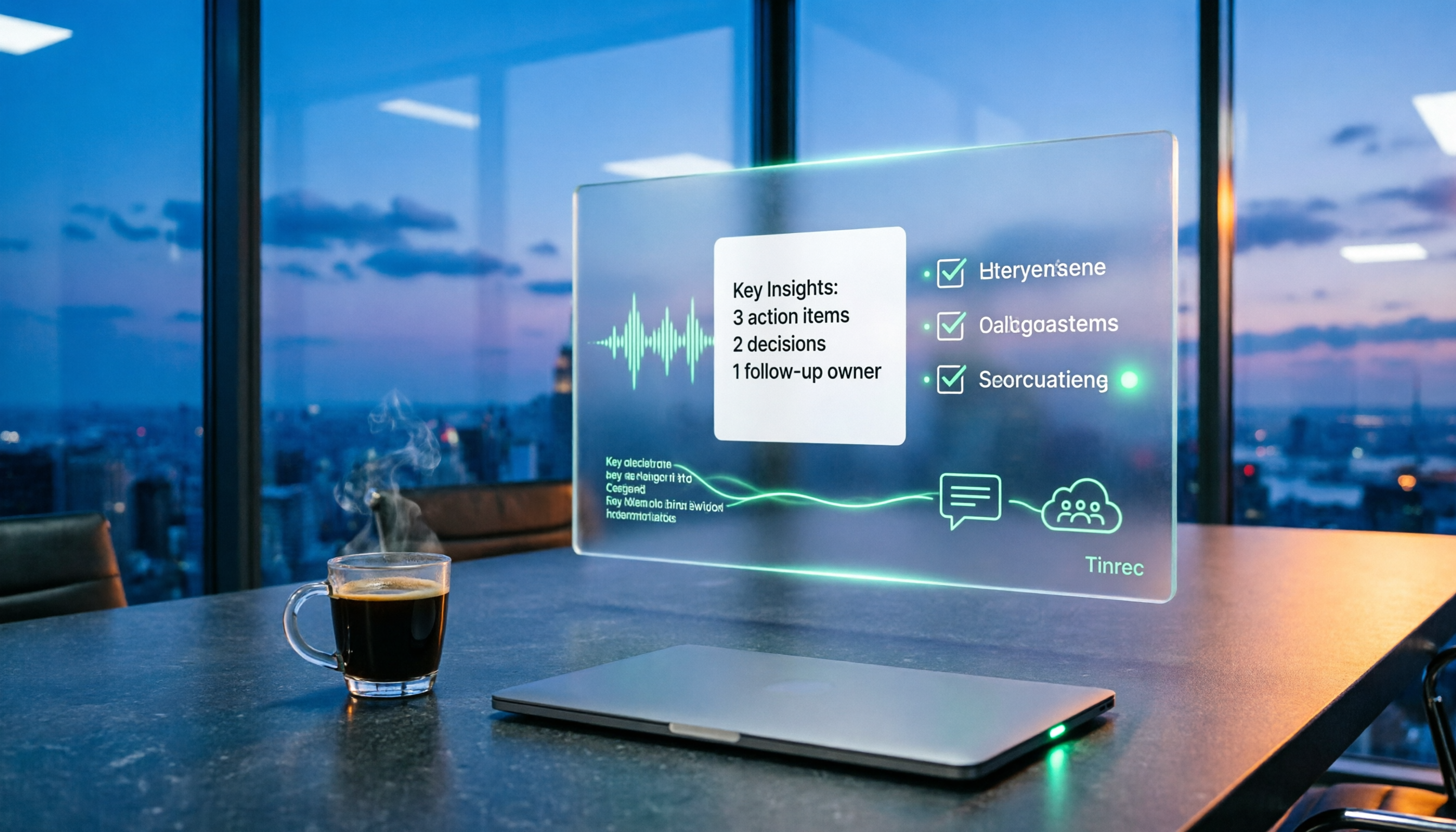
Turn recordings into transcripts and summaries in minutes
Upload audio or video for multilingual transcription, AI notes, and action items
The meeting ending is just the beginning of the nightmare.
After a two-hour meeting, I still have to spend over an hour organizing notes, pulling out key points, and throwing to-dos into the group chat. By the time I actually start working, it's already 4 PM.
This is what "post-meeting work automation" is meant to solve—it's not just about recording audio, but automatically taking care of that whole string of chores after the meeting.
I've personally tested several tools and stepped on some landmines. This article will clearly explain what post-meeting work automation can do, how to choose one, and how Tinrec actually performs in practice.
What Can Post-Meeting Work Automation Do for You?
Scenario 1: Meeting notes ready 5 minutes after the meeting ends
In the past, after a two-hour meeting, I'd spend another hour writing notes.
Take Tinrec as an example: as the meeting ends, the AI has already organized the transcript, summary, chapters, and to-dos. Who's responsible for what and when it's due are listed directly.
Scenario 2: No more relying on memory for to-dos
The most common situation during a meeting is "Who's doing this?" or "I think it's next week."
Tinrec extracts action items from the discussion and turns them into a checkable list. No need to go back and search through recordings for that key promise.
Scenario 3: Find a meeting from three months ago with a single question
"What exactly did the client say about the budget last time?" Previously, I'd have to dig through chat logs and emails, and still might not find it.
In Tinrec, you can directly ask questions about the meeting content, and it will answer based on the transcript.
Scenario 4: Keep up with cross-language meetings
When meeting with overseas colleagues, Tinrec supports viewing the original text, translation, or bilingual content simultaneously during recording. No need to translate again afterward.
What Are the Core Capabilities of Post-Meeting Work Automation?
Real-time transcription: transcribes as you record, not after
Tinrec's real-time transcription lets you see the text during the meeting to confirm you haven't missed key points.
If you misspeak or omit something, fixing it on the spot is much more useful than trying to recall after the meeting.
Bot-free online meeting recording: no fake attendee needed
Tinrec's desktop version directly captures your computer's system audio, handling online meetings like Zoom, Google Meet, Microsoft Teams, and Webex.
No need to invite a meeting bot as a participant—the screen stays clean, and others won't find it odd.
But note this: it's not "automatically join all meetings"—you have to open Tinrec yourself to start recording.
AI summaries and chapters: break long meetings into digestible structure
A two-hour meeting can produce tens of thousands of words—who can read all that?
Tinrec automatically generates summaries, sections, and highlights key points. You can read the summary first and decide whether to dive deeper.
Action item extraction: turn "discussion" into "action"
This is the most impactful part of post-meeting work automation.
Tinrec organizes action items from the conversation, unlike pure transcription tools that just dump a transcript for you to read through.
AI Q&A: continue asking questions after transcription
This is where I feel the biggest gap with ordinary transcription tools lies.
You can ask Tinrec "Who mentioned the budget in the meeting?" or "What was the client's feedback?" It answers directly based on semantic understanding, rather than throwing keyword matches at you.
Agent post-processing and export: turn into shareable files
Tinrec can generate reports, tables, and documents based on meeting content, and export to Notion, Google Docs, OneNote, Dropbox, and other tools for further editing.
Team space: data doesn't leave with people
For team use, Tinrec's team version provides an independent team space. Meeting data belongs to the team, new members can view historical data, and when members leave, data doesn't go with them.
The team version also includes roles, seats, usage analytics, and audit logs.
Practical Use Cases
Weekly project meetings
For regular weekly project meetings, the biggest fear is that things discussed last week are forgotten this week. Record each weekly meeting with Tinrec, and to-dos are automatically listed. Next meeting, you can directly check if last time's to-dos were completed. Decision rationale stays in the team space, not just in someone's memory.
Stop organizing recordings by hand
Upload audio or video and automatically get a transcript, summary, and action items
Client interviews and sales meetings
Client needs, complaints, and commitments are often scattered across a two-hour conversation. After Tinrec transcribes, you can ask questions about a single meeting, such as "What were the client's concerns about pricing?" When writing proposals or replies afterward, you can quickly pull material from summaries and transcripts.
User interviews and research
The most time-consuming part of research is listening to recordings and extracting quotes. After Tinrec transcribes interviews, you can directly search for key passages and ask questions across multiple interviews. Organizing insights can be cut by more than half.
Courses and content creation
Classes, lectures, and interview videos can all be thrown into Tinrec for transcription. It supports uploading audio and video files, as well as importing some web links. After transcription, let AI help you organize notes or article outlines.
5 Things to Note When Choosing a Post-Meeting Work Automation Tool
1. Don't just look at official accuracy claims
Test with your own recordings, especially those with accents, noise, and multiple people talking over each other.
Tinrec performs steadily in Chinese meetings, but actual results are affected by recording quality, accents, overlapping speech, and technical terms. Be prepared for that.
2. Does it keep the recording file?
Some tools only give you a transcript and don't keep the audio.
Tinrec keeps the recording, so you can replay and verify exactly what was said later. This makes a big difference for important meetings.
3. Can you continue using it after transcription?
Transcript is just the starting point. Whether it can generate summaries, extract to-dos, continue answering questions, and export to existing workflows is the key to post-meeting work automation.
Tinrec is quite complete in this regard.
4. How are team collaboration and permissions managed?
If it's just you, the personal version is enough. For a whole team, check if the tool is "multiple people sharing one account."
Tinrec's team version is an independent space, and you need to distinguish between "roles" and "seats"—roles determine who can manage the team, seats determine who can record, upload, edit, and export. Members with valid but no seat can still view, play, and read team data.
5. Cross-platform and export channels
Confirm the tool supports your commonly used devices. Tinrec has iOS, Android, desktop, and web versions, with export support for multiple common formats and third-party tools.
FAQs
What's the difference between post-meeting work automation and regular audio-to-text?
The difference is after transcription. Regular transcription tools give you a transcript and stop; Tinrec further generates summaries, chapters, to-dos, and allows Q&A and export based on meeting content, turning the meeting into data you can continue working with.
Does Tinrec need a meeting bot to join the meeting?
No. Tinrec's desktop version directly captures system audio, initiated by the user, without a bot as a participant. It's also not the kind of tool that automatically joins all calendar meetings.
How is Chinese meeting recognition?
Tinrec covers Chinese, Traditional Chinese, and multilingual scenarios, and supports team hotwords for technical terms. However, actual results are affected by recording quality, accents, noise, and overlapping speech. It's not recommended to treat it as a fixed accuracy rate; important content should still be verified against the original text and recording.
What's the difference between team and personal versions?
Personal version data is managed by the individual account. The team version is an independent team space where data belongs to the team, with additional members, roles, seats, sharing benefits, usage analytics, and audit logs.
Currently, the team version's first eligible trial is 7 days, 1 free seat, 300 minutes of team shared import quota; paid seats are USD 29.80/seat/month, annual payment USD 199/seat/year, equivalent to about USD 16.58/month, with each paid seat providing 2,000 minutes of team shared import quota per month. Prices, currencies, and promotions are subject to the official purchase page.
Are there legal issues with recording?
Yes. Recording and transcription must comply with local regulations, and you need to obtain participant consent when required. Tools can't help you with this.
Conclusion
Post-meeting work automation isn't some future technology—it's something you can use now and that really saves time.
My own standard is simple: after the meeting ends, how much time do I still have to spend organizing? It used to be at least an hour; with Tinrec, it's about the time to review the summary.
If you have more than three meetings a week, I suggest starting with the free version. Tinrec's free version has basic quota to experience recording, import, summary, and transcription. See how AI organizing meeting notes feels, then decide whether to upgrade.
For team use, start with the 7-day team trial, 1 free seat, 300 minutes import quota. One round of testing will tell you if it fits your meeting rhythm.
References
- Workflow automation tools build smarter systems
- Use workflow automation to make businesses smarter and more efficient (includes 9 real cases) | monday.com Blog
- Top 12 workflow automation tools guide
- What is workflow automation? Which fields does it apply to? 8 advantages of workflow automation at a glance
- Low work efficiency at home? 5 "automation processes" to save your energy
Turn every recording into actionable outcomes
Get 60 free transcription minutes when you sign in. No credit card required.
Related Reading
You might also like

2026 Complete Guide to Post-Meeting Deliverables: Turn Meeting Notes into Ready-to-Share Results
Post-meeting deliverables aren't just about dropping a recording into a group chat. Drawing from real experience with student projects and internship meetings, this guide covers what post-meeting deliverables should include, how Tinrec's real-time transcription, bot-free online meeting recording, AI summaries and action items, AI Q&A, multi-format export, and team spaces work, plus 6 key considerations and FAQs.

2026 Free Post-Meeting Work Automation Options: 4 Tools Compared
The real work begins after the meeting ends. This article reviews 4 automation tools that can take over post-meeting tasks, from transcripts and AI summaries to action item extraction, AI Q&A, and team knowledge retention. It lays out the free plan limits and restrictions of Tinrec, Otter.ai, Notta, and Granola honestly, helping you pick the one that best fits your meeting style.

How to Automate Post-Meeting Work in 2026: 5 Steps from Recording to Action Items
Post-meeting automation isn't just about buying a transcription tool. This article starts with common pitfalls and teaches you 5 steps to turn meeting recordings into searchable, collaborative, and actionable team data. It also hands-on tests and recommends Tinrec, while comparing Otter, Notta, Granola, and others to help you choose the right solution.

2026 Free Meeting Notes Solutions: 4 Tools Compared
The real challenge begins after the meeting ends. This guide reviews 4 AI meeting note tools that automatically generate summaries, action items, and transcripts after your meeting, covering free plans to paid options, plus a hands-on test of Tinrec's bot-free recording and post-meeting AI Q&A workflow.

How to Automate Post-Meeting Data Organization in 2026: 5 Steps from Recording to Team Database
The meeting ends, but the work begins. This article breaks down 5 key purchasing considerations for automating post-meeting data organization from a buyer's perspective, compares Tinrec, Otter.ai, Granola, and PLAUD, and includes a 5-step workflow and 4 common pitfalls to help you persuade your boss.

2026 Top 5 Post-Meeting Automation Software Compared: Which One Actually Turns Meetings into Action Items?
After a meeting ends, who's responsible for organizing the transcript, summary, and action items? This article uses Tinrec as an example to break down what post-meeting automation software can do for you, its core capabilities, four practical use cases, and 5 key factors to consider when choosing one, along with pricing and plan details for personal and team versions.

2026 Comparison of 5 Meeting Report Generators: Free Tiers and AI Summaries Tested
Based on a student's real experience with a graduation project, this hands-on comparison tests 5 meeting report generators. It explains the core capabilities these tools should have, the 5 most overlooked pitfalls when choosing one, and uses Tinrec as an example to demonstrate the full workflow from recording, transcription, AI summary to action item extraction, while clarifying whether free tiers are sufficient for students.

2026 Best Meeting Collaboration Software: 4 Tools Tested for Post-Meeting Efficiency
From the perspective of a mid-level manager juggling 15 meetings a week, we tested and compared Tinrec, Otter.ai, Granola, and Notta—four meeting collaboration and note-taking tools. We break down the differences between 'having the meeting' and 'post-meeting wrap-up,' key buying factors like bot-free recording, mixed Chinese-English recognition, team seats, and data ownership, plus a pitfalls guide and scenario-based recommendations.

4 AI Meeting Notes Tools Compared for 2026: From Transcripts to Meeting Reports
How do you write a meeting report? I've distilled my methods from recent years into 4 key points and tested four AI meeting notes tools—Tinrec, Otter.ai, Notta, and Granola—comparing their differences in transcripts, summaries, action item extraction, AI Q&A, and team knowledge retention, guiding you from meeting notes to a deliverable meeting report.