

Turn recordings into transcripts and summaries in minutes
Upload audio or video for multilingual transcription, AI notes, and action items
How to Automate Post-Meeting Work in 2026: 5 Steps from Recording to Action Items
Post-Meeting Automation: What You Think Saves Time Actually Costs More
Many people think post-meeting automation is just about buying a transcription tool: throw the recording in after the meeting, get a transcript, and you're done. But the reality is: an unstructured transcript still requires you to read it from start to finish, manually pick out key points, find action items, and organize them into an email—which can take more time than the meeting itself.
Another common misconception is relying on meeting bots. To automatically record online meetings, you invite a bot into the meeting room, but participants feel uncomfortable seeing the bot, and some platforms don't even support it. The key to post-meeting automation isn't whether it's transcribed, but whether the meeting content can become searchable, collaborative, and actionable data.
If you've encountered these situations, this article is for you. We'll break down the correct approach to post-meeting automation in 5 steps and hands-on test a tool that truly connects the entire workflow.
Before Choosing a Post-Meeting Automation Tool, Understand These 4 Key Points
Instead of looking at feature lists, first clarify your meeting scenarios. The following 4 dimensions are what we care about most when evaluating:
- What can be done after transcription: A transcript is just the starting point. Can it automatically generate summaries, chapters, and action items? Can you ask questions about the meeting content? This determines how much time you'll spend organizing after the meeting.
- Meeting capture method: Do you need a meeting bot or direct desktop system audio capture? If you frequently use Zoom, Meet, Teams, bot-free recording is more seamless for participants and avoids platform restrictions.
- Chinese and multilingual support: Teams often mix Chinese and English. Can the tool handle Chinese meetings, real-time translation, and bilingual comparison? This directly affects the usability of the transcript.
- Team collaboration and governance: Is meeting data stored individually or shared with the team? Will data disappear when a member leaves? Is there role, seat, usage, and audit management? This becomes important for teams larger than 3 people.
Each dimension corresponds to a real pain point. Next, we'll use these criteria to examine our top pick from this hands-on test.
Tinrec – Our Top Pick After Hands-On Testing
Tinrec is an AI meeting notes and collaboration tool for individuals and teams. It's not just audio-to-text; it organizes meeting recordings into searchable, summarizable, queryable, exportable, and further processable data, and沉淀s them into collaborative meeting assets in team spaces.
Bot-Free Recording: Post-Meeting Automation Starts at the Source
Tinrec desktop version directly captures computer system audio, handling online meetings on Zoom, Google Meet, Microsoft Teams, Webex, etc., without needing a meeting bot to join. This means participants won't see an extra attendee, and you save the hassle of setting up a bot. During the meeting, Tinrec records and transcribes in real-time, generating a transcript instantly. When the meeting ends, you already have a complete timestamped record.
The Real Value Is After Transcription: AI Summaries, Chapters, and Action Items
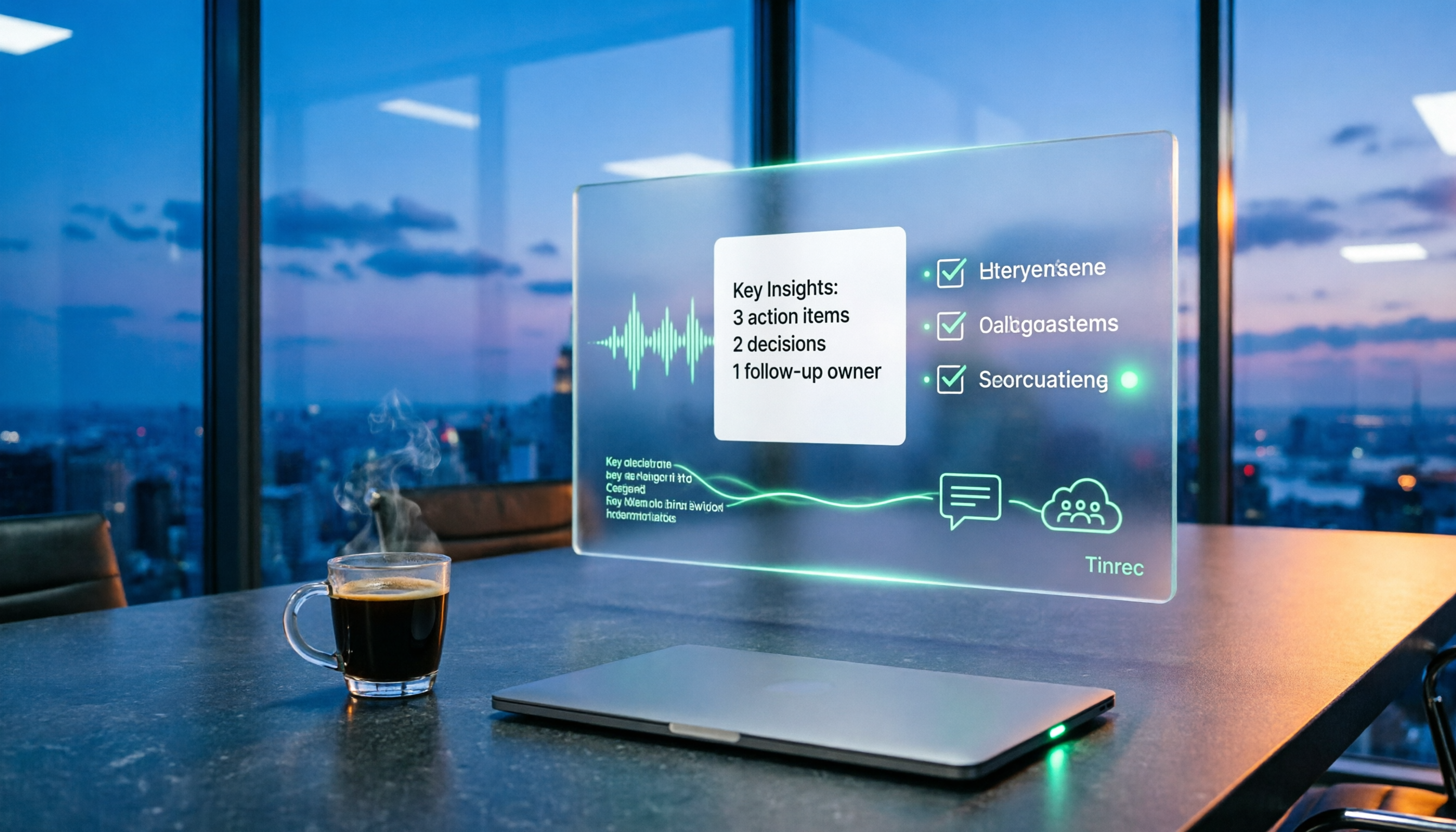
Tinrec automatically generates summaries, chapters, and key points, breaking long meetings into easily browsable structures. More importantly, action item extraction—it organizes follow-up tasks from the discussion, showing who is responsible for what and deadlines at a glance. In our test of a 45-minute project weekly meeting, Tinrec provided a summary and action item list within minutes after the meeting, saving manual organization time.
AI Q&A: Ask Key Points Directly After Recording
This is the biggest difference between Tinrec and competitors at the same price. After recording, you can directly ask Tinrec: "Who mentioned the budget in the last meeting?" It doesn't just give keyword search results but answers based on semantic understanding. You can also ask follow-up questions across multiple meeting records, e.g., "Summarize the conclusions about marketing budget from these three meetings." Most competitors currently lack this feature.
Stop organizing recordings by hand
Upload audio or video and automatically get a transcript, summary, and action items
Team Version: Turn Meetings into Team Assets
If you're using it for a team, Tinrec Team version provides an independent team space where meeting data belongs to the team. Members can view and reuse historical meetings, and new members can quickly catch up on past discussions. Admins can assign roles and seats, view team usage trends, and audit logs. When a member leaves, team resources can be transferred to other members, not disappearing due to individual departure. The paid seat in the Team version provides 2,000 minutes of shared team import quota per month; real-time recording is currently not deducted by minutes under valid plans. Pricing is USD 29.80/seat/month, or USD 199/seat/year (approximately USD 16.58/month).
Pros and Cons
Pros:
- Bot-free recording, supports mainstream online meeting platforms, seamless for participants.
- Excellent Chinese transcription experience, supports mixed Chinese-English and real-time translation.
- AI Q&A allows direct questions about meeting content to quickly find key points.
- Team version offers complete member, seat, usage, and audit management.
Cons:
- Free version has basic quota; heavy users need to pay. Team version is billed per seat, suitable for teams with collaboration needs.
- Actual transcription quality is affected by audio quality, accent, noise, etc.; important content should be verified against the original.
- Currently does not support automatically joining all calendar meetings; recording must be initiated manually via desktop version.
Who Is It For
If you frequently handle Chinese meetings, want to use AI to find key points directly after meetings, or need a unified meeting database for your team, Tinrec is currently the most suitable choice. Especially for larger teams with member turnover or needing usage and permission management, the value of the Team version is more evident.
Besides Tinrec, What Other Options Are There?
Otter.ai: A mature English AI meeting assistant. Free version offers 300 minutes per month; Pro annual plan is about USD 8.49/month. Its English transcription and meeting integration are strong, but Chinese meeting support is relatively weak, and it mainly relies on a meeting bot to join. If most of your meetings are in English, Otter is a cost-effective choice; but if you need bot-free recording and Chinese AI Q&A, Tinrec is more suitable.
Notta: A multilingual transcription tool. Free version offers 120 minutes per month; Pro annual plan is about USD 8.17/month. It covers multi-platform transcription, file import, and team plans, with high overlap with Tinrec. However, Notta lacks Tinrec's bot-free desktop recording and AI conversational query features, and its team governance capabilities are more basic. If you only need file transcription, Notta can be considered; but for post-meeting automation workflow, Tinrec is more complete.
Granola: A bot-free AI meeting notes tool that transcribes via desktop system audio and combines handwritten notes to generate content. Basic is free; Business is USD 14/user/month. It does not save meeting audio or support uploading pre-recorded files. If you're used to taking notes during meetings, Granola is lightweight; but if you need to keep recordings, import historical files, or manage team data, Tinrec is a more comprehensive choice.
Pitfall Guide: 3 Most Common Mistakes When Choosing Post-Meeting Automation Tools
Pitfall 1: Only looking at transcription minutes, ignoring post-meeting processing capabilities. Many tools compare how many minutes per month they offer, but if the transcript lacks summaries, chapters, and action items, you still have to organize manually. When choosing, prioritize whether it can turn meetings into actionable data.
Pitfall 2: Thinking meeting bots are omnipotent. A bot joining a meeting may make participants uncomfortable and can't be used on unsupported platforms. Desktop bot-free recording is a more seamless alternative and won't interrupt the meeting flow.
Pitfall 3: Ignoring team data ownership and handover. If meeting recordings are stored in personal accounts, data leaves with members when they depart. Team version tools should provide independent team spaces, member seat management, and resource handover mechanisms to ensure meeting knowledge stays with the team.
Conclusion: Which One Should You Choose?
The core of post-meeting automation is not finding the strongest transcription tool, but establishing a smooth process from recording to action. Based on different needs, our recommendations are as follows:
- Need Chinese meetings + bot-free recording + AI Q&A → Tinrec (the only one that satisfies all three)
- Team collaboration, need member seats and usage management → Tinrec Team version (USD 29.80/seat/month, annual payment more cost-effective)
- Zero budget, only record English meetings → Otter.ai free version (300 minutes/month)
- Only need file transcription, no real-time meetings → Notta or TurboScribe (but no team governance)
- Prefer handwritten notes + AI enhancement → Granola (but no recording retention or file import)
Post-meeting automation isn't about pursuing full automation, but handing repetitive organization work to AI so you can focus on what truly requires judgment. We suggest starting with the free version, testing transcription quality and post-meeting workflow with a real meeting, then deciding whether to upgrade. The right tool will let you grasp the big picture within ten minutes after the meeting.
(Note: This article's test is based on general meeting scenarios; actual results may vary due to audio conditions. Please ensure compliance with local laws and obtain participant consent before recording.)
References
- Top 10 Best Business Process Automation Tools of 2025 | Thunderbit
- Pros and Cons of the Best Workflow Automation Software in 2026
- Automation Tool Recommendations: Zapier, Make, or n8n? Complete Comparison Table for Beginners
- Top 12 Workflow Automation Tools Guide
- AI Workflow Automation: 14 Tools to Boost Team Efficiency and Scale Faster | monday.com Blog
Turn every recording into actionable outcomes
Get 60 free transcription minutes when you sign in. No credit card required.
Related Reading
You might also like

2026 Complete Guide to Post-Meeting Deliverables: Turn Meeting Notes into Ready-to-Share Results
Post-meeting deliverables aren't just about dropping a recording into a group chat. Drawing from real experience with student projects and internship meetings, this guide covers what post-meeting deliverables should include, how Tinrec's real-time transcription, bot-free online meeting recording, AI summaries and action items, AI Q&A, multi-format export, and team spaces work, plus 6 key considerations and FAQs.

2026 Free Post-Meeting Work Automation Options: 4 Tools Compared
The real work begins after the meeting ends. This article reviews 4 automation tools that can take over post-meeting tasks, from transcripts and AI summaries to action item extraction, AI Q&A, and team knowledge retention. It lays out the free plan limits and restrictions of Tinrec, Otter.ai, Notta, and Granola honestly, helping you pick the one that best fits your meeting style.

2026 Free Meeting Notes Solutions: 4 Tools Compared
The real challenge begins after the meeting ends. This guide reviews 4 AI meeting note tools that automatically generate summaries, action items, and transcripts after your meeting, covering free plans to paid options, plus a hands-on test of Tinrec's bot-free recording and post-meeting AI Q&A workflow.

How to Automate Post-Meeting Data Organization in 2026: 5 Steps from Recording to Team Database
The meeting ends, but the work begins. This article breaks down 5 key purchasing considerations for automating post-meeting data organization from a buyer's perspective, compares Tinrec, Otter.ai, Granola, and PLAUD, and includes a 5-step workflow and 4 common pitfalls to help you persuade your boss.

2026 Top 5 Post-Meeting Automation Software Compared: Which One Actually Turns Meetings into Action Items?
After a meeting ends, who's responsible for organizing the transcript, summary, and action items? This article uses Tinrec as an example to break down what post-meeting automation software can do for you, its core capabilities, four practical use cases, and 5 key factors to consider when choosing one, along with pricing and plan details for personal and team versions.
Best Post-Meeting Automation Tools in 2026: We Tested 5, and This One Turns Meetings into Action Items
The meeting ending is just the beginning of the nightmare. This article starts from the pain points of post-meeting organization, breaks down what post-meeting work automation can do for you, its core capabilities, and four practical use cases. It also uses 5 buying tips and FAQs to explain how Tinrec connects transcripts, summaries, to-dos, AI Q&A, and team knowledge retention into a single post-meeting workflow.

2026 Comparison of 5 Meeting Report Generators: Free Tiers and AI Summaries Tested
Based on a student's real experience with a graduation project, this hands-on comparison tests 5 meeting report generators. It explains the core capabilities these tools should have, the 5 most overlooked pitfalls when choosing one, and uses Tinrec as an example to demonstrate the full workflow from recording, transcription, AI summary to action item extraction, while clarifying whether free tiers are sufficient for students.

2026 Best Meeting Collaboration Software: 4 Tools Tested for Post-Meeting Efficiency
From the perspective of a mid-level manager juggling 15 meetings a week, we tested and compared Tinrec, Otter.ai, Granola, and Notta—four meeting collaboration and note-taking tools. We break down the differences between 'having the meeting' and 'post-meeting wrap-up,' key buying factors like bot-free recording, mixed Chinese-English recognition, team seats, and data ownership, plus a pitfalls guide and scenario-based recommendations.

4 AI Meeting Notes Tools Compared for 2026: From Transcripts to Meeting Reports
How do you write a meeting report? I've distilled my methods from recent years into 4 key points and tested four AI meeting notes tools—Tinrec, Otter.ai, Notta, and Granola—comparing their differences in transcripts, summaries, action item extraction, AI Q&A, and team knowledge retention, guiding you from meeting notes to a deliverable meeting report.