
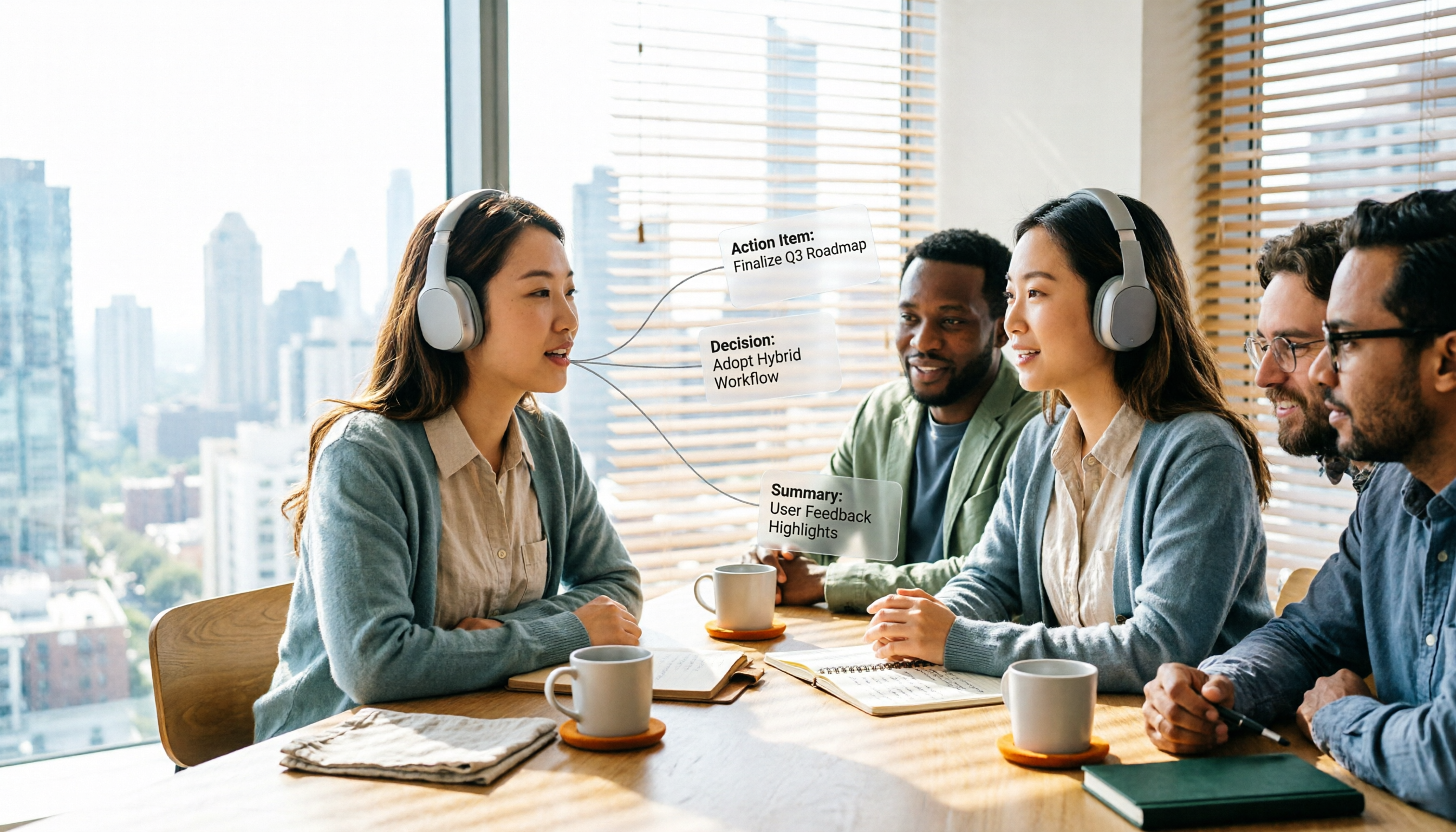
Turn recordings into transcripts and summaries in minutes
Upload audio or video for multilingual transcription, AI notes, and action items
Before Choosing a Meeting Agent, Ask Yourself One Question
Are most of your meetings held on a computer?
It sounds like an obvious question, but it's the fork in the road for your entire decision. If your meetings are mainly on Zoom, Google Meet, Microsoft Teams, or Webex, you need a tool that can reliably capture audio on your computer and organize everything afterward. If you're often in physical meeting rooms, at client sites, or talking in the car, you'll lean more toward hardware recorders or mobile apps.
Another thing to figure out first is whether you need a verbatim transcript or an organized result. Many people start out just wanting to avoid typing everything themselves, but after a few weeks they realize the real time sink is turning transcripts into meeting minutes, action items, and deliverables.
This article covers 6 common meeting agent tools available today. I'll start with Tinrec, then quickly walk through the positioning of the others, and finally show you how to choose based on your scenario.
Tinrec — The Most Complete AI Meeting Notes and Collaboration Tool
Tinrec is an AI meeting notes and collaboration tool for individuals and teams. It doesn't just convert audio to text — it turns meetings into searchable, summarizable, queryable, and exportable data.
Highlight 1: Bot-free recording of online meetings via desktop app. It directly captures your computer's system audio to handle Zoom, Google Meet, Teams, Webex, and other online meetings without inviting a separate bot to join. For external client meetings, this is a nice touch — one less unfamiliar account showing up on the participant list.
Highlight 2: Complete post-transcription organization workflow. After the meeting ends, it automatically generates summaries, chapters, key points, and action items. For long meetings, you can quickly grasp the structure without reading the transcript from the beginning.
Highlight 3: AI Q&A and multi-format export. You can continue asking questions across a single meeting or multiple meetings — for example, "What were the three concerns the client mentioned last time?" You can also export results to Notion, Google Docs, OneNote, Dropbox, and other tools for further processing.
Highlight 4: Team workspace and governance capabilities. The team version is a standalone team workspace where meeting data belongs to the team, with member management, roles, seats, usage analytics, audit logs, and an audio recycle bin. Note that roles determine governance permissions, while seats determine whether a member can record, upload, edit, and export. Members without a seat can still view and play back data.
On pricing, the personal version has a free tier to try first, plus a weekly pass and Pro monthly and annual plans for different usage frequencies. For teams, first-time eligible users can try 7 days with 1 free seat and 300 minutes of shared team import quota. Team monthly billing is USD 29.80 per paid seat per month, and annual billing is USD 199 per paid seat per year (about USD 16.58 per month), with each paid seat providing 2,000 minutes of shared team import quota per month. Actual pricing and benefits are subject to the official purchase page.
Who it's for: People who need Chinese-language meeting notes, don't want a bot joining their meetings, and want meeting data to accumulate as a team asset.
Otter.ai — A Mature Option for English Business Meetings
Otter is a long-established AI meeting assistant that supports Zoom, Teams, and Google Meet, with real-time transcription, speaker identification, AI Chat, and team management. Its English meeting experience is quite mature and has built a substantial user base in English business scenarios.
According to its official pricing page, the Basic free plan offers 300 minutes per month, and Pro annual billing comes to about USD 8.49 per user per month. It suits users who primarily hold English meetings and value mature team features. Chinese meeting experience is not its strong suit.
Fireflies.ai — Meeting Automation and Sales Analytics
Fireflies excels at meeting automation, meeting bots, summaries, AskFred, and extensive integrations. It's particularly appealing for sales teams that need meeting analytics.
Official annual pricing is Free USD 0, Pro USD 10 per seat per month, and Business USD 19 per seat per month. Its "unlimited transcription" is still subject to storage and AI Credit rules, so it shouldn't be interpreted as all capabilities being unlimited. It suits sales teams that need meeting automation and CRM integration.
Notta — Multilingual Transcription and Document Organization
Notta overlaps significantly with Tinrec, covering multi-platform transcription, meeting notes, file import, and translation. Multilingual support is one of its standout features.
Stop organizing recordings by hand
Upload audio or video and automatically get a transcript, summary, and action items
According to official figures, the Free plan offers 120 minutes per month with a maximum of 3 minutes per item, and Pro annual billing comes to about USD 8.17 per month. It suits users who need to handle multilingual audio files and occasionally transcribe documents.
Granola — Bot-Free Meeting Notes
Granola also takes a bot-free approach, using your desktop's system audio and microphone for real-time transcription, then combining it with your handwritten notes to generate content. Cross-meeting context organization is its specialty.
Official pricing is Basic free and Business USD 14 per user per month. Keep in mind that it doesn't support uploading pre-recorded audio files and doesn't retain meeting audio. It suits people who are used to taking notes during meetings.
TurboScribe — High-Value File Transcription
TurboScribe is closer to a pure file transcription tool, focusing on long files, batch uploads, subtitles, and translation.
According to official figures, the Free plan allows 3 files per day with a maximum of 30 minutes per file, and Unlimited annual billing is USD 120, with paid plans supporting files up to 10 hours or 5 GB. It suits people who have a pile of audio files to batch process but don't need real-time meeting features.
PLAUD Note — The AI Recording Hardware Approach
PLAUD represents AI recording hardware — you're buying a standalone device, portable recording, and phone call recording experience. The U.S. official site shows NotePin at USD 159 and Pro membership at USD 99.99 per year. It suits people who are frequently in physical settings and want to start recording with a physical button. Online meetings and post-meeting workflows are not its strong suit.
With So Many Options, How Should You Choose?
- Want transcription plus post-meeting organization (summaries, chapters, action items, AI Q&A, export) → Tinrec, this workflow is its core
- Need Chinese meetings, mixed Chinese-English content, and real-time translation → Tinrec
- Don't want a bot joining meetings but want to keep recordings and file imports → Tinrec desktop version
- Meeting data needs to accumulate for the team, with member and seat management → Tinrec team version
- Primarily English business meetings, value mature team features → Otter.ai
- Sales teams need meeting automation and integrations → Fireflies.ai
- Heavy multilingual audio and batch file transcription needs → Notta or TurboScribe
- Used to handwriting notes during meetings → Granola
- Often in physical settings, want a standalone recording device → PLAUD Note
3 Things to Know Before Using a Meeting Agent
First, confirm the legality of recording and transcription. When recording is involved, follow local regulations and obtain consent from participants when necessary. This is a prerequisite for using any tool, not optional.
Second, think of "raw material" and "output" separately. Transcripts are raw material; meeting minutes, action items, and reports are the output. If a tool only gives you transcripts, you still have to process them yourself. If it automatically generates summaries and action items like Tinrec, you'll need to spend time verifying the key points.
Third, don't treat accuracy as the only metric. Actual performance is affected by recording quality, noise, accents, overlapping speakers, and technical terminology. For important content, it's advisable to cross-check with transcript timestamps and audio playback — that's the more practical approach.
Summary
The differences between meeting agent tools are mostly not about whether they can convert speech to text, but about how meetings are recorded, what's produced afterward, and who ultimately holds the data.
If you want an end-to-end workflow from recording, transcription, summaries, and action items to team knowledge accumulation, Tinrec is the one on this list most worth trying first. The free version lets you experience transcription and summaries, and you can then decide on a weekly pass, Pro, or team version based on your usage frequency.
FAQ
Q1: Is the free version enough?
If you occasionally organize a recording, the free version lets you try the basic workflow. Only when you have meetings to organize every week should you consider a paid plan.
Q2: Does Tinrec need to invite a bot to join meetings?
No. The desktop version directly captures your computer's system audio, and you initiate recording yourself — it doesn't automatically join all calendar meetings.
Q3: What's the difference between the team version and the personal version?
Personal version data belongs to your individual account. The team version has a standalone team workspace where data belongs to the team, plus member, role, seat, usage, and audit capabilities.
Q4: Can members without a seat see the data?
They can view, play back, and read team data, but cannot record, upload, edit, or export. Currently it's team-level sharing, without per-file permission settings.
Q5: Can 100% accuracy be guaranteed?
It's not recommended to expect that. Performance is better with clear audio, and important content should still be verified against the recording.
Q6: Can deleted meeting audio be recovered?
After team audio enters the recycle bin, it can be restored before permanent deletion. The current retention period is 30 days. Action items are not covered by the recycle bin.
References
- AI agent tools to boost productivity: A checklist for office workers on what to use right away vs. what needs setup
- Updated for 2026: 9 Best Meeting Management Software | Lark
- AI Agent Tools Comparison: Complete Review and Selection Guide for 10 Major Platforms in 2026 | CloudInsight
- iThome Help: Solving problems together, saving IT people one day at a time
- The 5 Best Desktop AI Agents in 2026
Turn every recording into actionable outcomes
Get 60 free transcription minutes when you sign in. No credit card required.
Related Reading
You might also like

2026 AI Meeting Follow-Up Tools Compared: Tinrec vs Otter.ai for Chinese-Speaking Teams
A comparison of AI post-meeting delivery tools for SMB managers, evaluating Tinrec and Otter.ai across Chinese meetings, AI Q&A, action items, exports, and team knowledge retention.

2026 Post-Meeting Task Automation: Tinrec Hands-On Review and Automatic To-Do Extraction
Tired of listening to recordings and typing notes after meetings? This article breaks down the 4 key aspects of post-meeting task automation, tests Tinrec's bot-free recording, AI summaries, and to-do extraction, briefly reviews Otter.ai, Notta, and Granola, and provides a guide to avoid pitfalls and selection advice.

2026 Comparison of 3 Post-Meeting Follow-Up Automation Tools: After Recording, Which One Automatically Generates Action Items?
How should you choose a post-meeting follow-up automation tool? This article compares three common AI meeting tools—Tinrec, Granola, and Otter.ai—across five dimensions: bot-free recording, action item extraction, audio retention, Chinese language support, and team data ownership. It also lists each tool's pricing and limitations to help you determine which one can truly save you those 30 minutes after a meeting.

2026 Comparison of 2 Post-Meeting Automation Tools: Tinrec vs Granola — Which One Really Helps?
Post-meeting automation is more than just generating transcripts. This article compares Tinrec and Granola, two bot-free meeting tools, across 5 dimensions to break down the real differences in Chinese language experience, recording retention, post-meeting outputs, and team collaboration, helping you decide which one suits you.
Tinrec vs Otter.ai 2026: Which AI Post-Meeting Workflow Tool Really Saves Time?
This article cuts through a common misconception: a post-meeting workflow isn't about manually asking AI each time—it's a repeatable process. It compares Tinrec and Otter.ai across five dimensions: online meeting recording methods, Chinese-language experience, post-meeting summaries and action items, AI Q&A and repurposing, and team knowledge retention. Pricing, unique advantages, and FAQs are included to help readers decide which tool better fits their post-meeting workflow.

Best Meeting Follow-Up Automation Tools in 2026: 4 Tested, This One Excels at Chinese Meeting Tracking
The meeting ends, but the work begins. This article doesn't focus on transcription accuracy; instead, it examines four meeting tools from the decision-making perspective of whether they can automatically generate action items after meetings. It breaks down differences in capture methods, post-meeting structured outputs, AI Q&A, and team data governance, and highlights three common pitfalls in purchasing to help you choose the right tool within a limited budget.

2026 Comparison of 2 Post-Meeting Automation Tools: Which One Can Really Turn Meetings into Usable Documents?
From the perspective of post-meeting delivery, this hands-on comparison of Tinrec and Granola, two bot-free meeting tools, examines five dimensions: audio retention, deliverable generation, Chinese language experience, export integration, and team governance, helping you determine which workflow can truly automate post-meeting work.

4 Post-Meeting Automation Tools Tested: Which One Actually Saves You Those Two Hours After the Meeting?
Spending twice as long organizing after a meeting? This article starts with the three most common pitfalls of post-meeting work, outlines 4 key purchasing criteria, and compares Tinrec, Otter.ai, Notta, and Granola on meeting capture method, post-meeting output, data ownership, and pricing to help you find the one that truly saves you two hours after the meeting.

How to Auto-Generate Meeting Summary Reports in 2026: 5-Step Tinrec vs Notta Comparison Tutorial
Still spending time after meetings compiling summary reports? This article focuses on Tinrec, compares it with tools like Notta, and walks you through 5 steps to automatically generate transcripts, summaries, action items, and meeting summary reports, while explaining the differences between free and team plans.