

Turn recordings into transcripts and summaries in minutes
Upload audio or video for multilingual transcription, AI notes, and action items
Post-Meeting Follow-Up Automation: Are You Choosing "Documentation" or "Tracking"?
"Post-meeting follow-up automation" sounds like a single feature, but it's actually two questions: Was the meeting content properly captured, and after it was captured, was someone reminded to act on it?
So before choosing a tool, I suggest you answer a multiple-choice question first: Do you want a complete record you can look back on afterward, or an action list that's organized in the moment and ready to be assigned? These two answers will lead you to completely different tools. Below, I compare three common AI meeting tools, focusing entirely on whether they can save you those 30 minutes after a meeting.
Quick Overview of the 3 Tools
| Tool | One-Sentence Positioning | Pricing |
|---|---|---|
| Tinrec | AI meeting notes and team collaboration tool | Personal plan: Free, Weekly, Pro Monthly, and Pro Annual; Team plan: USD 29.80 per paid seat per month, or USD 199 per paid seat per year (about USD 16.58 per month) |
| Granola | Bot-free AI meeting notes | Basic free; Business USD 14 per user per month; Enterprise USD 35 per user per month |
| Otter.ai | Mature English AI meeting assistant | Basic free, 300 minutes per month; Pro annual billing equivalent to USD 8.49 per user per month |
All three can handle "no more manual note-taking during meetings." The real difference comes afterward: Once the transcript is ready, who helps you pick out action items, who keeps the recording, and who ensures team members can find it later?
Prices change, so I'm only listing the current figures I found. Please check the official pages before purchasing.
Dimension 1: How Meetings Are Recorded
Granola takes a bot-free approach, using desktop system audio and microphone for real-time transcription, so you don't need to add another account to the meeting room. This is a smart aspect, and the experience is clean.
However, it can only handle meetings that are happening live. Granola does not support uploading pre-recorded audio files, so past meeting recordings cannot be added for补救.
Tinrec's desktop version also uses a bot-free method, directly capturing computer system audio to handle online meetings on Zoom, Google Meet, Microsoft Teams, Webex, etc. In addition, it can upload audio and video files, record in real-time via mobile, and supplement processing for some public web link content.
Note that this does not mean it will automatically join every meeting on your calendar. Recording requires you to actively start it, which is the same for both tools.
→ This dimension: Tinrec wins slightly. The real-time meeting experience is similar, but it covers "already recorded meetings" as well.
Dimension 2: After the Transcript, Do Action Items Automatically Appear?
This is the core of post-meeting follow-up automation.
Granola's strength is combining your handwritten notes during the meeting with the transcript to generate content that better reflects your thinking. It also offers summaries, Q&A, and various integrations, making it quite handy for English meeting users.
Tinrec, beyond the transcript, automatically generates summaries, chapters, key points, and action items. It also allows AI Q&A to continue asking questions about a single meeting or across meetings, and uses Agent post-processing to generate reports, tables, and documents. The output can be exported to Notion, Google Docs, OneNote, Dropbox, etc., for further processing.
But let's be clear: Neither tool is a system that "automatically assigns tasks to colleagues." Action items are organized materials; the final assignment still needs to go back to your original project management or CRM process. Tinrec's value is compressing the manual organization time, not replacing your project system.
→ This dimension: Tinrec wins. The variety and reusability of post-meeting outputs are more complete.
Dimension 3: Whether Recordings Are Kept Determines If You Can Verify Later
No matter how accurate AI summaries are, they can miss details. At that point, you need a recording you can replay.
Granola explicitly does not save meeting audio. If you later want to confirm who said something or the tone, there's no original file to replay.
Tinrec retains audio, and the team plan also provides an audio recycle bin. Accidentally deleted audio files can be restored before permanent cleanup begins, with a current retention period of 30 days.
→ This dimension: Tinrec wins. For scenarios requiring auditing or traceability, this is key.
Stop organizing recordings by hand
Upload audio or video and automatically get a transcript, summary, and action items
Dimension 4: Handling Chinese and Multilingual Meetings
Granola's meeting notes mindset is mainly focused on English business scenarios, with relatively little feedback from Chinese users.
Tinrec covers Chinese, Traditional Chinese, and multilingual meetings, supports real-time translation during recording, and allows switching between original text, translation, or bilingual view. The team plan also allows maintaining team hotwords, adding internal product names, abbreviations, and technical terms.
Still, note that actual transcription quality can be affected by recording quality, noise, accents, multiple people speaking simultaneously, and technical terminology. It's not recommended to compare accuracy rates as fixed numbers.
→ This dimension: Tinrec wins.
Dimension 5: After Team Members Leave, Is Meeting Data Still There?
This is a pit many teams have actually fallen into: data stored in personal accounts, and when the person leaves, two years of meeting records go with them.
Granola offers shared folders and user/enterprise-level management capabilities, sufficient for small group sharing.
Tinrec's team plan is an independent team space, not multiple people sharing a personal account. Meeting data belongs to the team. When a member exits, is removed, or loses their seat, the team resources they were responsible for can be handed over to other active members. Administrators can also manage roles and seats, view usage trends and member rankings, and query and export important operation logs.
Two concepts need to be distinguished here: Roles determine who can manage the team, and seats determine who can record, upload, edit, and export. Active members without a seat can still view, play, and read team data, but cannot edit.
→ This dimension: Tinrec wins. Data ownership and governance are the core design of the team plan.
What Unique Advantages Does Each Have?
Tinrec's part:
- Bot-free recording of online meetings while retaining audio for later playback and verification.
- Beyond real-time meetings, it can also upload historical audio and video to fill in past meetings.
- Complete post-transcription workflow: summaries, chapters, action items, AI Q&A, Agent-generated reports and tables, multi-format export.
- Chinese, Traditional Chinese, and real-time translation combined with team hotwords, friendlier for Chinese teams.
- Team space with roles, seats, usage, and auditing capabilities, so data isn't tied to individuals.
Granola's part:
- Combines your own notes with AI-generated content, making meeting records more aligned with your personal thought process.
- Refined cross-meeting context integration, suitable for those who use the same note-taking habits long-term.
Summary: Which One Should You Choose?
- If you want to directly get summaries, chapters, and action items after a meeting, and continue asking questions → Tinrec
- If your meetings include Chinese or mixed Chinese-English, and you need bilingual view → Tinrec
- If you need to keep recordings for later verification → Tinrec
- If meeting data should stay with the team and not be interrupted by member changes → Tinrec Team Plan
- If you only hold English meetings, don't need to keep recordings, and are used to taking notes yourself during meetings → Granola's experience is smooth, and the price is relatively affordable
In one sentence: For most teams needing "post-meeting follow-up," Tinrec connects the process from recording to action items to team沉淀 more completely. I suggest trying the free version with one of your own meetings first, then deciding whether to upgrade.
FAQ
Is post-meeting follow-up automation the same as automatic CRM sync? No. The tool can help you organize customer communication content, pick out action items, and export materials, but it won't run the entire CRM process for you. It's more accurate to think of it as "pre-processing."
Can Tinrec's action items be directly assigned to colleagues? No, it won't automatically assign tasks to specific colleagues. It produces an organized action list that needs to be brought back to your original project management tool.
Is the free version enough for testing? Yes. Tinrec's free version provides basic quota, allowing you to experience recording, import, summaries, and transcription. I suggest running it with a real meeting before judging.
What's the difference between the team plan and the personal plan? Personal plan data belongs to the individual account; the team plan is an independent team space where data belongs to the team. It also adds members, roles, seats, sharing benefits, usage analysis, audit logs, and audio recycle bin. The first eligible team trial is 7 days, 1 free seat, 300 minutes of team shared import quota; paid seats provide 2,000 minutes of team shared import quota per month.
Can deleted recordings be recovered? Team plan audio goes to the recycle bin and can be restored before permanent cleanup begins, with a current retention period of 30 days. Action items are not within the recycle bin scope.
Do I need to inform participants before recording? Yes, be mindful. Recording and transcription involve local regulations. It's recommended to obtain participant consent before the meeting starts.
References
- r/AI_Agents on Reddit: After automating workflows for 30+ professional services firms, the same 5 tasks appear in every project. None of them need AI agents.
- Do I need to adopt automation? Master 4 evaluation methods | Future Commerce
- How to automate sales, follow-up, and closing in three stages, easily building an automated sales system, passive income, and letting money flow in! @ Marketing Supply Station :: Pixnet ::
- Use workflow automation to make your business smarter and more efficient (includes 9 real cases) | monday.com Blog
- r/n8n on Reddit: Is it still worth learning automation in 2026?
Turn every recording into actionable outcomes
Get 60 free transcription minutes when you sign in. No credit card required.
Related Reading
You might also like

2026 AI Meeting Notes Showdown: Tinrec vs Granola — Which One Really Automates Post-Meeting Organization?
Tired of manually transcribing, extracting key points, and writing action items after every meeting? This hands-on comparison of Tinrec and Granola evaluates post-meeting automation, Chinese language support, audio retention, team collaboration, and pricing to help you find the best post-meeting workflow.

Tinrec vs Otter.ai 2026: 5-Dimension Comparison — Which Post-Meeting Automation Flow Works Better?
The meeting ends, but the real work begins. This article examines 5 key decision points in post-meeting automation, testing Tinrec and Otter.ai, and comparing Fireflies.ai and Notta, to help you decide where your meeting notes should live.
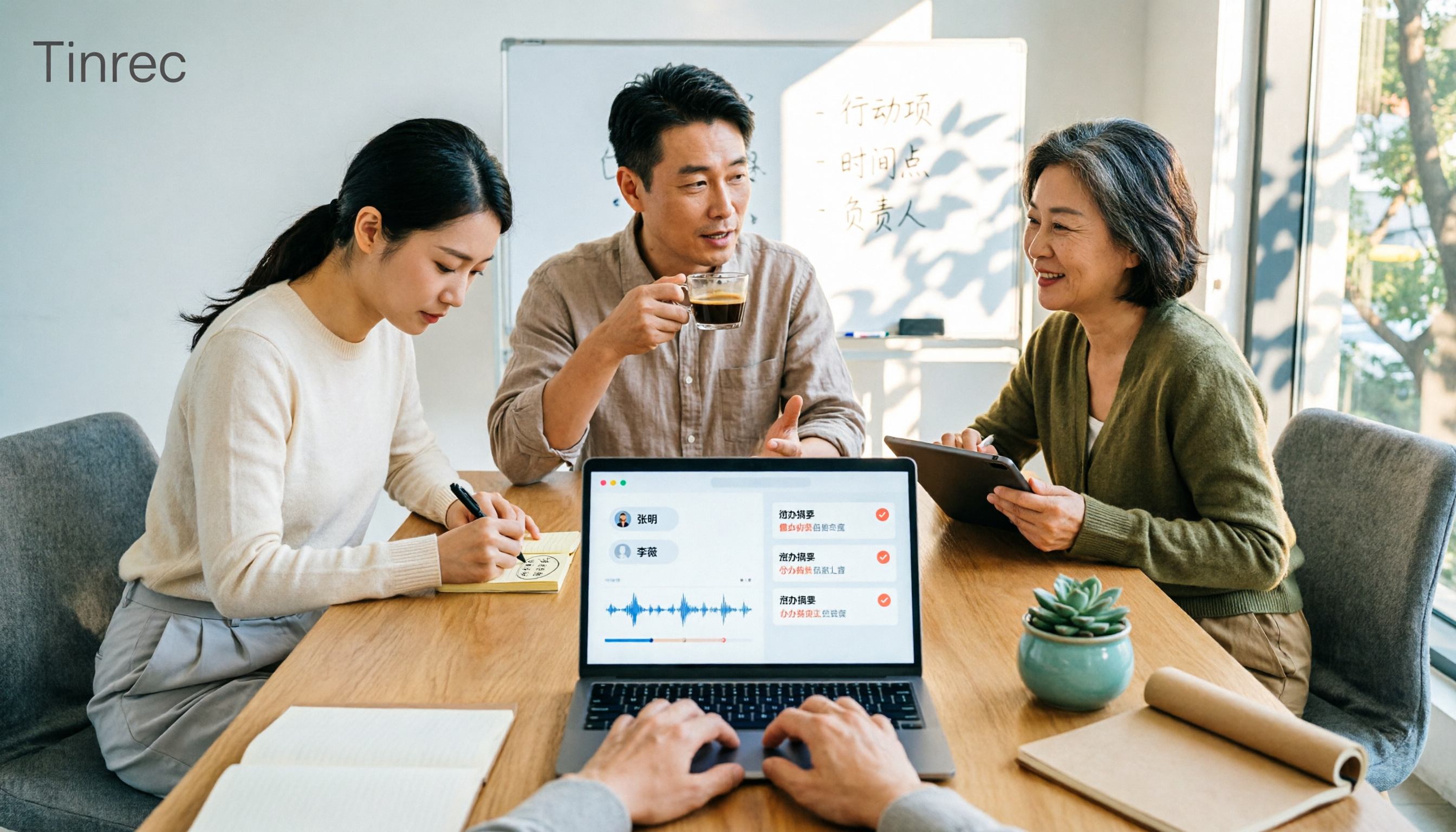
Best Post-Meeting Delivery Tools in 2026: We Tested 4, Tinrec Organizes Fastest
The meeting ends, but the real work begins. We tested 4 common post-meeting delivery tools, comparing transcript quality, post-meeting organization, Chinese language support, and team collaboration. We explain why Tinrec (秒听录音) offers the most complete post-meeting delivery workflow, and honestly list free tier limits and team plan pricing restrictions.

2026 Comparison of 2 Post-Meeting Automation Tools: Tinrec vs Notta — Which Turns Meetings into Action Items?
The meeting ends, but the work begins. This article compares Tinrec and Notta across 5 dimensions—post-meeting organization, online meeting recording, AI Q&A and output, team governance, and free tier and pricing—to help you decide which workflow better fits your team's post-meeting automation needs.

2026 Comparison of 3 Post-Meeting Delivery Workflow Tools: How Tinrec Turns Meetings into Action
A meeting ending doesn't mean delivery is complete. This article tests 3 post-meeting delivery workflow tools, comparing bot-free recording, Chinese transcription, AI summaries, action item extraction, team spaces, and export capabilities, and explains how Tinrec turns transcripts into collaborative, trackable team resources.

2026 AI Meeting Follow-Up Tools Compared: Tinrec vs Otter.ai for Chinese-Speaking Teams
A comparison of AI post-meeting delivery tools for SMB managers, evaluating Tinrec and Otter.ai across Chinese meetings, AI Q&A, action items, exports, and team knowledge retention.

2026 Post-Meeting Task Automation: Tinrec Hands-On Review and Automatic To-Do Extraction
Tired of listening to recordings and typing notes after meetings? This article breaks down the 4 key aspects of post-meeting task automation, tests Tinrec's bot-free recording, AI summaries, and to-do extraction, briefly reviews Otter.ai, Notta, and Granola, and provides a guide to avoid pitfalls and selection advice.

2026 Comparison of 2 Post-Meeting Automation Tools: Tinrec vs Granola — Which One Really Helps?
Post-meeting automation is more than just generating transcripts. This article compares Tinrec and Granola, two bot-free meeting tools, across 5 dimensions to break down the real differences in Chinese language experience, recording retention, post-meeting outputs, and team collaboration, helping you decide which one suits you.
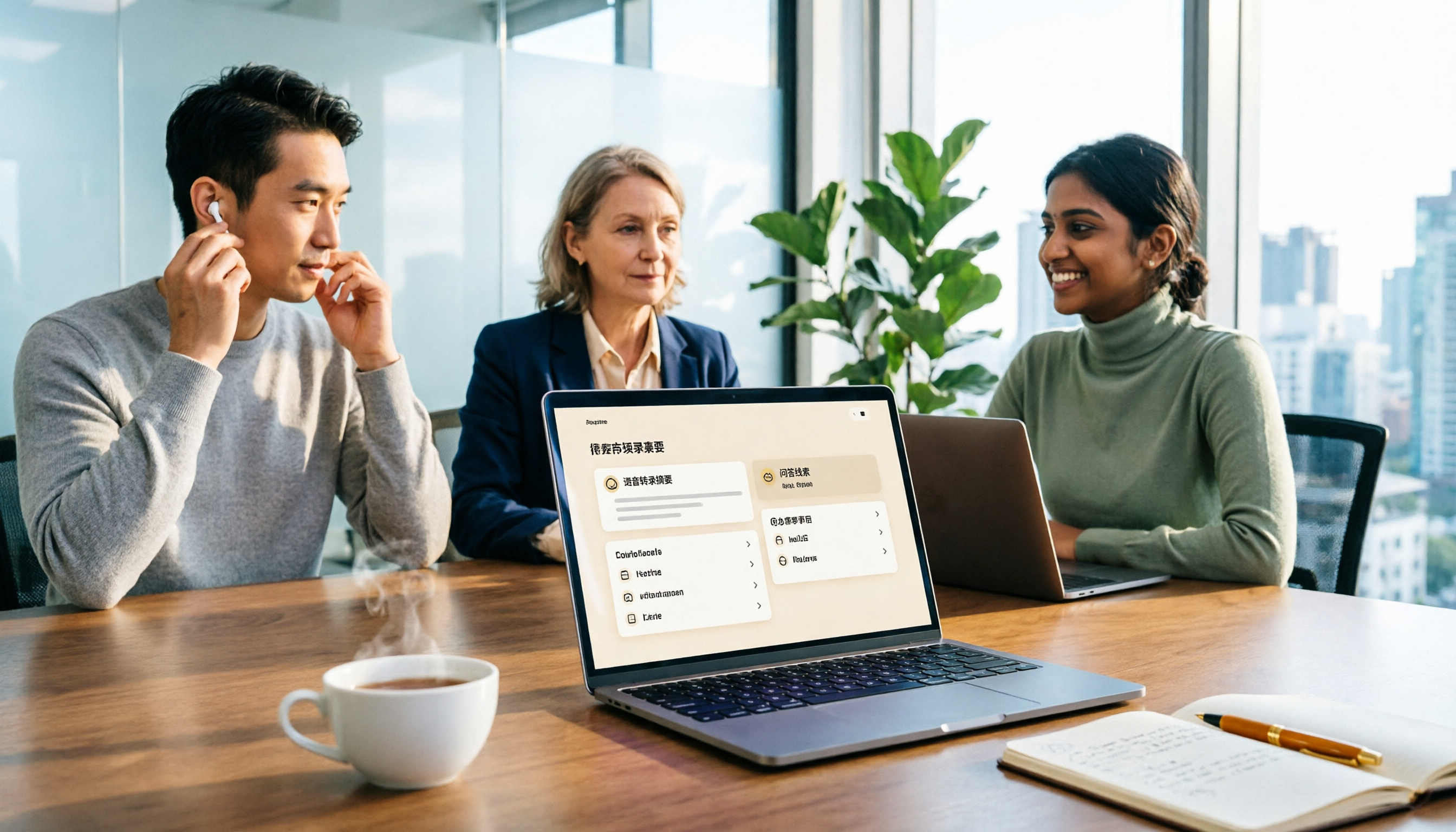
Tinrec vs Otter.ai 2026: Which AI Post-Meeting Workflow Tool Really Saves Time?
This article cuts through a common misconception: a post-meeting workflow isn't about manually asking AI each time—it's a repeatable process. It compares Tinrec and Otter.ai across five dimensions: online meeting recording methods, Chinese-language experience, post-meeting summaries and action items, AI Q&A and repurposing, and team knowledge retention. Pricing, unique advantages, and FAQs are included to help readers decide which tool better fits their post-meeting workflow.