

Turn recordings into transcripts and summaries in minutes
Upload audio or video for multilingual transcription, AI notes, and action items
Stuck Organizing After Meetings Until After Hours? What You Really Need to Choose Is the "Post-Meeting Workflow"
After a two-hour meeting, the transcript, key points, action items, and the summary for your boss all have to be redone from scratch — this is the daily reality for many teams. The bigger headache is cross-department meetings: decisions are scattered across three people's notes, and two weeks later no one remembers why the decision was made. If you're evaluating meeting tools, the real decision point isn't "who transcribes more accurately" — it's "in those 30 minutes after the meeting, what can the tool help you keep and what can it help you take away."
Before Choosing a Post-Meeting Automation Tool, Understand These 5 Key Points
1. How the meeting is recorded. Some tools rely on a meeting bot joining as a participant; others capture computer system audio directly from a desktop app. The former requires advance invitation, and the other party will see an extra attendee; the latter can be done on your computer, causing less disruption for external client meetings.
2. How much output you get after the meeting. If you only get a transcript, that's just handing the organizing work right back to you. What matters is whether after a single meeting you can directly get a summary, chapters, key points, and action items — or even ask questions to look back at "who mentioned the budget last week."
3. Handling Chinese and multilingual meetings. Meetings with mixed Chinese and English, or heavy with technical terms, are a stress test for both transcription and summarization. Whether your team's common proper nouns can be maintained as hotwords directly affects usability.
4. Can it connect back to your existing workflow? Meeting results need to be exportable to tools like Notion, Google Docs, OneNote, and Dropbox, so they can become reports or deliverables — not just sit inside some app.
5. Team data accumulation and governance. Do meeting records belong to the company or the individual? If a member leaves, does the data stay? Who can view, who can edit, who can export? For teams under five people, these questions can be ignored for now, but once you exceed ten people, they become mandatory questions at purchase time.
Tinrec — Post-Meeting Automation Flow, Our Top Pick After Testing
Tinrec is an AI meeting notes and collaboration tool for individuals and teams, covering iOS, Android, desktop, and web. Its positioning isn't "audio-to-text" — it's about turning meetings into searchable, collaborative, actionable team data.
No extra bot needed during meetings. The Tinrec desktop app captures computer system audio directly, handling online meetings on Zoom, Google Meet, Microsoft Teams, Webex, and more — no need to invite a meeting bot or set up a calendar in advance. For those who frequently meet with external clients, this is quite practical — no unfamiliar attendee suddenly appears in the meeting room.
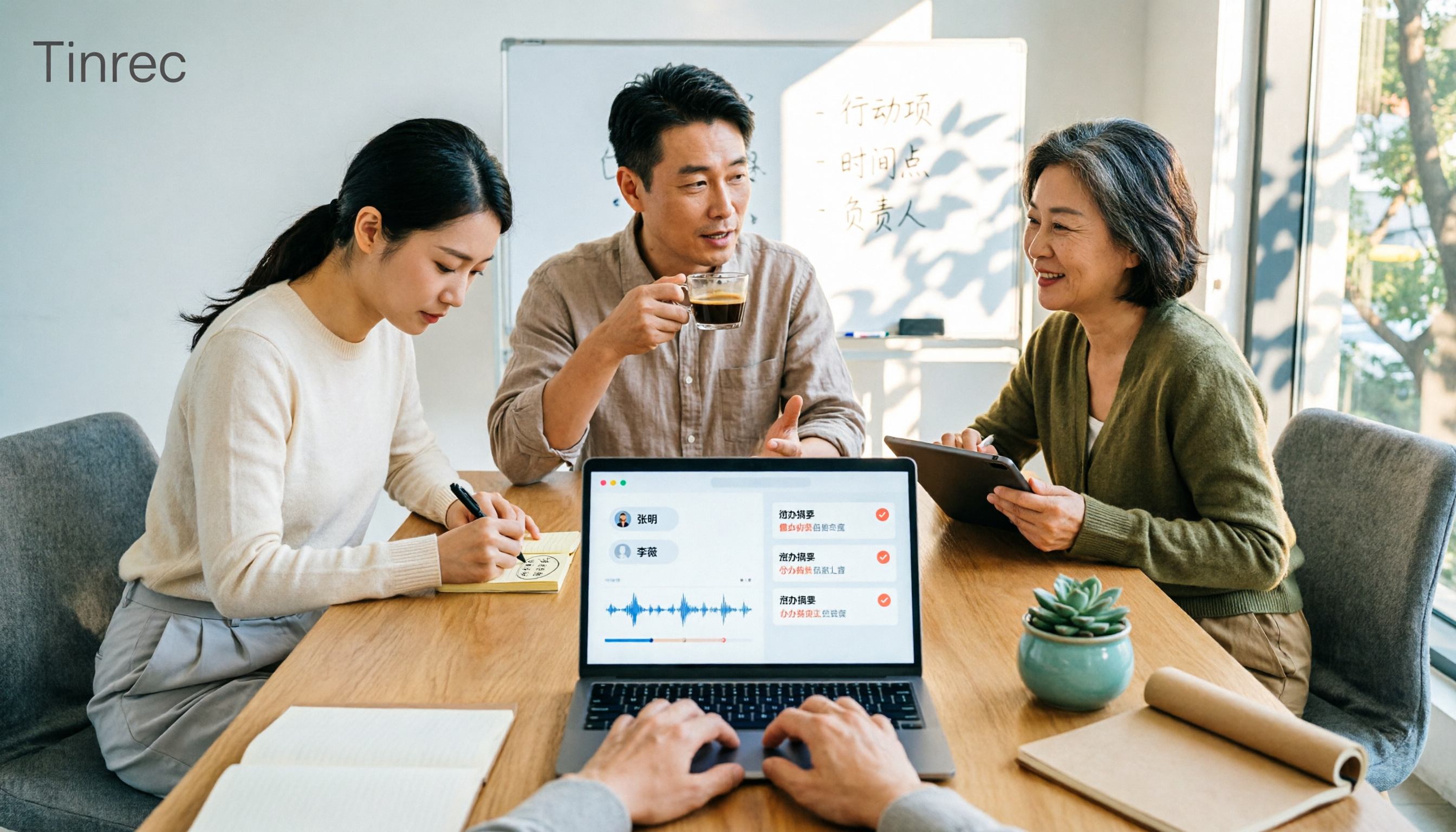
Post-meeting organization is where it shines. After recording, Tinrec produces a transcript, AI summary, chapters, and key points, and extracts action items from the discussion. More critically, AI Q&A: you can directly ask "What was the conclusion of this meeting?" or "What objections did the client raise?" and it answers based on the meeting content, rather than just throwing keyword search results at you. Meeting content can further generate meeting minutes, reports, tables, and mind maps.
Export and team accumulation. Results can be exported to Notion, Google Docs, OneNote, Dropbox, and other tools for further processing. The team version offers a separate team space: meeting data belongs to the team, can be centrally stored and shared, and includes member and seat management, usage analytics, audit logs, team hotwords, and an audio recycle bin.
Stop organizing recordings by hand
Upload audio or video and automatically get a transcript, summary, and action items
Limitations should also be clear. The free version provides a basic quota, suitable for trying it out; document and web imports consume shared quota, so heavy users need to upgrade. Also, Tinrec currently shares at the team level, with role-based governance and seat-based usage eligibility — members without a seat can view and play but cannot upload, edit, or export. It's not file-level granular permissions.
Who is it for? Teams that frequently handle Chinese or mixed Chinese-English meetings, don't want a bot in the meeting, want summaries and action items directly after the meeting, and need meeting records to stay with the team rather than in individual accounts.
Besides Tinrec, What Other Options Are There?
Otter.ai: A mature choice for English business meetings. Free version offers 300 minutes per month; Pro annual billing works out to about USD 8.49/user/month, including 1,200 minutes of in-app recording per month and 10 file imports — refer to the official pricing page. Its English meeting mindset is strong, but Chinese meeting organization isn't its main strength; post-meeting output leans toward summaries and action items, unlike Tinrec which can further generate reports, tables, and accumulate content in a team space.
Fireflies.ai: Strengths in meeting automation, meeting bots, team analytics, and extensive integrations. Annual Pro is about USD 10/seat/month and up, with actual quotas still affected by storage and AI Credit rules. It suits teams already accustomed to bots automatically joining meetings and that value sales analytics and integrations; if what you care about is Chinese-language experience and team meeting data management, Tinrec's approach is more direct.
Notta: A multi-platform transcription tool with high overlap with Tinrec. Free version offers 120 minutes per month, max 3 minutes per session; Pro annual billing works out to about USD 8.17/month, Business about USD 16.67/seat/month — refer to the official page. It suits individuals needing large-volume document transcription; however, no bot-free online meeting recording, AI Q&A, and Agent post-processing are where Tinrec is relatively more complete.
Pitfall Guide: The 3 Most Common Mistakes When Adopting Post-Meeting Automation
Pitfall 1: Only looking at transcription minutes, not post-meeting output. Minutes only determine how much you can record, not whether you can use it. For the same one-hour meeting, one tool gives you a transcript, another gives you a summary, action items, and a queryable database — the latter is what actually saves time.
Pitfall 2: Treating "can see" as "can edit." When adopting for a team, be sure to distinguish roles, seats, and member relationships. If you only send member invitations without assigning seats, members may only be able to read; conversely, if everyone has a seat, budget and governance can spiral out of control.
Pitfall 3: Thinking automation means you can let it run on autopilot. Process automation requires ongoing review and fine-tuning — meeting terminology, summary preferences, and action item formats all change with the team. It's recommended to first build up common proper nouns using team hotwords, then regularly check usage and audit logs.
Conclusion: Which One Should You Actually Choose?
- Need Chinese or mixed Chinese-English meeting records, plus post-meeting summaries, action items, and AI Q&A → Tinrec
- Don't want a meeting bot joining online meetings → Tinrec (desktop app captures system audio)
- Meeting records should stay with the team, need seat and usage management → Tinrec (team version)
- Mainly record English meetings, very low budget → Otter.ai free version is worth trying
- Already heavily reliant on meeting bots and sales analytics → Fireflies.ai
If your pain point is "after the meeting I still have to spend time organizing," start by testing the post-meeting part. The Tinrec team version offers a 7-day trial, 1 free seat, and 300 minutes of team shared import quota; paid seats provide 2,000 minutes of team shared import quota per month, and real-time recording under an active team plan currently isn't deducted by the minute (team monthly USD 29.80/paid seat, annual USD 199/paid seat, about USD 16.58/month — actual prices and benefits subject to the official purchase page). Validate with a real meeting whether the post-meeting output fits your team's habits before deciding whether to expand seats — that's safer than buying everything at once.
References
- Low productivity working from home? 5 "automation workflows" to save your energy
- Process Automation: The Key to Improving Efficiency | SAP
- Using workflow automation to make enterprises smarter and more efficient (includes 9 real cases) | monday.com Blog
- Workflow automation tools build smarter systems
- Slack Workflows: Build and automate tools | Slack
Turn every recording into actionable outcomes
Get 60 free transcription minutes when you sign in. No credit card required.
Related Reading
You might also like

2026 AI Meeting Notes Showdown: Tinrec vs Granola — Which One Really Automates Post-Meeting Organization?
Tired of manually transcribing, extracting key points, and writing action items after every meeting? This hands-on comparison of Tinrec and Granola evaluates post-meeting automation, Chinese language support, audio retention, team collaboration, and pricing to help you find the best post-meeting workflow.
Best Post-Meeting Delivery Tools in 2026: We Tested 4, Tinrec Organizes Fastest
The meeting ends, but the real work begins. We tested 4 common post-meeting delivery tools, comparing transcript quality, post-meeting organization, Chinese language support, and team collaboration. We explain why Tinrec (秒听录音) offers the most complete post-meeting delivery workflow, and honestly list free tier limits and team plan pricing restrictions.

2026 Comparison of 2 Post-Meeting Automation Tools: Tinrec vs Notta — Which Turns Meetings into Action Items?
The meeting ends, but the work begins. This article compares Tinrec and Notta across 5 dimensions—post-meeting organization, online meeting recording, AI Q&A and output, team governance, and free tier and pricing—to help you decide which workflow better fits your team's post-meeting automation needs.

2026 Comparison of 3 Post-Meeting Delivery Workflow Tools: How Tinrec Turns Meetings into Action
A meeting ending doesn't mean delivery is complete. This article tests 3 post-meeting delivery workflow tools, comparing bot-free recording, Chinese transcription, AI summaries, action item extraction, team spaces, and export capabilities, and explains how Tinrec turns transcripts into collaborative, trackable team resources.

2026 AI Meeting Follow-Up Tools Compared: Tinrec vs Otter.ai for Chinese-Speaking Teams
A comparison of AI post-meeting delivery tools for SMB managers, evaluating Tinrec and Otter.ai across Chinese meetings, AI Q&A, action items, exports, and team knowledge retention.

2026 Post-Meeting Task Automation: Tinrec Hands-On Review and Automatic To-Do Extraction
Tired of listening to recordings and typing notes after meetings? This article breaks down the 4 key aspects of post-meeting task automation, tests Tinrec's bot-free recording, AI summaries, and to-do extraction, briefly reviews Otter.ai, Notta, and Granola, and provides a guide to avoid pitfalls and selection advice.

2026 Comparison of 3 Post-Meeting Follow-Up Automation Tools: After Recording, Which One Automatically Generates Action Items?
How should you choose a post-meeting follow-up automation tool? This article compares three common AI meeting tools—Tinrec, Granola, and Otter.ai—across five dimensions: bot-free recording, action item extraction, audio retention, Chinese language support, and team data ownership. It also lists each tool's pricing and limitations to help you determine which one can truly save you those 30 minutes after a meeting.

2026 Comparison of 2 Post-Meeting Automation Tools: Tinrec vs Granola — Which One Really Helps?
Post-meeting automation is more than just generating transcripts. This article compares Tinrec and Granola, two bot-free meeting tools, across 5 dimensions to break down the real differences in Chinese language experience, recording retention, post-meeting outputs, and team collaboration, helping you decide which one suits you.

Tinrec vs Otter.ai 2026: Which AI Post-Meeting Workflow Tool Really Saves Time?
This article cuts through a common misconception: a post-meeting workflow isn't about manually asking AI each time—it's a repeatable process. It compares Tinrec and Otter.ai across five dimensions: online meeting recording methods, Chinese-language experience, post-meeting summaries and action items, AI Q&A and repurposing, and team knowledge retention. Pricing, unique advantages, and FAQs are included to help readers decide which tool better fits their post-meeting workflow.