

Turn recordings into transcripts and summaries in minutes
Upload audio or video for multilingual transcription, AI notes, and action items
Why do most people still find PRD generators limited?
Many PMs try these tools for the first time thinking: I'll just throw in 'I want to build an e-commerce app' and it should spit out a PRD ready for development.
Usually, that's not what happens.
The quality of AI-generated PRDs depends on how much specific information you feed in—what was said in user interviews, which metric the boss really cares about, why the last version of requirements was rejected. Without these, the output is often a beautifully formatted but empty template.
Developers abroad have shared similar observations: general-purpose LLMs often produce PRDs with messy formatting and logical gaps; specialized tools integrate PRD templates, user stories, and flowchart generation, but in practice, results are still limited.
In other words, the real bottleneck is usually not 'writing' but 'requirement interviews and meeting information not being fully captured.'
This is exactly where Tinrec comes in.
PRD generators and Tinrec handle different parts
Most PRD generators on the market handle the 'output end.'
For example, ChatPRD focuses on turning vague ideas into structured documents and offers product strategy advice and team collaboration; PRDKit emphasizes one-click generation of text specs, wireframes, user flows, and even GTM copy; aiprd produces PRD, flowcharts, prototypes, mind maps, and development plans all at once; MagickPen's PRD template leans toward helping draft product specs, user requirements, and design details.
These tools solve 'I already know what I want, help me write it into a document.'
But the most common bottleneck in PRDs is actually the earlier part: where do requirements come from, who said them, and what was the context at the time.
Tinrec handles the 'input end'—capturing requirement interviews, cross-department meetings, and client communications completely, turning them into transcripts, summaries, chapters, and to-dos, so before you open a generator, you already have sufficiently specific material.
Tinrec's core features: turning requirement interviews into usable PRD material
Bot-free online meeting recording: Tinrec desktop directly captures computer system audio, handling Zoom, Google Meet, Microsoft Teams, Webex, and other online meetings without inviting a meeting bot. During requirement interviews, the other party won't see an extra unfamiliar account in the meeting room.
Real-time transcription and translation: Text appears as you record, and for cross-language interviews, you can view the original, translation, or bilingual content simultaneously.
AI summary and chapters: A 60-minute requirement discussion is automatically broken into browsable sections and key points, so you don't have to listen from the beginning when reviewing.
To-do extraction: Picks out 'who promised what' from the discussion, which is very helpful for writing acceptance criteria in PRDs.
AI Q&A: Directly ask 'What are the top three pain points the client cares about?' or 'Who opposed this feature?' without manually searching through transcripts.
Multi-format export and Agent post-processing: Results can be taken to Notion, Google Docs, OneNote, Dropbox for further processing, and can also generate reports, tables, and documents.
Note that Tinrec does not generate PRD documents for you; it's the layer that organizes requirement sources clearly.
Practical use cases
After requirement interviews: Import interview recordings into Tinrec, first produce transcripts and summaries, then feed this material into a PRD generator. The generated content will change from a 'generic template' to 'specs with specific context.'
Stop organizing recordings by hand
Upload audio or video and automatically get a transcript, summary, and action items
Cross-department review meetings: Disagreements often flash by during meetings, and no one remembers clearly afterward. Tinrec preserves complete transcripts and to-dos, so points of contention can be traced back.
User research: Key quotes and citations from research interviews can be quickly extracted via AI Q&A and written into the background section of the PRD.
From individual to team: how requirement material accumulates
If you're using it alone, the free version lets you experience recording, import, summary, and transcription; for short-term intensive interviews, consider a weekly pass; if you have steady requirements every week, Pro is suitable.
But requirement documents are usually not written by one person.
Tinrec's team plan provides an independent team space where meeting data belongs to the team and won't disappear when members leave. Admins can set owners, admins, and regular members, assign or revoke seats, and view team usage trends, member rankings, and audit logs; team hotwords can improve recognition of technical terms.
There's a common misunderstanding here: roles determine who can manage the team, seats determine who can record, upload, edit, and export. Members who are active but have no seat can still view, play, and read team data, but cannot perform resource usage operations.
The team plan is currently USD 29.80 per paid seat per month, or USD 199 per paid seat per year (about USD 16.58 per month); each paid seat provides 2,000 minutes of team shared import quota per month. Eligible teams can try 7 days, 1 free seat, and 300 minutes of team shared quota for the first time. Actual prices and plans are subject to the official purchase page.
Things to consider when choosing PRD process tools
1. First clarify which part you're missing: If you're missing 'writing requirements into a document,' generators can help; if you're missing 'requirements not being recorded at all,' solve the recording problem first.
2. Material completeness determines output quality: AI won't make things up. The more complete the interview records, the more specific the generated specs.
3. Ownership of team data: If meeting and interview records are scattered across personal accounts, data breaks when people leave. Choosing a tool with team space and handover mechanisms saves a lot of trouble.
4. Chinese and multilingual scenarios: Mixed Chinese-English meetings are common in Taiwan; the actual performance of transcription and translation is worth testing with a real recording first.
FAQ
Can PRD generators completely replace PMs writing documents? Not recommended to expect that. It's suitable as a draft generator, saving you time on formatting and drafting, but requirement judgment, prioritization, and trade-offs still need to be done by humans.
Can Tinrec generate PRDs? No, Tinrec is not a PRD generator. It's responsible for organizing meetings, interviews, and recordings into transcripts, summaries, to-dos, and Q&A-able data as your source material for writing PRDs.
Does Tinrec require inviting a meeting bot? No. The desktop version directly captures computer system audio; users just start recording actively, and no extra account appears in the meeting list.
Is the free version enough? If you only occasionally organize an interview recording, trying the free version first is reasonable. If you have steady requirements every week, consider Pro or annual pass.
Will meeting data disappear after team members leave? It won't be taken away by individuals. Team resources belong to the team; when members leave or are removed, their responsible team resources need to be handed over to other active members.
What to note before recording? When recording and transcribing, it's recommended to comply with local regulations and obtain consent from participants when needed.
Conclusion: Put tools in the right place
PRD generators solve 'writing slowly,' but they can't solve 'requirements not clearly recorded.'
If your team often finds after interviews that no one remembers details, or cross-department meeting conclusions don't match, the order should be reversed: first use Tinrec to organize requirement sources, then hand off to a generator for drafting.
Tinrec supports Chinese and multilingual meetings, bot-free recording of online meetings on desktop, and centralizes transcripts, summaries, to-dos, and team data. It's recommended to start with the free version and test with your next requirement interview recording—this is more direct than reading any review.
References
Turn every recording into actionable outcomes
Get 60 free transcription minutes when you sign in. No credit card required.
Related Reading
You might also like

2026 Sales Meeting Follow-Up Tools Compared: Which Boosts Post-Meeting Efficiency?
After a sales meeting, the real key to closing deals is post-meeting follow-up. This article compares Tinrec, Fireflies.ai, Notta, and Granola across four dimensions: action item extraction, AI Q&A, cross-platform recording, and team data retention. It also provides a pitfalls guide and selection advice to help you choose the best follow-up tool for your sales team.

Which AI PRD Generator Is Best? 3 Key Buying Factors for 2026: If Your Requirements Notes Are Incomplete, Even the Fastest PRD Will Need Rewriting
AI PRD generators aren't a magic bullet—what really slows down PRD progress is missing or incomplete requirements material. This article starts with common misconceptions and explains how Tinrec uses live transcription, AI summaries, action item extraction, and team spaces to turn requirements interviews and cross-department meetings into searchable, queryable raw material. It also covers 5 things to consider before buying an AI PRD tool in 2026 and answers common questions.

2026 Best AI Sales Call Summarizers Compared: Which Tool Saves the Most Time on Cantonese Recordings?
Sales calls often suffer from having recordings but no records. This article breaks down four key factors for choosing an AI sales call summarizer, then hands-on compares Tinrec, Notta, Otter.ai, and PLAUD Note on Chinese meeting experience, bot-free recording, AI Q&A, and team knowledge retention. Includes pitfalls to avoid and scenario-based recommendations.

3 AI Meeting Notes Tools Tested for 2026: Which One Is Good Enough for Turning Meeting Notes into a PRD?
After a requirements meeting, you sit down to write the PRD but can't remember who said the key decision? This article walks through the complete workflow for turning meeting notes into a PRD, from transcripts and AI summaries to action item extraction and export. It uses Tinrec as a hands-on example, plus 5 things to watch when choosing a tool and answers to common questions, helping you turn the meeting itself directly into source material for your product requirements document.

Meeting Minutes vs PRD in 2026: 5 Key Differences + AI Tools
What's the difference between meeting minutes and a PRD? This article breaks down the differences in purpose, audience, content granularity, and lifecycle across 5 dimensions, and explains how to quickly generate meeting minutes with AI tools.
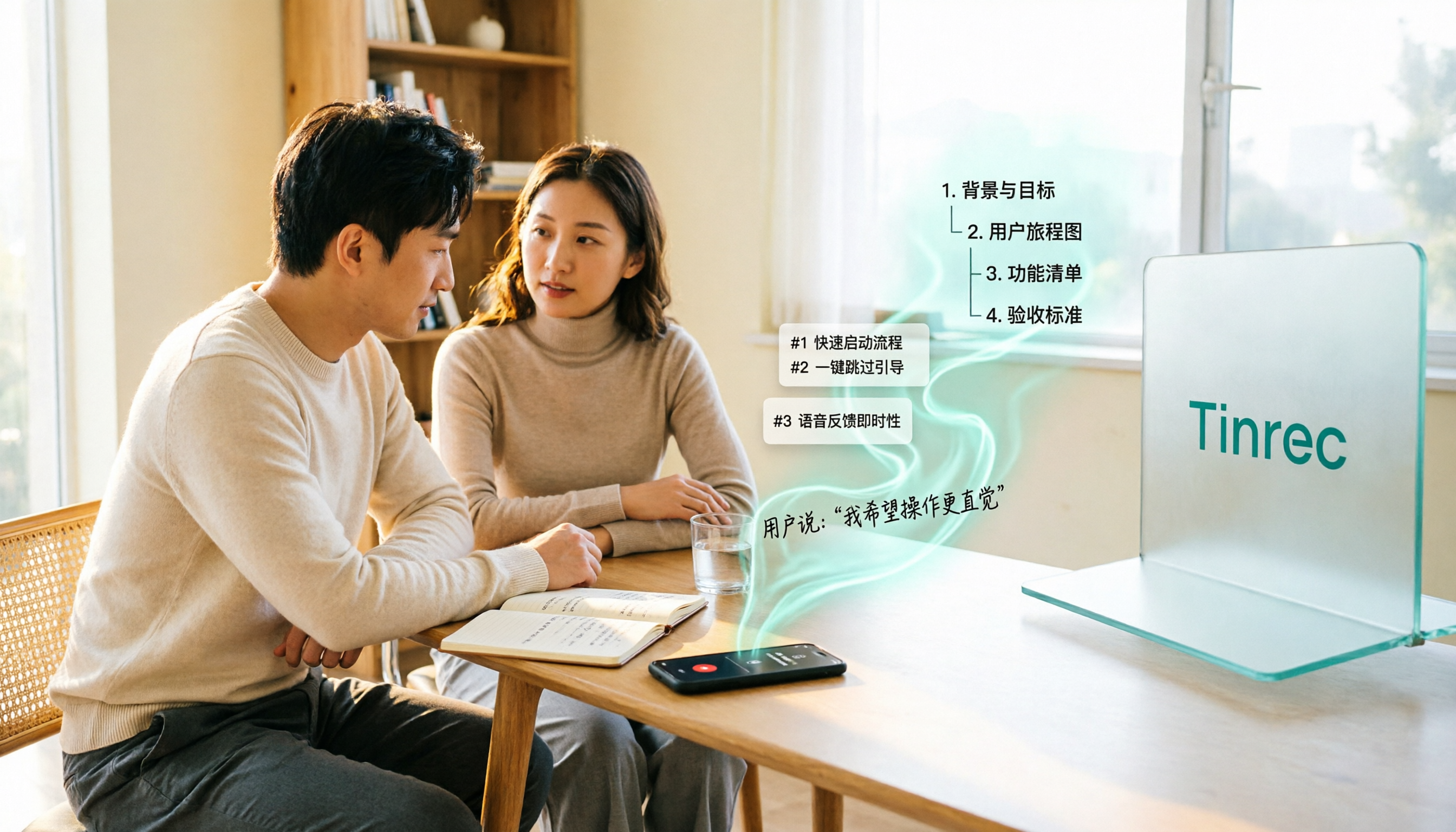
2026 Comparison of 5 User Interview-to-PRD Tools: Which One Can Turn Interview Recordings into Deliverable Requirements Documents?
Finished the interviews but your PRD is still blank? This article reviews 5 tools that fit into the user interview workflow, covering bot-free recording, AI follow-up Q&A, and draft document generation. We explain each tool's positioning, pricing, and ideal users, and compare the real limitations of their free plans.

Tinrec vs Granola 2026: 5-Dimension Comparison for Turning Meeting Minutes into a PRD
Turning meeting minutes into a PRD isn't about prompt engineering—it's about whether your source material holds up. This comparison pits Tinrec against Granola across five dimensions: audio retention, requirement breakdown, follow-up questioning, Chinese-language meetings, and team governance, so you can decide which fits your meeting workflow.

4 Requirements Meeting Note Tools Tested: Which Turns Discussion into PRD Material?
After a requirements meeting, can't write the PRD? We tested 4 requirements meeting note tools, covering the complete workflow from meeting recording, transcription, AI follow-up to action items and team knowledge retention, plus selection criteria and 4 common pitfalls to help you turn meeting discussions directly into actionable PRD material.

2026 Comparison of 4 Meeting To-Do Generators: Which One Actually Turns Discussions into Action Items?
Starting from the pain points of meeting notes, we tested and compared four meeting to-do generators: Tinrec, Otter.ai, Fireflies.ai, and Granola, analyzing which one best automatically extracts action items, generates summaries, and builds a team knowledge base.