
Turn recordings into transcripts and summaries in minutes
Upload audio or video for multilingual transcription, AI notes, and action items
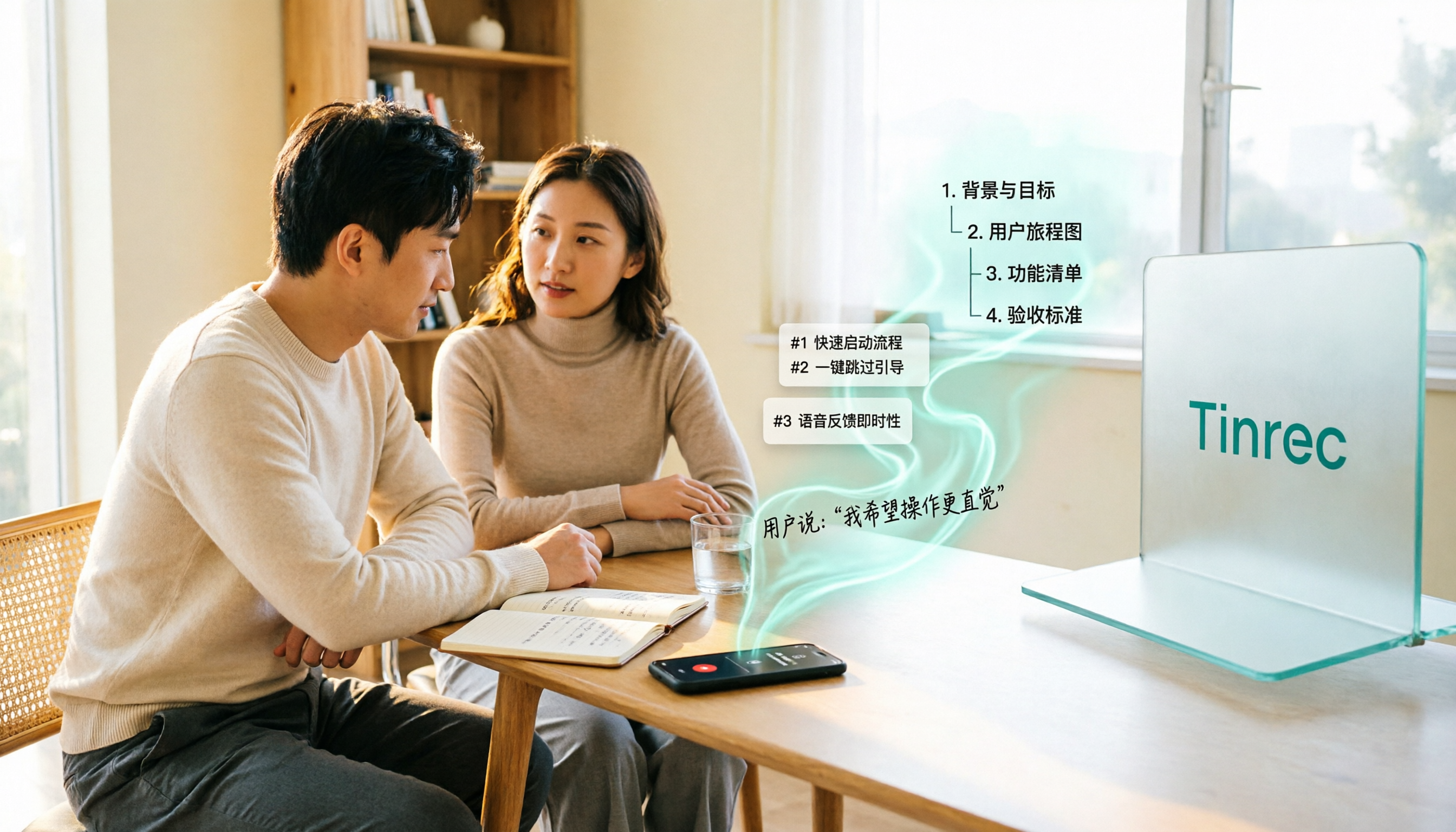
2026 Comparison of 5 User Interview-to-PRD Tools: Which One Can Turn Interview Recordings into Deliverable Requirements Documents?
The moment an interview ends is often when writing the PRD becomes hardest.
You have a 60-minute recording and pages of notes, but what you need to deliver is scope, flows, fields, and acceptance criteria. The real choice here is simple: do you only automate the "recording," or do you also hand off the "organizing" to a tool?
This article reviews 5 tools that can plug into your user interview workflow, clearly explaining each one's positioning, pricing, and who it's for.
Why Do You Need These Tools?
The output of a user interview isn't a transcript—it's requirements.
Many PRD guides point out that when requirements get complex, text alone struggles to explain them clearly; switching to tables to break down fields is much more intuitive. For example, a feature like a "search box" can list fields such as input, filter, sort, and empty state, and with flowcharts and wireframes, the team won't make conflicting assumptions.
The problem is: during the interview you're busy asking follow-ups, and afterward you have to re-listen for an hour. If no tool takes over this part, the PRD often gets delayed to the next week.
Tinrec | Turning Interviews into Searchable, Queryable, Handoff-Ready Data
Tinrec is an AI meeting notes and collaboration tool for individuals and teams. In interview scenarios, it does more than just "record."
No meeting bot needed; record remote interviews directly. The desktop version captures computer system audio, handling online interviews on Zoom, Google Meet, Microsoft Teams, and Webex without an extra bot joining as a participant. For in-person interviews, use live recording to transcribe as you go.
Keep asking questions after the transcript. AI Q&A lets you follow up on a single interview or across multiple interviews, for example, "How many times did the interviewee mention export requirements? What was the reason?" Compared to writing a PRD, this is far more efficient than digging through transcripts from scratch.
Summaries, chapters, and action items in one go. The system automatically generates summaries and chapters, and extracts action items from the conversation. When you need a draft requirements document, you can use Agent post-processing to produce reports, tables, and documents, then export to Notion, Google Docs, OneNote, or Dropbox for further editing.
Interview data belongs to the team. The team plan offers a separate team space where members can view and play data even without a seat; after getting a seat, they can record, upload, edit, and export. It also includes roles, seats, usage analytics, audit logs, and an audio recycle bin (30-day retention).
For pricing, the personal plan has a free version to try basic quotas, plus a weekly pass, Pro monthly, and Pro annual. The team plan is USD 29.80 per paid seat per month, or USD 199 per paid seat per year (about USD 16.58 per month). Each paid seat includes 2,000 minutes of team shared import quota per month. Eligible new teams also get a 7-day, 1-seat, 300-minute trial. Actual prices are subject to the official purchase page.
Ideal for: those who need Chinese interview records, want to keep recordings and continue asking questions, and need to hand off interview data within a team.
Otter.ai | A Mature Choice for English Interview Records
Otter is a veteran AI meeting assistant covering Zoom, Teams, and Google Meet, with real-time transcription, speaker identification, AI Chat, and team management. It has a strong mindshare for English business meetings. The free Basic plan offers 300 minutes per month; Pro annual is about USD 8.49 per user per month, including 1,200 minutes of in-app recording and 10 file imports per month. Ideal for users whose interviewees are primarily English-speaking and whose teams are already used to a meeting assistant workflow.
Fireflies.ai | Strong in Meeting Automation and Team Analytics
Fireflies excels at meeting automation, AskFred Q&A, team analytics, and extensive integrations. Annual pricing is Free USD 0, Pro USD 10 per seat per month, Business USD 19 per seat per month, Enterprise USD 39 per seat per month. Note that its "unlimited transcription" is still subject to storage, upload speed, and AI Credit rules. Ideal for teams with high sales interview volume that need automated integrations.
Stop organizing recordings by hand
Upload audio or video and automatically get a transcript, summary, and action items
Notta | Multilingual Transcription and Team Plans
Notta overlaps significantly with Tinrec, offering multi-platform transcription, meeting notes, file import, translation, and team plans. The free version offers 120 minutes per month, with a maximum of 3 minutes per single piece of content; Pro annual is about USD 8.17 per month with 1,800 minutes per month; Business annual is about USD 16.67 per seat per month, providing unlimited transcription, role permissions, and usage reports. Ideal for multilingual interviews and teams wanting to control transcription budgets.
Granola | Bot-Free Meeting Notes with Note Enhancement
Granola also uses desktop system audio for bot-free meeting recording, with the feature of combining user handwritten notes with AI to generate content closer to your focus. Basic is free, Business is USD 14 per user per month, Enterprise is USD 35 per user per month. Note that it does not support uploading existing audio files and does not save meeting audio—if you need to keep interview files, consider this carefully first.
TurboScribe | A Low-Cost Option for Pure File Transcription
TurboScribe is more of a cost-effective file transcription tool, focusing on long files, batch uploads, subtitles, and translation. The free version offers 3 files per day, up to 30 minutes per file; Unlimited annual is USD 120 (about USD 10 per month), with a maximum of 10 hours or 5 GB per file, and up to 50 files per upload. Ideal for those who already have recordings and just need to convert them to text in bulk and organize themselves.
With So Many Tools, How Should You Choose?
- Want Chinese interviews, and after the transcript you still need to ask questions, organize action items, and produce draft documents → Tinrec (combines bot-free recording, AI Q&A, and Agent post-processing)
- Need to keep interview recordings and refer back to original quotes later → Tinrec (Granola does not save meeting audio)
- Cross-border interviews need real-time translation and bilingual comparison → Tinrec (supports real-time translation and team glossary management)
- Interview data needs to be handed off to the team, with members coming and going → Tinrec (team space plus roles and seats; resources can be handed off when members leave)
- Pure English business interviews, team already in the Otter ecosystem → Otter.ai
- Already have a large number of audio files recorded, budget first → TurboScribe
4 Things to Know Before Generating a PRD from Interviews
- Tools provide material, not a complete PRD. AI can organize summaries, chapters, and action items, but scope definition, prioritization, and acceptance criteria still require your judgment. PM discussions on Reddit also mention that the best PRD is the one that gets feedback early and often and iterates continuously.
- Use tables to capture interview details. Take a "search box" as an example: writing input, filter, sort, and empty state as fields is easier to align on than a paragraph of text.
- Handle consent and compliance before recording. Recording and transcription must comply with local laws; obtain interviewee consent when necessary.
- Review the original for important information. Transcription quality can be affected by recording quality, accents, and overlapping speakers. For key commitments, it's advisable to cross-check with timestamps and the recording.
Summary
The bottleneck in generating a PRD from interviews is rarely typing speed—it's that the data wasn't properly captured. To solve recording, follow-up questions, organization, and team handoff in one go, Tinrec is the most complete option on this list. If you only need simple file transcription, the other tools each have their strengths.
FAQ
Q: Is the free version enough? Tinrec's free version lets you try recording, import, summaries, and transcription with basic quotas; Notta free offers 120 minutes per month but max 3 minutes per session; Otter Basic offers 300 minutes per month; TurboScribe offers 3 files per day. For high interview volume, consider paid plans directly.
Q: Can Tinrec automatically generate a complete PRD? It's not recommended to think of it that way. It can generate summaries, chapters, and action items, and through Agent post-processing produce reports, tables, and documents as a draft requirements document; the formal PRD still requires you to add scope definition and acceptance criteria.
Q: Do remote interviews require the other party to add a bot? No. Tinrec's desktop version directly captures computer system audio, handling meeting content played on Zoom, Meet, Teams, and Webex without an extra bot joining.
Q: Can all team members edit interview data? Team data is primarily shared at the team level; all active members can view, play, and read. A seat is required to record, upload, edit, and export.
Q: Can I recover an interview recording deleted by mistake? After team audio enters the recycle bin, it can be restored before permanent cleanup begins. The current retention period is 30 days.
Q: Can interview results be exported to existing workflows? Yes, Tinrec supports multiple export formats and can be taken to Notion, Google Docs, OneNote, Dropbox, and other tools for further editing.
References
- What is a PRD? How to Write a Product Requirements Document, Step by Step
- r/ProductManagement on Reddit: What are some excellent examples of good PRDs?
- How PMs Must Write a PRD Product Requirements Document | EP7 | Vocus
- [SOP Revealed] Series #EP1 "A PRD Guide Even a Monkey Can Follow"
- (Sample Edition) AI Agent Product PRD Practical Guide: From 0 to 1 - Zimu Talks Going Global - Cnblogs
Turn every recording into actionable outcomes
Get 60 free transcription minutes when you sign in. No credit card required.
Related Reading
You might also like

2026 Sales Meeting Follow-Up Tools Compared: Which Boosts Post-Meeting Efficiency?
After a sales meeting, the real key to closing deals is post-meeting follow-up. This article compares Tinrec, Fireflies.ai, Notta, and Granola across four dimensions: action item extraction, AI Q&A, cross-platform recording, and team data retention. It also provides a pitfalls guide and selection advice to help you choose the best follow-up tool for your sales team.

Which AI PRD Generator Is Best? 3 Key Buying Factors for 2026: If Your Requirements Notes Are Incomplete, Even the Fastest PRD Will Need Rewriting
AI PRD generators aren't a magic bullet—what really slows down PRD progress is missing or incomplete requirements material. This article starts with common misconceptions and explains how Tinrec uses live transcription, AI summaries, action item extraction, and team spaces to turn requirements interviews and cross-department meetings into searchable, queryable raw material. It also covers 5 things to consider before buying an AI PRD tool in 2026 and answers common questions.

2026 Best AI Sales Call Summarizers Compared: Which Tool Saves the Most Time on Cantonese Recordings?
Sales calls often suffer from having recordings but no records. This article breaks down four key factors for choosing an AI sales call summarizer, then hands-on compares Tinrec, Notta, Otter.ai, and PLAUD Note on Chinese meeting experience, bot-free recording, AI Q&A, and team knowledge retention. Includes pitfalls to avoid and scenario-based recommendations.

3 AI Meeting Notes Tools Tested for 2026: Which One Is Good Enough for Turning Meeting Notes into a PRD?
After a requirements meeting, you sit down to write the PRD but can't remember who said the key decision? This article walks through the complete workflow for turning meeting notes into a PRD, from transcripts and AI summaries to action item extraction and export. It uses Tinrec as a hands-on example, plus 5 things to watch when choosing a tool and answers to common questions, helping you turn the meeting itself directly into source material for your product requirements document.

Meeting Minutes vs PRD in 2026: 5 Key Differences + AI Tools
What's the difference between meeting minutes and a PRD? This article breaks down the differences in purpose, audience, content granularity, and lifecycle across 5 dimensions, and explains how to quickly generate meeting minutes with AI tools.

Tinrec vs Granola 2026: 5-Dimension Comparison for Turning Meeting Minutes into a PRD
Turning meeting minutes into a PRD isn't about prompt engineering—it's about whether your source material holds up. This comparison pits Tinrec against Granola across five dimensions: audio retention, requirement breakdown, follow-up questioning, Chinese-language meetings, and team governance, so you can decide which fits your meeting workflow.

4 Requirements Meeting Note Tools Tested: Which Turns Discussion into PRD Material?
After a requirements meeting, can't write the PRD? We tested 4 requirements meeting note tools, covering the complete workflow from meeting recording, transcription, AI follow-up to action items and team knowledge retention, plus selection criteria and 4 common pitfalls to help you turn meeting discussions directly into actionable PRD material.

2026 PRD Generator Comparison: How to Use ChatPRD, PRDKit, and Tinrec Together
PRD generators can help you write faster, but accuracy depends on how much real requirement material you feed them. This article starts with common pitfalls, explains the positioning of tools like ChatPRD, PRDKit, and AIPRD, and how Tinrec fills the gap in user interviews and meeting notes. It also covers practical use cases, team plan capabilities, and FAQs.

2026 Comparison of 4 Meeting To-Do Generators: Which One Actually Turns Discussions into Action Items?
Starting from the pain points of meeting notes, we tested and compared four meeting to-do generators: Tinrec, Otter.ai, Fireflies.ai, and Granola, analyzing which one best automatically extracts action items, generates summaries, and builds a team knowledge base.