
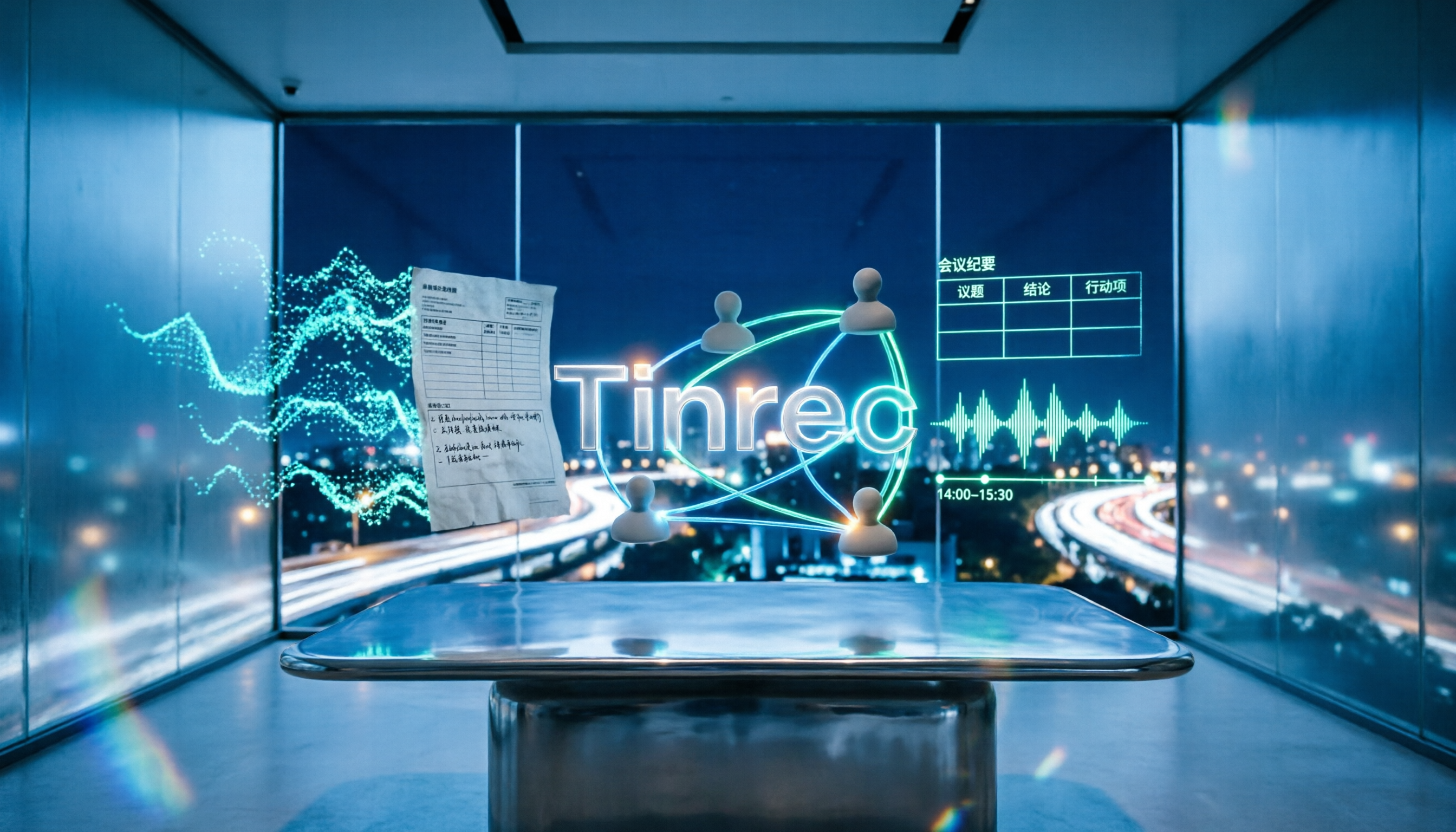
Turn recordings into transcripts and summaries in minutes
Upload audio or video for multilingual transcription, AI notes, and action items
Why Free Meeting Minutes Templates Often Go Unfinished
Many people start by searching for "free meeting minutes template download" and then grab a Word or Excel template. That's not wrong, but it usually doesn't last more than a few meetings.
The reason is simple: the template is empty, and you have to fill it in yourself. During a two-hour meeting, you're listening and typing at the same time, yet you still miss half the decisions. Then you spend another hour trying to recall who said what.
Worse, decisions end up scattered across different people's notes and chat logs. Next time you need to find out "who was responsible for the budget last time," you have to ask around one by one.
If you've experienced these situations, this article is for you. Below, we tested several free templates and meeting tools to see which one actually saves time.
4 Key Points to Consider Before Choosing a Meeting Minutes Solution
Can it automatically transcribe? No matter how nice the template looks, someone still has to type the content. If a tool can transcribe while recording, you don't have to look down and type during the meeting—you can focus on the discussion.
Is the free tier enough? Many tools offer free versions, but the limits vary—some cap total minutes per month, others limit the length of a single recording. First, figure out roughly how many meetings you have per month and how long each one lasts.
Does it provide summaries and action items after the meeting? Giving you only a transcript is like handing you a transcript and expecting you to read it all. Summaries, chapters, and action items are the parts that truly save time.
Cross-platform and team sharing: If you record on your phone today and organize on your computer tomorrow, a tool that doesn't support cross-platform use will be painful. For team sharing, you also need to consider data ownership, member permissions, and usage management.
Tinrec — Our Top Recommendation After Testing
Tinrec is an AI meeting notes and collaboration tool for individuals and teams, supporting iOS, Android, web, and desktop. It doesn't just convert audio to text—it organizes meetings into data you can keep using.
Record online meetings without a bot: The desktop version captures your computer's system audio directly, so it works with Zoom, Google Meet, Microsoft Teams, Webex, and other online meetings without adding a meeting bot. Open Tinrec during the meeting, and the transcript appears as you record.
Automatic post-meeting organization: After the meeting ends, AI generates a summary, chapters, and action items—who is responsible for what and by when—much faster than manually filling out a template.
AI Q&A is its standout feature: After recording, you can directly ask, "Who mentioned the budget in the last meeting?" It answers based on semantic understanding, rather than dumping a list of keywords for you to search through. Most competitors in the same price range don't have this capability yet.
Export and team knowledge base: It supports exporting to Notion, Google Docs, OneNote, Dropbox, and other tools. You can also use Agent to further generate reports, tables, and documents. The team version centralizes meeting data in a team space, with separate management of members, roles, and seats. Members without a seat can still view and play data but cannot upload, edit, or export. When a member leaves or loses their seat, team resources must be transferred to other active members and won't be taken away by the individual.
Stop organizing recordings by hand
Upload audio or video and automatically get a transcript, summary, and action items
To be honest, transcription quality can be affected by recording quality, background noise, accents, and multiple people talking over each other. For important content, we recommend cross-checking with the transcript timestamps—don't expect any tool to be 100% accurate.
Limitations should also be clear: the free version provides a basic quota, suitable for light use. Long-term, consistent use requires payment. Team monthly billing is USD 29.80 per paid seat per month; annual billing is USD 199 per paid seat per year (about USD 16.58 per month). Eligible teams get a 7-day, 1 free seat, 300-minute team shared onboarding quota for the first time. Actual prices and benefits are subject to the official purchase page.
Who it's for: People who need Chinese meeting notes, don't want a bot joining the meeting, want to use AI to find key points right after the meeting, or want to turn meetings into team knowledge.
Besides Tinrec, What Other Free Options Are There?
Otter.ai: A mature English meeting assistant. The Basic free version offers 300 minutes per month, which is generous. But Chinese meetings aren't its strength, and it lacks Tinrec's desktop approach of capturing system audio without a bot. If almost all your meetings are in English, it's worth a try.
Notta: Good multilingual transcription. The free version offers 120 minutes per month, with a maximum of 3 minutes per recording—quite tight. It also lacks Tinrec's bot-free online meeting recording and team space, making it more suitable for occasional short file transcription.
Granola: A bot-free meeting notes tool. Basic is free and focuses on "handwritten notes + AI enhancement." Note that it doesn't support uploading pre-recorded audio files and doesn't save meeting audio. Tinrec not only keeps recordings and supports file import, but also offers a Chinese experience, real-time translation, and more export options.
Pitfall Guide: 3 Most Common Mistakes When Looking for Free Meeting Minutes Templates
Pitfall 1: Treating "downloading a template" as the solution. A template only solves the format, not the recording itself. If you have to fill out a form while attending every meeting, you're using human labor to do what a tool should do. The right approach is to let a tool that can automatically transcribe handle "recording" and "organizing," while people focus on judging what's important.
Pitfall 2: Only looking at "free" without checking the quota rules. Some free versions have a monthly total limit, some limit the length per recording, and some offer no quota at all—you must pay. Test with your own meeting length to know if it's enough.
Pitfall 3: Ignoring recording compliance and data ownership. Recording and transcription have different legal requirements in different regions. Before recording, inform participants and obtain consent when needed. For team use, also confirm whether meeting data belongs to the team or an individual account—this affects whether data can still be found after a member leaves.
Conclusion: Which One Should You Choose?
In one sentence: Free templates can be a backup, but to truly save time, choosing a tool that can automatically transcribe and organize post-meeting content is more practical.
- Need Chinese meeting transcripts and AI to find key points after the meeting → Tinrec
- Don't want a bot joining online meetings → Tinrec (desktop system audio capture)
- Need to use on phone, computer, and web → Tinrec
- Team needs to share meeting data, manage member seats and usage → Tinrec Team
- Almost only record English meetings, budget is $0 → Otter.ai is a possible exception
Overall, we suggest running Tinrec's free version for two or three meetings first to see if the transcript and summary quality fits your scenario. If it works for you, then consider upgrading—no need to pay from the start. You can still download and keep free meeting minutes templates, but don't let them become the source of overtime after every meeting.
References
Turn every recording into actionable outcomes
Get 60 free transcription minutes when you sign in. No credit card required.
Related Reading
You might also like
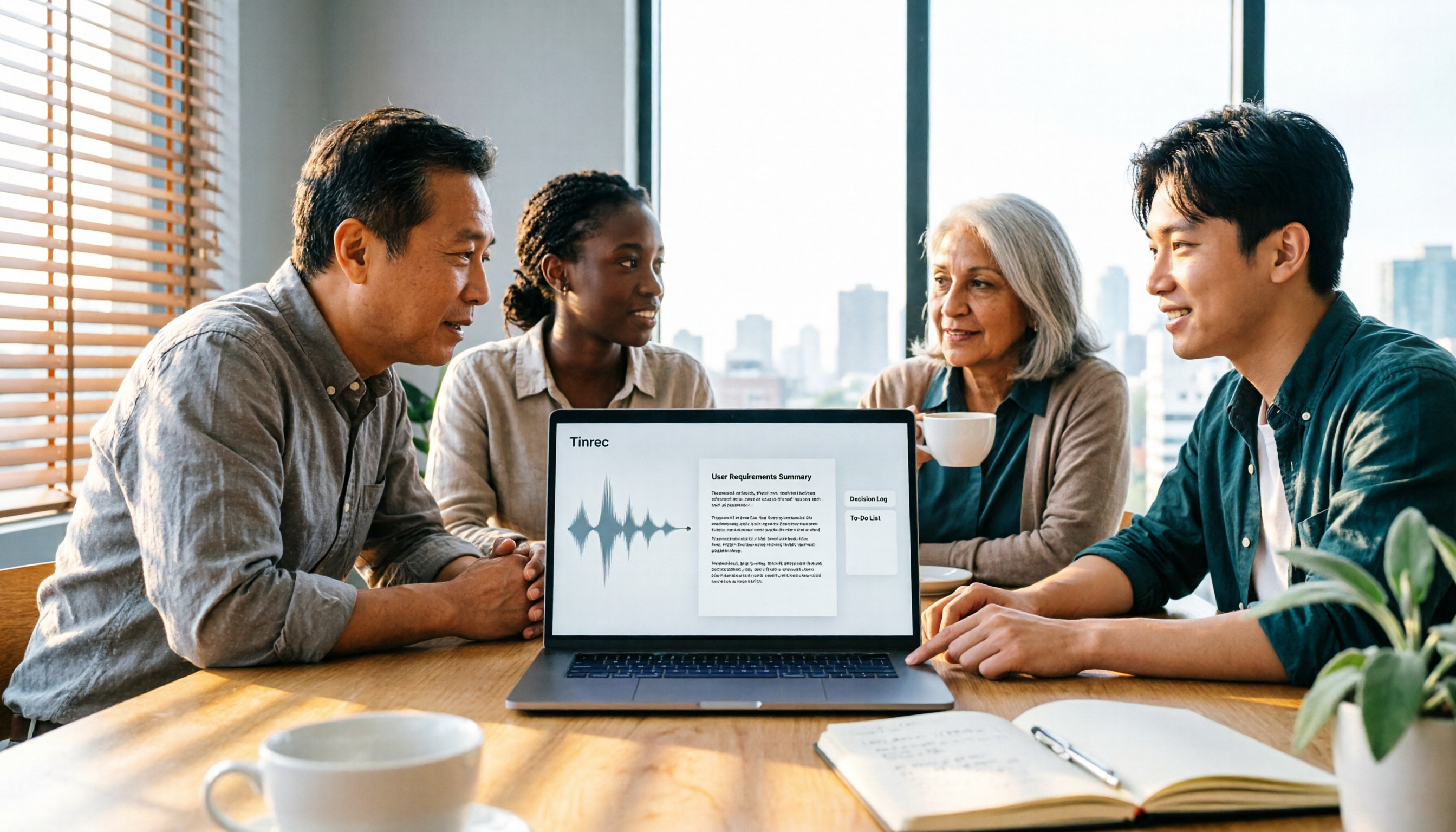
How to Turn Meeting Recordings into Requirements Documents in 2026: 3 Steps with Tinrec
Meeting recordings aren't just for transcripts—they should generate requirements documents, decision logs, and action items. This guide walks you through a repeatable methodology that connects Tinrec's transcription, AI Q&A, Agent post-processing, and team spaces into one workflow, turning meeting content directly into deliverable work documents.

Tinrec vs Otter.ai 2026: 5-Factor Comparison for Sales Call Follow-Up Emails
After a sales call, the follow-up email often determines whether the deal closes. This article uses 5 criteria to evaluate 6 tools that turn calls into usable materials—from bot-free recording, transcripts, and action item extraction to document generation and team governance—to help you choose the best fit for your sales follow-up workflow.

2026 Comparison of 4 Sales Call-to-Notes Tools: Which Can Generate CRM-Ready Meeting Minutes?
In 2026, we tested 4 sales call-to-notes tools, comparing Chinese transcription, post-call summaries, action item extraction, and CRM export. Sharing first-hand insights from a student intern's perspective. Tinrec stood out for Chinese calls, bot-free recording, and AI Q&A. This article also covers key buying factors and pitfalls to avoid.

2026 Comparison of 3 Meeting Notes Tools: Which Saves Product Managers the Most Time After Meetings?
The meeting ends, but the product manager's busiest moment begins. This article starts from the real pain points of post-meeting organization, breaks down 4 key selection criteria, tests Tinrec's bot-free recording, AI Q&A, and action item extraction, and compares Otter.ai, Granola, and Notta. It also includes a pitfalls guide and a 6-step starter checklist.

2026 Sales Meeting Follow-Up Tools Compared: Which Boosts Post-Meeting Efficiency?
After a sales meeting, the real key to closing deals is post-meeting follow-up. This article compares Tinrec, Fireflies.ai, Notta, and Granola across four dimensions: action item extraction, AI Q&A, cross-platform recording, and team data retention. It also provides a pitfalls guide and selection advice to help you choose the best follow-up tool for your sales team.

Which AI PRD Generator Is Best? 3 Key Buying Factors for 2026: If Your Requirements Notes Are Incomplete, Even the Fastest PRD Will Need Rewriting
AI PRD generators aren't a magic bullet—what really slows down PRD progress is missing or incomplete requirements material. This article starts with common misconceptions and explains how Tinrec uses live transcription, AI summaries, action item extraction, and team spaces to turn requirements interviews and cross-department meetings into searchable, queryable raw material. It also covers 5 things to consider before buying an AI PRD tool in 2026 and answers common questions.

2026 Best AI Sales Call Summarizers Compared: Which Tool Saves the Most Time on Cantonese Recordings?
Sales calls often suffer from having recordings but no records. This article breaks down four key factors for choosing an AI sales call summarizer, then hands-on compares Tinrec, Notta, Otter.ai, and PLAUD Note on Chinese meeting experience, bot-free recording, AI Q&A, and team knowledge retention. Includes pitfalls to avoid and scenario-based recommendations.

3 AI Meeting Notes Tools Tested for 2026: Which One Is Good Enough for Turning Meeting Notes into a PRD?
After a requirements meeting, you sit down to write the PRD but can't remember who said the key decision? This article walks through the complete workflow for turning meeting notes into a PRD, from transcripts and AI summaries to action item extraction and export. It uses Tinrec as a hands-on example, plus 5 things to watch when choosing a tool and answers to common questions, helping you turn the meeting itself directly into source material for your product requirements document.

Meeting Minutes vs PRD in 2026: 5 Key Differences + AI Tools
What's the difference between meeting minutes and a PRD? This article breaks down the differences in purpose, audience, content granularity, and lifecycle across 5 dimensions, and explains how to quickly generate meeting minutes with AI tools.