
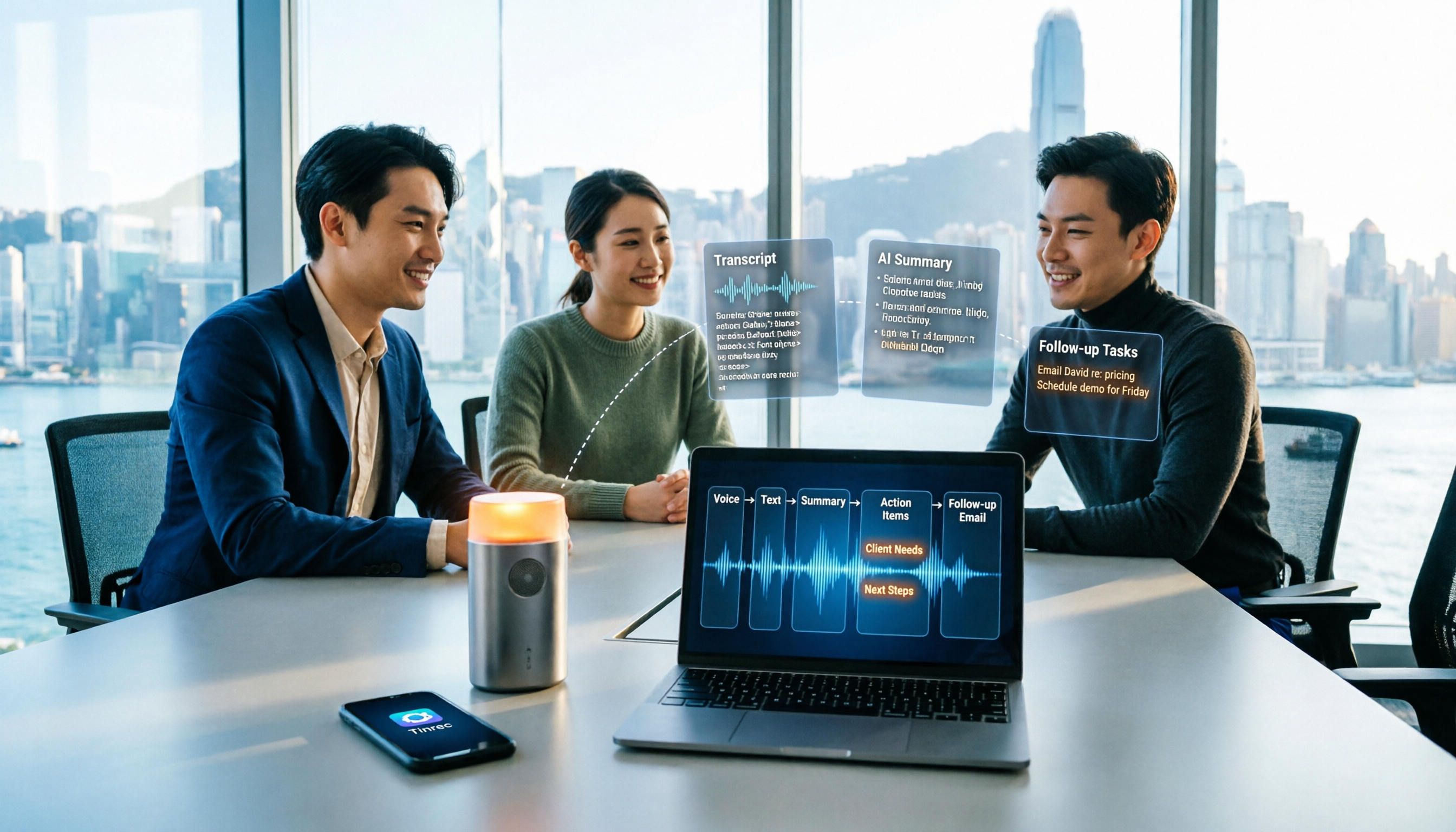
Turn recordings into transcripts and summaries in minutes
Upload audio or video for multilingual transcription, AI notes, and action items
How to Take Sales Meeting Notes in 2026: 5 Steps from Recording to Customer Follow-Up
You meet a client in Central, and after an hour you've filled three pages of notes. But what really matters isn't how much you wrote—it's whether you missed the client's budget cap, the decision-maker, or the next follow-up date. Back at the office, you still need to type up the transcript, write follow-up emails, and update records—these wrap-up tasks often take longer than the meeting itself.
Sales meeting notes are different from general meeting notes: they need to capture customer pain points, objections, commitments, and next steps. And they often mix Chinese and English, or even involve the client speaking Cantonese while you speak Mandarin. Here are 5 steps to do it right, with a head-to-head comparison of Tinrec and Otter.ai to see which better fits the real needs of Hong Kong sales teams.
Tinrec vs Otter.ai | Quick Overview
| Item | Tinrec | Otter.ai |
|---|---|---|
| Positioning | AI meeting notes and team collaboration tool | Mature AI meeting assistant |
| Meeting capture | Desktop version captures system audio, no bot; supports live recording, audio/video files, mobile | Primarily bot-based, also offers desktop capabilities |
| Core difference | Chinese and mixed Chinese-English experience, post-meeting AI Q&A, team spaces and governance | Mature English business meeting mindset, meeting automation and rich integrations |
This article compares across 5 dimensions: Cantonese and mixed Chinese-English transcription, meeting capture methods, post-meeting follow-up outputs, team collaboration and governance, and cross-language meetings.
5 Steps | From Sales Meeting Recording to Customer Follow-Up
- Pre-meeting confirmation: First, clearly state that the meeting will be recorded and obtain consent from participants according to local laws; also write down the three answers you want from this meeting, such as budget, decision process, and launch timeline.
- Start recording during the meeting: For online meetings, use Tinrec desktop version to directly capture computer system audio—no need to pull a meeting bot into the room; for in-person client visits, use your phone for live recording, transcribing as you record.
- Review the summary immediately after: After recording, automatically generate transcript, AI summary, chapters, and highlights. For long meetings, you can quickly jump to sections like "pricing" or "competitors".
- Use AI Q&A to dig into details: Directly ask "What objections did the client mention?" or "What should the next follow-up be?" without having to go through an hour of transcript yourself.
- Deliver and archive: Extract to-dos, generate meeting minutes or reports, export to Notion, Google Docs, OneNote, Dropbox, etc.; for team version, keep data in team space so follow-up colleagues leaving won't cause gaps.
Dimension 1 | Transcription Performance for Cantonese and Mixed Chinese-English Sales Conversations
Otter.ai's strength is English business meetings; English transcripts and speaker identification are mature. But if the client speaks Cantonese, colleagues speak Mandarin, and English terms like mail, quotation, lead time are mixed in, Chinese scenarios are not its home turf.
Tinrec covers Chinese, Traditional Chinese, and multilingual meeting scenarios, and supports real-time translation and team hotwords—you can add company-specific product names and abbreviations as hotwords to reduce mishearing of technical terms. Actual results are still affected by recording quality, noise, accents, and overlapping speech; for important terms, it's recommended to verify against the transcript timestamps and recording.
→ This dimension: For Chinese and mixed Chinese-English sales meetings, Tinrec clearly wins.
Dimension 2 | How to Record Client Meetings? Bot vs Bot-free Desktop Capture
Otter.ai's common approach is to join meetings as a bot, and it also offers desktop capabilities. The bot method is convenient, but may not be ideal for external sales meetings—when clients see an unfamiliar participant, they sometimes ask "Who is this?"
Tinrec desktop version directly captures computer system audio; users can start recording themselves without an extra bot joining Zoom, Google Meet, Microsoft Teams, Webex, etc. Note: Tinrec is not an "auto-join all calendar meetings" model, nor does it imply official partnerships with the above platforms; users need to actively open Tinrec to initiate recording.
→ This dimension: For external client meetings, bot-free Tinrec is smoother.
Stop organizing recordings by hand
Upload audio or video and automatically get a transcript, summary, and action items
Dimension 3 | Post-Meeting Follow-Up Outputs: To-Dos, AI Q&A, Reports and Tables
Otter provides summaries, action items, AI Chat, and team analytics—already quite complete for English meeting workflows.
Tinrec focuses on "after transcription": besides AI summaries and chapters, it can extract to-dos, mind maps, continue AI Q&A around single or multiple meetings, and use Agent post-processing to generate reports, tables, and documents, then export to Notion, Google Docs, OneNote, Dropbox, etc. For sales, this means turning "a recording" directly into "follow-up materials ready to send." Note that Tinrec does not automatically sync CRM to complete the entire sales process; customer information and commitments still need manual verification.
→ This dimension: For post-meeting output chain, Tinrec is more complete.
Dimension 4 | Team Collaboration and Data Governance
Otter has mature team and enterprise capabilities: Basic free 300 minutes per month; Pro annual billing approximately USD 8.49/user/month, 1,200 minutes in-app recording and 10 file imports per month; Business plan offers unlimited meetings and in-app recording, specific pricing subject to promotions, refer to official page.
Tinrec team version is an independent team space, not several people sharing a personal account: you can create multiple team spaces, invite members via link, set owner/admin/member roles, assign or revoke seats, and uniformly store Audio, Folder, TODO, etc. Administrators can view team usage trends, member rankings and details, query and export audit logs, manage team hotwords, and there's an audio recycle bin (currently retained for 30 days, TODO not in recycle bin). To be clear: currently team-level sharing is primary, role control governs usage, seat control governs access; there is no fine-grained per-file permission setting; valid members without seats can view, play, and read team data, but need a seat to record, upload, edit, and import/export. When a member leaves or has their seat removed, their team resources must be handed over to other valid members; data does not follow the person.
Pricing: First eligible team trial is 7 days, 1 free seat, 300 minutes team shared import quota; team monthly USD 29.80/paid seat/month, annual USD 199/paid seat/year (about USD 16.58/month), each paid seat gets 2,000 minutes team shared import quota per month; under valid team plan and valid seats, live recording currently does not deduct minutes, file and network imports consume team shared import minutes. All subject to official purchase page.
→ This dimension: For managing seats, usage, and audits, Tinrec team version better fits sales team needs.
Dimension 5 | Cross-Language Client Meetings and Real-Time Translation
Otter is primarily English, with limited flexibility for cross-language meetings.
Tinrec supports viewing original text, translation, or bilingual content during recording. For Hong Kong teams meeting mainland or overseas clients, post-meeting proofreading and handing off to colleagues for follow-up is more convenient. Translation quality is also affected by speech clarity and technical terms; it's recommended to reinforce with team hotwords.
→ This dimension: For cross-language sales meetings, Tinrec has an advantage.
What Are the Unique Advantages of Each?
Tinrec's Unique Advantages
- Bot-free desktop recording: No need to pull a bot into the meeting room, better impression for external client meetings.
- Chinese and mixed Chinese-English experience: Covers Chinese, Traditional Chinese, multilingual meetings, plus real-time translation and team hotwords.
- Post-meeting workflow: Summaries, chapters, to-dos, mind maps, AI Q&A, Agent-generated reports and tables, then export to common tools.
- Team governance: Team spaces, roles, seats, usage analytics, audit logs, audio recycle bin, data owned by the team.
Otter.ai's Unique Advantages
- Mature English business meeting mindset, many meeting automation, workflow, and third-party integrations.
- International teams that primarily meet in English already find Otter's existing ecosystem sufficient.
Conclusion: Which Should You Choose?
- If sales meetings are mainly in Chinese or mixed Chinese-English → Tinrec (Chinese scenarios and team hotwords are its home turf, Otter focuses on English business meetings)
- If clients will see the participant list and you don't want an extra bot → Tinrec (desktop version captures system audio, no bot joins)
- If you want to use AI to ask "What objections did the client mention, what's the next step?" right after recording → Tinrec (supports AI Q&A around meeting content and Agent post-processing)
- If you want to keep recordings, transcripts, and to-dos in team space while managing seats and usage → Tinrec team version
- If you only meet in English and just need a meeting bot to auto-record → Otter is sufficient
In one sentence: For most Hong Kong sales teams communicating primarily in Chinese, Tinrec is a more complete choice. You can start with the free version, test with a real meeting recording, then decide whether to upgrade or open a team space.
One final note: Recording and transcription must comply with local laws; obtain participant consent when needed. AI summaries can save you a lot of time, but for important terms, prices, and commitments, remember to verify against the transcript and recording.
References
- AI Meeting Notes Tool | Real-time recording, summary organization! 3 small tools to help you focus on the meeting
- Top AI Meeting Notes Tools of 2026, time-saving must-haves for meetings!
- AI Meeting Notes Generator
- No more taking turns writing meeting notes! 3 AI tools for real-time recording and summary generation, so you can focus on the meeting | Manager Today
- How to take good meeting notes? Record these 4 parts! Complete template sharing
Turn every recording into actionable outcomes
Get 60 free transcription minutes when you sign in. No credit card required.
Related Reading
You might also like

2026 Comparison of 2 User Interview Analysis Tools: Tinrec vs Otter.ai — Which Handles Chinese Interview Organization Better?
After user interviews, transcribing, extracting insights, and organizing action items take the most time. This article compares Tinrec and Otter.ai across recording capture, Chinese transcription, post-interview follow-up, audio file import, team knowledge retention, and pricing plans to help you decide which tool fits your interview workflow.

2026 Meeting Recording Knowledge Base Comparison: Why Tinrec Is the Top Notta Alternative
A meeting recording knowledge base isn't just about turning recordings into transcripts—it's about making every meeting searchable, queryable, and transferable. This article examines the decision points for team data retention and compares Tinrec vs. Notta on bot-free recording, AI Q&A, team spaces, and Chinese language experience, plus an overview of Tinrec's core features, use cases, and buying advice.

4 AI Meeting Transcription Tools Compared for 2026: Which One Actually Builds a Searchable Meeting Archive?
Spending all day in meetings and then overtime writing notes? This article approaches the decision from whether meeting content can be retained long-term, comparing four AI meeting tools. It covers five key factors to understand before choosing, hands-on experience with Tinrec's bot-free recording and AI Q&A, and four common pitfalls to help you find a meeting archive you can actually search later.

Team Knowledge Base vs. Meeting Notes in 2026: A 5-Dimension Comparison — The Difference Isn't Just Whether You Can Find It Again
Meeting notes and team knowledge bases are often treated as the same thing, but they differ in purpose, lifecycle, searchability, action linkage, and ownership. This article breaks down the differences across 5 dimensions and explains how to use Tinrec to turn scattered meeting notes into a searchable, queryable, and transferable team knowledge asset.
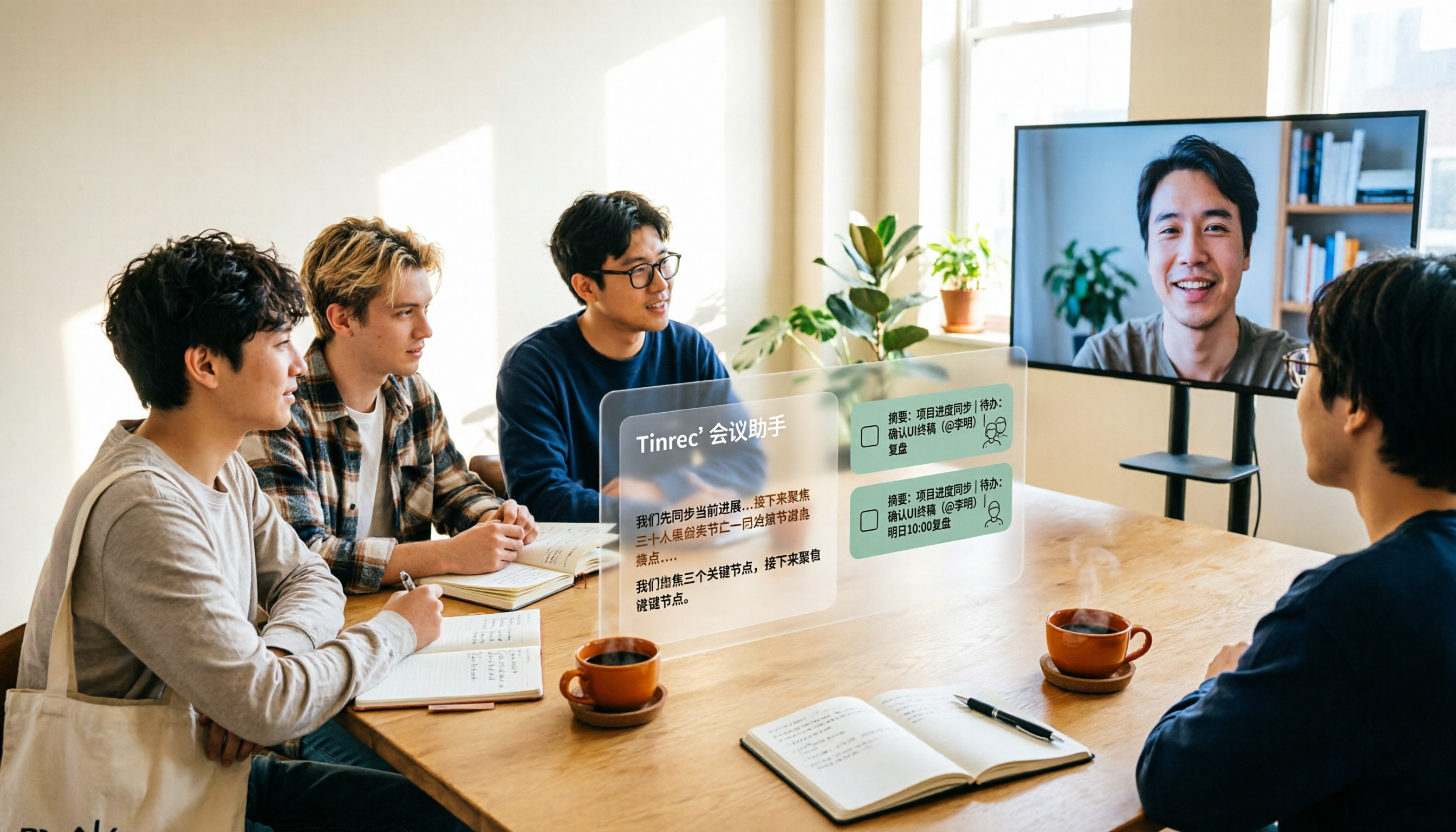
2026 Complete Guide to AI Team Meeting Assistants: Auto-Generate Transcripts, Summaries & Action Items
From student group projects to internship team weekly meetings, how do you actually use an AI team meeting assistant? This 2026 complete guide first breaks down common misconceptions, then explains core capabilities, real-world use cases, and 6 key considerations for choosing one. It also demonstrates Tinrec's full workflow for bot-free online meeting recording, real-time transcription, AI summaries, action item extraction, and meeting Q&A.

2026 Comparison of 4 Meeting Data Centralization Solutions: Stop Treating Cloud Storage as Organization
Centralizing meeting data isn't just dumping attachments into a shared cloud drive. This article examines common pitfalls, breaks down four common approaches to meeting data management, and uses Tinrec as an example to explain real-time transcription, AI summaries and action items, AI Q&A, team spaces, and seat governance. It concludes with 5 purchasing considerations and FAQs.

Tinrec vs Notta 2026: 5-Dimension Comparison — Which Is Better for Team Meeting Databases?
A mid-level manager who holds 15 meetings a week compares Tinrec and Notta across 5 dimensions to help you choose the right team meeting database. From bot-free recording and AI action item extraction to team spaces and pricing quotas, get it all in one article.

5 AI Meeting Knowledge Base Tools Tested and Compared in 2026: Can Meeting Notes Become Searchable Team Assets?
Meeting notes aren't just about speed—you need to find them later. This article approaches the topic from a purchasing decision perspective, breaking down the core capabilities of AI meeting knowledge base tools, real-world use cases, and 5 key buying considerations. It uses Tinrec to demonstrate a complete workflow: bot-free online meeting recording, transcripts and real-time translation, AI summaries and action items, AI Q&A, and team spaces with seat governance.
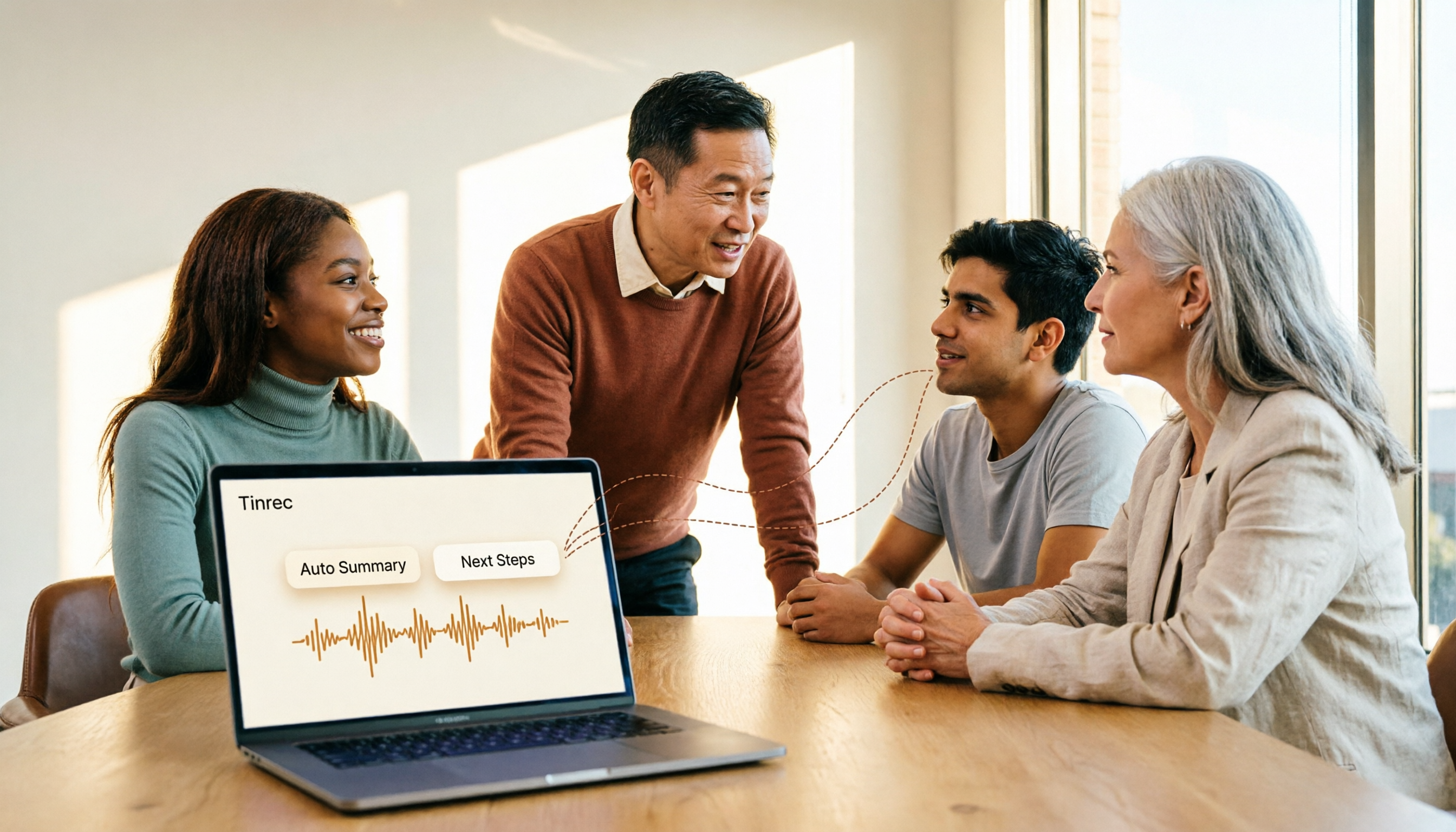
2026 AI Meeting Agent Tools: Record Zoom Without Bots, Auto-Generate Action Items
Two-hour meeting, then another two hours to organize? This guide shows you how to choose an AI meeting agent tool, breaking down four key aspects: bot-free recording, AI summaries and action items, AI follow-up questions, and team spaces. It also compares Tinrec with Otter.ai, Granola, and PLAUD Note, and provides clear recommendations based on scenarios.