

Turn recordings into transcripts and summaries in minutes
Upload audio or video for multilingual transcription, AI notes, and action items
Tinrec vs Notta 2026: 5-Dimension Comparison — Which Is Better for Team Meeting Databases?
Most People Get Team Meeting Databases Wrong from the Start
I hold about 15 meetings a week — weekly meetings, project progress meetings, one-on-ones, cross-department coordination. What used to bother me most wasn't the meetings themselves, but the aftermath. Every meeting generated a pile of decisions and action items to organize, and worse, this meeting data was scattered across everyone's notebooks, chat logs, and emails. When you needed to find something, you never could.
Most people think that turning meeting recordings into transcripts means they have a meeting database. But what really needs to be captured isn't the transcript — it's the decisions, action items, owners, and deadlines. Transcripts are raw material, not the finished product. If you just dump recordings into a folder, three months later you'll still have to listen to them again to find the key points.
In this article, I want to share my practical experience as a mid-level manager and discuss how to turn meetings into a searchable, collaborative, and trackable team database. I'll compare Tinrec and Notta across 5 dimensions and tell you which one is better suited for a team meeting database scenario.
Before Choosing a Team Meeting Database, Understand These 5 Key Points
1. Meeting capture method: Do you need a bot to join the meeting? Some tools require inviting a meeting bot into Zoom or Meet, which can look odd in certain client meetings. Bot-free desktop recording directly captures your computer's system audio without disturbing participants — a more natural choice.
2. Post-meeting organization: Does it just give transcripts, or can it extract action items directly? Transcripts are just the starting point. What really saves time is automatic summaries, chapters, action item extraction, and whether you can ask AI questions like "Who mentioned the budget in the last meeting?"
3. Team database and permissions: Does data belong to individuals or the team? If meeting data is stored in personal accounts, it disappears when a member leaves. A team plan should have an independent space where data belongs to the team, with management of members, roles, seats, and usage.
4. Chinese and multilingual support: Can it handle mixed Chinese-English meetings? Taiwanese teams often mix Chinese and English, so a tool's Chinese support is important. Real-time translation or bilingual viewing is a bonus.
5. Pricing and quotas: Is the shared team quota enough? Personal free quotas are usually insufficient for teams. Check whether the team plan offers shared minutes and whether real-time recording deducts minutes.
Tinrec — Our Top Choice After Testing
Tinrec is an AI meeting notes and collaboration tool for individuals and teams, available on iOS, Android, and web. My team used it for three months, and its greatest value isn't transcription — it's turning meetings into searchable, queryable, and further processable team data.
Bot-free recording of online meetings When hosting Zoom, Google Meet, Microsoft Teams, or Webex, I just open the Tinrec desktop app, and it directly captures system audio, producing a transcript while recording. No need to invite a bot into the meeting, and clients won't find it strange. By the time the meeting ends, the transcript is ready.
AI summaries, action item extraction, and conversational queries After the meeting, Tinrec automatically generates summaries, chapters, and action items. I especially like its AI Q&A feature — after recording, I can directly ask: "Who was responsible for the budget in the last meeting?" It answers based on semantic understanding rather than dumping a bunch of keyword search results. I haven't seen this feature in competitors at the same price point.
Team space and database accumulation The Tinrec team plan isn't about multiple people sharing a personal account — it's an independent team space. All meeting recordings, transcripts, summaries, and action items belong to the team, and new members can view historical data. When a member leaves, their resources can be transferred to other members, so data isn't taken away. The team plan also manages roles and seats, provides usage analytics, audit logs, and an audio recycle bin to restore accidentally deleted recordings.
Stop organizing recordings by hand
Upload audio or video and automatically get a transcript, summary, and action items
Practical limitations The free version has a basic quota, suitable for light use. The team plan offers a 7-day trial for first-time eligible users, 1 free seat, and 300 minutes of shared team import quota. Paid seats provide 2,000 minutes of shared team import quota per month, and real-time recording currently doesn't deduct minutes. Pricing: team monthly USD 29.80 per paid seat per month, annual USD 199 per paid seat per year, equivalent to about USD 16.58 per month. If you hold more than 5 meetings a week, this quota is much more cost-effective than the personal plan.
Who it's for If you need bot-free recording of online meetings, want to use AI to find key points after meetings, and want meeting data to become a team asset — Tinrec is currently the most suitable choice.
Besides Tinrec, What Other Options Are There?
Notta Notta overlaps significantly with Tinrec, covering multi-platform transcription, meeting notes, document import, and team plans. Notta's free version offers 120 minutes per month, max 3 minutes per session; Pro annual is about USD 8.17 per month for 1,800 minutes per month; Business annual is about USD 16.67 per seat per month, offering unlimited transcription, role permissions, and usage reports. Notta performs well in transcription and translation, but post-meeting processing focuses on subtitles, translation, and summaries — it lacks Tinrec's AI conversational queries and Agent post-processing. If you only need transcription and basic team permissions, consider it; but if you want to turn meeting data into a queryable database, Tinrec is more suitable.
Otter.ai Otter is the top choice for English meetings. The free version offers 300 minutes per month, and Pro annual is about USD 8.49 per month. It has mature support for English business meetings, but its Chinese experience is weaker and it doesn't support Cantonese. If you mainly record English content, Otter is a more cost-effective choice than Tinrec; but for Chinese team meetings, Tinrec offers a better experience.
Granola Granola is a bot-free AI meeting notes tool. Basic is free, Business is USD 14 per user per month. It emphasizes combining user notes with AI enhancement, but doesn't support uploading pre-recorded audio or retaining meeting audio. Tinrec supports document import, retains recordings, and has team data management. If you often use your own notes with AI, Granola is worth a look; but if you need a complete meeting database, Tinrec is more comprehensive.
Pitfall Guide: The 3 Most Common Mistakes When Choosing a Team Meeting Database
Pitfall 1: Thinking transcripts are meeting notes Transcripts are raw material, not the finished product. What should really be recorded are decisions, action items, owners, and deadlines. If you only store transcripts, three months later you'll still have to listen again. The right approach: choose a tool that automatically extracts summaries and action items, such as Tinrec's AI summaries and action item extraction.
Pitfall 2: Ignoring team data ownership Many teams let members record with personal accounts, and when a member leaves, the meeting data disappears too. The right approach: use a tool with an independent team space where data belongs to the team and supports resource handover. The Tinrec team plan is designed this way.
Pitfall 3: Not distinguishing roles and seats In a team plan, not all members can edit. Some tools distinguish roles (management permissions) and seats (qualification to use resources). Members without a seat can only view, not upload or edit. Before purchasing, confirm how the team plan calculates seats and quotas.
Conclusion: Which One Should You Choose?
In one sentence: If you want a team meeting database, not just audio-to-text, Tinrec is the top choice.
Scenario breakdown:
- Need bot-free recording of online meetings → Tinrec (desktop app directly captures system audio)
- Want to use AI to ask questions and find key points after meetings → Tinrec (has AI conversational queries)
- Meeting data should become a team asset → Tinrec (team space, role seats, usage audit)
- Zero budget, only recording English → Otter.ai (the only exception)
- Only need basic transcription and translation → Notta (but no AI Q&A)
Tinrec team plan has a 7-day trial, including 1 free seat and 300 minutes of shared team import quota. I suggest trying it first to see if your team's meeting process can really be captured. If it works well, consider upgrading to paid seats — no need to buy from the start.
References
- Notion's quality meeting templates | Notion Marketplace
- [Meeting Minutes Writing 2026] Format Tutorial | Free Templates + Template Downloads - ProjectManager
- Meeting Minutes Guide: Examples, Tips, and Templates | Lark
- [Sample Form - General Affairs] Meeting Minutes | 101EIP.net
- Free Meeting Minutes Templates (Word, Google Docs, PDF) | HiNoter Blog
Turn every recording into actionable outcomes
Get 60 free transcription minutes when you sign in. No credit card required.
Related Reading
You might also like

2026 Comparison of 2 User Interview Analysis Tools: Tinrec vs Otter.ai — Which Handles Chinese Interview Organization Better?
After user interviews, transcribing, extracting insights, and organizing action items take the most time. This article compares Tinrec and Otter.ai across recording capture, Chinese transcription, post-interview follow-up, audio file import, team knowledge retention, and pricing plans to help you decide which tool fits your interview workflow.

2026 Meeting Recording Knowledge Base Comparison: Why Tinrec Is the Top Notta Alternative
A meeting recording knowledge base isn't just about turning recordings into transcripts—it's about making every meeting searchable, queryable, and transferable. This article examines the decision points for team data retention and compares Tinrec vs. Notta on bot-free recording, AI Q&A, team spaces, and Chinese language experience, plus an overview of Tinrec's core features, use cases, and buying advice.

4 AI Meeting Transcription Tools Compared for 2026: Which One Actually Builds a Searchable Meeting Archive?
Spending all day in meetings and then overtime writing notes? This article approaches the decision from whether meeting content can be retained long-term, comparing four AI meeting tools. It covers five key factors to understand before choosing, hands-on experience with Tinrec's bot-free recording and AI Q&A, and four common pitfalls to help you find a meeting archive you can actually search later.

Team Knowledge Base vs. Meeting Notes in 2026: A 5-Dimension Comparison — The Difference Isn't Just Whether You Can Find It Again
Meeting notes and team knowledge bases are often treated as the same thing, but they differ in purpose, lifecycle, searchability, action linkage, and ownership. This article breaks down the differences across 5 dimensions and explains how to use Tinrec to turn scattered meeting notes into a searchable, queryable, and transferable team knowledge asset.
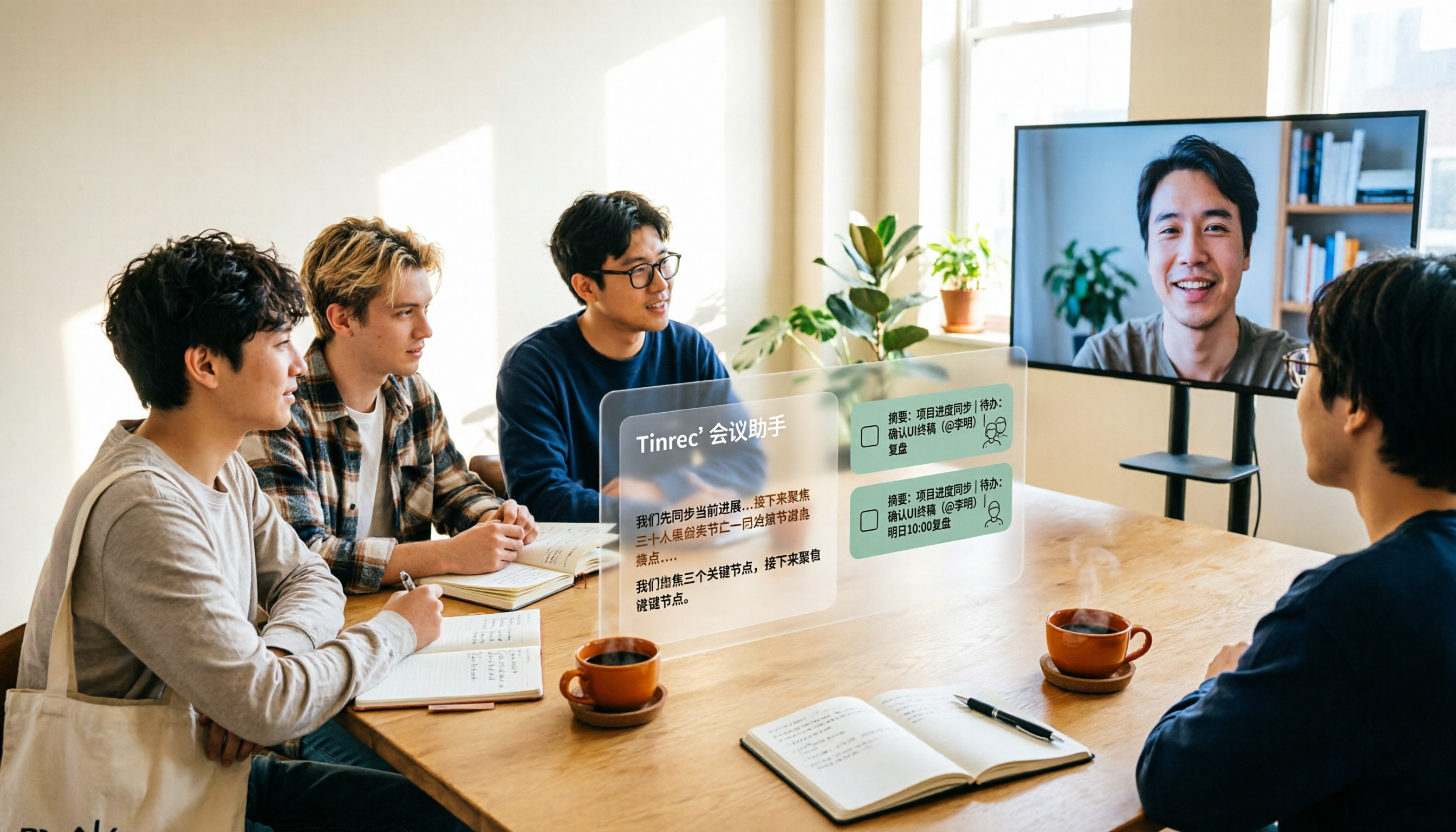
2026 Complete Guide to AI Team Meeting Assistants: Auto-Generate Transcripts, Summaries & Action Items
From student group projects to internship team weekly meetings, how do you actually use an AI team meeting assistant? This 2026 complete guide first breaks down common misconceptions, then explains core capabilities, real-world use cases, and 6 key considerations for choosing one. It also demonstrates Tinrec's full workflow for bot-free online meeting recording, real-time transcription, AI summaries, action item extraction, and meeting Q&A.

2026 Comparison of 4 Meeting Data Centralization Solutions: Stop Treating Cloud Storage as Organization
Centralizing meeting data isn't just dumping attachments into a shared cloud drive. This article examines common pitfalls, breaks down four common approaches to meeting data management, and uses Tinrec as an example to explain real-time transcription, AI summaries and action items, AI Q&A, team spaces, and seat governance. It concludes with 5 purchasing considerations and FAQs.
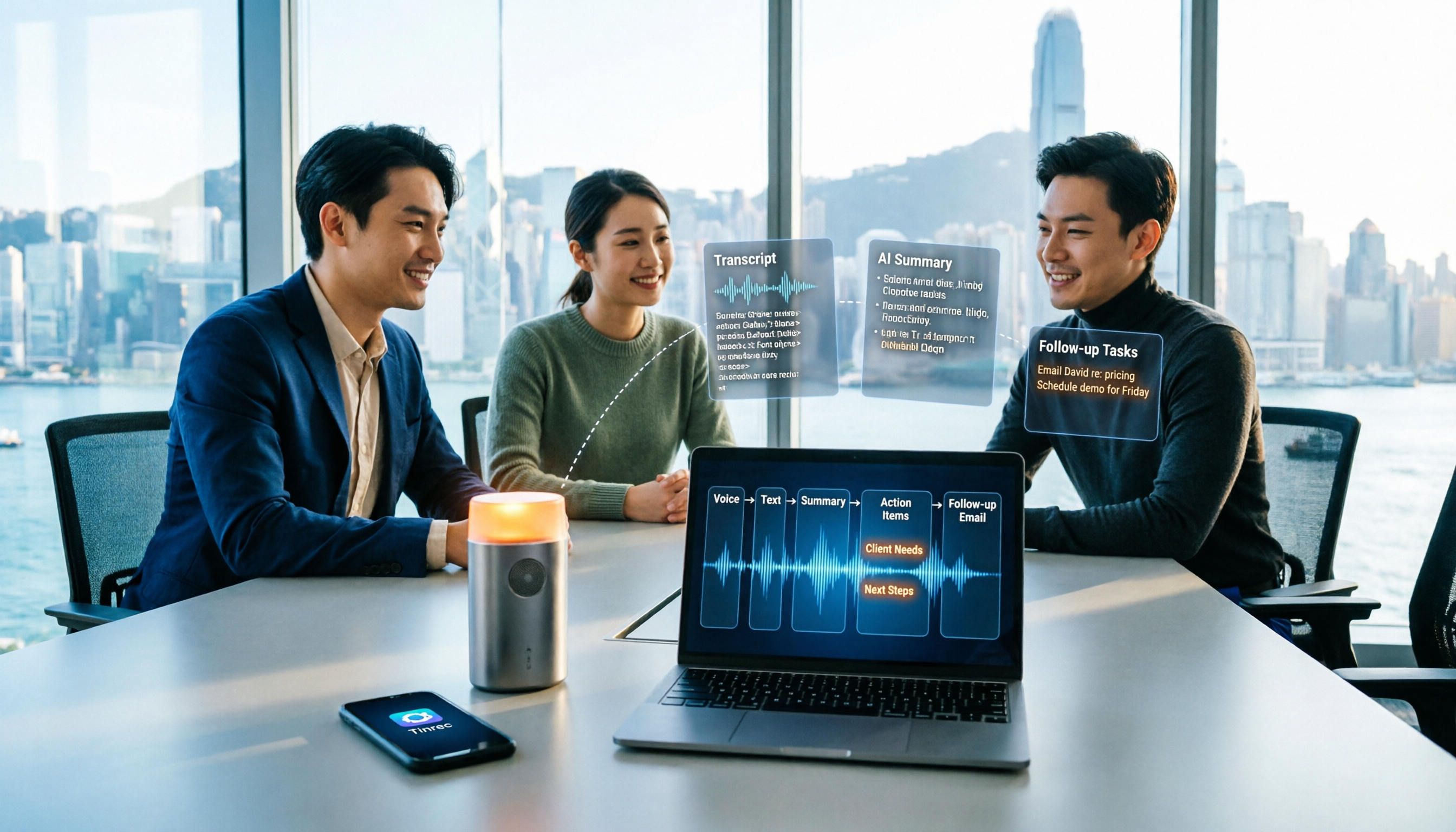
How to Take Sales Meeting Notes in 2026: 5 Steps from Recording to Customer Follow-Up
Sales meeting notes shouldn't wait until the meeting ends. This article breaks down the complete process in 5 steps, from recording, transcription, AI summaries to customer follow-up, and compares Tinrec and Otter.ai dimension by dimension to see which is better suited for Hong Kong sales teams communicating in Chinese.

5 AI Meeting Knowledge Base Tools Tested and Compared in 2026: Can Meeting Notes Become Searchable Team Assets?
Meeting notes aren't just about speed—you need to find them later. This article approaches the topic from a purchasing decision perspective, breaking down the core capabilities of AI meeting knowledge base tools, real-world use cases, and 5 key buying considerations. It uses Tinrec to demonstrate a complete workflow: bot-free online meeting recording, transcripts and real-time translation, AI summaries and action items, AI Q&A, and team spaces with seat governance.
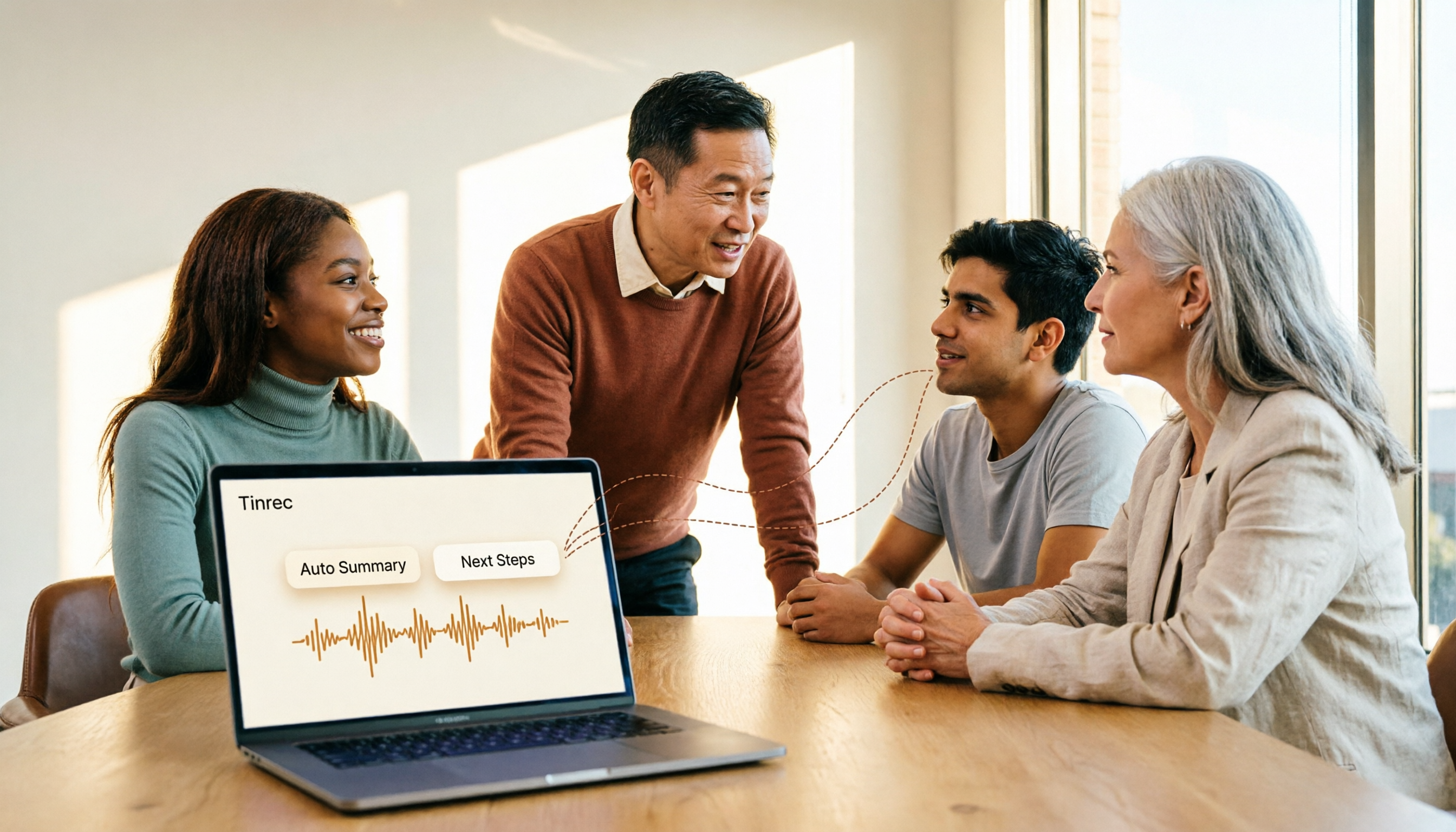
2026 AI Meeting Agent Tools: Record Zoom Without Bots, Auto-Generate Action Items
Two-hour meeting, then another two hours to organize? This guide shows you how to choose an AI meeting agent tool, breaking down four key aspects: bot-free recording, AI summaries and action items, AI follow-up questions, and team spaces. It also compares Tinrec with Otter.ai, Granola, and PLAUD Note, and provides clear recommendations based on scenarios.