

Turn recordings into transcripts and summaries in minutes
Upload audio or video for multilingual transcription, AI notes, and action items
Quick take: If you want meeting content to be retained long-term, you shouldn't choose a recording app—you need a data system that turns recordings into something searchable, queryable, and transferable. This article uses 5 decision points, 3 hands-on scenarios, and 4 pitfalls to help you see clearly how 4 mainstream tools compare in 2026.
Meeting notes disappear after they're written—the problem isn't that you're not diligent
Here's a judgment call: if your goal is just to hand in meeting minutes tonight, any transcription tool can do it. But if your goal is to still find out six months later who said to delay the launch, then what you're choosing isn't a transcription tool—it's a way to retain data.
Three scenarios that play out daily in Hong Kong offices:
- After a meeting, a 40-minute recording sits on your phone. You won't listen to it a second time. Three months later, when you want to find a decision, you can only rely on memory.
- The colleague in charge of a project leaves, and the meeting notes on their computer leave with them. The remaining team can't pick up where they left off.
- The whole meeting is in Cantonese with a few English terms mixed in. The transcription comes out so wrong you have to guess, and you end up retyping it manually.
If any of these have happened to you, what you're missing isn't diligence—it's a process from recording to using. Before choosing a tool, understand the following points so you won't buy something and then leave it unused.
Before choosing an AI meeting transcription tool, understand these 5 key points
1. Does the data belong to the individual or the team? Using a personal account to handle team meetings means that when a colleague leaves, the records go with them. A true team version should be an independent workspace where data belongs to the team and can be transferred when members change. This determines whether you'll still have the data three years from now.
2. Is the audio retained? Transcripts are generated by AI, and AI can miss things or misunderstand. Without the original recording, you have no way to verify. When choosing a tool, ask clearly: can you still listen to the original audio afterward?
3. Is it sufficient for Chinese and Cantonese scenarios? Many tools' accuracy rates are measured in English and quiet environments. Hong Kong meetings mix Chinese and English, have air conditioning noise, and people talking over each other. You need to look at how it performs in these conditions and whether the tool lets you customize specialized terminology.
4. How much output is there after the meeting? A transcript alone means you just have an extra document nobody reads. Summaries, chapters, action items, an AI you can query, and export to Notion or Google Docs—these are what make you want to use it a second time.
5. Team governance is roles plus seats, not file permissions. Roles determine who can manage the team, view usage, and audit; seats determine who can record, upload, and edit. Active members can still view data even without a seat, but they can't do the hands-on part. Clarify this before buying so you don't purchase the wrong quantity.
Tinrec—our top pick after hands-on testing
One-line positioning: Tinrec is an AI meeting transcription and collaboration tool for individuals and teams, available on iOS, Android, desktop, and web.
Scenario 1: No bot needed in the meeting. The desktop version directly captures computer system audio, handling meeting audio played through Zoom, Google Meet, Microsoft Teams, and Webex without inviting a bot as a participant. Just open it before the meeting, and the participant list won't have an unfamiliar name added. This is especially practical for Hong Kong client meetings—you don't want a client asking why there's a bot in the room.
Scenario 2: Transcribes while recording, with real-time translation. It handles mixed Chinese-English content, and for cross-language meetings you can switch between original text, translation, or bilingual view. After the meeting, you don't have to wait until the next day—the transcript is already there.
Scenario 3: Post-recording workflow. This is the biggest difference from ordinary transcription tools: AI automatically generates summaries, chapters, key points, and action item lists, and can even create mind maps. Even better is AI Q&A—you can directly ask who mentioned the budget in the last meeting, and it will answer based on semantic understanding rather than dumping a bunch of keyword search results for you to filter through. After recording, you can also ask it to generate reports, tables, and documents as post-meeting deliverables.
Scenario 4: Team retention. The team version is an independent workspace where meeting data belongs to the team. When a member leaves, is removed, or loses their seat, the team resources they managed can be transferred to other active members and won't leave with them. On the admin side, there's separate role and seat management, usage analytics (team trends, member rankings, usage details), audit log queries and export, team hotwords, and an audio recycle bin (recoverable before permanent deletion, with a 30-day retention period).
Stop organizing recordings by hand
Upload audio or video and automatically get a transcript, summary, and action items
Hands-on impression: We tested with a mixed Chinese-English meeting recording. In clear recordings and normal meeting environments, transcript quality was stable, and chapter and action item segmentation was reasonable. To be honest: when multiple people talk over each other, background noise is loud, or industry terminology is dense, performance will definitely suffer—that's where the team hotwords feature comes in. Add your company's commonly used product terms and abbreviations to improve recognition.
Three reasons to buy it:
- No bot needed, and it still records online meetings—directly covering the Zoom/Teams scenarios common in Hong Kong offices.
- After recording, you can directly ask for key points instead of scrolling through a 30-minute transcript—this is the most obvious time-saver.
- Data stays in the team workspace, searchable, queryable, and exportable to Notion, Google Docs, OneNote, and Dropbox for further processing—it won't become a dead file.
Limitations to be clear about: The personal version starts with a free quota, plus weekly passes, Pro monthly, and Pro annual plans. Light users will find it sufficient, but heavy users will need to upgrade. For the team version, live recording doesn't deduct minutes under an active plan and active seat, but file and web imports consume the team shared import quota; each paid seat gets 2,000 minutes of team shared import quota per month. The first eligible team trial is 7 days, 1 free seat, and 300 minutes of shared import quota. Pricing is US$29.80 per paid seat per month, or US$199 per paid seat per year (about US$16.58 per month). Actual amounts are subject to the official purchase page. Also, it doesn't promise a fixed accuracy number—recording quality, accent, noise, and overlapping speakers all affect results. For important content, verify against the recording and timestamps.
Who it's for: Hong Kong professionals who frequently handle Chinese and mixed Chinese-English meetings and want to use AI to find key points directly afterward; and departments and project teams that need to turn meetings into team assets with personnel changes and governance needs.
Besides Tinrec, what other options are there?
Otter.ai: A veteran AI meeting assistant for English business meetings, with mature team features and a basic free tier. But its home turf is English meetings, and its recognition of Chinese or mixed Chinese-English may not suit Hong Kong teams. Also, Otter's official pages currently don't highlight team hotwords or post-processing like one-click report and table generation. If 90% of your company's meetings are in English, it's worth a look; but if your meetings have a lot of Chinese content and terminology, be aware.
Granola: Also takes the bot-free route, capturing audio through the desktop and combining it with your handwritten notes to generate content—suitable for people who like to write their own points. But one thing to note: Granola doesn't save meeting audio files and doesn't support uploading pre-recorded audio files. That means you can't go back and listen to the original audio to verify, or organize old recordings. Tinrec retains both, which is key for long-term retention.
PLAUD Note/NotePin: The hardware representative, in the form of a voice recorder, suitable for on-the-go recording and phone call recording. NotePin official pricing starts at US$159. The trade-off is you need to buy an extra device, and content mainly stays in its app. If what you need to handle is online meetings on your computer and historical files, Tinrec requires no extra hardware and works on web, desktop, and mobile.
| Tool | Positioning | What to watch for in long-term retention |
|---|---|---|
| Tinrec | AI meeting transcription + team collaboration | Free quota is limited; heavy users need to upgrade |
| Otter.ai | English business AI meeting assistant | Chinese/mixed Chinese-English is not its home turf |
| Granola | Bot-free AI meeting notes | Doesn't retain audio, doesn't support uploading old files |
| PLAUD | AI recording hardware | Requires buying an extra device |
Pitfall guide: the 4 most common traps when trying to retain meeting content
Pitfall 1: Thinking having a recording equals having a record. A recording file without transcription, summary, or indexing is essentially a dead file. You won't listen to 40 minutes for one question. The right approach is to choose a tool that automatically generates summaries and action items after the meeting.
Pitfall 2: Using a personal account for team meetings. It's convenient at first, but you'll feel the pain the day a colleague leaves. Team data should belong to the team and be transferable when members change, not tied to a personal account.
Pitfall 3: Confusing roles with seats. Active members can still view, play, and read team data even without a seat; you need a seat to record, upload, edit, and import/export. So you don't need to buy seats for everyone from the start, but think clearly about who will actually do the hands-on work.
Pitfall 4: Only comparing transcription minutes and price. Minutes are the entry ticket, not the value. What really determines whether you'll use it a second time is whether you can query, export, and transfer after recording. Looking only at price makes it easy to buy and then leave it unused.
Conclusion: Which one should you actually choose?
Final takeaway: to retain meeting content, the key isn't how clearly you record, but where the data goes after recording and whether you can still find it.
- Meetings mainly in Chinese or mixed Chinese-English, and you want to use AI to find key points directly afterward → Tinrec.
- Don't want a bot in the meeting, but want to keep both recording and transcript → Tinrec (desktop captures system audio).
- Need to turn meetings into team assets and face personnel changes and governance needs → Tinrec team version (roles, seats, usage, audit, recycle bin, resource transfer).
- Need on-the-go recording and phone call recording → PLAUD (hardware).
- 90% of company meetings are in English → Otter.ai is a reasonable choice.
If you want to try, the personal version has a free quota—run it on one or two of your real meetings first to see if transcript and summary quality meet your needs, then consider upgrading. For teams, start a trial workspace first: 1 free seat plus 300 minutes of shared import quota is enough to test the workflow. One final reminder: recording and transcription must comply with local regulations. Notify participants and get consent before the meeting—that's the proper way.
References
- How to hold an effective meeting | Jia Wei CPAs
- Smart managers don't force subordinates to hold regular meetings! Meaningless weekly and monthly meetings—look at the cost and you'll know they're not worth it | Manager Today
- Meeting notes and summaries - ClaudeWorld
- Two perspectives to improve meeting efficiency, get rid of long, unfocused meetings or one-person shows | 104 Career Power
- Escape length and noise! The decisive point of a quality meeting is usually before it starts | Book Market | Reading UDN
Turn every recording into actionable outcomes
Get 60 free transcription minutes when you sign in. No credit card required.
Related Reading
You might also like

2026 AI Meeting Tools Comparison: Tinrec vs Otter.ai for SMBs
A hands-on comparison of Tinrec and Otter.ai from an SMB perspective, covering Chinese transcription, bot-free recording, meeting knowledge base, post-meeting output, team governance, and budget to help you decide which fits better.

2026 Meeting AI Agent Comparison: Tinrec vs Granola — Which Is Better for Chinese-Speaking Teams?
What is a meeting AI agent? This article starts with common misconceptions, defines AI meeting agents, and then compares two bot-free meeting tools, Tinrec and Granola, across 4 dimensions: Chinese transcription, post-meeting Q&A, team knowledge retention, and pricing, to help you decide which fits your workflow.

Tinrec Review 2026: AI Meeting Q&A + Team Knowledge Base for Historical Meeting Records
Three months after a meeting, can you still find that one key conclusion? This article starts with the real pain of retrieving historical meeting records, breaks down 4 key buying factors, tests Tinrec's semantic Q&A, bot-free recording, and team data retention, and briefly compares who Otter.ai, Notta, and Granola are each best for, with a pitfall guide and scenario-based recommendations at the end.

Tinrec vs Otter.ai 2026: 5-Dimension Comparison for AI Meeting Agents in Chinese Scenarios
From a mid-level manager's practical perspective, this article breaks down common misconceptions about AI meeting agents and compares Tinrec and Otter.ai across 5 dimensions. It covers bot-free recording, Chinese transcription, post-meeting action items, AI Q&A, and team data retention to help you find a solution that truly saves post-meeting organization time.
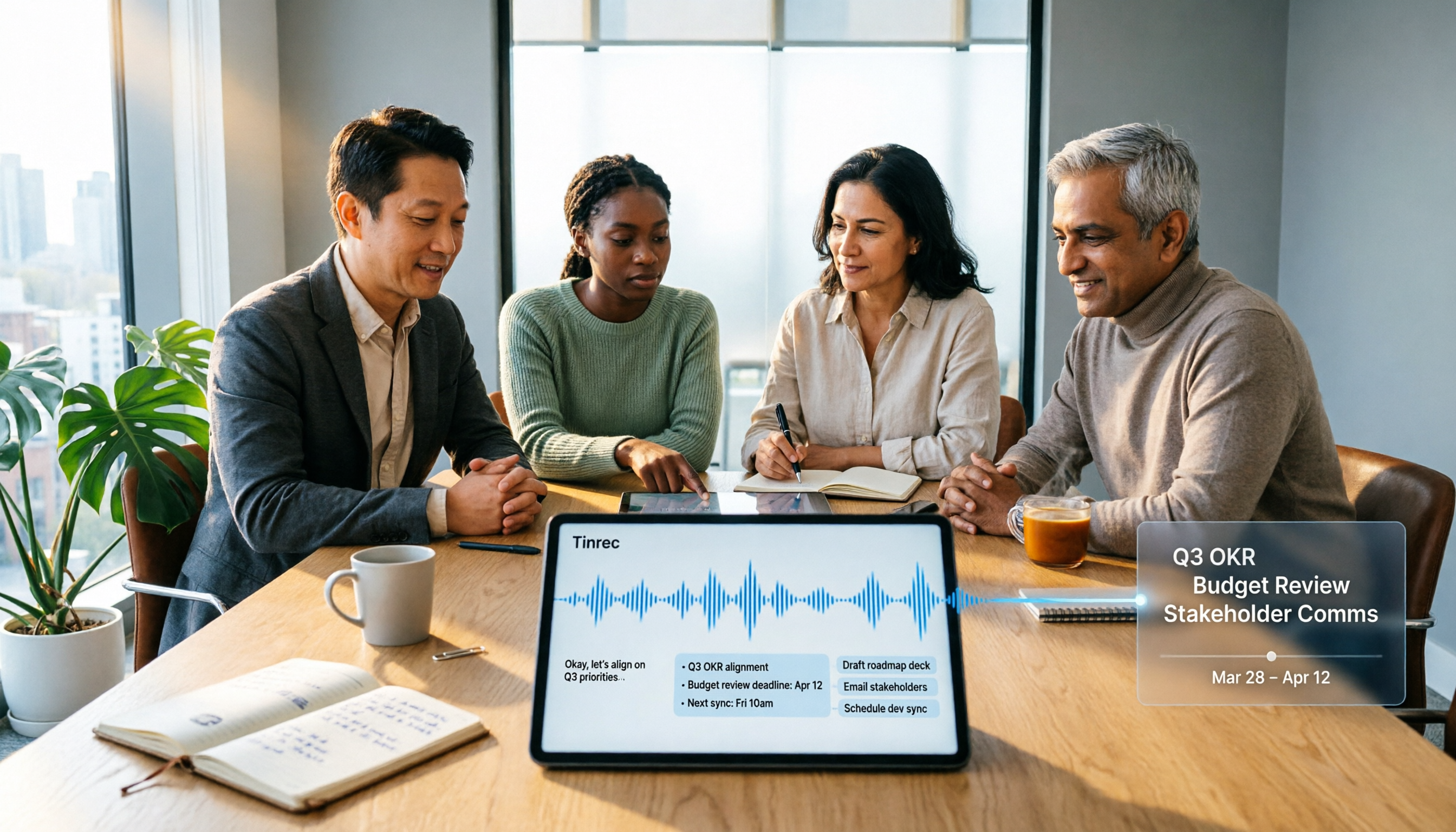
2026 Top 5 Meeting Knowledge Management Tools Compared: Which One Turns Meetings into Usable Team Data?
Meeting's over, but the recording just sits on your phone? Using Tinrec as an example, this article walks you through 5 steps to turn meeting recordings into transcripts, summaries, and action items, then into searchable team knowledge assets. It also compares Otter, Granola, Notta, and TurboScribe, highlighting their differences and best use cases.

2026 Comparison of 2 User Interview Analysis Tools: Tinrec vs Otter.ai — Which Handles Chinese Interview Organization Better?
After user interviews, transcribing, extracting insights, and organizing action items take the most time. This article compares Tinrec and Otter.ai across recording capture, Chinese transcription, post-interview follow-up, audio file import, team knowledge retention, and pricing plans to help you decide which tool fits your interview workflow.

2026 Meeting Recording Knowledge Base Comparison: Why Tinrec Is the Top Notta Alternative
A meeting recording knowledge base isn't just about turning recordings into transcripts—it's about making every meeting searchable, queryable, and transferable. This article examines the decision points for team data retention and compares Tinrec vs. Notta on bot-free recording, AI Q&A, team spaces, and Chinese language experience, plus an overview of Tinrec's core features, use cases, and buying advice.

Team Knowledge Base vs. Meeting Notes in 2026: A 5-Dimension Comparison — The Difference Isn't Just Whether You Can Find It Again
Meeting notes and team knowledge bases are often treated as the same thing, but they differ in purpose, lifecycle, searchability, action linkage, and ownership. This article breaks down the differences across 5 dimensions and explains how to use Tinrec to turn scattered meeting notes into a searchable, queryable, and transferable team knowledge asset.
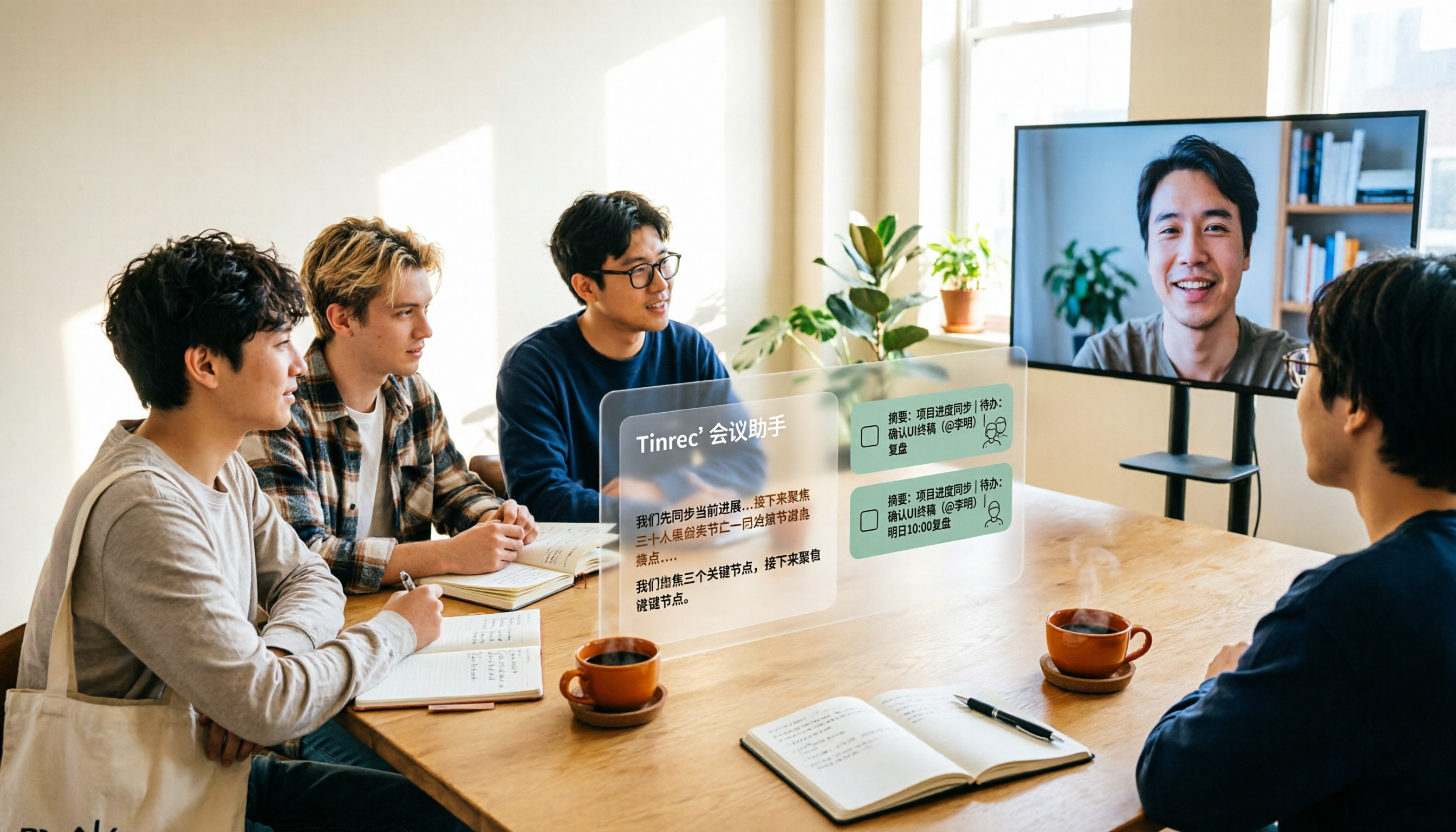
2026 Complete Guide to AI Team Meeting Assistants: Auto-Generate Transcripts, Summaries & Action Items
From student group projects to internship team weekly meetings, how do you actually use an AI team meeting assistant? This 2026 complete guide first breaks down common misconceptions, then explains core capabilities, real-world use cases, and 6 key considerations for choosing one. It also demonstrates Tinrec's full workflow for bot-free online meeting recording, real-time transcription, AI summaries, action item extraction, and meeting Q&A.