

Turn recordings into transcripts and summaries in minutes
Upload audio or video for multilingual transcription, AI notes, and action items
If you're looking for a "meeting recording knowledge base" solution, the first question to ask is: do you just want a transcript, or do you want to turn every meeting into searchable, queryable, transferable team data? This choice directly affects whether you should use a basic transcription tool or a meeting collaboration tool like Tinrec.
Why are people starting to look for Notta alternatives?
Notta is a transcription tool many people have used. Its free plan offers 120 minutes per month and up to 3 minutes per recording, which is enough for occasional recording cleanup. But when the scenario shifts from "personal transcription" to "team meeting knowledge base," common pain points emerge: meeting data scattered across individual accounts, difficulty querying content after the fact, and unclear data handoff when members leave.
If you're starting to care about meeting data retention and collaboration, Tinrec is worth a look.
Tinrec vs Notta: What's different in the core experience?
Meeting recording method: Tinrec's desktop app directly captures computer system audio, so no meeting bot needs to join Zoom, Google Meet, Microsoft Teams, or Webex. Notta typically requires uploading files or having a meeting bot participate. For teams that don't want an extra participant, this difference is very practical.
Data ownership and team space: Tinrec's team plan provides an independent team space where meeting data belongs to the team, not tied to individual accounts. Notta also has team plans, but Tinrec additionally covers roles, seats, usage analytics, audit logs, and an audio recycle bin, offering finer governance granularity.
AI query capability: Tinrec supports AI Q&A around meeting content—you can directly ask "What was the conclusion of this meeting?" or "Who is responsible for what?" Notta focuses on transcription, summaries, and translation, while Tinrec puts Q&A into the post-meeting workflow.
Chinese and mixed languages: Tinrec covers Chinese, Traditional Chinese, and multilingual meeting scenarios, supports real-time translation and bilingual viewing, and allows teams to maintain custom hotwords for professional terminology. Notta's multilingual support is also good, but Tinrec places more emphasis on the Chinese meeting organization experience.
Post-meeting output: Tinrec can generate summaries, chapters, action items, and mind maps, and export to Notion, Google Docs, OneNote, Dropbox, and other tools. Notta also has summaries and exports, but Tinrec leans more toward reusable team workflows.
Tinrec's core features at a glance
Bot-free online meeting recording: Open the Tinrec desktop app to record meeting audio playing on your computer, with real-time transcription. Ideal for teams that don't want to invite a bot into meetings.
Real-time recording to text and translation: In-person meetings and interviews can also be transcribed while recording, and you can view the original text, translation, or bilingual content during recording. Cross-language meetings don't have to wait until after they end.
AI summaries, chapters, and action items: Long meetings are automatically broken into chapters, with key points and action items organized. No more manually scanning transcripts to find conclusions afterward.
AI conversational search: This is the feature I find most useful. After recording an hour-long meeting, just ask Tinrec "What were the client's budget concerns?" It answers based on semantic understanding, so you don't have to search keywords yourself.
Team space and seat management: The team plan centralizes Audio, Folder, and TODO storage. Admins can assign seats, view usage, and check audit logs. When members leave, team resources can be handed off to other active members.
Real-world use cases
Weekly department meetings: Use the Tinrec desktop app to record online weekly meetings without a bot, and get summaries and action items right after. When new members join, they can search past meetings to quickly get up to speed on project context.
Stop organizing recordings by hand
Upload audio or video and automatically get a transcript, summary, and action items
Customer interviews and requirements meetings: After interview recordings are transcribed, use AI Q&A to organize customer pain points, objections, and commitments, then export to document tools for further work.
Cross-language meetings: Real-time translation lets you view bilingual content while in the meeting, and post-meeting transcripts retain both original and translated text, reducing back-and-forth confirmation time.
Personal learning and course notes: Record lectures or classes, then review with AI summaries and Q&A. Over time, these recordings become a searchable personal knowledge base.
What to look for when choosing a meeting recording knowledge base tool
Whether audio files are retained: Some tools keep only text, so you can't verify tone or details later. Tinrec supports retaining audio files and provides a recycle bin recovery mechanism.
Team sharing and permissions: The core of a meeting knowledge base is team sharing. Tinrec distinguishes roles and seats—active members can view data, and only after obtaining a seat can they record, upload, and edit.
Whether you can query after the meeting: A summary alone isn't enough; being able to ask questions about the content is what makes it a knowledge base. Tinrec's AI Q&A can continue asking about a single meeting or multiple meetings.
Chinese and mixed-language performance: Chinese meetings often mix in English terminology, so whether a tool supports Chinese-English mixing and hotword management matters. Tinrec has corresponding design in this area.
Export and integration: Meeting results need to flow into existing workflows. Tinrec supports multiple export formats and Agent post-processing to generate reports, tables, and documents.
Summary: Is Tinrec worth a try?
If what you want is to turn meeting recordings into a team knowledge base that's searchable, queryable, and transferable, Tinrec is indeed more complete than a basic transcription tool in bot-free recording, AI Q&A, team space, and Chinese language experience.
Notta is still a good transcription tool, but Tinrec is better suited for users who need to turn meeting data into team assets.
Tinrec's team plan is USD 29.80 per paid seat per month, or USD 199 per paid seat per year. First-time eligible users can get 7 days, 1 free seat, and 300 minutes of team shared import quota. We recommend starting with the free plan or a trial and testing with your own meeting recordings.
FAQ
What's the difference between Tinrec and a regular recording-to-text tool? Regular tools solve "turning it into text." Tinrec further handles summaries, chapters, action items, Q&A, translation, export, and team collaboration.
Does Tinrec need a meeting bot to join? No. The desktop app directly captures system audio, but you need to actively start recording—it doesn't automatically join all calendar meetings.
Can team members without a seat see data? Active members can still view, play, and read team data even without a seat. Only after obtaining a seat can they record, upload, edit, and export.
Can deleted meeting audio be recovered? After audio enters the team recycle bin, it can be recovered before permanent deletion. The recycle bin retention period is currently 30 days.
Can Tinrec guarantee accuracy? We don't recommend promising a fixed accuracy rate. Actual results are affected by recording quality, noise, accents, overlapping speakers, and specialized terminology. For important content, we recommend cross-checking with the recording.
References
- Meeting Transcript Audio Files - November 2022 - National Health Insurance Administration, Ministry of Health and Welfare, NHI - NHI Services - NHI Pharmaceuticals and Medical Devices and Medical Services - NHI Special Materials - Special Materials Related Regulations and Standards - Pharmaceutical Benefit and Payment Standard Joint Drafting Meeting - Pharmaceutical Benefit and Payment Standard Joint Drafting Meeting Agenda, Minutes and Related Materials - Meeting Minutes - 2022
- Meeting Transcript Audio Files - September 2022 - National Health Insurance Administration, Ministry of Health and Welfare, NHI - NHI Services - NHI Pharmaceuticals and Medical Devices and Medical Services - NHI Special Materials - Special Materials Related Regulations and Standards - Pharmaceutical Benefit and Payment Standard Joint Drafting Meeting - Pharmaceutical Benefit and Payment Standard Joint Drafting Meeting Agenda, Minutes and Related Materials - Meeting Minutes - 2022
- Get Meeting Minutes Done! How to Do AI Voice-to-Transcript? Gemini Notebook, Gemini, EchoScript Operation Analysis | 104 Workplace Power
- How to Use AI for Meeting Minutes? How to Organize Meeting Transcripts? | AI Voice-to-Transcript Tutorial | 104 Workplace Power
- No Time Limit! 3 Free AI Transcript Tools, Highly Recommended! AI Voice Notes Generate Meeting Records, Presentations, Mind Maps | 104 Workplace Power
Turn every recording into actionable outcomes
Get 60 free transcription minutes when you sign in. No credit card required.
Related Reading
You might also like

2026 AI Meeting Tools Comparison: Tinrec vs Otter.ai for SMBs
A hands-on comparison of Tinrec and Otter.ai from an SMB perspective, covering Chinese transcription, bot-free recording, meeting knowledge base, post-meeting output, team governance, and budget to help you decide which fits better.

2026 Meeting AI Agent Comparison: Tinrec vs Granola — Which Is Better for Chinese-Speaking Teams?
What is a meeting AI agent? This article starts with common misconceptions, defines AI meeting agents, and then compares two bot-free meeting tools, Tinrec and Granola, across 4 dimensions: Chinese transcription, post-meeting Q&A, team knowledge retention, and pricing, to help you decide which fits your workflow.

Tinrec Review 2026: AI Meeting Q&A + Team Knowledge Base for Historical Meeting Records
Three months after a meeting, can you still find that one key conclusion? This article starts with the real pain of retrieving historical meeting records, breaks down 4 key buying factors, tests Tinrec's semantic Q&A, bot-free recording, and team data retention, and briefly compares who Otter.ai, Notta, and Granola are each best for, with a pitfall guide and scenario-based recommendations at the end.

Tinrec vs Otter.ai 2026: 5-Dimension Comparison for AI Meeting Agents in Chinese Scenarios
From a mid-level manager's practical perspective, this article breaks down common misconceptions about AI meeting agents and compares Tinrec and Otter.ai across 5 dimensions. It covers bot-free recording, Chinese transcription, post-meeting action items, AI Q&A, and team data retention to help you find a solution that truly saves post-meeting organization time.
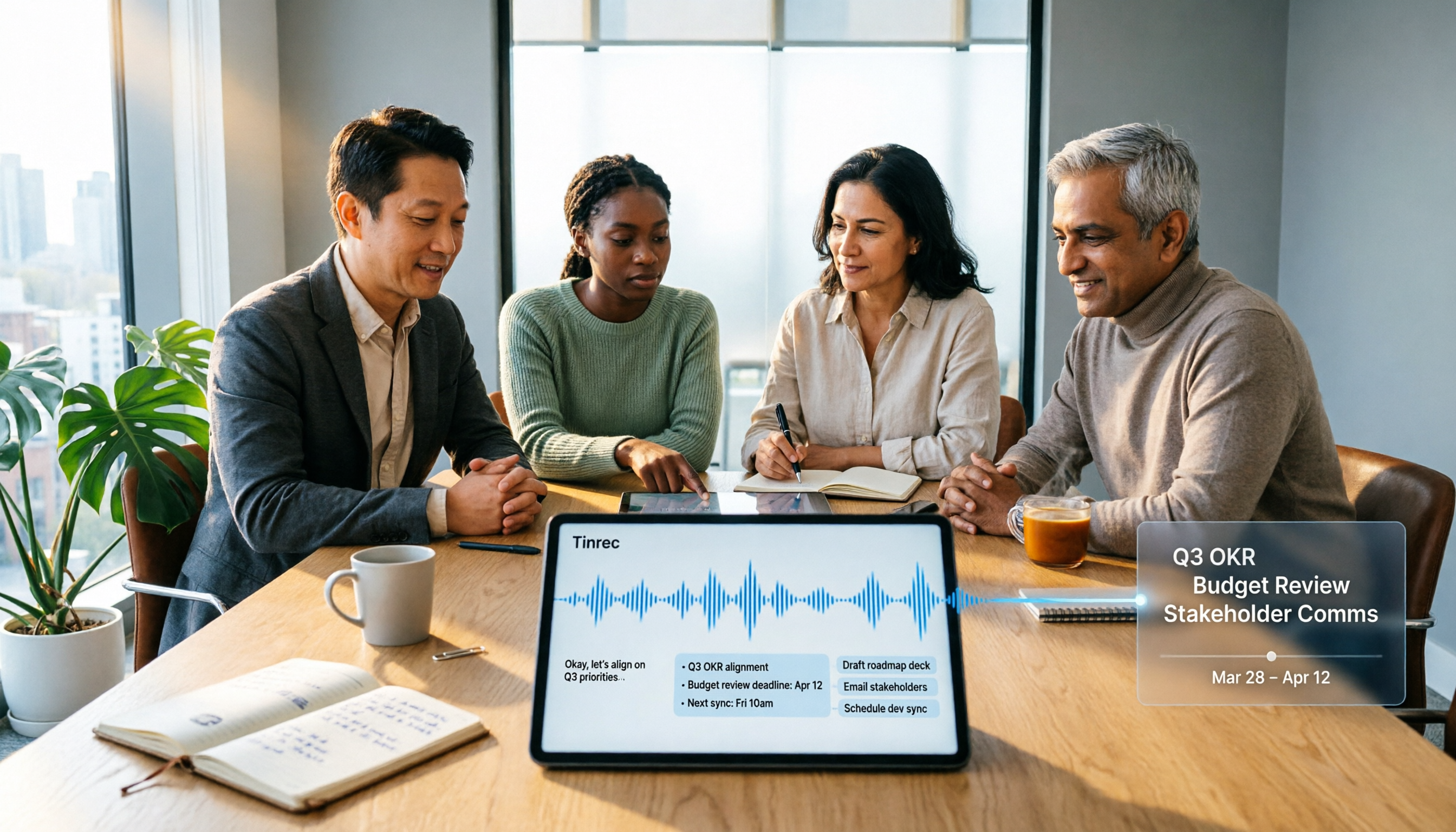
2026 Top 5 Meeting Knowledge Management Tools Compared: Which One Turns Meetings into Usable Team Data?
Meeting's over, but the recording just sits on your phone? Using Tinrec as an example, this article walks you through 5 steps to turn meeting recordings into transcripts, summaries, and action items, then into searchable team knowledge assets. It also compares Otter, Granola, Notta, and TurboScribe, highlighting their differences and best use cases.

2026 Comparison of 2 User Interview Analysis Tools: Tinrec vs Otter.ai — Which Handles Chinese Interview Organization Better?
After user interviews, transcribing, extracting insights, and organizing action items take the most time. This article compares Tinrec and Otter.ai across recording capture, Chinese transcription, post-interview follow-up, audio file import, team knowledge retention, and pricing plans to help you decide which tool fits your interview workflow.

4 AI Meeting Transcription Tools Compared for 2026: Which One Actually Builds a Searchable Meeting Archive?
Spending all day in meetings and then overtime writing notes? This article approaches the decision from whether meeting content can be retained long-term, comparing four AI meeting tools. It covers five key factors to understand before choosing, hands-on experience with Tinrec's bot-free recording and AI Q&A, and four common pitfalls to help you find a meeting archive you can actually search later.

Team Knowledge Base vs. Meeting Notes in 2026: A 5-Dimension Comparison — The Difference Isn't Just Whether You Can Find It Again
Meeting notes and team knowledge bases are often treated as the same thing, but they differ in purpose, lifecycle, searchability, action linkage, and ownership. This article breaks down the differences across 5 dimensions and explains how to use Tinrec to turn scattered meeting notes into a searchable, queryable, and transferable team knowledge asset.
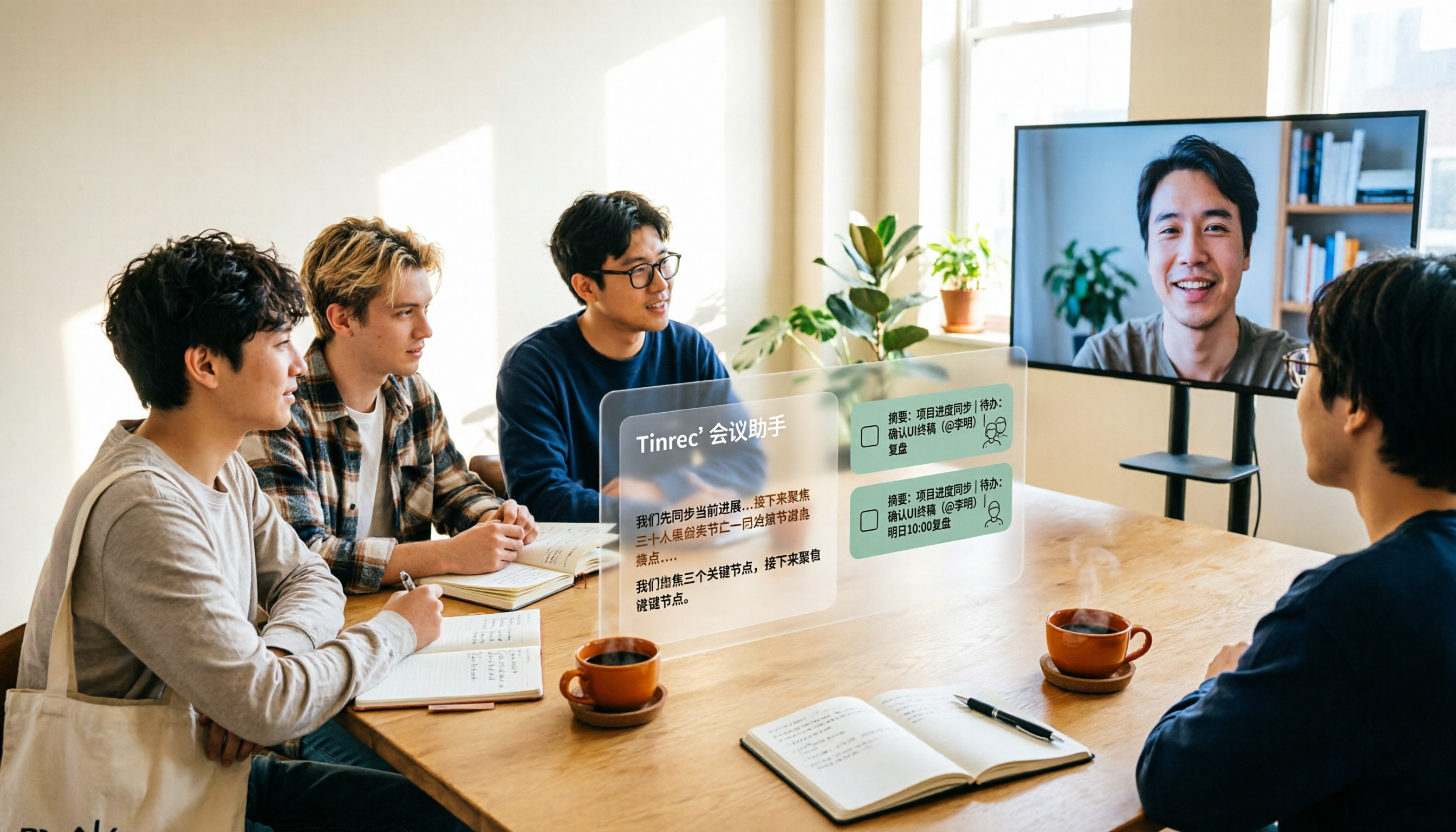
2026 Complete Guide to AI Team Meeting Assistants: Auto-Generate Transcripts, Summaries & Action Items
From student group projects to internship team weekly meetings, how do you actually use an AI team meeting assistant? This 2026 complete guide first breaks down common misconceptions, then explains core capabilities, real-world use cases, and 6 key considerations for choosing one. It also demonstrates Tinrec's full workflow for bot-free online meeting recording, real-time transcription, AI summaries, action item extraction, and meeting Q&A.