

Turn recordings into transcripts and summaries in minutes
Upload audio or video for multilingual transcription, AI notes, and action items
2026 Comparison of 2 User Interview Analysis Tools: Tinrec vs Otter.ai — Which Handles Chinese Interview Organization Better?
The interview is over, and the recording is sitting on your phone. A 60-minute conversation means you have to listen to it all over again just to pull out the transcript, the participant's exact words, and follow-up action items. An entire afternoon slips away.
I've tried a few approaches for this, and ultimately focused on two tools: Tinrec and Otter.ai. This isn't a spec sheet — it's what I found after running through an interview workflow myself, organized so you can see the differences.
Tinrec vs Otter.ai | Quick Overview
Tinrec is an AI meeting notes and collaboration tool for individuals and teams, focused on turning recordings into searchable, queryable, exportable data. Otter.ai is a mature AI meeting assistant with deep experience in English business meetings.
| Item | Tinrec | Otter.ai |
|---|---|---|
| Positioning | AI meeting notes and team collaboration | AI meeting assistant and meeting automation |
| Chinese content | Focus on Chinese, Traditional Chinese, and multilingual | Stronger for English business meetings |
| Price range | Free personal plan to Pro; team plan priced per seat | Basic free; Pro annual equivalent USD 8.49/user/month |
Below, we look at 6 dimensions directly relevant to interview work.
Dimension 1 | How Interview Recordings Are Captured
Otter covers online meetings on Zoom, Microsoft Teams, Google Meet, and more. The common approach is to have a meeting bot join, and recent versions also offer desktop capabilities.
Tinrec's desktop version captures computer system audio directly, so you don't need an extra bot account to enter the interview room. For in-person interviews, you can use real-time recording, and the mobile app is also supported. Note that Tinrec requires you to start recording yourself — it's not a bot that automatically joins all calendar meetings.
→ This dimension: If you don't want the participant to see an extra attendee, Tinrec's workflow is simpler.
Dimension 2 | Transcription Experience for Chinese and Mixed Chinese-English Interviews
Otter's strength is in English meeting scenarios; mixed Chinese-English interviews are not its focus.
Tinrec covers Chinese, Traditional Chinese, and multilingual meetings, supports mixed Chinese-English content organization, real-time translation, and bilingual viewing. The team plan also lets you maintain product or industry terminology with a custom glossary. Keep in mind that Tinrec does not promise a fixed accuracy rate; actual results depend on recording quality, noise, accents, overlapping speakers, and specialized terminology.
→ This dimension: For researchers conducting primarily Chinese interviews, Tinrec wins.
Dimension 3 | Post-Interview Follow-Up and Insight Organization
Otter offers summaries, action items, AI Chat, workflows, and team management — a very complete meeting assistant suite.
Beyond transcription, Tinrec automatically generates summaries, chapters, key points, and action items. It supports mind maps and AI Q&A for a single interview or across multiple interviews. When you need to deliver a report, you can use Agent post-processing to generate documents, reports, and tables. For research interviews, the ability to "go back and ask what a particular participant said" is very practical.
→ This dimension: Tinrec is closer to interview analysis needs in the post-meeting processing stage.
Dimension 4 | Recording Retention and Importing Existing Audio Files
Otter's Pro plan is USD 8.49/user/month billed annually, including 1,200 minutes of in-app recording per month and 10 file imports (based on Otter's official pricing page).
Tinrec supports uploading existing audio and video files for transcription, which is great for organizing a backlog of historical interviews; recordings are also retained. In the team plan, file and web imports consume the team's shared import minutes, not individual member quotas.
Stop organizing recordings by hand
Upload audio or video and automatically get a transcript, summary, and action items
→ This dimension: For those who already have a large backlog of old interview audio files, Tinrec's organization flow is smoother.
Dimension 5 | Team Knowledge Retention for Interview Data
Otter has mature team and enterprise capabilities — there's no doubt about that.
Tinrec's team plan is a separate team space where meeting data belongs to the team. It provides members and roles, seat allocation, sharing rights, usage analytics, audit logs, audio recycle bin, and team glossary. Note the difference between roles and seats: active members can view, play, and read team data even without a seat, but they need a seat to record, upload, edit, and import/export. Currently, sharing is at the team level, not file-level permissions.
→ This dimension: For interview teams needing governance and handover mechanisms, Tinrec's description is more complete.
Dimension 6 | Pricing and How to Choose a Plan
Otter's Basic is free with 300 minutes per month — a clear entry point. Pro and Business depend on the official page and promotions.
Tinrec's personal plans include Free, Weekly Pass, Pro Monthly, and Pro Annual, so you can choose based on usage frequency. The team plan offers a 7-day trial for first-time eligible users, 1 free seat, and 300 minutes of shared team import quota; monthly billing is USD 29.80 per paid seat per month, annual billing is USD 199 per paid seat per year (about USD 16.58/month). Each paid seat provides 2,000 minutes of shared team import quota per month. Real-time recording is currently not deducted by minutes under an active team plan and seat. Prices and benefits are subject to the official purchase page.
→ This dimension: If you want shared team quota and real-time recording that doesn't consume minutes, Tinrec's team plan is a better fit.
What Unique Advantages Does Each Have?
Tinrec has a few points that others may not offer simultaneously: desktop bot-free recording for online meetings; Chinese and real-time bilingual translation; Agent-generated reports, tables, and documents after meetings; and a team space with seats, usage, audit, and recycle bin.
Otter's unique advantage is its mature reputation in English business meetings and multi-platform integrations, making it still useful for teams focused on foreign-language meetings.
Conclusion: Which Should You Choose?
• Interviews primarily in Chinese or mixed Chinese-English → Tinrec
• Don't want a meeting bot joining the interview room → Tinrec
• Need to query and compare viewpoints across multiple interviews → Tinrec
• Want to turn interview transcripts into reports or tables → Tinrec
• Team needs to manage seats, usage, and activity logs → Tinrec team plan
• Interviews are all in English and you only need meeting summaries and action items → Otter.ai is sufficient
In one sentence: For most people conducting user interviews in Taiwan, Tinrec is a complete choice covering recording to post-meeting organization. I recommend trying the free plan on one of your own interviews first to see if the transcript quality is acceptable.
FAQ
Is Tinrec's free plan enough?
The free plan provides basic quota to experience recording, import, summaries, and transcription. If you have interviews every week, Pro is more suitable; for short-term intensive interviews, consider the Weekly Pass.
Can Tinrec record Zoom, Google Meet, Teams, and Webex?
Yes, via the desktop version capturing computer system audio to handle meetings played on your computer from these platforms, without a bot joining. But you need to start recording yourself — it doesn't automatically join all meetings.
Is transcription accuracy guaranteed?
It's not recommended to think of it that way. Tinrec provides high-quality transcription with clear audio and common scenarios, but quality can be affected by noise, accents, overlapping speech, and specialized terminology. For important content, cross-check with the transcript and recording.
What should I pay attention to when recording interviews?
Please handle recording and transcription in accordance with local regulations, and obtain participant consent in advance when required.
Can I import old interview audio files?
Yes, you can upload audio and video files for transcription. In the team plan, file and web imports consume shared team import minutes.
Can all team members edit interview data?
Active members can view, play, and read; after obtaining a seat, they can record, upload, edit, and import/export. Currently, sharing is at the team level, not individual file-level permissions.
References
- What is a user interview? A must-learn user research tool for product developers
- Five scenario analysis methods for UX designers interviewing stakeholders
- Preparing for user interviews - UXeastmeetswest
- Demand Research 06 | How do interview results map to product development issues? | Blog
- 6 steps for user interviews: Easily create an effective interview process - JEFEC
Turn every recording into actionable outcomes
Get 60 free transcription minutes when you sign in. No credit card required.
Related Reading
You might also like

2026 AI Meeting Tools Comparison: Tinrec vs Otter.ai for SMBs
A hands-on comparison of Tinrec and Otter.ai from an SMB perspective, covering Chinese transcription, bot-free recording, meeting knowledge base, post-meeting output, team governance, and budget to help you decide which fits better.

2026 Meeting AI Agent Comparison: Tinrec vs Granola — Which Is Better for Chinese-Speaking Teams?
What is a meeting AI agent? This article starts with common misconceptions, defines AI meeting agents, and then compares two bot-free meeting tools, Tinrec and Granola, across 4 dimensions: Chinese transcription, post-meeting Q&A, team knowledge retention, and pricing, to help you decide which fits your workflow.

Tinrec Review 2026: AI Meeting Q&A + Team Knowledge Base for Historical Meeting Records
Three months after a meeting, can you still find that one key conclusion? This article starts with the real pain of retrieving historical meeting records, breaks down 4 key buying factors, tests Tinrec's semantic Q&A, bot-free recording, and team data retention, and briefly compares who Otter.ai, Notta, and Granola are each best for, with a pitfall guide and scenario-based recommendations at the end.

Tinrec vs Otter.ai 2026: 5-Dimension Comparison for AI Meeting Agents in Chinese Scenarios
From a mid-level manager's practical perspective, this article breaks down common misconceptions about AI meeting agents and compares Tinrec and Otter.ai across 5 dimensions. It covers bot-free recording, Chinese transcription, post-meeting action items, AI Q&A, and team data retention to help you find a solution that truly saves post-meeting organization time.
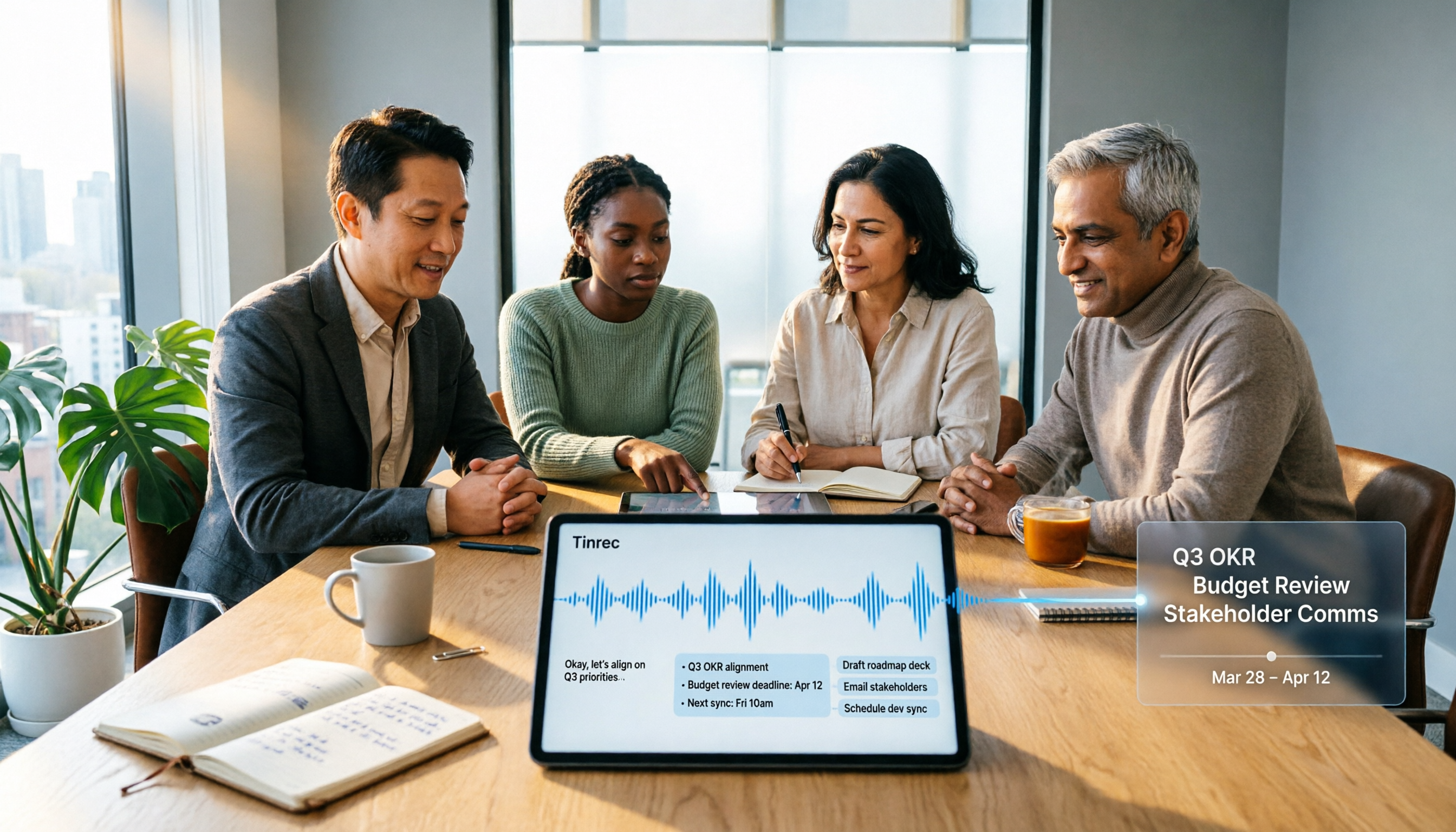
2026 Top 5 Meeting Knowledge Management Tools Compared: Which One Turns Meetings into Usable Team Data?
Meeting's over, but the recording just sits on your phone? Using Tinrec as an example, this article walks you through 5 steps to turn meeting recordings into transcripts, summaries, and action items, then into searchable team knowledge assets. It also compares Otter, Granola, Notta, and TurboScribe, highlighting their differences and best use cases.

2026 Meeting Recording Knowledge Base Comparison: Why Tinrec Is the Top Notta Alternative
A meeting recording knowledge base isn't just about turning recordings into transcripts—it's about making every meeting searchable, queryable, and transferable. This article examines the decision points for team data retention and compares Tinrec vs. Notta on bot-free recording, AI Q&A, team spaces, and Chinese language experience, plus an overview of Tinrec's core features, use cases, and buying advice.

4 AI Meeting Transcription Tools Compared for 2026: Which One Actually Builds a Searchable Meeting Archive?
Spending all day in meetings and then overtime writing notes? This article approaches the decision from whether meeting content can be retained long-term, comparing four AI meeting tools. It covers five key factors to understand before choosing, hands-on experience with Tinrec's bot-free recording and AI Q&A, and four common pitfalls to help you find a meeting archive you can actually search later.

Team Knowledge Base vs. Meeting Notes in 2026: A 5-Dimension Comparison — The Difference Isn't Just Whether You Can Find It Again
Meeting notes and team knowledge bases are often treated as the same thing, but they differ in purpose, lifecycle, searchability, action linkage, and ownership. This article breaks down the differences across 5 dimensions and explains how to use Tinrec to turn scattered meeting notes into a searchable, queryable, and transferable team knowledge asset.
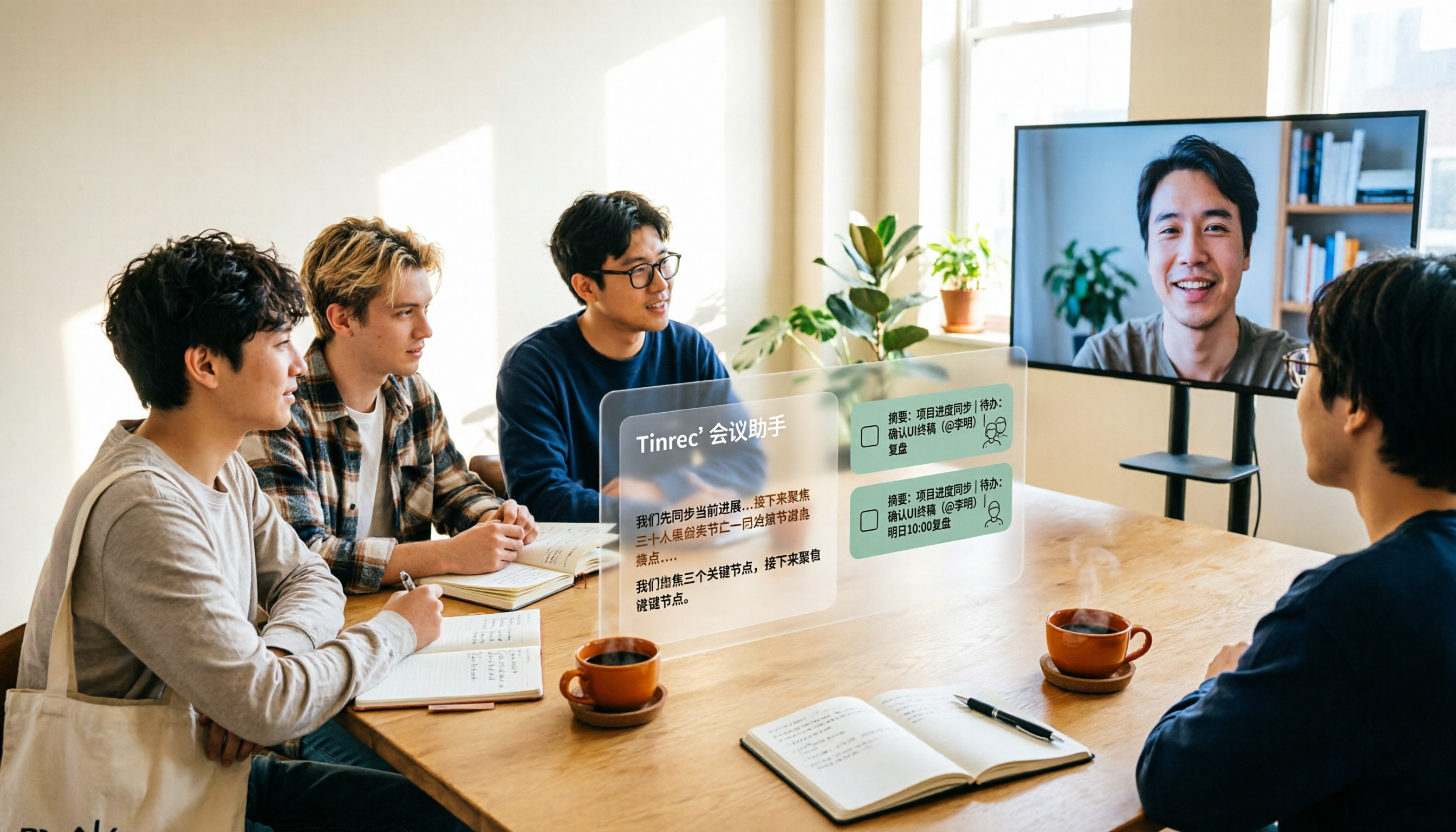
2026 Complete Guide to AI Team Meeting Assistants: Auto-Generate Transcripts, Summaries & Action Items
From student group projects to internship team weekly meetings, how do you actually use an AI team meeting assistant? This 2026 complete guide first breaks down common misconceptions, then explains core capabilities, real-world use cases, and 6 key considerations for choosing one. It also demonstrates Tinrec's full workflow for bot-free online meeting recording, real-time transcription, AI summaries, action item extraction, and meeting Q&A.