

Turn recordings into transcripts and summaries in minutes
Upload audio or video for multilingual transcription, AI notes, and action items
Wednesday afternoon's project meeting just ended. You have a 47-minute recording on your phone, a few action items jotted down, but all the spec details, client objections, and decision rationales are still buried in the recording.
This is a common scenario for many teams: meetings are taken seriously, but the meeting assets are hardly preserved. Next time you need to check something, you have to ask someone again.
In this article, I'll use Tinrec as the main example to walk you through 5 steps to turn meetings into knowledge assets. It's an AI meeting notes and collaboration tool for individuals and teams, supporting real-time recording transcription, bot-free online meeting recording, audio/video file import, AI summaries and Q&A, and the ability to store data in team spaces. You can try it for free.
Before You Start | What You'll Need
- A phone or computer (Tinrec works on web, desktop, and mobile; for online meetings, desktop is recommended).
- A Tinrec account (free plan is enough to start; sign up with Google or Apple ID).
- A meeting recording you want to organize, or an upcoming online meeting.
- A stable internet connection; real-time transcription requires internet.
- If the meeting involves others, get their consent first.
Step 1 | Record the Meeting
The only goal here is to get a clean meeting audio.
For in-person meetings, just open the mobile app and hit record. For online meetings (Zoom, Google Meet, Microsoft Teams, Webex), open the Tinrec desktop app; it captures system audio directly without inviting a meeting bot.
Why emphasize recording quality? Because all subsequent organization relies on the audio. If the recording is unclear, even the best model can't fix it. Instead of guessing later, spend 30 extra seconds to confirm the recording position.
Once done, the recording appears in the list with duration and file info.
(Illustration: A person sitting in a meeting room, phone placed in the center of the table recording, with transcript text appearing in real-time on the screen)
Step 2 | Let AI Transcribe
Real-time recording transcribes as it records; for existing audio files, just upload them.
Tinrec supports Chinese, Traditional Chinese, and multilingual meetings, and can handle mixed Chinese-English content. If there are foreign language participants, you can enable real-time translation and switch between original, translated, or bilingual views.
Keep in mind that transcription quality can be affected by recording distance, background noise, accents, and overlapping speech. It's advisable to double-check important content.
(Illustration: Transcript lines generating on a laptop screen while the meeting is still ongoing)
Step 3 | Quickly Proofread the Transcript
First scan the highlighted sections marked by AI, then handle proper nouns.
Team-specific jargon can be maintained in "Team Hotwords" to improve recognition consistency for similar terms.
I usually prioritize three areas: numbers and dates, names and titles, and decision conclusions. If these are wrong, the subsequent minutes will be wrong too.
Step 4 | Generate Summary, Chapters, and Action Items
The transcript is just raw material. Tinrec automatically generates AI summaries and chapters, breaking long meetings into browsable sections and extracting action items from discussions.
Stop organizing recordings by hand
Upload audio or video and automatically get a transcript, summary, and action items
Even more useful is AI Q&A: you can directly ask "What was the budget conclusion from this meeting?" or "What objections did the client raise?" and let it find answers from the meeting content.
This step is the dividing line between meeting notes and meeting assets. The former is a running log; the latter is data that can be queried and referenced.
Step 5 | Export and Store in Team Space
For personal use, you can export results as documents, reports, or tables to continue working in Notion, Google Docs, OneNote, Dropbox, etc.
For teams, it's recommended to use the team version: after creating a team space, meeting recordings, folders, and action items belong to the team. Invite members via link and assign roles and seats.
Roles determine who can manage the team and settings; seats determine who can record, upload, edit, import/export. Members without a seat can still view, play, and read team data, which is very useful for cross-department collaboration.
FAQ
Q: With so many meeting recordings, will I have trouble finding them?
Tinrec's meeting data is searchable, and you can use AI Q&A to find answers from historical meetings. The team version also has an audio recycle bin; accidentally deleted audio files can be restored before permanent deletion, with a current retention period of 30 days.
Q: Do online meetings require a meeting bot?
No. The Tinrec desktop app captures system audio directly without an extra participant joining the meeting. However, it's user-initiated recording, not automatic joining of all calendar meetings.
Q: If a team member leaves, will meeting data be taken away?
Team resources belong to the team. When a member exits, is removed, or loses their seat, their resources can be transferred to other active members.
Q: Can you guarantee 100% accuracy?
It's not recommended to expect that. Actual performance is affected by audio quality, accents, noise, and overlapping speech. For important content, it's advisable to cross-check with transcript timestamps and recording playback.
Q: Is the free version enough?
The free version offers basic quota, suitable for occasional recording organization. If you have regular weekly meetings, consider Pro. The team's first eligible trial is 7 days, 1 free seat, 300 minutes shared import quota; afterwards, it's USD 29.80 per paid seat per month, or USD 199 per paid seat per year. Actual prices are subject to the official purchase page.
Advanced Tips | 3 Ways to Make Meeting Assets Actually Used
- Use AI Q&A for quarterly reviews: Ask questions across three meetings of the same project, like "How many times did requirements change this quarter and why?" This is something only transcript-based tools can't do.
- Build a professional vocabulary with Team Hotwords: Add product codes, project names, client abbreviations to stabilize recognition.
- Use Agent post-processing to produce post-meeting documents: Generate reports, tables, or meeting minutes based on meeting content and deliver them directly to those who need them.
If You Don't Use Tinrec, Here Are Other Options
Otter.ai: A mature English business meeting assistant with complete team features, suitable for teams primarily using English meetings.
Granola: Also a bot-free note-taking tool, emphasizing handwritten notes plus AI enhancement, but it doesn't support uploading existing recordings or retaining meeting audio.
Notta: Good multilingual transcription, suitable for scenarios with more document transcription and translation needs.
TurboScribe: Cost-effective for long files and batch transcription, but post-meeting organization and team collaboration are not its focus.
Conclusion
Meeting knowledge management isn't just about storing recordings; it's about making them searchable, queryable, and transferable.
By learning the 5 steps above, you can turn a 47-minute recording into team data with summaries, action items, and the ability to answer questions.
Next step: try it with a recent meeting recording and feel the difference.
References
Turn every recording into actionable outcomes
Get 60 free transcription minutes when you sign in. No credit card required.
Related Reading
You might also like

2026 AI Meeting Tools Comparison: Tinrec vs Otter.ai for SMBs
A hands-on comparison of Tinrec and Otter.ai from an SMB perspective, covering Chinese transcription, bot-free recording, meeting knowledge base, post-meeting output, team governance, and budget to help you decide which fits better.

2026 Meeting AI Agent Comparison: Tinrec vs Granola — Which Is Better for Chinese-Speaking Teams?
What is a meeting AI agent? This article starts with common misconceptions, defines AI meeting agents, and then compares two bot-free meeting tools, Tinrec and Granola, across 4 dimensions: Chinese transcription, post-meeting Q&A, team knowledge retention, and pricing, to help you decide which fits your workflow.

Tinrec Review 2026: AI Meeting Q&A + Team Knowledge Base for Historical Meeting Records
Three months after a meeting, can you still find that one key conclusion? This article starts with the real pain of retrieving historical meeting records, breaks down 4 key buying factors, tests Tinrec's semantic Q&A, bot-free recording, and team data retention, and briefly compares who Otter.ai, Notta, and Granola are each best for, with a pitfall guide and scenario-based recommendations at the end.

Tinrec vs Otter.ai 2026: 5-Dimension Comparison for AI Meeting Agents in Chinese Scenarios
From a mid-level manager's practical perspective, this article breaks down common misconceptions about AI meeting agents and compares Tinrec and Otter.ai across 5 dimensions. It covers bot-free recording, Chinese transcription, post-meeting action items, AI Q&A, and team data retention to help you find a solution that truly saves post-meeting organization time.

2026 Comparison of 2 User Interview Analysis Tools: Tinrec vs Otter.ai — Which Handles Chinese Interview Organization Better?
After user interviews, transcribing, extracting insights, and organizing action items take the most time. This article compares Tinrec and Otter.ai across recording capture, Chinese transcription, post-interview follow-up, audio file import, team knowledge retention, and pricing plans to help you decide which tool fits your interview workflow.

2026 Meeting Recording Knowledge Base Comparison: Why Tinrec Is the Top Notta Alternative
A meeting recording knowledge base isn't just about turning recordings into transcripts—it's about making every meeting searchable, queryable, and transferable. This article examines the decision points for team data retention and compares Tinrec vs. Notta on bot-free recording, AI Q&A, team spaces, and Chinese language experience, plus an overview of Tinrec's core features, use cases, and buying advice.

4 AI Meeting Transcription Tools Compared for 2026: Which One Actually Builds a Searchable Meeting Archive?
Spending all day in meetings and then overtime writing notes? This article approaches the decision from whether meeting content can be retained long-term, comparing four AI meeting tools. It covers five key factors to understand before choosing, hands-on experience with Tinrec's bot-free recording and AI Q&A, and four common pitfalls to help you find a meeting archive you can actually search later.

Team Knowledge Base vs. Meeting Notes in 2026: A 5-Dimension Comparison — The Difference Isn't Just Whether You Can Find It Again
Meeting notes and team knowledge bases are often treated as the same thing, but they differ in purpose, lifecycle, searchability, action linkage, and ownership. This article breaks down the differences across 5 dimensions and explains how to use Tinrec to turn scattered meeting notes into a searchable, queryable, and transferable team knowledge asset.
2026 Complete Guide to AI Team Meeting Assistants: Auto-Generate Transcripts, Summaries & Action Items
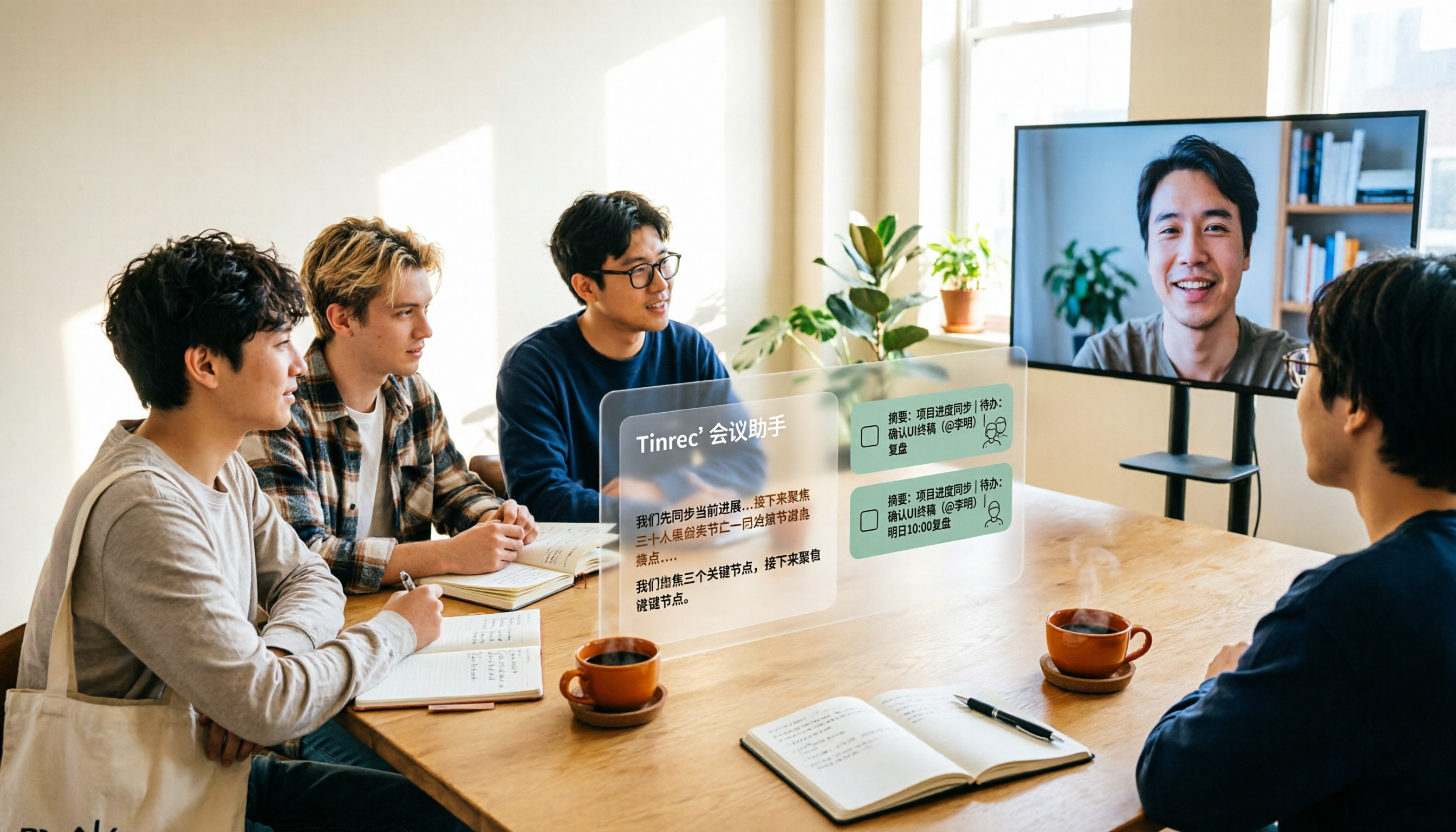
From student group projects to internship team weekly meetings, how do you actually use an AI team meeting assistant? This 2026 complete guide first breaks down common misconceptions, then explains core capabilities, real-world use cases, and 6 key considerations for choosing one. It also demonstrates Tinrec's full workflow for bot-free online meeting recording, real-time transcription, AI summaries, action item extraction, and meeting Q&A.